
Noctua NA-SCW1 Manual
PDF manual · 1 Pages
English


Quick check
Incorrect answer, please try again.
Chat with your Noctua NA-SCW1 manual using AI
Get instant AI answers from your Noctua NA-SCW1 manual
Ask anything about the Noctua NA-SCW1. Answers come from this manual, with the pages they are based on.
Ask a Question
Do you recommend NA-SCW1?
Yes No
maria_k
9 months ago
Do the Noctua NA-SCW1 cleaning wipes remove old thermal paste from a CPU and heatsink effectively, and do they leave any residue or lint behind?

Manual.ly
9 months ago
Yes. The NA-SCW1 wipes are designed for computer component cleaning, including removing thermal paste from a CPU and heatsink. They are pre-moistened and formulated to lift paste and dust quickly. Users report they are lint-free, so you should not end up with fibers on the contact surfaces. The wipes help ensure a clean, residue-free finish, which is important before reapplying new thermal paste. Also, the scent is described as non-aggressive, so it is more pleasant to use during maintenance.
Frequently Asked Questions
They are used to clean CPU and GPU contact surfaces, as well as heatsink contact areas, before applying fresh thermal paste or reinstalling a cooler. Their purpose is to help create a cleaner mounting surface for better contact.
Is this answer helpful?
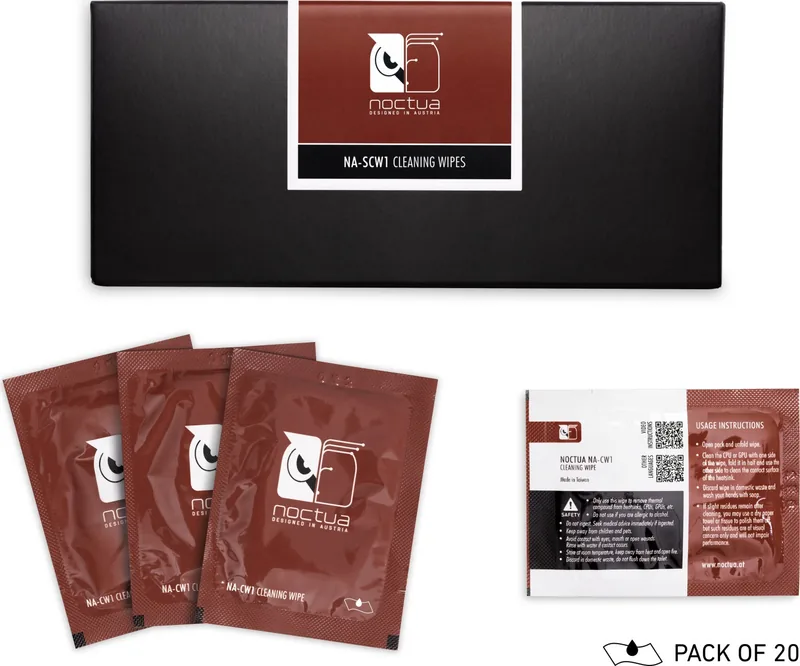
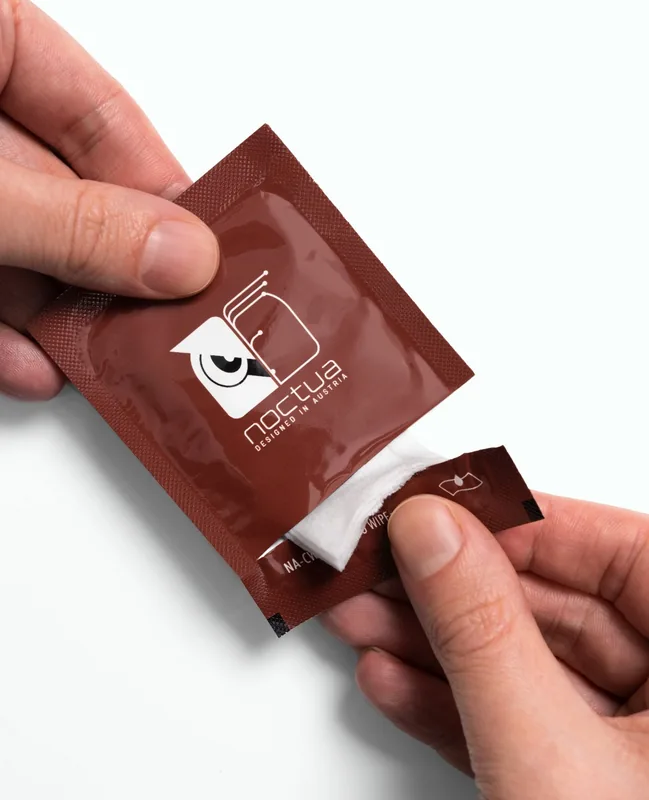
Open the pack, unfold one wipe, and clean one component surface first. Then fold the wipe and use the other side on the matching contact surface of the heatsink. This makes the cleaning process efficient and controlled.
Is this answer helpful?
A slight residue can sometimes remain after cleaning, but the instructions note that it is usually only visual. If needed, you can remove it with a dry paper towel or tissue for a more polished finish.
Is this answer helpful?
According to the usage notes, minor residue after cleaning should not impair performance. It may still be worth removing if you want a cleaner appearance, but it is not generally considered a thermal problem.
Is this answer helpful?
Used wipes can be discarded in domestic waste. The instructions also recommend washing your hands with soap after handling the wipe and cleaning the component surfaces.
Is this answer helpful?
Yes. They are especially useful during thermal paste replacement, cooler remounting, or any maintenance task where clean contact surfaces are important. Their compact format makes them easy to keep with your tools.
Is this answer helpful?
Advantages and Disadvantages
Advantages

- Simple wipe-and-fold usage makes cleaning fast and beginner-friendly.
- Works on both CPU/GPU contact areas and heatsink surfaces.
- Small residues can usually be polished away without affecting performance.
- 20-piece pack is handy for several builds, upgrades, or maintenance sessions.
Disadvantages

- Single-use wipes create waste after every cleaning task.
- A 20-count pack may feel limited for frequent system builders.
- Heavy thermal paste buildup may still need extra finishing with a dry cloth.
- The product is focused on contact-surface cleaning, not general case cleaning.
Product Specification
Type
Cleaning wipes
Product Description
Noctua Cleaning Wipes, 20 Pieces Manual
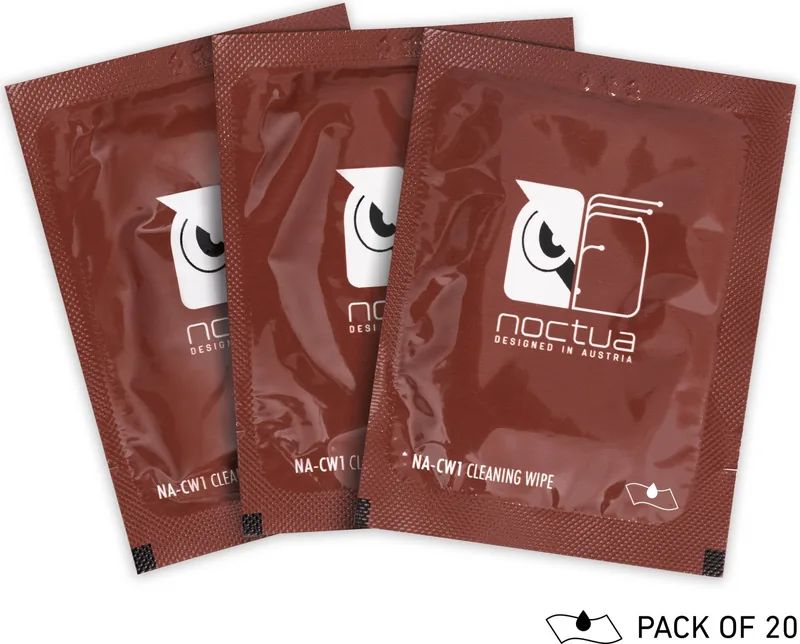
Noctua Cleaning Wipes are designed for one job done well: helping you clean thermal contact surfaces quickly, neatly, and with minimal effort. Built for CPU and GPU maintenance, these wipes make it easier to remove leftover thermal compound before applying new paste or mounting a heatsink. If you value a clean build and a smooth installation process, this small accessory fits naturally into a serious PC toolkit.
What stands out is the practicality. The wipes are meant to be opened, unfolded, and used in a simple two-step approach: clean one surface, then fold the wipe and clean the other. That makes them especially convenient when working around delicate components where precision matters. The format is straightforward, but it reflects the same careful mindset that Noctua is known for across its cooling products.
The product also aims to keep the cleanup process low-stress. After use, any wipe can be discarded in household waste, and the instructions recommend washing your hands afterward. If faint residue remains, a dry tissue or paper towel can be used for finishing touches. In many cases, those small traces are only cosmetic and should not affect cooling performance, which is reassuring for builders who want both appearance and function to stay in check.
For enthusiasts, technicians, and first-time builders alike, these wipes can save time and reduce mess compared with improvising using whatever cleaning material happens to be nearby. They are compact, easy to store, and useful whenever a cooler is being remounted, thermal paste is being refreshed, or a system needs a quick maintenance pass. The 20-piece pack is also practical for multiple upgrades or repeated service tasks.
Why it matters
A clean mounting surface can help improve contact between the CPU or GPU and the cooler, supporting more reliable thermal transfer. That does not turn a wipe into a performance upgrade on its own, but it does help ensure that the cooling solution you install can do its job properly. For anyone who builds carefully, that detail is worth having.
Notes
- Best used during cooler installation, reinstallation, or routine maintenance.
- Light residue after cleaning is usually visual, not a performance issue.
- Keep a tissue nearby for final polishing if you want a spotless finish.
Search for 67,706 Manuals online


Type-in Brand or Model
maria_k
7 months ago
Are Noctua NA-SCW1 cleaning wipes really effective for removing thermal paste from a CPU and heatsink, and do they leave any residue or lint?
Manual.ly
7 months ago
Yes. The Noctua NA-SCW1 cleaning wipes are made for PC component cleaning, especially CPU and heatsink surfaces. They are lint-free and come pre-moistened with a cleaning solution, which helps dissolve and lift dust and old thermal paste without leaving visible residue. They are easy to handle even in tight areas, and each wipe is individually packed for convenient storage. If you want best results, wipe the surface thoroughly and let it dry completely before applying new thermal paste. Many users find them both fast and practical for repeated cleaning.