
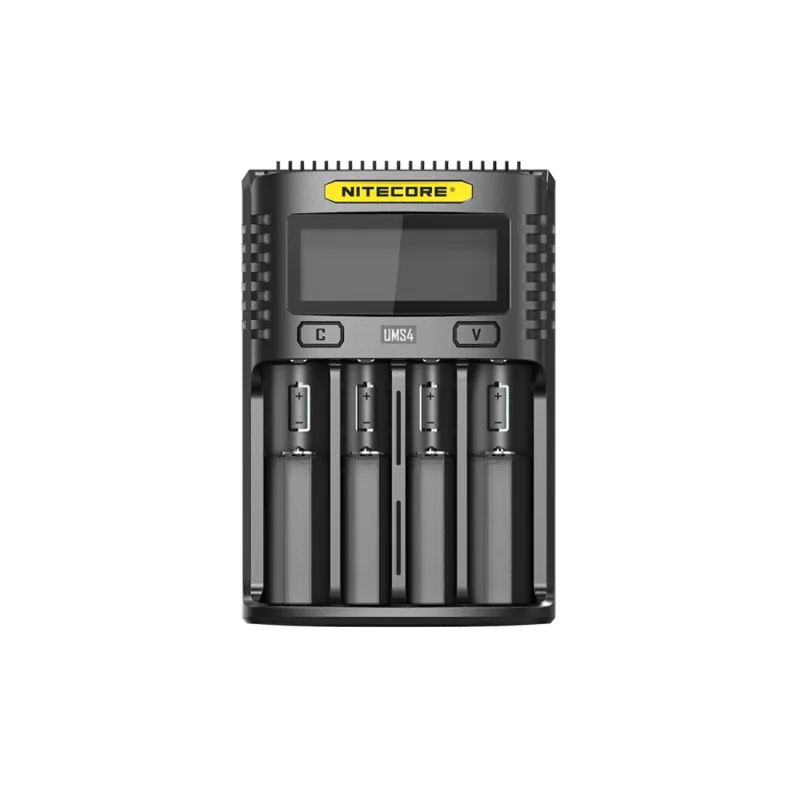
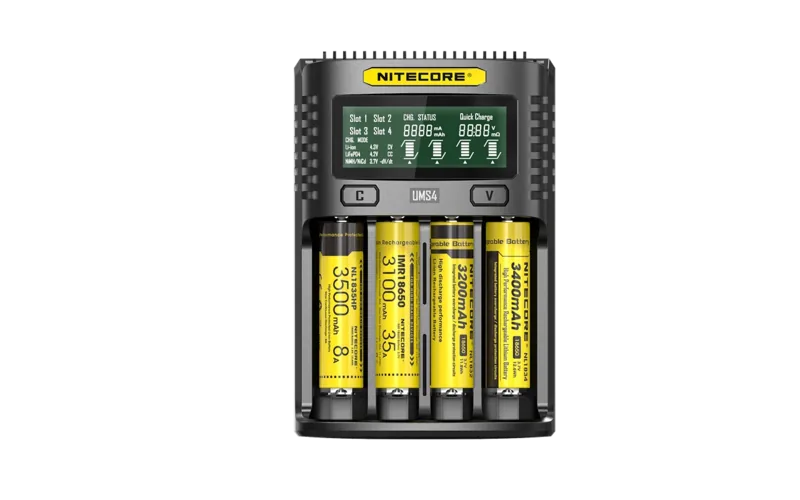
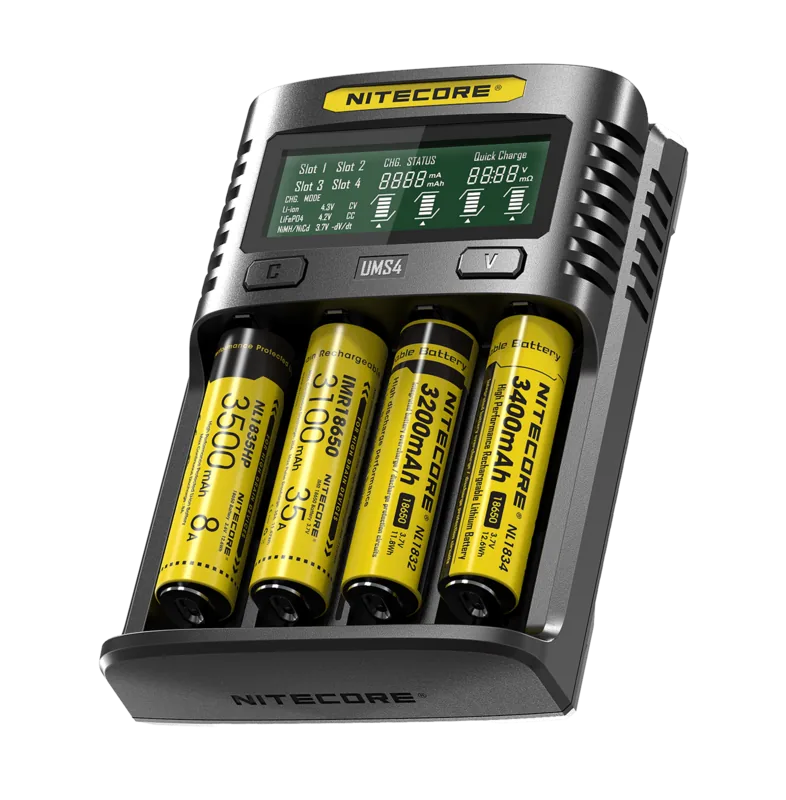
Nitecore UMS4 battery charger (user manual) Manual
PDF manual · 44 Pages
English



Quick check
Incorrect answer, please try again.
Chat with your Nitecore UMS4 battery charger (user manual) manual using AI
Get instant AI answers from your Nitecore UMS4 battery charger (user manual) manual
Ask anything about the Nitecore UMS4 battery charger (user manual). Answers come from this manual, with the pages they are based on.
Ask a Question
Do you recommend Nitecore UMS4 battery charger (user manual)?
Yes NoFrequently Asked Questions
The UMS4 supports Li-ion, IMR, LiFePO4, Ni-MH, and Ni-Cd rechargeable batteries. Compatible sizes include 10440 to 26700 for lithium types and AA, AAA, AAAA, C, and D for nickel-based types. It does not support primary cells like Zinc-Carbon or CR123A.
Is this answer helpful?
Insert the over-discharged IMR battery. If the screen shows 'EE EE', long press the V button to enter Restoration Mode. Note that reverse polarity protection is temporarily disabled during this process, so ensure correct insertion to avoid fire or explosion risks.
Is this answer helpful?
In QC Mode, the maximum output is 3,000mA for a single slot, 2,000mA for two slots, or 1,000mA for four slots. In Standard Mode, the maximum is 2,000mA for one slot, 1,000mA for two slots, or 500mA for four slots.
Is this answer helpful?
The 'EE EE' error indicates either reversed polarity, a short circuit, or a damaged battery. Check the battery orientation and condition. If restoring an IMR battery, this code appears before entering Restoration Mode. If the battery is damaged, replace it.
Is this answer helpful?
Yes, you must find the verification code on the package box and register at http://charger.nitecore.com/validation. Without completing this registration, you cannot enjoy the warranty service for your purchase.
Is this answer helpful?
Advantages and Disadvantages
Advantages

- Charges up to 4 batteries simultaneously with independent slot control
- Supports QC 2.0 input for fast charging up to 3,000mA per slot
- Real-time LCD display shows battery health, resistance, and charging status
- Compatible with wide range of Li-ion, Ni-MH, Ni-Cd, and LiFePO4 batteries
- Includes over-discharge activation and IMR restoration capabilities
Disadvantages

- Limited to specific rechargeable chemistries; cannot charge primary cells
- Requires manual voltage settings for LiFePO4 and 3.8V Li-ion batteries
- Warranty registration is mandatory before service eligibility
- Must use official Nitecore cables to ensure safety and warranty coverage
- Charging slots may have reduced current if batteries are placed incorrectly
Product Description
Nitecore UMS4 Battery Charger (User Manual) Manual - Read, Download & Print Free
The Nitecore UMS4 is an intelligent USB four-slot superb charger designed for users who require high-speed, reliable, and safe charging solutions for a wide variety of rechargeable batteries. This guide provides essential information on operating the device, understanding its features, and ensuring proper maintenance to maximize battery life and safety.
Key Features and Performance
The UMS4 stands out with its ability to charge up to four batteries simultaneously, with each slot controlled independently. It supports QC 2.0 input, allowing for a maximum charging speed of 3,000mA in a single slot when using compatible power sources. The device automatically detects battery types, including Li-ion, Ni-MH/Ni-Cd, IMR, and LiFePO4, and selects the appropriate voltage and charging mode. An energy-efficient LCD display provides real-time information such as battery health, internal resistance, charging current, voltage, charged volume, and time remaining.
Safety and Protection Mechanisms
Safety is a priority for the Nitecore UMS4. It includes reverse polarity protection and short circuit protection to prevent damage from incorrect installation or faulty batteries. The charger also features overtime charging protection, which ceases charging if a slot exceeds 20 hours to prevent overheating or explosion risks. Additionally, it can activate over-discharged Li-ion batteries and restore certain IMR batteries, extending their usable life.
Compatibility and Specifications
The UMS4 is compatible with a broad range of battery sizes, including 10440 through 26700 for Li-ion/IMR/LiFePO4 chemistries, and AA, AAA, AAAA, C, and D for Ni-MH/Ni-Cd. Input specifications include DC 5V/2A, 12V/1.5A, and 18W max. The unit measures 159mm x 107mm x 41mm and weighs approximately 255.4g. Users must register their product via the verification code on the package to qualify for warranty services.
Important Notes
Always use official Nitecore cords to avoid malfunctions or fire hazards. Do not attempt to charge primary cells like Zinc-Carbon or CR123A. Ensure batteries are inserted correctly according to polarity marks. For LiFePO4 and 3.8V Li-ion batteries, manual voltage settings may be required for optimal performance.
Search for 67,732 Manuals online


Type-in Brand or Model