
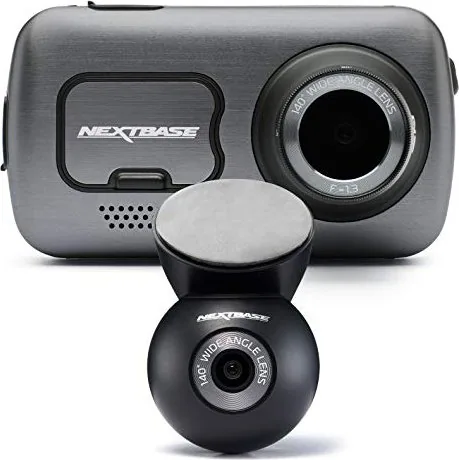
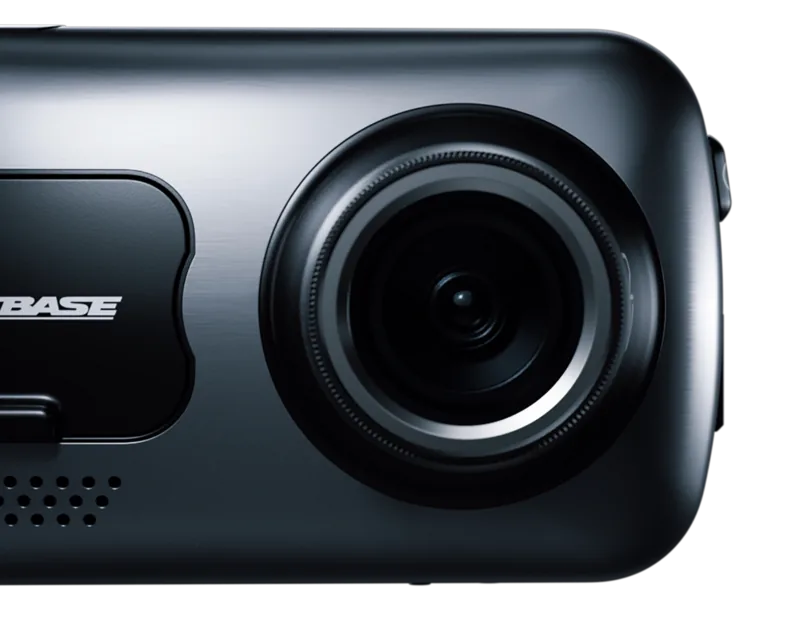
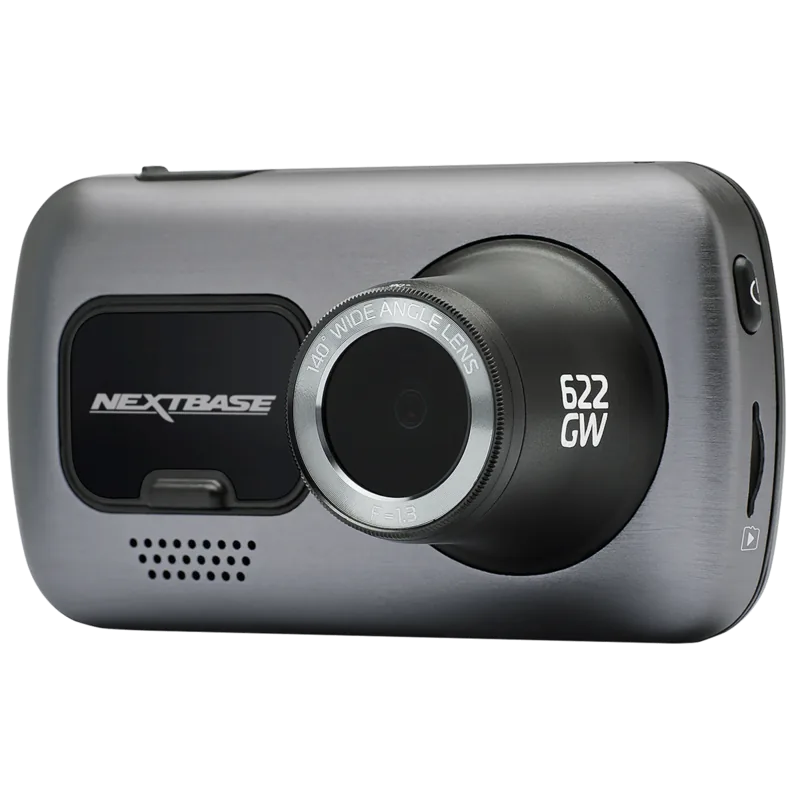
NextBase 622GW Manual
PDF manual · 52 Pages
English



Quick check
Incorrect answer, please try again.
Chat with your NextBase 622GW manual using AI
Get instant AI answers from your NextBase 622GW manual
Ask anything about the NextBase 622GW. Answers come from this manual, with the pages they are based on.
622GW Maintenance Schedule
Periodically format the memory card every 2 to 3 weeks using the Dash Cam setup menu to ensure continued performance and available space. Always back up important files before formatting as all content will be deleted.
Ensure the windscreen is free of dirt or grease before placing the mount upon it, and clean the area prior to fitting the Dash Cam for optimal video clarity.
Free maintenance reminders
Timed to your purchase date. Always free, unsubscribe anytime.
Ask a Question
Do you recommend 622GW?
Yes No
Stan Abshire
5 months ago
Why does my Nextbase 622GW keep crashing, freezing, or failing to record properly?

Manual.ly
5 months ago
The Nextbase 622GW has reported issues with overheating, which can cause the device to crash or shut down automatically, especially in hot weather or when parked. Some users also experience recording failures due to corrupted files or SD card compatibility issues. To mitigate this, ensure you are using a high-endurance microSD card (Class 10 or higher), keep the firmware updated, and avoid leaving the camera in direct sunlight for extended periods. If problems persist, try formatting the card or contacting our support team for a replacement unit.
carmen37
5 months ago
Is the adhesive mount reliable enough for daily use in extreme temperatures?
Frequently Asked Questions
Attach the magnetic mount to your windshield using the adhesive pad. Clean the glass first for best results. Slide the camera onto the mount until it clicks. Connect the power cable to the mount's USB port and plug it into your car's 12V outlet. The camera will power on automatically.
Is this answer helpful?
You must use a U3 type MicroSD card. For best results, Nextbase recommends using their branded cards. A 64GB to 128GB card is ideal, as lower capacity cards may fill up quickly with 4K footage. Cards should be formatted using the camera menu every few weeks.
Is this answer helpful?
Yes, the Nextbase 622GW has a built-in microphone to record audio alongside video. You can turn this feature on or off in the Video Settings menu. Note that laws regarding audio recording vary by jurisdiction, so check local regulations before using this feature.
Is this answer helpful?
If a severe crash is detected, the connected MyNextbase Connect app monitors your phone sensors. If you cannot cancel the alert within two minutes, it sends your location and medical info to emergency services. You must set up your profile in the app beforehand.
Is this answer helpful?
Yes, provided you have the MyNextbase Connect and Amazon Alexa apps installed on your phone. Pair them via Bluetooth. You can then ask Alexa questions about traffic or news. Audio will play through your phone or car speakers, not the camera.
Is this answer helpful?
The camera has a small internal lithium-polymer battery that allows it to finish saving a current recording if power is lost unexpectedly. However, it is not intended as a primary power source and will only last for a short duration, approximately 15 minutes of recording.
Is this answer helpful?
You can update the firmware by connecting the camera to a PC via USB and selecting Update Firmware, or by using the MyNextbase Player software on your computer. Alternatively, you can check for updates through the MyNextbase Connect app on your smartphone.
Is this answer helpful?
Advantages and Disadvantages
Advantages

- Ultra Clear 4K recording at 30 FPS captures incredible detail
- Built-in polarizing filter significantly reduces windscreen glare
- Intelligent Parking Mode protects your vehicle when parked
- Alexa integration allows for convenient voice control
- Emergency SOS feature can automatically contact help in crashes
Disadvantages

- Requires a specific U3 MicroSD card for optimal performance
- Alexa audio output comes from the phone speaker, not the camera
- Extreme Weather Mode is incompatible with certain high frame rates
- Initial setup requires downloading multiple apps for full functionality
- Screen saver must be configured manually to reduce distraction
Product Specification
Sensor
CMOS
Flash Memory
microSD/microSDHC/microSDXC
Video Function
MOV, 3840x2160@30p (16:9), 1920x1080@120p (16:9)
View Angle
140°
Display
3" LCD, Touchscreen, 1.38 million pixels
Connections
USB 2.0
Wireless
Wi-Fi (WLAN), Bluetooth 5.0, GPS
Features
Motion Sensor
Dimensions
3.7x2.1x1.8in (WxHxD)
Weight
4.4oz
Product Description
Nextbase 622GW Manual: Your Complete Guide to Advanced Dash Cam Technology
The Nextbase 622GW represents a pinnacle in dash cam engineering, designed specifically for drivers who demand clarity, safety, and peace of mind on every journey. This device is not merely a recording tool; it is an intelligent companion that enhances situational awareness through cutting-edge features like Ultra Clear 4K video at 30 frames per second. Whether you are navigating busy city streets or cruising on open highways, the built-in polarizing filter effectively reduces windscreen glare, ensuring that your footage remains crisp even under harsh sunlight.
One of the standout capabilities of this unit is its Intelligent Parking Mode. When your vehicle is parked and power is cut, the camera enters standby mode, ready to spring into action upon detecting motion or impact. This ensures your car remains protected around the clock. The inclusion of Enhanced Image Stabilization further guarantees smooth, shake-free video by compensating for vibrations from the road surface, allowing you to capture vital details like license plates with exceptional precision.
Connectivity plays a massive role in the user experience. The MyNextbase Connect app transforms your smartphone into a powerful control center, enabling you to view live feeds, download footage instantly, and manage settings remotely. For those seeking hands-free convenience, the integrated Amazon Alexa support allows you to check traffic updates, play music, or start recording using simple voice commands. Safety is paramount, which is why the Emergency SOS feature stands out as a life-saving innovation. In the event of a severe crash where you are unable to call for help, the system automatically contacts emergency services with your precise GPS location and medical details.
Installation is straightforward thanks to the Click & Go Pro Powered Mount, which uses strong magnets for easy one-handed attachment and removal. The 3-inch high-definition touchscreen provides intuitive access to all menus, while the dual-system GPS tracks your route and speed. Users can customize their experience by adjusting exposure levels, setting video lengths, or enabling extreme weather modes that improve visibility in foggy conditions. With automatic start-stop technology, the camera powers on with your ignition and shuts down when you leave, requiring no manual intervention.
Proper maintenance ensures longevity. It is recommended to format the memory card every few weeks using the camera itself to prevent corruption. Always use U3 rated SD cards to handle the high data rates of 4K recording. By following these guidelines and utilizing the full range of features, the Nextbase 622GW becomes an indispensable asset for modern drivers.
Important Notes
- Always mount the device behind the rear-view mirror to avoid obstructing your view.
- Do not adjust settings while driving to prevent distractions.
- Ensure your firmware is up to date via the MyNextbase Player software.
Search for 67,706 Manuals online


Type-in Brand or Model
Marius Klein
8 months ago
Does the Nextbase 622GW reliably record continuously, or does it freeze, stop recording, or create corrupted files?
Manual.ly
8 months ago
If the camera freezes or records corrupted files, it is usually related to power stability, a problematic microSD card, or a temperature/power setting. Please make sure you use a compatible high-speed microSD (U3/V30, recommended by the manufacturer), update to the latest firmware, and format the card inside the camera (not on a PC). Also verify the loop/recording and event settings (G-sensor sensitivity) so clips are not being handled unexpectedly. For parking monitoring, note the camera is only rated for up to about 45C, so heat in summer can trigger shutdowns. Finally, ensure the power cable is firmly connected and the mount is correctly installed on a clean windshield surface and cured per the manual. If issues continue, contact support for testing and replacement.