
NextBase 522GW Manual
PDF manual · 50 Pages
English



Quick check
Incorrect answer, please try again.
Chat with your NextBase 522GW manual using AI
Get instant AI answers from your NextBase 522GW manual
Ask anything about the NextBase 522GW. Answers come from this manual, with the pages they are based on.
Ask a Question
Do you recommend 522GW?
Yes NoVideo Manual
Nextbase 522GW Dash Cam – Full Feature Review
Frequently Asked Questions
The 522GW records up to 1440p (Quad HD) at 30fps by default. It also supports 1080p at 60fps and 1080p at 30fps. Rear camera resolution follows the front camera’s chosen resolution.
Is this answer helpful?
Use a branded Class 10 or U3 microSD card (8–128GB supported, 128GB max recommended). For stable performance, format the card in the dash cam every 2–3 weeks after backing up any files you want to keep.
Is this answer helpful?
The internal G-sensor detects significant forces and automatically protects the current recording from being overwritten. You can also manually protect a file using the Protect button or via playback/app. Sensitivity is adjustable in settings.
Is this answer helpful?
Parking Mode puts the camera in standby when vehicle power is off and records a protected clip when motion is detected. It typically records short protected clips upon detecting movement, then returns to standby if no further motion occurs.
Is this answer helpful?
Update via MyNextbase Player on PC or by placing the .bin firmware file on the SD card and powering the camera. In Setup you can toggle Keep User Settings ON to retain preferences during firmware updates.
Is this answer helpful?
Emergency SOS requires the MyNextbase Connect app, Bluetooth pairing, mobile data and a verified phone number. The first year may be included, with paid subscription required thereafter; coverage varies by territory.
Is this answer helpful?
Yes. Alexa works when you have MyNextbase Connect and the Alexa app installed on a paired smartphone, Bluetooth enabled and up-to-date firmware. Alexa audio plays from the phone, not the dash cam.
Is this answer helpful?
Advantages and Disadvantages
Advantages

- 1440p Quad HD recording with 140° wide-angle lens and built-in polarising filter for clearer footage
- Click & Go Pro magnetic powered mount for quick one-handed install and neat cable routing
- Integrated GPS, speed stamp and G-sensor file protection for reliable evidence capture
- MyNextbase Connect app, MyNextbase Player and cloud sharing for easy download, edit and evidence sharing
- Intelligent Parking Mode and Emergency SOS (via app) increase security and safety response options
Disadvantages

- Emergency SOS requires app setup, subscription after trial and mobile coverage—availability varies by region
- Battery is small (~320mAh) and only provides brief off-power operation; relies on vehicle power for extended use
- Advanced features like Alexa and Emergency SOS need recent firmware and app pairing to function
- Dual-file and high-resolution recording use more SD card space—regular formatting recommended
- Some legal and mounting restrictions by jurisdiction; user must ensure compliant placement
Product Specification
Effective Megapixels
5.14 Megapixels
Sensor
CMOS
Removable Storage
microSD/microSDHC/microSDXC
Video Function
MPEG-4, 2560x1440@30p (16:9), 1920x1080@60p (16:9)
Viewing Angle
140°
Display
3" LCD, 1.35 million pixels
Connections
USB 2.0
Wireless
Wi-Fi (WLAN), Bluetooth 4.2, GPS
Special Features
Motion sensor
Dimensions
3.70x2.09x1.77in (WxHxD)
Weight
0.28lb
Product Description
NextBase 522GW — Powerful, user-friendly dash cam
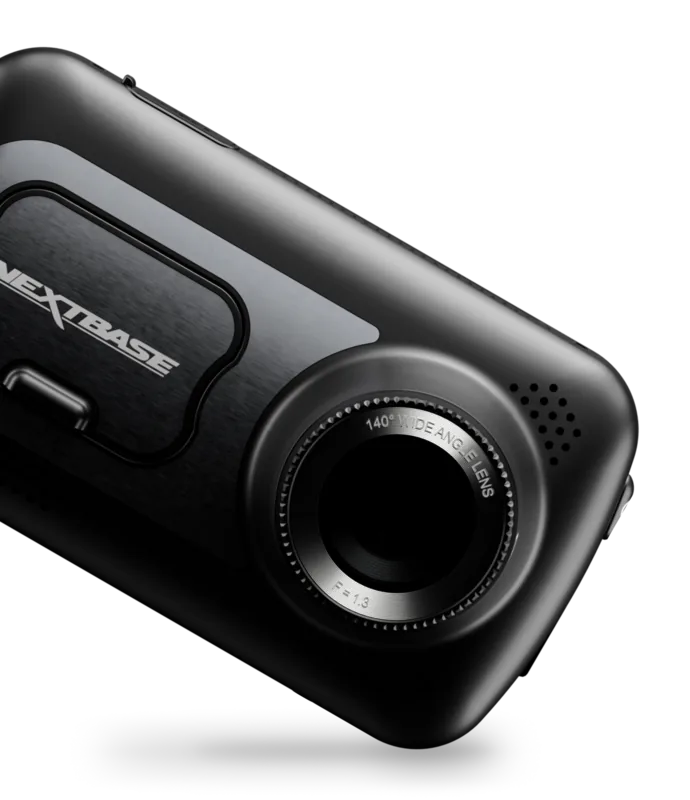
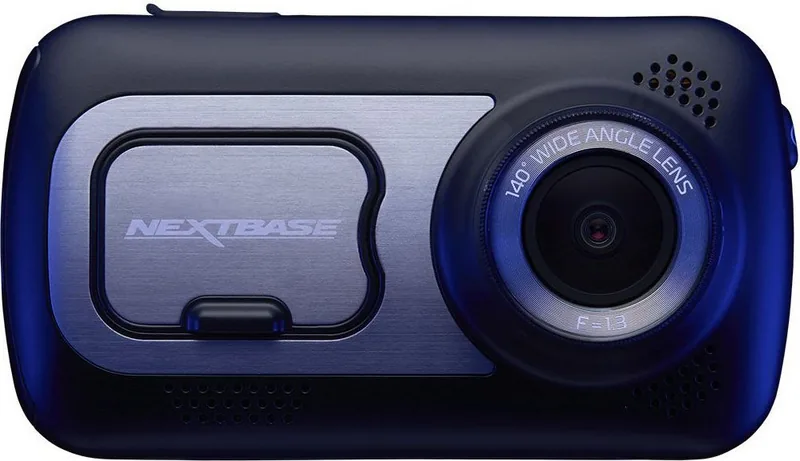
The NextBase 522GW is a feature-rich dash camera built for dependable everyday use, blending high-resolution Quad HD recording, smart connectivity and practical safety features. With a 140° wide-angle lens, inbuilt GPS, an IPS 3" touchscreen and a magnetic Click & Go pro powered mount, the 522GW focuses on capturing clear, usable footage and making that footage easy to manage.
Designed to be simple out of the box, the NextBase 522GW defaults to 1440p @ 30fps recording with one-minute segmented MP4 files so clips are quick to transfer and simple to share. An integrated polarising filter helps reduce windscreen glare and improve number plate clarity, while the camera’s automatic start/stop means recording begins with vehicle power and shuts down cleanly when power is cut. The unit supports Class 10 / U3 microSD cards up to 128GB and automatically loops by removing the oldest files when storage is full.
Safety and evidence capture are central to the 522GW: a G-sensor locks files during impacts, Intelligent Parking Mode records events while parked, and dual-file recording can produce both high- and low-resolution versions to make sharing faster. The camera also records GPS and speed stamps to aid incident reports. For connectivity, the 522GW pairs with the MyNextbase Connect app for live view, clip download, editing and cloud uploads, and supports Alexa voice control for hands-free operation.
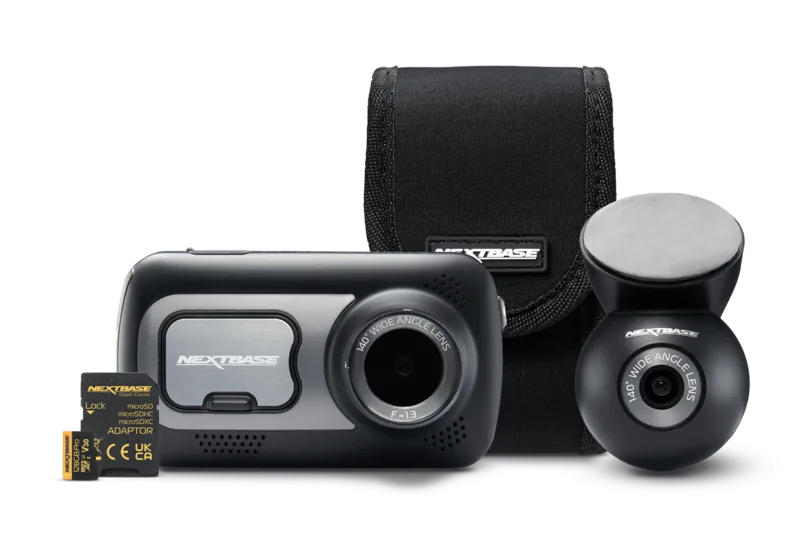
Included accessories and conveniences make installation straightforward: Click & Go Pro magnetic mounting with suction and adhesive attachments, a four-metre car power cable, cable tidy tool, and an integrated microphone and speaker for audio playback. For longer-term power or discreet installation, NextBase hardwire kits are available separately.
The NextBase 522GW is aimed at drivers who want professional-grade recording and straightforward post-incident workflows without complex setup. It balances robust hardware (140° lens, 5.14MP sensor, IPS screen) with software features (MyNextbase Player, MyNextbase Cloud, Emergency SOS integration via the mobile app) so footage is both reliable and actionable.
Notes
- Use a branded Class 10 / U3 microSD card and format it in the camera every 2–3 weeks for best reliability.
- Adjust the polarising filter by rotating the bezel to reduce reflections; do not touch the glass lens.
- Emergency SOS requires the MyNextbase Connect app, a subscription after the initial free period, mobile data and Bluetooth; availability varies by territory.
Search for 67,706 Manuals online


Type-in Brand or Model
voluptatem_illum
10 months ago
Does the dashcam reliably record and protect footage in real driving and in Park mode? I'm worried about freezing, short video gaps, or the G-sensor not locking the file after an impact.
Manual.ly
10 months ago
For reliable accident evidence, please check these points. First, use a high-speed microSD card (at least U3/V30) and format it inside the camera before first use. Video is recorded in short segments (for example 1-3 minutes), so normal playback may show gaps between segments, but protected clips should be locked. For Park mode and G-sensor locking, make sure the Park mode is enabled, sensitivity is set appropriately, and the camera is mounted level. If you experience freezing or missed triggers, power stability is often the cause, so consider a proper hardwire power kit or ensure the battery does not drop during parking. Also update the camera firmware and try a factory reset. If the issue persists during testing, please return or replace the unit.