
Next Level Racing Elite Freestanding Monitor Stand Manual
PDF manual · 23 Pages
English



Quick check
Incorrect answer, please try again.
Chat with your Next Level Racing Elite Freestanding Monitor Stand manual using AI
Get instant AI answers from your Next Level Racing Elite Freestanding Monitor Stand manual
Ask anything about the Next Level Racing Elite Freestanding Monitor Stand. Answers come from this manual, with the pages they are based on.
Ask a Question
Do you recommend Elite Freestanding Monitor Stand?
Yes NoFrequently Asked Questions
The stand supports monitors that use standard VESA mounts; the kit includes common mounting bolts and a VESA plate. Check your monitor’s VESA pattern and weight to ensure compatibility within the stand’s specified load limits.
Is this answer helpful?
Yes. The system is modular—outer arms, angle brackets and additional cross members allow conversion to triple and overhead setups. Follow the step‑by‑step instructions and use the provided T‑nuts and hardware for safe expansion.
Is this answer helpful?
Install T‑nuts from the ends of the extrusion channels (they cannot be added mid‑channel). Lay parts on a soft, level surface, avoid cross‑threading fasteners, and hand‑tighten bolts. Refer to the QR assembly video for exact T‑nut positions.
Is this answer helpful?
No. The manual advises against power tools because over‑tightening can deform or damage the aluminium profile. Use the supplied Allen keys and hand tools, and tighten wing bolts by hand to achieve the correct angle.
Is this answer helpful?
The kit includes multiple cable clips and end caps; the manual recommends planning clip placement at the start of assembly to route cables neatly along the extrusion channels and across cross members.
Is this answer helpful?
Contact Next Level Racing support at [email protected] and consult the assembly video at bit.ly/nlrbuild. The support team can assist with missing parts, hardware clarification and step‑by‑step troubleshooting.
Is this answer helpful?
Advantages and Disadvantages
Advantages

- Modular design supports single, triple and overhead monitor configurations.
- Robust extruded aluminium construction for stability and long‑term durability.
- Comprehensive hardware and VESA mounting options for most monitors.
- Black Edition finish offers a sleek aesthetic that matches modern rigs.
- Manufacturer provides video guides and support for assembly.
Disadvantages

- Requires careful T‑nut placement (must install from profile ends).
- Assembly can be time‑consuming and may need an extra pair of hands.
- Over‑tightening with power tools can damage the frame; hand tools recommended.
- Some users may need to source specific bolts for non‑standard VESA monitors.
- Small parts present a choking hazard for young children.
Product Specification
Type
Mount
Includes
Mount, VESA mounting plate
Compatibility
21"-65" Monitor
Features
VESA compatible (75x75/100x100/200x100/200x200/400x200/400x400), integrated spirit level
Dimensions
51.57x50.59x27.95in
Weight
28.88 lbs
Color
black
Material
Aluminum
Product Description
Next Level Racing Elite Freestanding Single Stand Black Edition
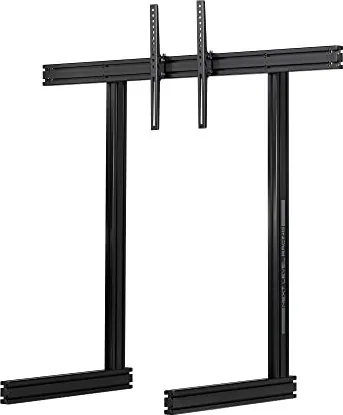
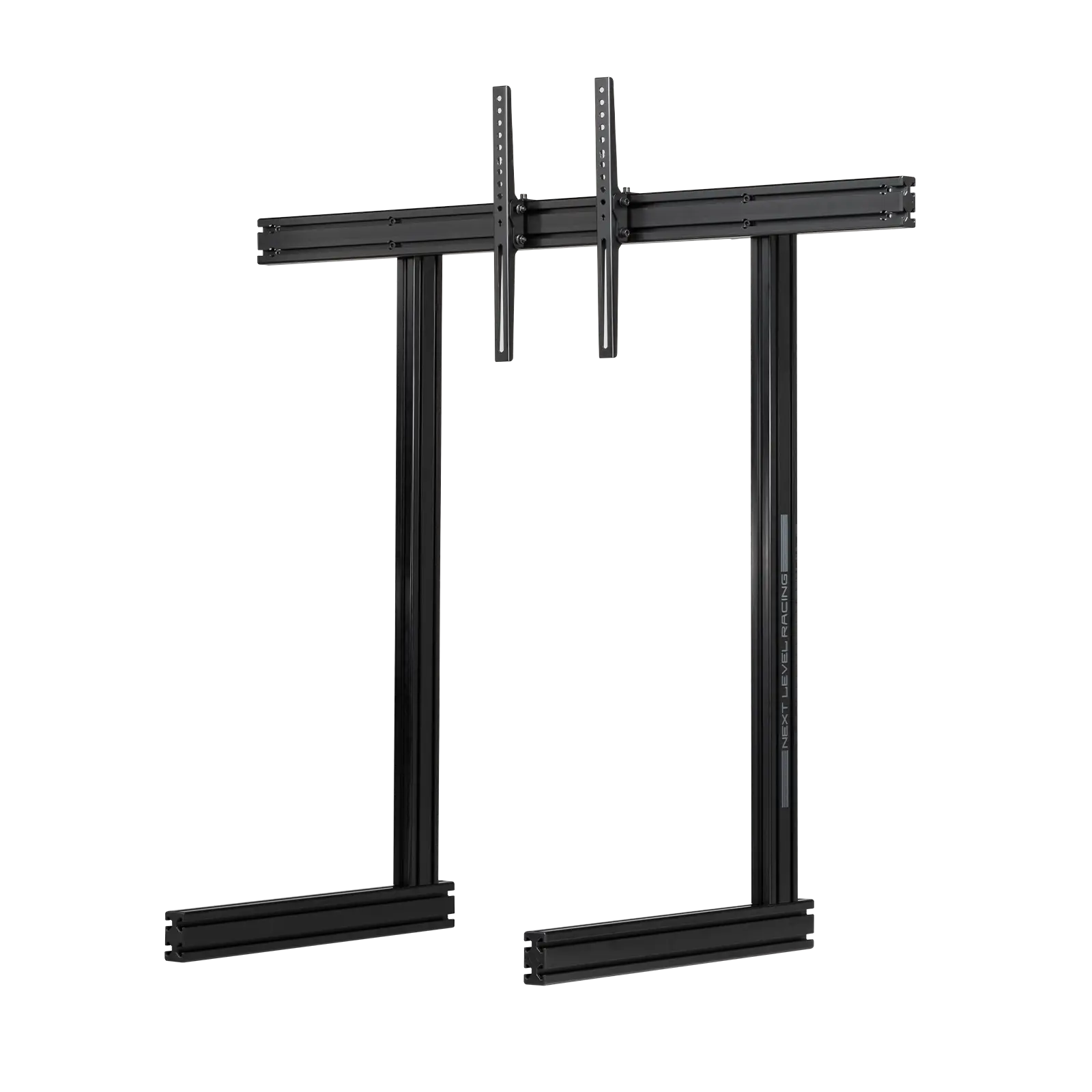
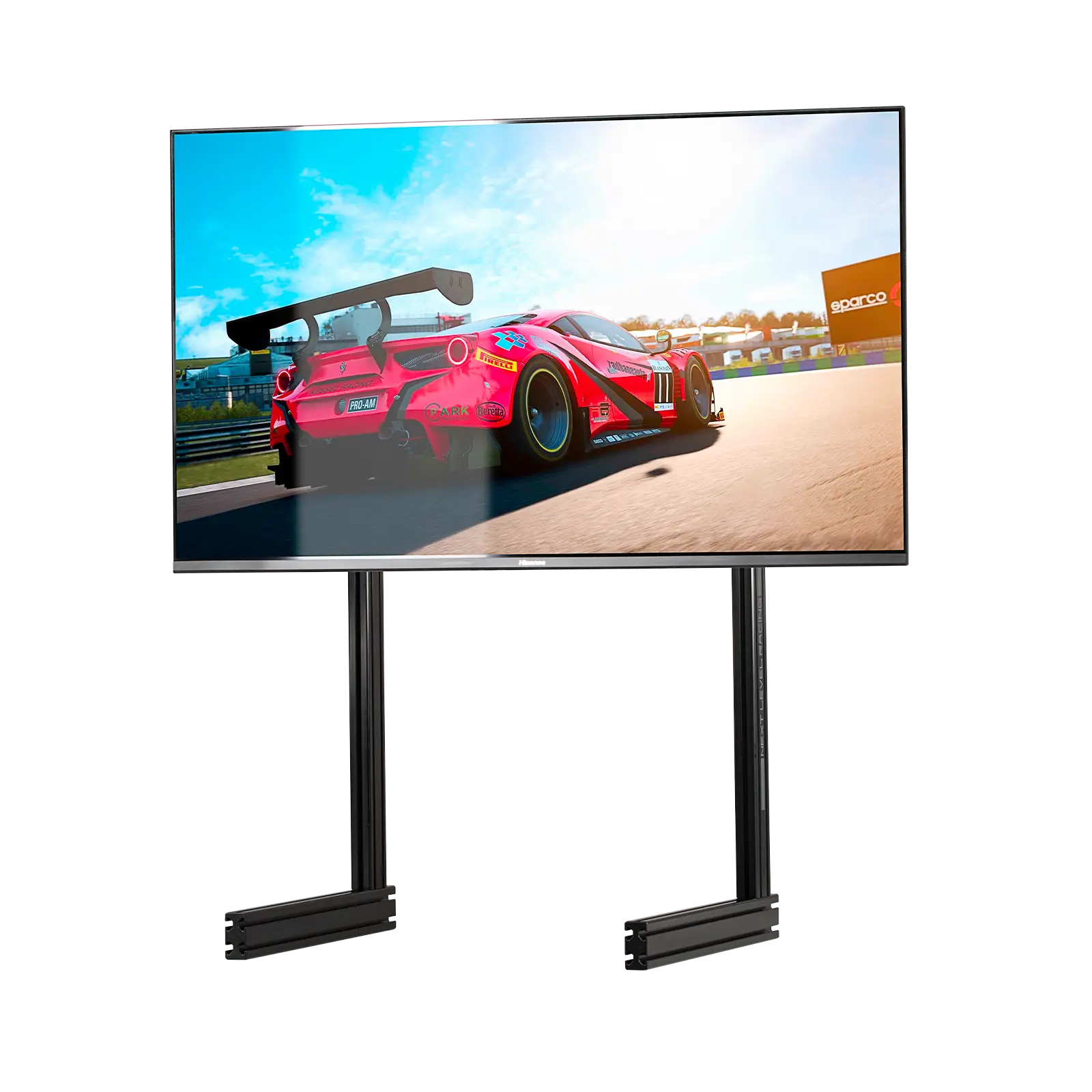
The Next Level Racing Elite Freestanding Single Stand Black Edition is a robust, modular monitor mounting solution built for sim racers and productivity setups. Designed from extruded aluminium profiles and heavy‑duty fittings, it supports single, triple and overhead configurations through a scalable system of cross members, vertical posts, T‑nuts and VESA mounts. The Black Edition brings a stealthy aesthetic that complements modern rigs while offering practical cable management and adjustable feet for leveling.
Assembly focuses on careful alignment and correct placement of T‑nuts inside the extrusion channels, and the package includes a comprehensive hardware kit (M4–M8 bolts and washers, wing bolts, feet, corner plates, end caps and cable clips). The stand’s VESA mounting plate and angle bracket let you secure most monitors and adjust tilt via wing bolts for fine tuning. The base and vertical members provide a stable footprint while modular outer arms and angle brackets enable conversion to triple or overhead setups if desired.
Key design points prioritize safety and durability: avoid power tools to prevent over‑tightening, install T‑nuts from the profile ends (they cannot be mid‑channel installed), and assemble on a protected flat surface to avoid scratches or damage. Cable clips are supplied and should be planned early in the build to keep tidy runs. The instructions emphasize not forcing parts, avoiding cross‑threading, and checking all fasteners before attaching monitors. QR‑linked assembly videos and manufacturer support are available for step‑by‑step guidance.
For sim racers, the Elite Freestanding Single Stand Black Edition is ideal for creating a compact, professional cockpit or desktop rig with expansion potential. Its modular components make alignment and mounting straightforward for DIY builders, while the robust hardware and adjustable mounting points ensure a secure, repeatable setup. Whether used as a single monitor solution or as the core of a multi‑monitor cluster, the Black Edition balances form and function with a focus on stability and upgradeability.
Notes
- Follow the provided assembly video (bit.ly/nlrbuild) for visual guidance.
- Do not use electric tools; hand‑tighten fasteners to avoid frame damage.
- Install T‑nuts from extrusion ends and plan cable management early.
- Keep small parts away from children—choking hazard.
Search for 67,706 Manuals online


Type-in Brand or Model