
Neomounts NM-D775DXBLACK Manual
PDF manual · 4 Pages
English



Quick check
Incorrect answer, please try again.
Chat with your Neomounts NM-D775DXBLACK manual using AI
Get instant AI answers from your Neomounts NM-D775DXBLACK manual
Ask anything about the Neomounts NM-D775DXBLACK. Answers come from this manual, with the pages they are based on.
Ask a Question
Do you recommend NM-D775DXBLACK?
Yes NoFrequently Asked Questions
Each monitor arm can support a weight between 2.2 lbs and 17.6 lbs. Ensure both screens fall within this range for optimal performance.
Is this answer helpful?
Yes, provided the glass is thick enough for the clamp to grip securely. Use the adhesive pads included in the kit for extra stability if needed.
Is this answer helpful?
Locate the tension knob at the base of the arm. Turn it clockwise to increase resistance or counter-clockwise to decrease it until the monitor stays in place.
Is this answer helpful?
This model supports both 75x75 mm and 100x100 mm VESA mounting patterns, covering the majority of standard flat-screen monitors.
Is this answer helpful?
Yes, the stand features internal cable channels and a separate grommet cover to hide wires running through the desk surface.
Is this answer helpful?
Advantages and Disadvantages
Advantages

- Supports two monitors with a combined weight capacity of up to 35.2 lbs
- Accommodates desktop thicknesses from 10mm to 85mm with versatile clamping
- Features smooth gas spring arms for effortless height and angle adjustment
- Includes integrated cable management channels to reduce desk clutter
- Compatible with standard VESA 75x75 and 100x100 mounting patterns
Disadvantages

- Requires careful tension adjustment to match individual monitor weights
- Clamp installation may be tight for very thick or fragile desks
- Assembly involves multiple small parts that must be organized carefully
- Does not include built-in USB hubs or power strips for connectivity
- Base footprint is relatively large which might limit space on small desks
Product Specification
Type
Monitor Arm
Number of Monitors
2
Screen Size
up to 32"
Mobility
tiltable (-10°, +10°), rotatable (360°), swivelable (180°), extendable, height adjustable
Max Load
35.27 lbs
VESA
75x75, 100x100
Features
Gas spring, cable management
Color
black
Product Description
Elevate Your Workspace with the Neomounts NM-D775DXBLACK
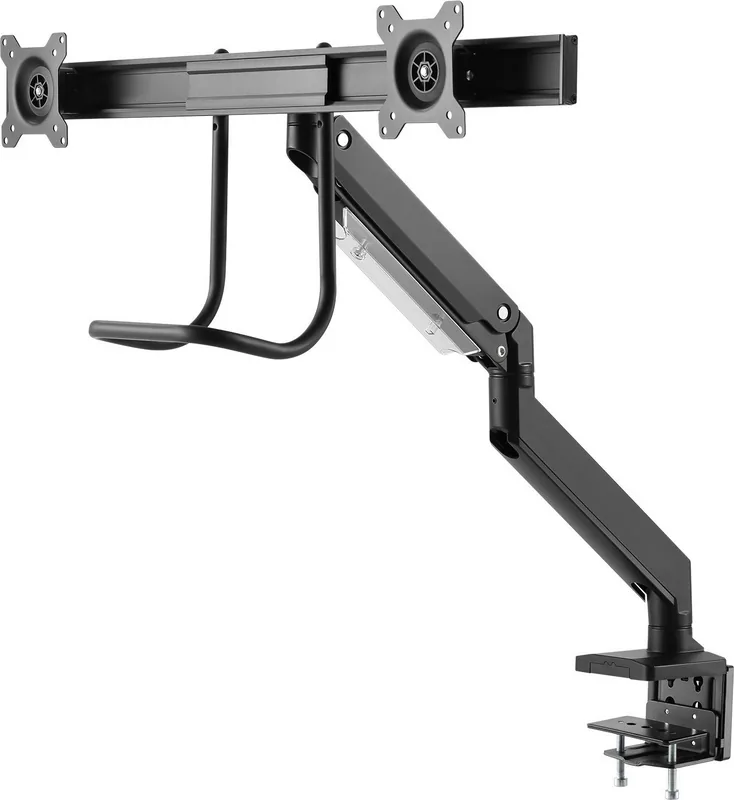
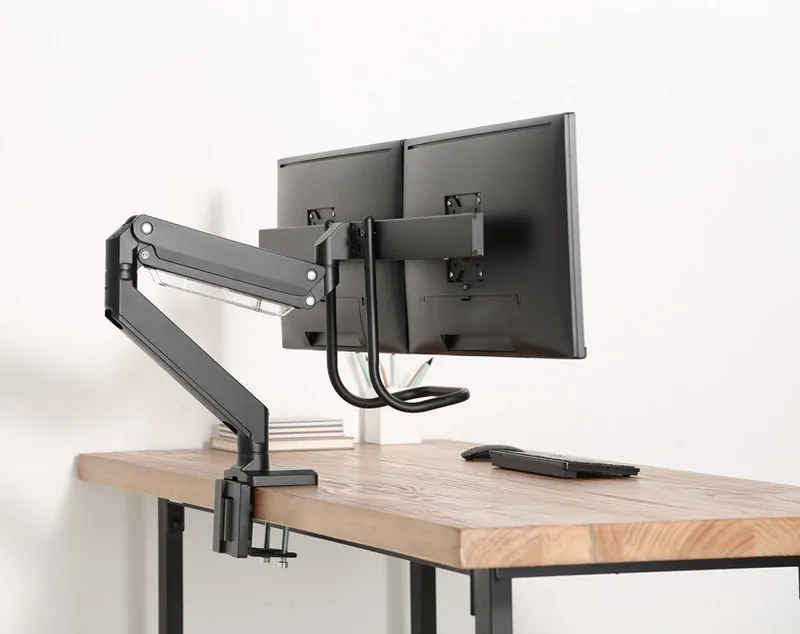
The Neomounts NM-D775DXBLACK is a robust dual monitor stand designed to transform cluttered desks into efficient command centers. This manual guide highlights its capability to support two screens simultaneously, accommodating weights between 2.2 and 17.6 lbs each. Whether you are a programmer managing multiple code windows or a designer working with expansive canvases, this mount offers the stability and flexibility required for professional tasks.
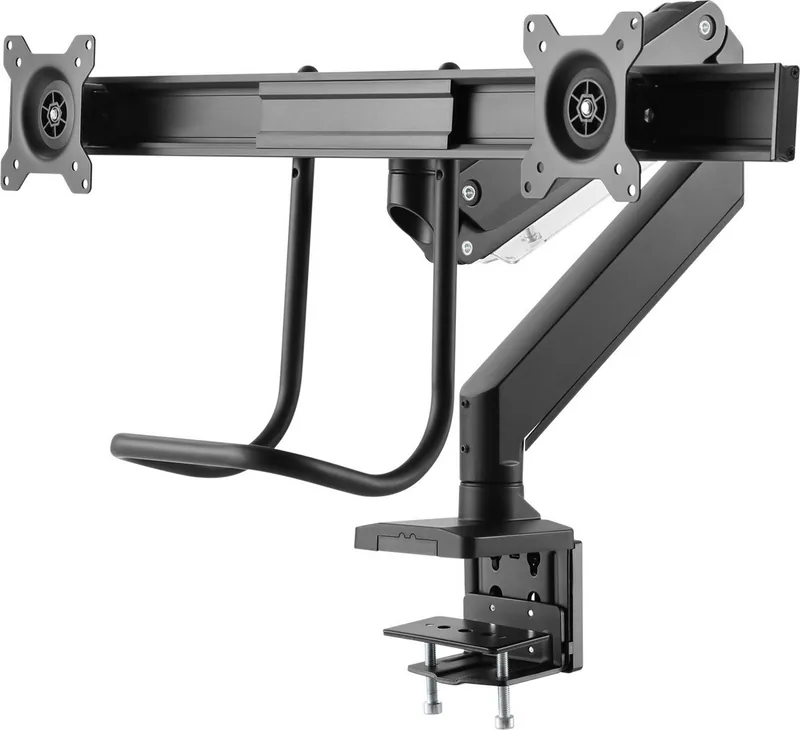
Installation is straightforward, catering to various desk thicknesses ranging from 10 mm up to 85 mm. The clamp mechanism secures firmly without damaging your workspace, while the included grommet option allows for a clean cable management solution. By routing cables through the arm structure, users can maintain a tidy aesthetic that reduces visual distractions. The gas spring technology ensures smooth adjustments, allowing you to tilt, swivel, and rotate your displays with minimal effort. This ergonomic design promotes better posture by enabling you to position screens at eye level, reducing neck strain during long work sessions.
Key Features
The NM-D775DXBLACK supports VESA patterns of 75x75 mm and 100x100 mm, ensuring compatibility with most modern flat-panel monitors. The adjustable arm length provides ample reach, pulling screens closer or pushing them back as needed. The base includes non-slip pads to prevent sliding, even on glass or polished surfaces. Adjusting the tension of the gas springs is simple, letting you customize the resistance to match your specific monitor weight.
Final Thoughts
This mounting solution represents a significant upgrade for any dual-screen setup. It combines durability with ease of use, making it an ideal choice for home offices and corporate environments alike. By following the detailed steps in the manual, you can achieve a perfect balance between functionality and style.
Search for 67,732 Manuals online


Type-in Brand or Model