
Nedis SPBB310BK Manual
PDF manual · 32 Pages
English



Quick check
Incorrect answer, please try again.
Chat with your Nedis SPBB310BK manual using AI
Get instant AI answers from your Nedis SPBB310BK manual
Ask anything about the Nedis SPBB310BK. Answers come from this manual, with the pages they are based on.
Ask a Question
Do you recommend SPBB310BK?
Yes NoFrequently Asked Questions
The device is equipped with a 3000 mAh lithium-ion battery. It provides up to 6 hours of playback time when fully charged.
Is this answer helpful?
Yes, you can connect a USB flash drive or microSD card directly. Music will play automatically without needing Bluetooth.
Is this answer helpful?
It has an IPX5 water resistance rating. It resists splashes but should not be immersed in water or charged while wet.
Is this answer helpful?
Turn on both speakers and set them to Bluetooth mode. Press and hold the TWS button for 4 seconds on one speaker. Connect via Bluetooth.
Is this answer helpful?
Charging takes up to 4.5 hours using a 5V/1A USB adapter. The adapter is not provided with the product.
Is this answer helpful?
The Bluetooth transmission distance is up to 10 meters. This uses version 5.0 technology for stable connectivity.
Is this answer helpful?
No, modification may affect safety, warranty, and functionality. Only qualified technicians should service the product.
Is this answer helpful?
Advantages and Disadvantages
Advantages

- High power output with 60 W peak audio
- Long battery life up to 6 hours playback
- Water resistant IPX5 rating for outdoor use
- True Wireless Stereo for dual speaker pairing
- Multiple input options including USB and SD
Disadvantages

- Heavy weight of 2.2 kg limits portability
- Long charging time of up to 4.5 hours
- Not intended for professional use applications
- USB adapter not included in the package
Product Specification
Power Output
36W RMS, 60W Peak
Display
No
Tuner
No
Frequency Range
80Hz-13kHz
Ports
AUX In (3.5mm jack), USB-A 2.0, Card reader (microSD)
Wireless
Bluetooth 5.0
Power Supply
Li-Ion Battery (3000mAh), USB
Playtime
4.5h
Voice Assistants
Apple Siri, Google Assistant
Features
Waterproof (IPX5), Stereo Pairing, Hands-free, Lighting Effects
Color
Black
Dimensions
7.09x5.31x5.31in (WxHxD)
Weight
4.85lbs
Product Description
The Ultimate Portable Sound Experience
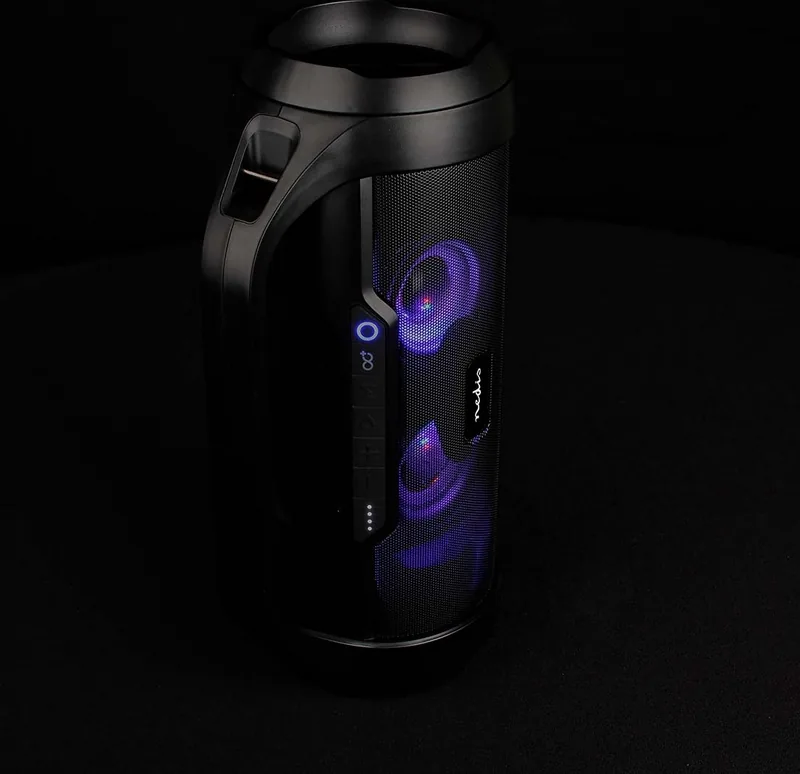
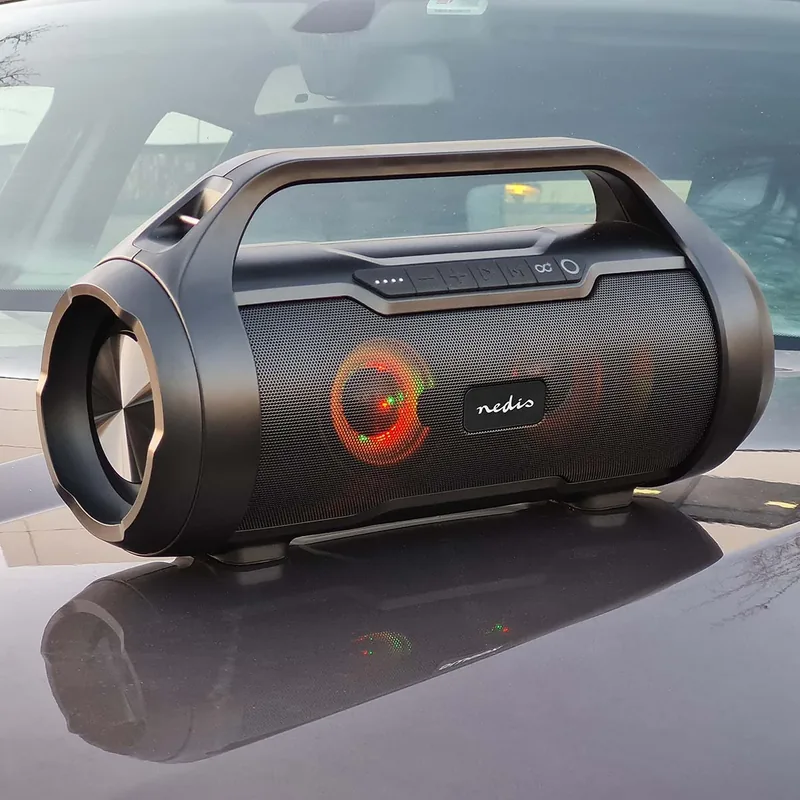
Are you looking for a powerful audio companion for your daily adventures? The Nedis SPBB310BK offers a robust solution for music enthusiasts who demand quality sound. This boombox delivers a rich listening experience with a peak audio output of 60 W. Whether you are at the beach or in the living room, it adapts to your needs seamlessly. The device is designed for streaming audio from media devices via Bluetooth technology or an audio cable connection. Detailed setup follows the Nedis SPBB310BK Manual standards for safety.
Connectivity and Features
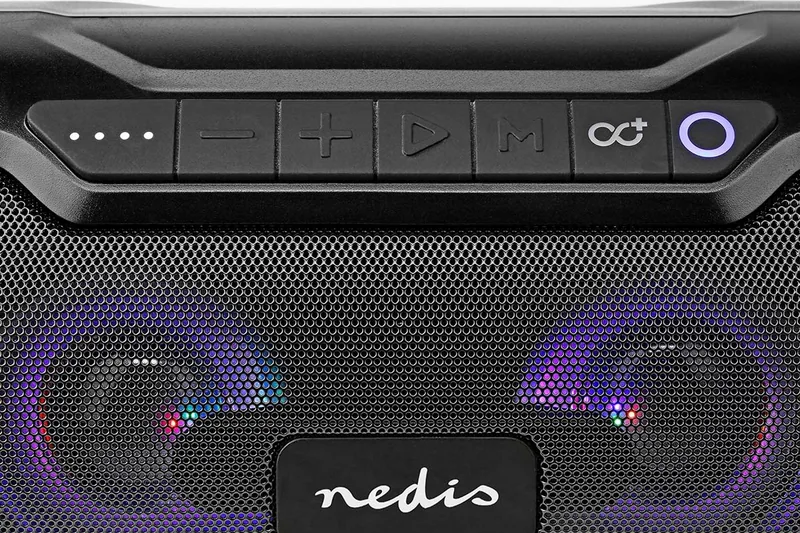
Stream audio wirelessly or connect using a USB or micro-SD flash drive. Support for these inputs adds versatility to your setup. The device features True Wireless Stereo technology allowing two units to pair for a bigger soundstage. RGB lights add visual flair and atmosphere to your gatherings. A built-in voice assistant enhances usability for modern smart homes. Bluetooth version 5.0 ensures a stable transmission distance of up to 10 m. You can easily skip tracks or adjust volume using the intuitive control buttons on the top panel. Pressing and holding switches volume while single presses manage track skipping.
Battery and Power
Equipped with a 3000 mAh lithium-ion battery, this unit provides up to 6 hours of playback time. Charging takes up to 4.5 hours using a standard 5V/1A adapter which is not always included with the package. The impedance is 4 Ohms with a frequency response spanning from 80 Hz to 13 KHz. This ensures deep bass and clear highs. The peak audio power reaches 60 W while RMS output stands at 2 x 18 W for balanced sound reproduction. TWS pairing requires pressing and holding a specific button for 4 seconds on one speaker to pair with the second.
Durability and Design
Weighing 2.2 kg, the boombox includes a sturdy handle for easy transport. It boasts IPX5 water resistance, protecting against water splashes during outdoor use. However, avoid immersing the unit in water completely. Safety instructions emphasize not charging when the product is wet to prevent damage. The battery indicator LED shows charge status clearly. The AUX port allows direct connection to older devices. Avoid dropping the product to prevent functional issues later on.
Important Notes
Ensure you check local laws before installation and use. Do not modify the product as this affects warranty and safety. Only qualified technicians should service the unit to reduce shock risks. Keep the original documentation for future reference regarding compliance and safety standards. Never expose the product to direct sunlight or naked flames. Retain the product literature for future reference to ensure proper maintenance and safe operation over time.
Search for 67,732 Manuals online


Type-in Brand or Model