
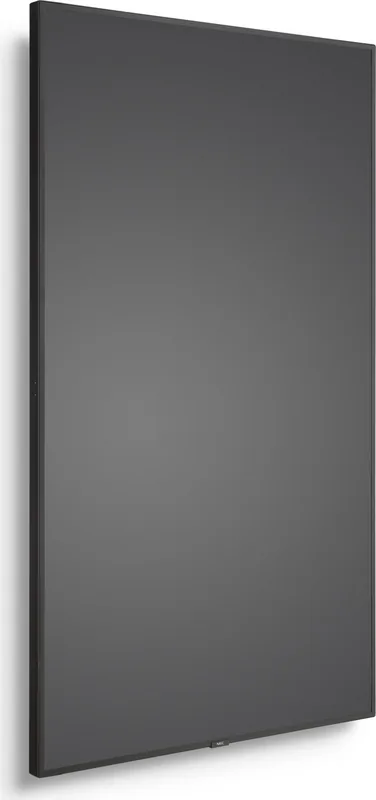
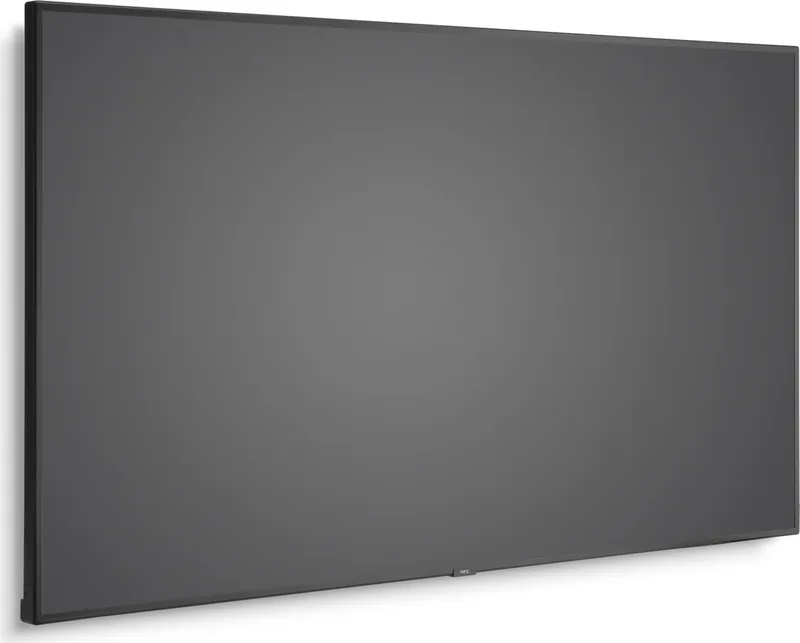
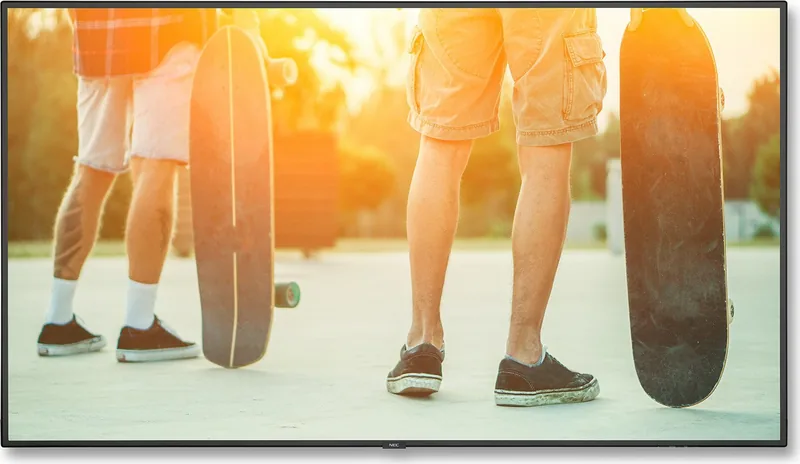
NEC MultiSync V864Q Manual
PDF manual · 79 Pages
English



Quick check
Incorrect answer, please try again.
Chat with your NEC MultiSync V864Q manual using AI
Get instant AI answers from your NEC MultiSync V864Q manual
Ask anything about the NEC MultiSync V864Q. Answers come from this manual, with the pages they are based on.
MultiSync V864Q Maintenance Schedule
If the fan operates continuously, clean the ventilation holes at least once a month.
To ensure reliable function, clean the openings on the back of the casing at least once a year to remove dirt and dust.
Regularly check the mounting bracket for loose screws, deformation, or other problems, and inspect the mounting site for damage.
Free maintenance reminders
Timed to your purchase date. Always free, unsubscribe anytime.
Ask a Question
Do you recommend MultiSync V864Q?
Yes NoFrequently Asked Questions
The V864Q supports DisplayPort (in/out), three HDMI inputs, USB (type A and B ports), microSD, LAN (two RJ-45 ports), RS-232C, and analog audio connections. DisplayPort out enables daisy-chaining multiple monitors.
Is this answer helpful?
Yes. The integrated Media Player plays supported still and motion files from a USB storage device or microSD card, supports auto-play/slideshow, background audio (BGM), shared-folder copying over LAN, and emergency-content playback.
Is this answer helpful?
Professional installation by qualified personnel is recommended. Use VESA M8 mounting interfaces, follow NEC screw length and fastening force guidance, leave ventilation clearances, and secure safety wires. Improper mounting can void warranty and cause damage or injury.
Is this answer helpful?
The V864Q offers multiple picture modes, SpectraView Engine support, gamma presets, white-point and RGB adjustments, uniformity compensation, and metamerism controls. For precise color tasks, use NEC’s calibration software and hardware workflows.
Is this answer helpful?
Supported still formats include JPEG and PNG (within resolution limits). Video codecs include MPEG-1/2, H.264, WMV and container formats like MP4, MOV, MPG, FLV; audio formats include MP3 and WAV. Maximum motion image resolution and bitrates apply—pre-encode content to supported specs to ensure playback.
Is this answer helpful?
The monitor supports LAN control via HTTP browser, remote management (including RS-232C), shared-folder settings for copying content to microSD, and scheduling. Use the monitor’s Network settings and NEC management tools for centralized control.
Is this answer helpful?
Keep ventilation clear, clean vents and fan areas periodically, use a lint-free non-abrasive cloth for the panel, avoid harsh cleaners, inspect mounting hardware periodically, and follow NEC guidelines for power cord grounding and cable use.
Is this answer helpful?
Advantages and Disadvantages
Advantages

- Large 86" UHD panel with advanced picture modes and SpectraView compatibility for accurate color reproduction.
- Integrated Media Player supporting USB and microSD content, auto-play, slideshow, and emergency-content triggers.
- Extensive connectivity: multiple HDMI, DisplayPort (including daisy-chain out), LAN, RS-232C, and USB ports.
- Robust installation features: VESA M8 mounting, eyebolts, option board slots, and clear ventilation/thermal guidelines.
- Enterprise features: scheduling, network shared-folder copying, multi-picture/tile matrix, and remote management options.
Disadvantages

- Large physical size requires professional mounting and significant wall/ceiling support.
- Some advanced functions depend on optional boards or specific firmware/cable configurations.
- High-resolution and multi-screen setups may need careful cable and bandwidth planning (e.g., DisplayPort/MODE settings).
- Media Player format limits (codec/bitrate/resolution) may require pre-encoding content to supported specs.
- Maintenance (fan vents, cleaning) and careful handling are required to avoid reduced lifetime or image persistence.
Product Specification
Diagonal
86"
Resolution
3840x2160, 16:9
Brightness
500cd/m²
Contrast
1.200:1 (static), no information (dynamic)
Response time
8ms
Viewing angle
178°/178°
Panel
IPS
Shape
straight (flat)
Backlight
White-LED
HDR
N/A
Refresh rate
60Hz
Signal frequency
no information (horizontal), no information (vertical)
Connections
3x HDMI 2.0, 2x DisplayPort, 1x DisplayPort-Out, 1x 0.14in jack (Line-In)
Other connections
1x RJ-45 LAN, 1x serial, 1x JAE 80-Pin OPS, 2x IR-In (0.14in), 3x USB-A 2.0 (480Mb/s), 1x microSD
VESA
15.75x15.75in (free)
Power consumption
no information (maximum), 255W (typical), no information (old energy label A+++ to G), 0.5W (Standby)
Energy efficiency class SDR (A to G)
G
Energy consumption SDR
210kWh/1000h
Dimensions (WxHxD)
75.91x43.31x2.91in
Weight
127.43lb
Features
Speakers (2x 10W), optional external speakers (2x 15W), light sensor, motion sensor, temperature sensor, NFC, IPX5 certified (front), IPX2 certified (rear), HDCP 2.2
Manufacturer's warranty
three years
Product Description
NEC MultiSync V864Q, 86" Manual — Powerful 86" Visual Platform
The NEC MultiSync V864Q is a professional-grade 86-inch large-format display designed for demanding commercial and institutional environments. Built around NEC’s MultiSync pedigree, the V864Q combines high-resolution imaging, flexible connectivity, and robust installation options to serve digital signage, corporate presentations, control rooms, education, and collaborative spaces. Its expansive 86" panel delivers vivid visuals and reliable long-term operation, while integrated features streamline content playback and networked management.
Equipped with multiple digital inputs including DisplayPort and multiple HDMI ports, the V864Q supports UHD sources and high-refresh professional signals. It also offers a built-in Media Player that plays content from USB storage or microSD cards, enabling simple local playback of images, video, and background audio without an external player. For larger deployments, the display supports daisy-chaining via DisplayPort, LAN and RS-232 control, and options for tile matrix and multi-picture modes—ideal for video walls or multi-source presentations.
Installation and maintenance are made easier by VESA-compatible mounting, attachable eyebolts, and recommended NEC mounting practices. The display includes ventilation and thermal management with temperature-controlled fans, while firmware and optional accessory slots enable future expandability. NEC’s attention to safety and serviceability is evident in clear guidelines for grounding, cabling, and power cord use, plus mounting recommendations to ensure secure, long-lasting installations.
Color and image fidelity are strong suits: the V864Q features advanced picture modes, SpectraView Engine compatibility for color management, gamma presets, and uniformity/metamerism compensation to reduce panel non-uniformity. HDR and upscaling options help accommodate modern video sources, while picture-aspect, point-zoom, and image-flip functions add deployment flexibility. The display also supports schedule-driven power and input control, a handy feature for energy management and automated signage operations.
The unit emphasizes reliability and content workflow: the Media Player supports common codecs and formats, automatic slideshow and auto-play behaviors, shared-folder and SD-card network copying, and emergency-content triggering for rapid on-screen alerts. Remote and local control options (IR remote, RS-232C, LAN, and USB) make integration with AV control systems straightforward.
Notes:
- Follow NEC’s mounting, grounding, and ventilation guidance to avoid damage and maintain warranty coverage.
- Use recommended power and video cables (shielded, certified) for FCC compliance and reliable operation.
- For best color-critical tasks, pair the display with NEC calibration tools and SpectraView workflows.
Overall, the NEC MultiSync V864Q is a versatile, feature-rich 86" display that balances image quality, connectivity, and pro-level management features for demanding installations.
Search for 67,706 Manuals online


Type-in Brand or Model