
Navitel R800 Manual
PDF manual · 37 Pages
English



Quick check
Incorrect answer, please try again.
Chat with your Navitel R800 manual using AI
Get instant AI answers from your Navitel R800 manual
Ask anything about the Navitel R800. Answers come from this manual, with the pages they are based on.
Ask a Question
Do you recommend R800?
Yes NoFrequently Asked Questions
It is a compact dashboard camera for recording video and photos while driving. It also offers playback, file locking, loop recording, and parking protection features for everyday road use.
Is this answer helpful?
Yes. When connected to an external power source, it powers on and begins recording automatically. This makes it convenient for drivers who want hands-free operation each time the car starts.
Is this answer helpful?
The device uses a MicroSD card and the manual recommends a high-speed Class 6 or higher card. Supported capacity goes up to 256 GB for longer recording time and better storage flexibility.
Is this answer helpful?
Yes. You can lock files manually, and the G-sensor can also protect a video automatically after a collision. Locked files cannot be deleted or overwritten by loop recording.
Is this answer helpful?
Loop recording splits video into short clips, such as five-minute segments. If the card becomes full, the camera overwrites unprotected files in the order they were created.
Is this answer helpful?
Parking mode lets the camera wake up and record when it detects vibration while the car is parked. The resulting file is protected, and the unit turns off again if nothing else happens.
Is this answer helpful?
Yes, it supports audio recording. You can capture video with sound or choose to record without sound, depending on your preference and local legal requirements.
Is this answer helpful?
Advantages and Disadvantages
Advantages

- Automatic recording starts when external power is connected, making the camera easy to use every day.
- Loop recording and file protection help manage storage while preserving important clips.
- G-sensor and parking mode add extra security by locking footage after impact or vibration.
- 4-inch screen and simple buttons make navigation, playback, and setup more convenient.
Disadvantages

- The 200 mAh battery is small, so the device is mainly meant for powered in-car use.
- WDR, plate number stamping, and some features are off by default and need manual adjustment.
- It requires a compatible high-speed MicroSD card, which adds an extra purchase requirement.
- There is no mention of GPS or wireless connectivity, so the feature set stays fairly basic.
Product Specification
Memory Type
microSD/microSDHC/microSDXC
Video Features
MOV, 1920x1080 (16:9)
Viewing Angle
170°
Display
4" LCD
Ports
USB 2.0
Product Description
Navitel R800 Manual: A Compact Dash Cam for Everyday Driving
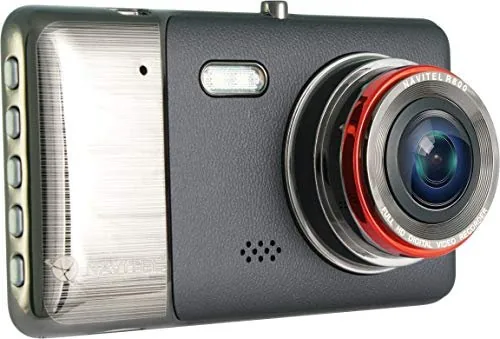
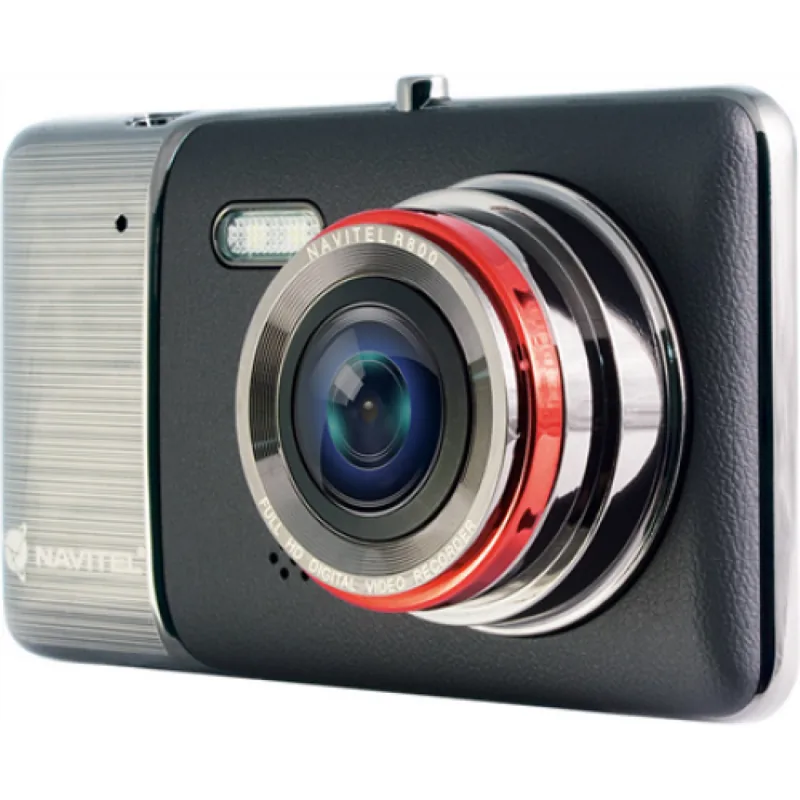
The Navitel R800 is a practical dash cam designed for drivers who want simple operation, dependable recording, and useful safety features in one compact unit. According to the Navitel R800 Manual, this DVR focuses on automatic video capture, clear file management, and easy installation, making it a solid companion for daily commutes and longer trips alike.
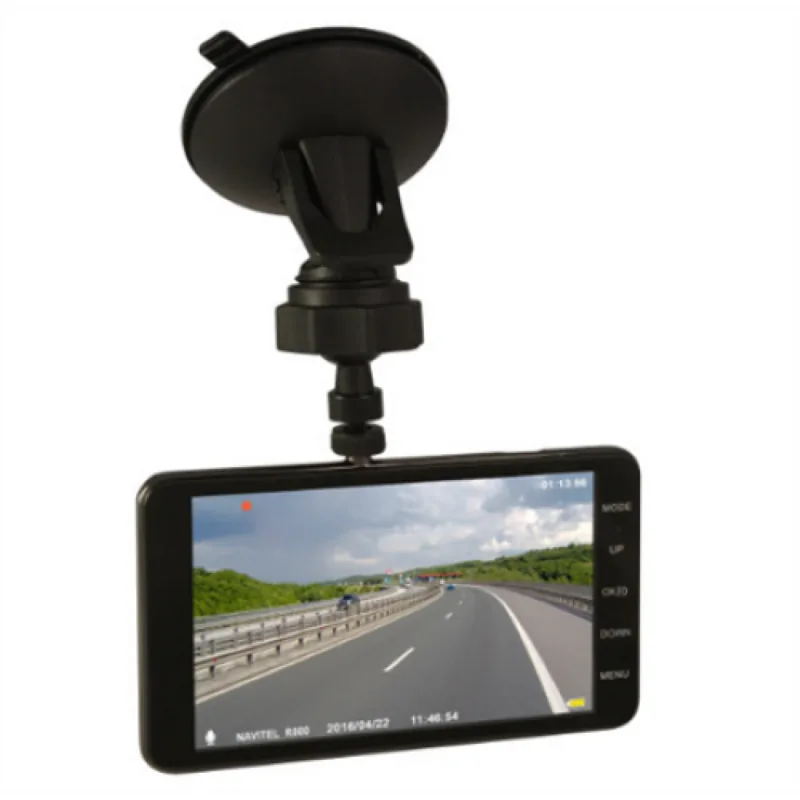
At the center of the device is a 4-inch display, which helps with quick navigation through video, photo, and playback modes. The camera uses a NOVATEK NT96655 processor and records video in MOV format, while still images are saved as JPG files. That combination keeps the workflow straightforward: power it up, mount it on the windshield, and let it start recording when the car is running.
One of the most useful features is loop recording. Instead of saving one long clip, the device divides footage into short segments, which makes files easier to manage and review later. When the memory card fills up, unprotected files are overwritten automatically, so the camera can continue recording without constant manual cleanup. For important incidents, the G-sensor can lock the current recording during sudden impact, while parking mode adds extra protection when the vehicle is parked and vibration is detected.
The Navitel R800 also includes audio recording, WDR support for better detail in varied lighting, LED lighting for darker environments, and an optional license plate stamp feature for added context. These functions make the device more than just a basic recorder; it becomes a compact driving assistant that can support everyday documentation and incident review.
Installation is simple and follows a familiar pattern: insert a high-speed MicroSD card, attach the unit to the windshield, connect power through the car charger, and aim the lens parallel to the road. The manual recommends using a Class 6 or higher card with up to 256 GB of storage. The device also supports multiple languages, which improves usability for a wide range of drivers.
Notes
- Use the original charger for best battery performance.
- Keep the lens clean for clearer recordings.
- Some features, such as WDR and plate number stamping, are disabled by default and may need manual setup.
- The battery is mainly for backup use rather than long unplugged recording.
Search for 67,706 Manuals online


Type-in Brand or Model