
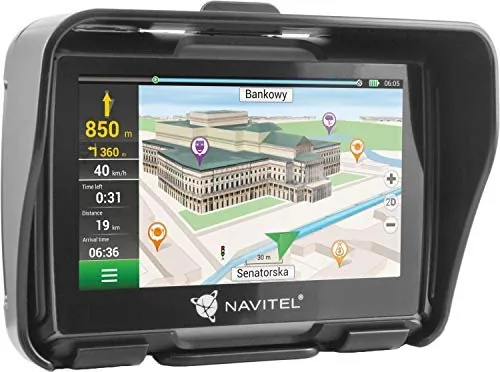
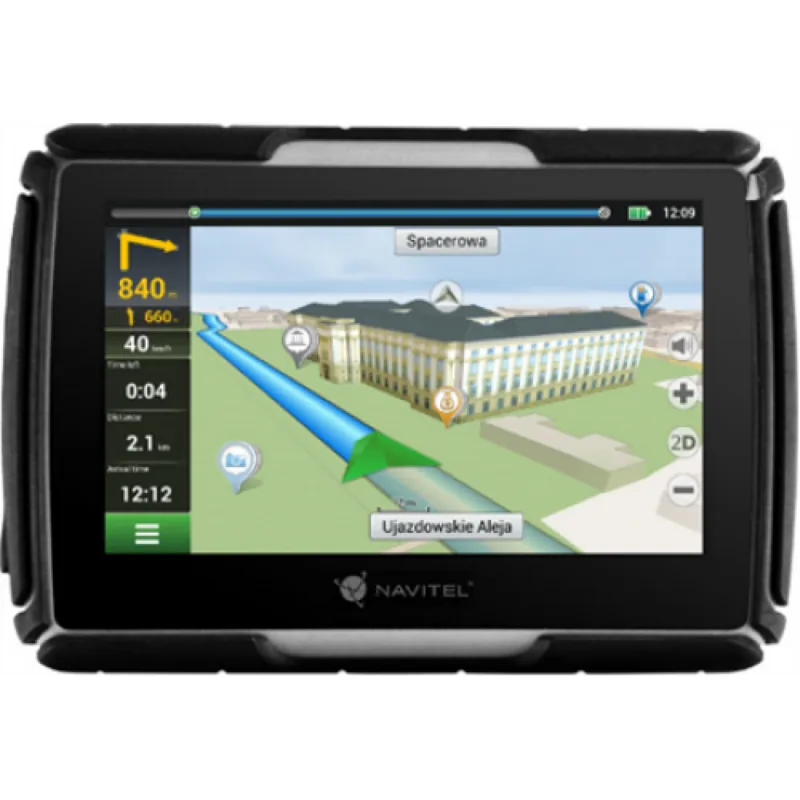
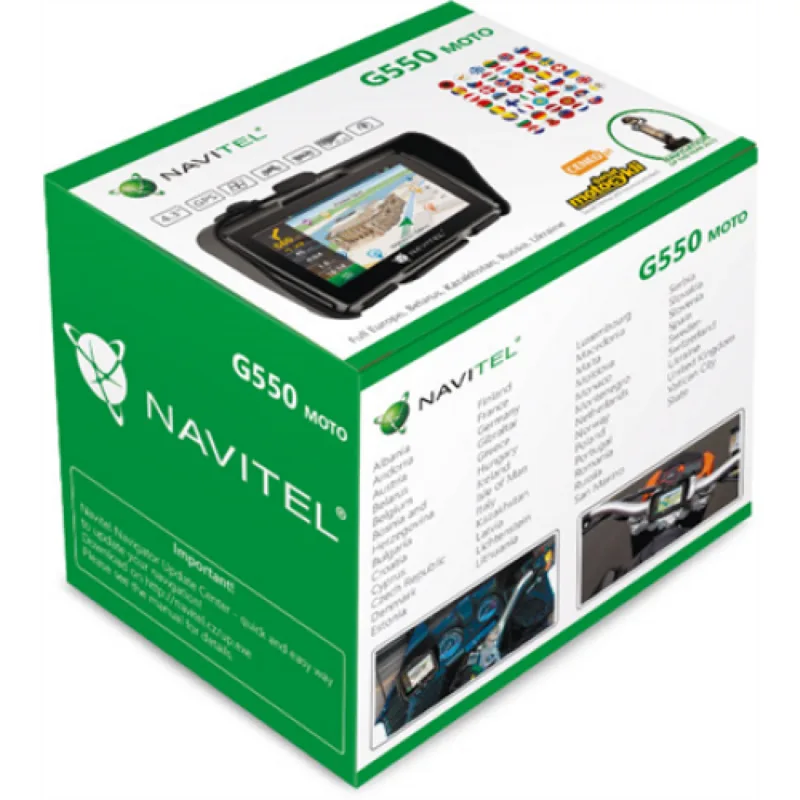
Navitel G550 MOTO Manual
PDF manual · 149 Pages
English



Quick check
Incorrect answer, please try again.
Chat with your Navitel G550 MOTO manual using AI
Get instant AI answers from your Navitel G550 MOTO manual
Ask anything about the Navitel G550 MOTO. Answers come from this manual, with the pages they are based on.
Ask a Question
Do you recommend G550 MOTO?
Yes NoFrequently Asked Questions
It is designed as a rugged GPS navigator for motorcycles and cars. The focus is on reliable route guidance, outdoor durability, and practical mounting options for different vehicle types.
Is this answer helpful?
Yes. It uses Navitel Navigator, an offline navigation application. You can plan routes, search for addresses, and view map data without needing constant internet access.
Is this answer helpful?
IP67 means the device is protected against dust and can withstand short-term water immersion within specified limits. It is well suited for outdoor riding and changing weather conditions.
Is this answer helpful?
Yes. The package includes mounting and charging accessories for both use cases, allowing you to switch between motorcycle and car setups more easily.
Is this answer helpful?
Updates are handled through Navitel Navigator Update Center on a computer. After connecting the device by USB, you can update software, install new maps, or purchase additional map packs.
Is this answer helpful?
You can reset it using the reset button on the side. If it still does not work, check the battery, power connection, and charging cable before contacting support.
Is this answer helpful?
Advantages and Disadvantages
Advantages

- IP67 protection adds strong resistance to dust and water, making it suitable for outdoor and motorcycle use.
- Includes both motorcycle and car mounting options, so it adapts well to different driving styles.
- Offline Navitel Navigator support helps with route planning even when mobile internet is unavailable.
- Provides useful navigation data such as POI, speed camera alerts, current speed, and route progress.
Disadvantages

- The 4.3-inch display is functional but small compared with newer navigation devices.
- WINCE 6.0 and modest memory specs suggest an older platform with limited modern flexibility.
- Maps and software updates require manual use of the update center, which may feel less convenient.
- MicroSD support is limited to 32 GB, which may restrict storage for some users.
Product Specification
Type
Motorcycle Navigation
Display
4.3", 480x272 Pixels
Processor
Cortex-A7, 800MHz
RAM
128MB
Internal Storage
8GB
Power Supply
Battery
Systems
GPS
Maps
Europe (47 Countries)
Navigation
Radar Warning
Connections
USB Mini-B 2.0, Card Reader (microSD), Bluetooth
Special Features
Voice Output, IP67-certified, NMEA 0183
Package Contents
Car Adapter, Mount
Product Description
Navitel G550 MOTO Manual: A Rugged GPS Companion for Riders
The Navitel G550 MOTO is built for users who need dependable navigation in tough conditions, whether on a motorcycle or in a car. Its design focuses on practicality: a compact 4.3-inch touchscreen, a sturdy mounting system, and a sealed body with IP67 protection. That means it is made to handle dust, splashes, and even brief water immersion, which is especially useful for riders who travel in changing weather.
What Makes It Stand Out
This model combines basic navigation hardware with the Navitel Navigator software, an offline routing platform that helps you plan trips without relying on constant internet access. The system supports map-based route planning, address search, POI browsing, and speed camera warnings. For daily commuting or longer rides, that offline approach can be a real advantage, especially in areas with weak mobile coverage.
The package is also fairly complete. Along with the navigator itself, users get motorcycle and car mounting options, charging adapters, a mini-USB cable, and accessories that help with setup and handling. The included Navitel G550 MOTO Manual emphasizes safe mounting, regular charging, and careful maintenance, which reflects the product’s focus on long-term use rather than flashy extras.
Everyday Use
The device supports three power sources: its rechargeable battery, a vehicle adapter, or USB connection to a computer. That flexibility makes it suitable for both short city trips and more organized travel planning at home. The manual also explains how to restart the system if it becomes unresponsive, how to connect it to a PC for updates, and how to use the update center to refresh maps or purchase new ones.
Navigation features are straightforward but useful. You can choose a point on the map, search for a known address, or build a route manually. During travel, the screen shows speed, route progress, upcoming maneuvers, and the current street name when GPS data is available. For riders, that mix of visibility and guidance is practical rather than complicated.
Notes
- Best suited for users who value durability and offline navigation.
- Regular map updates are important for accurate routing.
- The compact display keeps the device simple, but not overly modern.
- Proper mounting and careful cleaning help preserve the screen and body.
Overall, the Navitel G550 MOTO is a workmanlike GPS navigator for people who want a reliable travel tool with motorcycle-friendly hardware, clear navigation functions, and a rugged build that matches real-world road conditions.
Search for 67,706 Manuals online


Type-in Brand or Model
Lukas Schreiber
9 months ago
My unit arrived with broken port covers and loose plastic mounts, and I also miss functions like highway-avoid, lane guidance, and ETA. Are these features included, and can I get a replacement or manual?
Manual.ly
9 months ago
Sorry you had that experience. If port covers or mounts arrived damaged, please contact our support with order details and a few photos; we can arrange a replacement under warranty. For navigation features: availability can depend on the software/firmware and region. After installation, please check for updates (device firmware and app, if applicable). Then review settings for route preferences (e.g., avoiding highways), guidance style (lane arrows vs. full lane guidance), and notification types, which control what you see like ETA or remaining time. A printed manual may not always be included; the user guide can usually be downloaded from your product page. If functions still do not appear after updates, let us know and we will help troubleshoot or offer a further solution.