
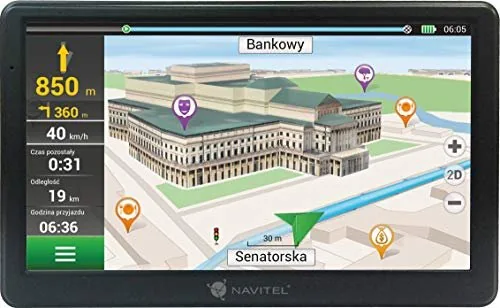
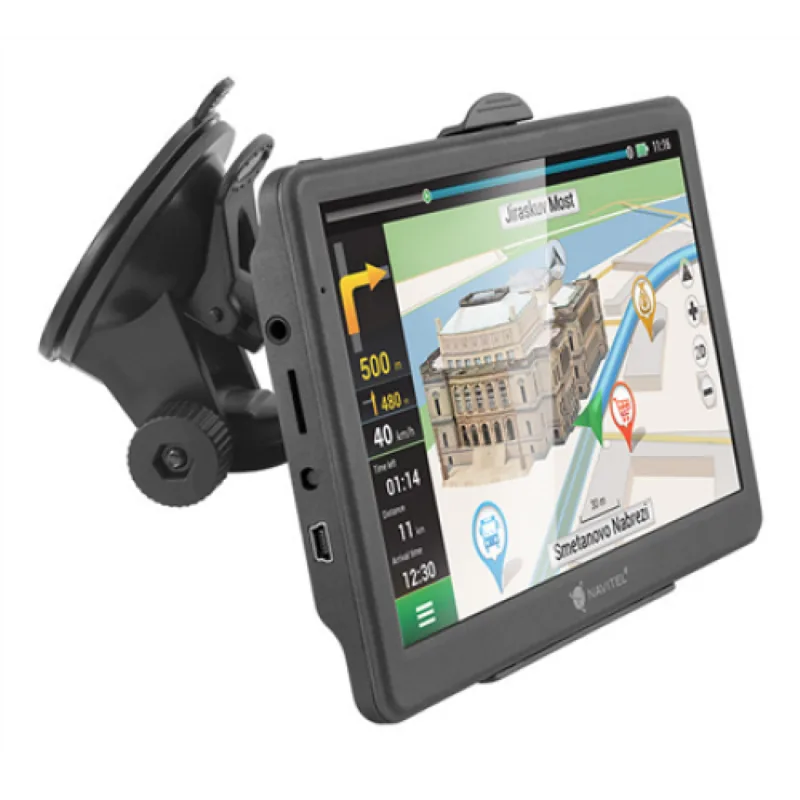
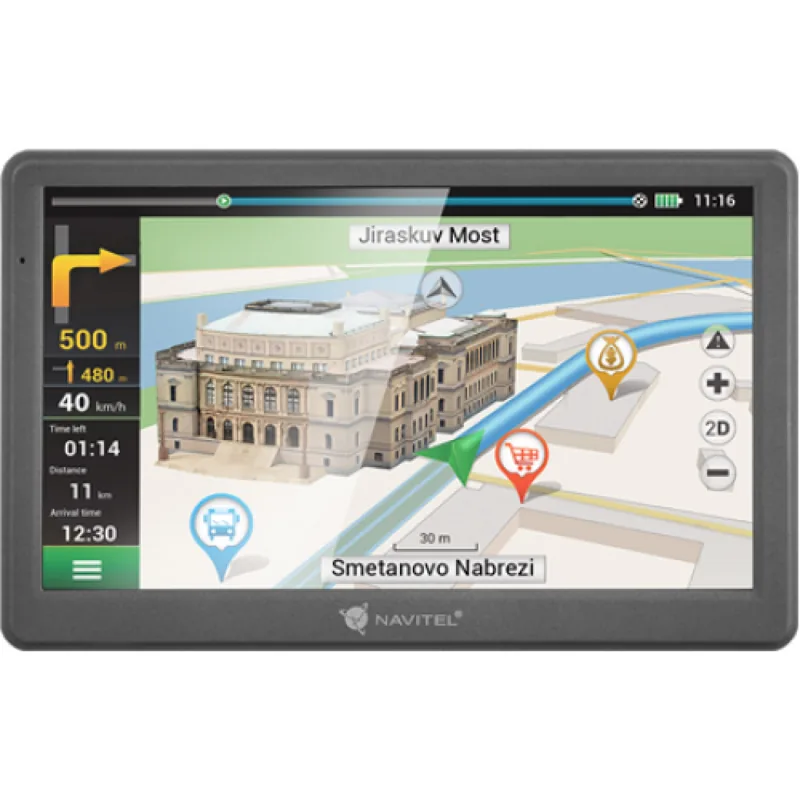
Navitel E700 Manual
PDF manual · 236 Pages
English



Quick check
Incorrect answer, please try again.
Chat with your Navitel E700 manual using AI
Get instant AI answers from your Navitel E700 manual
Ask anything about the Navitel E700. Answers come from this manual, with the pages they are based on.
E700 Maintenance Schedule
Remove the device and holder from the windscreen if left overnight to prevent damage caused by moisture condensation.
Only clean the display when the device is off using a soft cloth. Do not use paper napkins or hard materials.
Ask a Question
Do you recommend E700?
Yes NoFrequently Asked Questions
It is a dedicated GPS navigator for in-car route planning, map viewing, and turn-by-turn guidance. The device is designed for offline use with Navitel Navigator, making it suitable for drivers who want a separate navigation unit.
Is this answer helpful?
Yes. The device is built around an offline navigation application. Maps and routes are handled locally, so you can navigate without relying on a mobile data connection.
Is this answer helpful?
The package includes the Navitel E700 device, windshield holder, stylus, car charger, mini-USB cable, protective case, user materials, and a warranty card. It is ready for basic installation and use right away.
Is this answer helpful?
You can tap a point on the map, search by a known address, or manually set start and destination points. The system then offers alternative routes so you can choose the one that fits your trip best.
Is this answer helpful?
Updates are handled through Navitel Navigator Update Center on a PC. After connecting the device, the program checks for updates, installs them, and can also help you download or buy additional maps.
Is this answer helpful?
Charge it for at least five minutes, hold the power button for about eight seconds, and try again with the charger connected. If it still does not work, contact support or a certified service center.
Is this answer helpful?
Place it on a clean, dry windshield surface where it will not block the driver’s view. The manual also recommends removing the device and holder overnight to reduce issues caused by moisture condensation.
Is this answer helpful?
Advantages and Disadvantages
Advantages

- Large 7-inch display makes maps and route details easy to read while driving.
- Offline Navitel Navigator supports address search, map points, and manual route planning.
- Includes useful accessories such as a car holder, charger, stylus, and protective case.
- Update Center helps manage software updates and additional maps in one place.
Disadvantages

- 256 MB RAM and WINCE 6.0 show the device is built on older hardware and software.
- microSD support is limited to 32 GB, which may restrict extra map storage.
- The manual stresses careful mounting, since poor placement can block visibility or reduce safety.
- Battery and device performance can be affected by cold, heat, moisture, and long exposure to sunlight.
Product Specification
Type
Car Navigation
Display
7.0", 800x480 Pixels
Processor
Cortex-A7, 800MHz
RAM
256MB
Internal Storage
4GB
Power Supply
Battery
Systems
GPS
Map Data
Europe (46 Countries)
Navigation
Radar Warning
Ports
USB Mini-B 2.0, Card Reader (microSD)
Special Features
Voice Output, NMEA 0183
Package Contents
Car Adapter, Holder
Product Description
Navitel E700: A Practical Offline GPS Companion
The Navitel E700 Manual reveals a device built for drivers who want simple, dependable navigation without relying on a mobile connection. The Navitel E700 centers on a 7-inch TFT display, straightforward controls, and an offline Navitel Navigator experience that focuses on route planning, map viewing, and clear guidance on the road. For daily commuting, business travel, or longer drives, it aims to keep navigation practical rather than complicated.
What stands out
One of the biggest strengths of the Navitel E700 is its easy route setup. You can choose a point directly on the map, search by address, or manually define start and destination points. The interface is laid out so that map points, POI markers, route data, and speed information are always easy to spot. That makes it useful for drivers who prefer a dedicated navigator instead of juggling a phone app.
The device also comes with a useful set of accessories, including a windshield holder, car charger, stylus, mini-USB cable, protective case, and user materials. This makes it ready to install and use right out of the box. The manual also highlights safety-focused guidance, reminding users to set up routes before driving and to keep the device mounted in a way that does not block visibility or interfere with airbags.
Navigation features and everyday use
Navitel Navigator supports offline route planning, three alternative route suggestions, and a detailed map interface with information about speed, current street, upcoming maneuvers, and estimated arrival data. It also includes a quick-start workflow for finding addresses and saving route points. For many users, this balance of basic functions is exactly what makes the E700 appealing: it is a dedicated tool for getting from one place to another with less distraction.
Maintenance is also simple. The device should be kept dry, protected from strong heat, and cleaned only with a soft cloth. The manual notes that the display is sensitive to scratches, so careful handling matters. Updates and map purchases are handled through Navitel Navigator Update Center, which helps keep the software current and extend the usefulness of the unit.
Notes
- Best used as a dedicated in-car navigator, not a multitasking smart device.
- Ideal for users who value offline guidance and easy map-based planning.
- Careful mounting and regular updates help preserve performance and safety.
Search for 67,706 Manuals online


Type-in Brand or Model
jmullerova81
7 months ago
Is the navigation system complicated to set up, and is the PC software only available in English?
Manual.ly
7 months ago
Setup is usually straightforward if you follow the on-device start wizard (install/update, GPS signal, then add destinations). If you found it confusing, check for recent firmware updates and use the guided menus. Regarding the PC software: some versions may default to English depending on your PC region. You can often change the language in the software settings or by installing the correct language package. If you tell us your device model and the PC software version, support can confirm the available languages for your exact package and guide you to the right setting.