
Natec Toucan Manual
PDF manual · 12 Pages
English



Quick check
Incorrect answer, please try again.
Chat with your Natec Toucan manual using AI
Get instant AI answers from your Natec Toucan manual
Ask anything about the Natec Toucan. Answers come from this manual, with the pages they are based on.
Ask a Question
Do you recommend Toucan?
Yes NoFrequently Asked Questions
Plug the included nano USB transmitter into an available USB port on your computer. Your operating system (Windows, Linux, Android-compatible devices) should automatically install the necessary driver and the mouse will be ready for use.
Is this answer helpful?
To change DPI, press and hold the left mouse button and the scroll wheel simultaneously for about five seconds. The mouse cycles through three DPI settings: 800, 1200 and 1600.
Is this answer helpful?
The mouse has an Auto Power Sleep mode to conserve battery. Press any mouse button to wake it. If it still does not respond, check the battery, reinsert the nano receiver, or reconnect the USB transmitter.
Is this answer helpful?
Yes. The product is manufactured according to RoHS and complies with applicable EU directives (including radio equipment regulations). The WEEE symbol indicates it must be recycled properly, not disposed of as household waste.
Is this answer helpful?
The mouse supports PCs and compatible devices with a USB port. It is compatible with Windows XP/Vista/7/8/10, many Linux distributions and Android devices that accept USB peripherals via OTG.
Is this answer helpful?
The Natec Toucan comes with a two-year limited manufacturer warranty. Unauthorized disassembly or repair voids the warranty. For full terms, contact the retailer or the manufacturer and retain proof of purchase.
Is this answer helpful?
The nano receiver provides a working wireless range of up to approximately 10 meters under normal conditions; range may vary with obstacles and radio interference.
Is this answer helpful?
Advantages and Disadvantages
Advantages

- Compact ergonomic design suitable for prolonged use and travel.
- Three quick-switch DPI levels (800/1200/1600) for different tasks.
- Nano USB receiver with up to 10 m wireless range and plug-and-play installation.
- Energy-saving Auto Power Sleep extends battery life and wakes instantly on input.
- Compliant with RoHS and relevant EU directives; two-year limited warranty.
Disadvantages

- Basic feature set—no advanced buttons or programmable options for power users.
- Relies on battery power; no built-in rechargeable battery described.
- Limited maximum DPI (1600) may not satisfy high-precision gaming or professional design work.
- Very low RF transmit power might be less robust in noisy wireless environments.
- Minimal specification detail for button count or weight in documentation.
Product Specification
Suitability
both hands (left hand, right hand)
Buttons
3 (total), 2 (main), 1 (scroll wheel click)
Scroll wheel
1x 2-way
Tracking
LED-red/IR
Resolution
1600dpi, reducible to 1200/800dpi
Lighting
N/A
Connection
wireless (2.40GHz), USB-A (USB-A receiver)
Power supply
1x AA
Dimensions (WxHxD)
2.36x1.50x3.94in
Approximate volume
3.66in3 (approximate shape)
Weight
1.73oz
Color
multicolor, black/gray, Logo
Special features
stowable receiver
Product Description
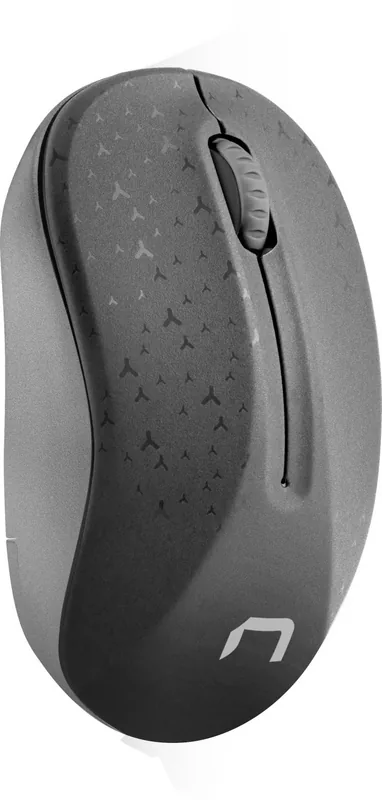
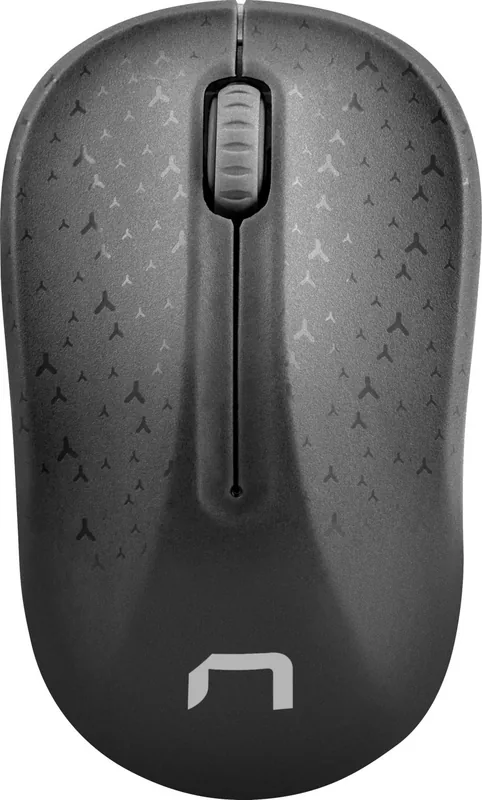
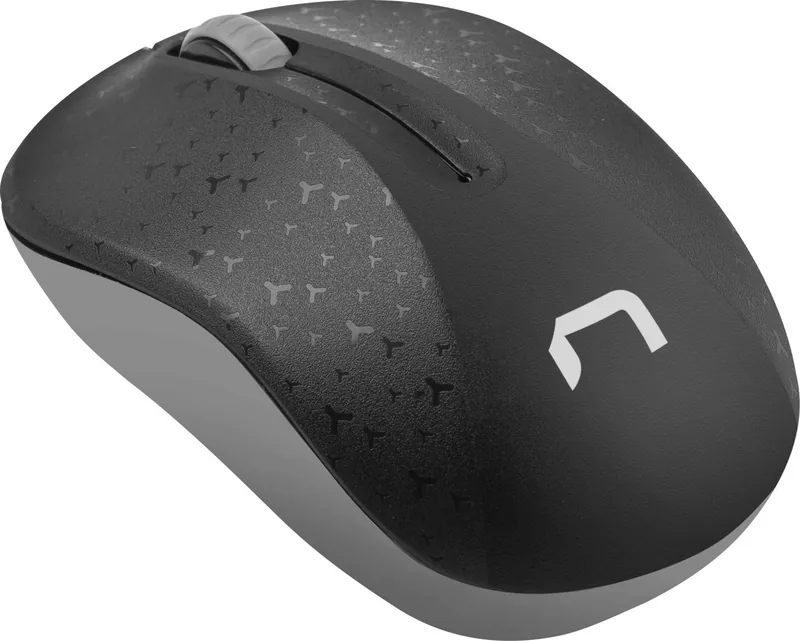
Natec Toucan Wireless Mouse schwarz/grau, USB Manual
The Natec Toucan Wireless Mouse in black/grey is a compact, ergonomic wireless mouse designed for everyday computing. It pairs with a nano USB receiver for a stable connection up to 10 meters and fits standard USB-equipped PCs, laptops and many Android devices. Built around a precise optical sensor, the Toucan offers three DPI settings (800 / 1200 / 1600) to match casual web browsing, office tasks and light graphic work. DPI is changed by holding the left mouse button and the scroll wheel together for about five seconds; the setting cycles through the three available levels.
Ergonomics and practical features make the Toucan a reliable budget peripheral. Its shape supports comfortable hand placement for extended sessions; an automatic power sleep mode conserves battery by putting the mouse to sleep after a few seconds of inactivity and waking immediately when any button is pressed. Installation is plug-and-play—simply connect the USB transmitter and your operating system installs necessary drivers automatically.
Manufactured to European standards, the device complies with RoHS and relevant EU directives (including radio equipment and hazardous-substance rules). The package includes a two-year limited manufacturer warranty and guidance on correct disposal: the WEEE symbol indicates this product should not be treated as household waste but recycled via appropriate local channels.
Technical highlights include an optical sensor supporting up to 1600 DPI, a nano receiver with up to 10 m range, frequency operation around 2405–2470 MHz and a very low transmitted RF power. The physical footprint is compact and travel-friendly, making it a suitable companion for mobile users who still want a reliable full-sized pointer experience.
For best longevity, avoid disassembling the unit (voids warranty), use it within normal ambient conditions (not in extreme temperatures, high humidity, dusty or strongly magnetic environments) and keep ventilation slots unobstructed to prevent overheating. Handle the mouse gently to avoid physical damage and follow local regulations for recycling when disposing of the product.
Notes
- Changing DPI: hold left button + scroll wheel ~5 seconds to cycle 800 / 1200 / 1600 DPI.
- Auto Power Sleep: saves battery; press any button to wake.
- Compliance: RoHS and EU directives; CE declaration available from manufacturer’s product page.
- Warranty: 2 years limited manufacturer warranty.
Search for 67,732 Manuals online


Type-in Brand or Model