
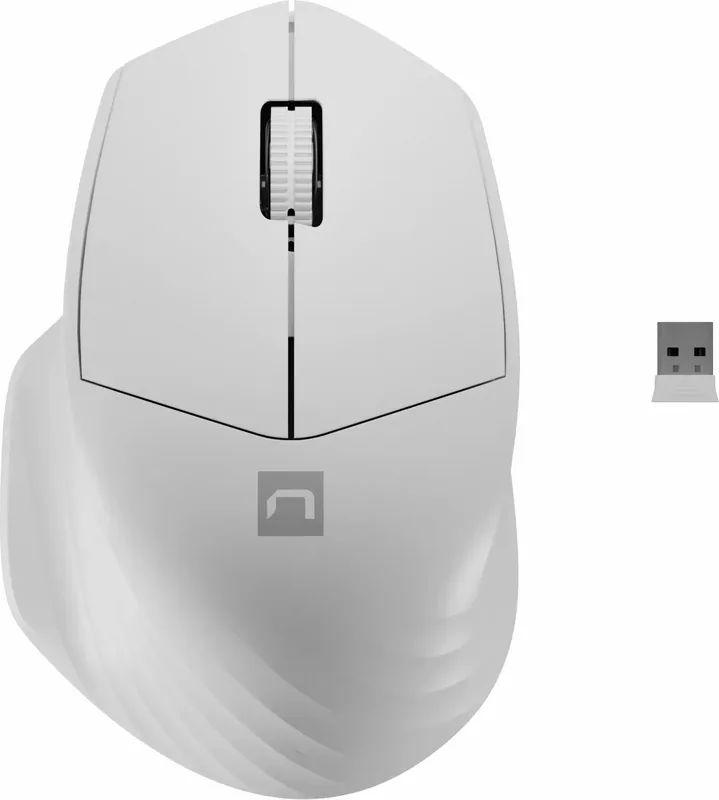
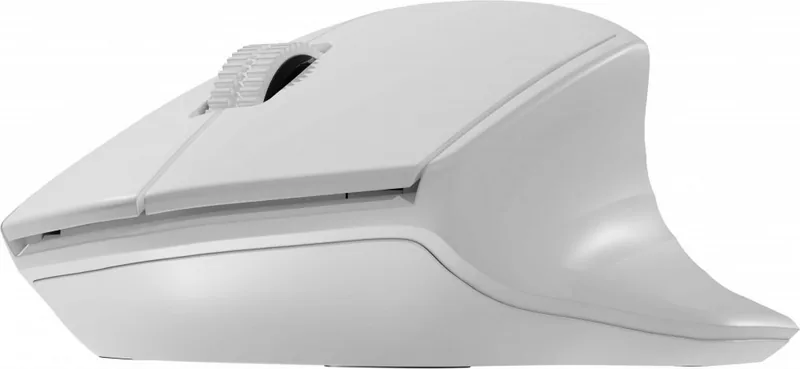
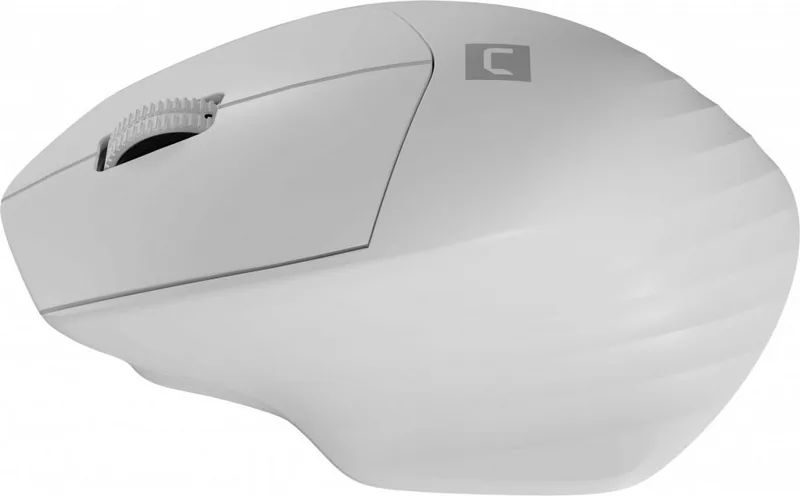
Natec Siskin 2 Manual
PDF manual · 18 Pages
English



Quick check
Incorrect answer, please try again.
Chat with your Natec Siskin 2 manual using AI
Get instant AI answers from your Natec Siskin 2 manual
Ask anything about the Natec Siskin 2. Answers come from this manual, with the pages they are based on.
Ask a Question
Do you recommend Siskin 2?
Yes NoFrequently Asked Questions
Turn the switch to ON, enable Bluetooth on device, select BT1 or BT2 on bottom button, hold for 5 seconds until LED flashes rapidly, then select Siskin 2 in device settings.
Is this answer helpful?
There are three levels of DPI settings: 800, 1200, and 1600. You can switch between them by holding the right button plus scroll wheel simultaneously for five seconds.
Is this answer helpful?
The product includes a 2-year limited manufacturer warranty covering defects under normal usage conditions provided no unauthorized repairs were performed.
Is this answer helpful?
Yes, the mouse supports Mac OS operating systems along with Windows, Linux, Android, and iOS with a compatible USB port or Bluetooth 4.0 connection.
Is this answer helpful?
Select the channel marked with the USB receiver symbol on the bottom, connect the receiver to a free USB port, and the drivers will install automatically.
Is this answer helpful?
The physical switch is located at the bottom of the mouse to conserve battery power when the device is not being used for extended periods.
Is this answer helpful?
It is safe for intended use. However, do not drop it or use it near strong magnetic fields, and avoid usage in very high or low temperatures.
Is this answer helpful?
Advantages and Disadvantages
Advantages

- Dual connectivity via Bluetooth or USB receiver for flexibility.
- Compatible with multiple operating systems including Windows, Mac, and Linux.
- Adjustable DPI settings allow customization of cursor speed and accuracy.
- Physical power switch saves battery life when device is not in use.
- Includes a two-year limited manufacturer warranty for peace of mind.
Disadvantages

- Only supports three fixed DPI levels instead of a wider adjustable range.
- Requires battery replacement for power which may require ongoing cost.
- Sensitive to dropping or impact which may damage the internal components.
- Not recommended for use in extreme temperatures or magnetic environments.
- Manual instructions must be referenced carefully for battery replacement safety.
Product Specification
Handedness
Right Hand
Buttons
3 (total), 2 (primary), 1 (scroll wheel click)
Scroll Wheel
1x 2-way
Sensor
LED-red/IR
Resolution
1600 dpi, reducible to 1200/800 dpi
Backlight
N/A
Connectivity
Wireless (2.40GHz), USB-A (USB-A Receiver) or Wireless (Bluetooth 5.0)
Power Source
1x AA
Dimensions (W x H x D)
2.87 x 1.73 x 4.33 in
Approximate Volume
5.61 in^3 (approximate shape)
Weight
3.07 oz
Product Description
Discover the Natec Siskin 2 Wireless Mouse
Modern computing requires precision and flexibility. The Natec Siskin 2 is designed to meet these demands through versatile connectivity options. Whether you prefer a wireless Bluetooth connection or a dedicated USB receiver, this mouse adapts to your workflow seamlessly. It supports a wide range of operating systems, making it an ideal choice for cross-platform users working with Windows, Mac, Linux, or mobile devices running Android and iOS.
One of the standout features is the intelligent energy management system. When the mouse enters hibernation mode, pressing any button instantly revives it. For extended periods of non-use, a physical switch located at the bottom cuts power completely to save battery life. Users can customize their cursor speed using the adjustable DPI settings. By holding the right button and scroll wheel simultaneously for five seconds, users can toggle between three resolution levels: 800, 1200, and 1600. This ensures the precision needed for both casual browsing and detailed work.
Setting up the Natec Siskin 2 is straightforward. For Bluetooth mode, users must move the switch to the ON position, activate Bluetooth on their device, and select a channel on the bottom of the mouse. Holding the channel button for five seconds triggers pairing mode indicated by a flashing LED. For USB usage, simply insert the receiver into a port, and the operating system will install drivers automatically without additional software. This flexibility solves compatibility issues for many users.
Safety and compliance are paramount. The device is constructed to meet European standards, including RoHS and WEEE regulations. This ensures environmentally responsible manufacturing and disposal guidelines are followed. The unit is safe for home and office use provided it remains within normal temperature ranges and avoids exposure to strong magnetic fields. Dropping or hitting the device can cause functional issues, so careful handling is recommended. Unauthorized repairs may void the warranty.
Backed by a 2-year limited manufacturer warranty, the product offers reliability. IMPAKT S.A. declares compliance with EU directives. The WEEE symbol indicates proper recycling methods must be used. This commitment makes it a trustworthy peripheral.
Notes
- Ensure Bluetooth 4.0 or higher is enabled on your device before pairing.
- Recycle the product according to local waste management regulations to help the environment.
- Contact the retailer for detailed recycling information if unsure.
- Keep the device away from moisture and dust to maintain longevity.
Search for 67,732 Manuals online


Type-in Brand or Model