
Natec Hoopoe Manual
PDF manual · 6 Pages
English


Quick check
Incorrect answer, please try again.
Chat with your Natec Hoopoe manual using AI
Get instant AI answers from your Natec Hoopoe manual
Ask anything about the Natec Hoopoe. Answers come from this manual, with the pages they are based on.
Ask a Question
Do you recommend Hoopoe?
Yes NoFrequently Asked Questions
Yes, the Natec Hoopoe Wired Mouse is compatible with most operating systems including Windows and macOS. It uses a standard USB interface that works instantly upon connection without requiring specific drivers.
Is this answer helpful?
The WEEE symbol indicates that the product must not be thrown away with regular household trash. It requires special recycling procedures to prevent environmental harm from electronic components.
Is this answer helpful?
No, the mouse operates on a plug-and-play basis. Simply connect the USB cable to your computer, and it will be recognized immediately by the operating system without additional software.
Is this answer helpful?
The Natec Hoopoe is primarily designed with an ergonomic shape for right-handed users. Left-handed individuals might find it less comfortable for extended periods of use due to the asymmetrical design.
Is this answer helpful?
You should take the mouse to a local electronic waste collection point or contact your retailer for recycling instructions. Do not place it in general household bins to comply with environmental laws.
Is this answer helpful?
Advantages and Disadvantages
Advantages

- Reliable wired USB connection with no latency
- Compliant with EU and RoHS safety standards
- Simple plug-and-play installation without drivers
Disadvantages

- Cable may limit mobility compared to wireless options
- Basic design lacks advanced programmable buttons
- No RGB lighting or aesthetic customization features
Product Specification
Suitability
both hands (left hand, right hand)
Keys
3 (total), 2 (main), 1 (scroll wheel click)
Scroll Wheel
1x 2-way
Scanning
LED-red/IR
Resolution
1600dpi
Lighting
N/A
Connection
wired (5.9ft), USB
Power Supply
USB
Dimensions (WxDxH)
2.2x1.3x3.9in
Approximate Volume
3.1in³ (approximate shape)
Weight
2.6oz
Color
multicolor, gray/black
Product Description
Natec Hoopoe Wired Mouse: A Reliable Companion for Your Desktop
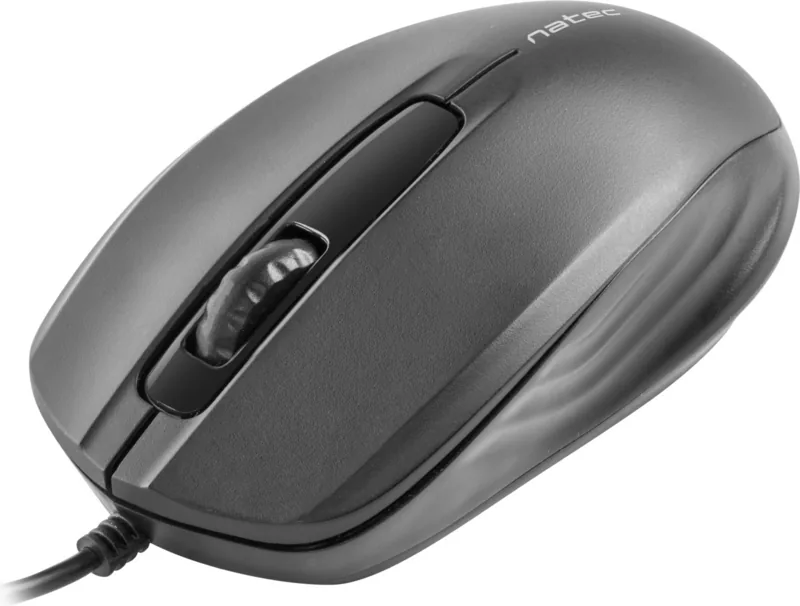
The Natec Hoopoe Wired Mouse in sleek black is designed to bring precision and comfort to your daily computing tasks. Whether you are navigating documents, browsing the web, or engaging in light gaming, this USB mouse offers a straightforward and efficient solution. Its wired connection ensures zero latency and eliminates the need for battery changes, making it a practical choice for users who value consistency and reliability.
Crafted with safety and environmental responsibility in mind, the Hoopoe adheres to strict EU requirements and the RoHS standard. This commitment means that harmful substances are minimized within the device, contributing to a healthier environment. The presence of the WEEE symbol on the product serves as a reminder that it should not be discarded as regular household waste. Instead, proper recycling through designated collection points helps protect our planet from electronic waste.
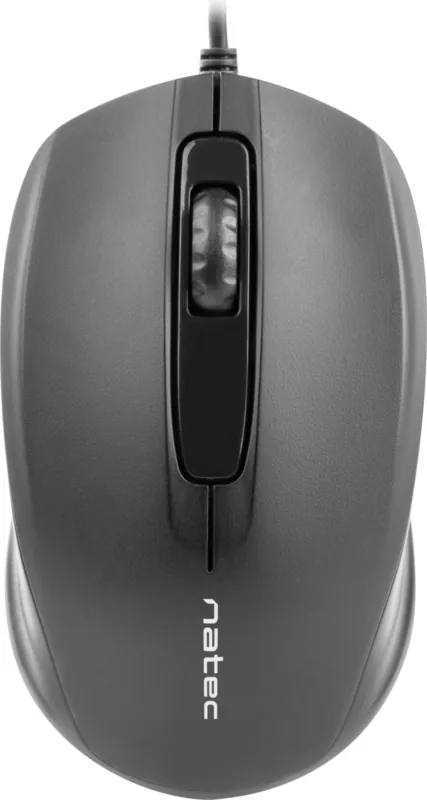
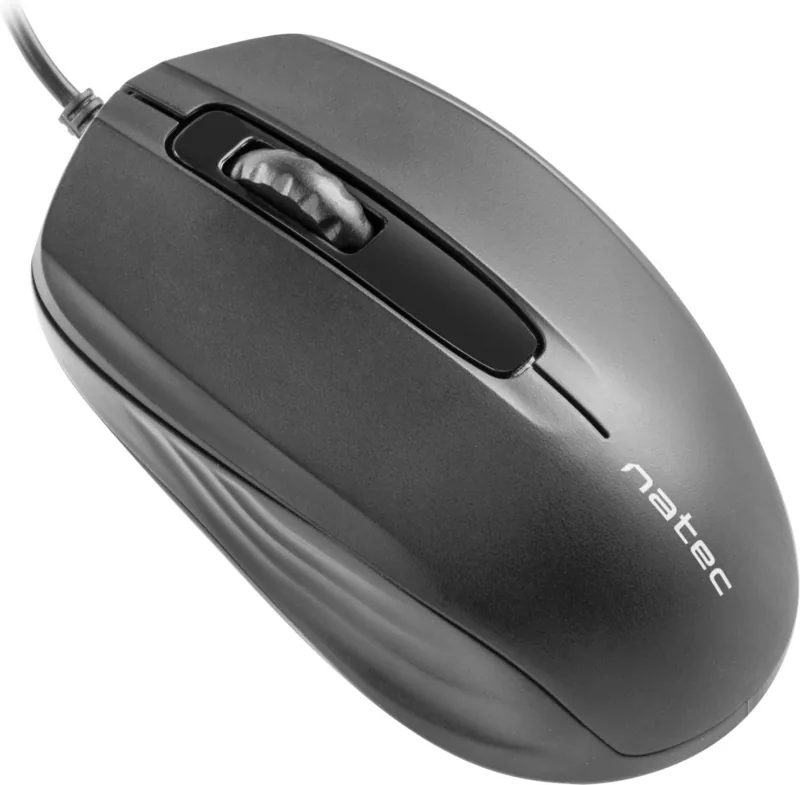
Ergonomically shaped for right-handed users, the mouse provides a comfortable grip during extended use. The matte black finish resists fingerprints and adds a professional touch to any workspace. With a simple plug-and-play setup via the USB port, installation is instantaneous without the need for additional drivers or software. This makes it an ideal accessory for offices, schools, and home setups where simplicity is key.
Important Notes
- Ensure the USB port is functioning correctly before use.
- Dispose of the product responsibly according to local e-waste regulations.
- Clean the surface regularly with a dry cloth to maintain optimal performance.
Search for 67,732 Manuals online


Type-in Brand or Model