
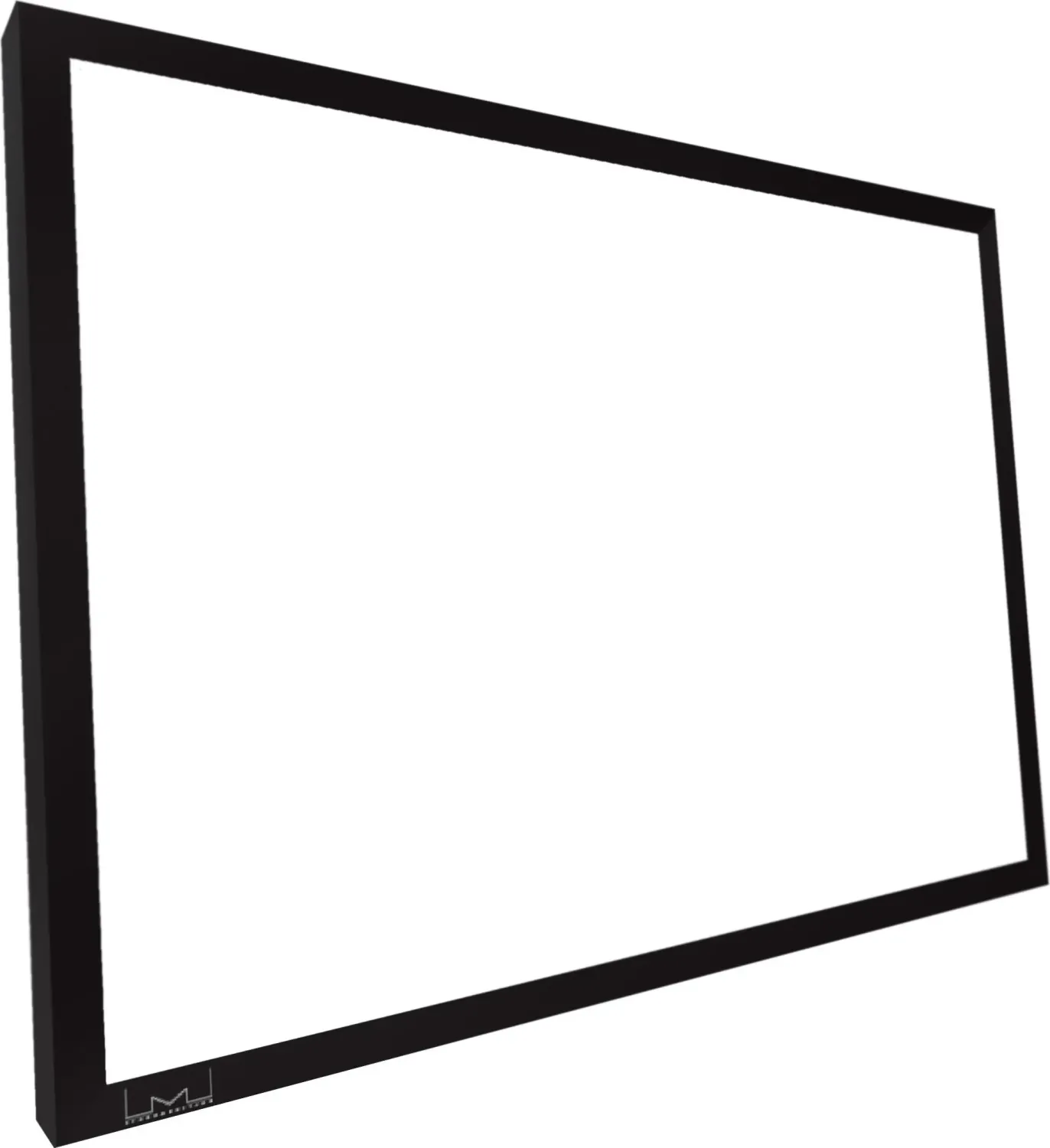

Multibrackets Framed Projection Screen Manual
PDF manual · 4 Pages
English



Quick check
Incorrect answer, please try again.
Chat with your Multibrackets Framed Projection Screen manual using AI
Get instant AI answers from your Multibrackets Framed Projection Screen manual
Ask anything about the Multibrackets Framed Projection Screen. Answers come from this manual, with the pages they are based on.
Ask a Question
Do you recommend Framed Projection Screen?
Yes NoFrequently Asked Questions
The larger surface gives projectors more room to create a cinematic image, making it better for movies, slides, and group viewing. It helps the screen feel more immersive and suitable for bigger spaces.
Is this answer helpful?
A framed screen is designed to stay flatter and look more professional. That usually improves image consistency, reduces visual distractions, and gives the projection area a cleaner, more dedicated appearance.
Is this answer helpful?
The manual focuses on safe and correct installation. It emphasizes checking the mounting surface, using suitable screws, and making sure the screen is secured properly for the room it will be installed in.
Is this answer helpful?
Not always. The guidance warns that supplied screws may not suit every wall, ceiling, or floor material. In many cases, you should replace them with hardware that matches the surface and load requirements.
Is this answer helpful?
Yes. The wide framed format and stable viewing surface make it a strong fit for home cinema use, especially when you want a more permanent and refined projection area.
Is this answer helpful?
If you are unsure about surface type, anchors, or safe mounting methods, professional help is recommended. That reduces the risk of damage and helps ensure the screen is installed securely.
Is this answer helpful?
Advantages and Disadvantages
Advantages

- Large 265x149 cm viewing area supports immersive movies and clear presentations.
- Framed design helps keep the projection surface flat and visually consistent.
- Works well in home cinema, office, classroom, and media room settings.
- Manual encourages safe mounting and correct hardware selection for each surface.
Disadvantages

- Installation may require screws or anchors different from those supplied.
- Fixed framed design is less flexible than portable or retractable screens.
- Correct mounting can be challenging without experience or the right tools.
- Best results may require professional help when wall or ceiling material is uncertain.
Product Specification
Screen Area
104.33x58.66in
Screen Diagonal
120"/120.08"
Aspect Ratio
16:9
Gain
1.0
Operation Mode
Manual
Product Description
Multibrackets Framed Projection Screen 265x149cm Manual
The Multibrackets Framed Projection Screen 265x149cm is built for anyone who wants a clean, dependable surface for sharp and engaging projection. With a generous viewing area, it gives movies, presentations, and streamed content a more polished look than a plain wall can offer. The framed construction helps the screen stay evenly tensioned, which supports a flatter image and a more consistent viewing experience.
This screen fits naturally into home cinema rooms, offices, classrooms, and shared media spaces. Its wide format is especially useful for modern projectors that are designed for cinematic viewing, making it a strong choice when picture clarity and visual impact matter. A fixed framed screen also adds a more permanent and professional feel to the room, turning the display area into a dedicated focal point rather than a temporary setup.
The manual guidance is an important part of the product experience. It reminds users that mounting hardware must match the surface, whether the screen is being installed on a wall, ceiling, or another structure. That attention to installation details helps protect both the screen and the surrounding space. For many buyers, this is a valuable reminder that a projection screen is not just about size and style, but also about secure and correct mounting.
Another strength of the Multibrackets Framed Projection Screen 265x149cm Manual is its emphasis on safe setup. The included instructions suggest checking the material of the mounting surface and replacing screws when needed. That practical advice is especially helpful for users working with different building materials, since the wrong fasteners can compromise stability. If there is any uncertainty during installation, professional help is the sensible choice.
Overall, this screen offers a strong balance of scale, structure, and reliability. It is best suited to users who want a fixed projection solution that looks neat, performs consistently, and supports a more immersive viewing environment.
Notes
- Always confirm that the mounting surface can support the screen.
- Use suitable screws and anchors for the material in the room.
- Consider expert installation if you are unsure about the setup.
- A secure frame can help preserve both image quality and safety.
Search for 67,732 Manuals online


Type-in Brand or Model