
Moser ChromStyle Pro 1871-0071 Manual
PDF manual · 116 Pages
English



Quick check
Incorrect answer, please try again.
Chat with your Moser ChromStyle Pro 1871-0071 manual using AI
Get instant AI answers from your Moser ChromStyle Pro 1871-0071 manual
Ask anything about the Moser ChromStyle Pro 1871-0071. Answers come from this manual, with the pages they are based on.
ChromStyle Pro 1871-0071 Maintenance Schedule
If cutting performance deteriorates despite regular cleaning and oiling, replace the blade set.
Remove attachment comb, lift blade set, and remove hair with brush and cleaning lever.
Apply oil to the blade set after cleaning to ensure good cutting performance.
Free maintenance reminders
Timed to your purchase date. Always free, unsubscribe anytime.
Ask a Question
Do you recommend ChromStyle Pro 1871-0071?
Yes NoFrequently Asked Questions
The device provides up to 90 minutes of continuous runtime when the battery is fully charged.
Is this answer helpful?
No, do not use the device in wet environments or near water to avoid electric shock hazards. Always keep it in dry rooms.
Is this answer helpful?
You can adjust the cutting length directly on the head unit to five positions ranging from 0.7 mm to 3 mm.
Is this answer helpful?
No, the battery must only be replaced by authorized service centers to maintain safety and warranty.
Is this answer helpful?
Remove the combs and hair residue, then use the easy cleaning lever and a brush to clear the blades.
Is this answer helpful?
Yes, it comes with combs for 3 mm, 6 mm, 9 mm, and 12 mm cut lengths.
Is this answer helpful?
Yes, it accepts 100 to 240 volts, making it compatible with international power outlets.
Is this answer helpful?
Advantages and Disadvantages
Advantages

- Long battery life up to 90 minutes of continuous runtime for extended use without interruption.
- Integrated automatic sensor system alerts users when blade oiling or cleaning is required to prevent damage.
- Adjustable cutting length positions allow precision cuts from 0.7 mm to 3 mm for various styles.
- Universal voltage power adapter supports 100 to 240 volts, making it safe for international travel.
- Easy cleaning lever mechanism allows quick removal of hair residue from between the blades.
Disadvantages

- User cannot replace the battery pack themselves and must use an authorized service center.
- Device must be kept away from water and wet environments to avoid electric shock risks.
- Regular oiling is mandatory for the blades to ensure smooth operation and longevity over time.
- Blade set replacement requires professional service if performance diminishes despite maintenance.
- Avoid using the device in areas with flammable aerosols or where oxygen is released.
Product Specification
Type
Hair Clipper
Power Source
Corded, Cordless (Li-Ion)
Cutting Lengths
0.03-0.47 inches
Cutting Width
1.81 inches
Features
Charging indicator light
Operating Time
1 hour
Charging Time
90 minutes
Package Contents
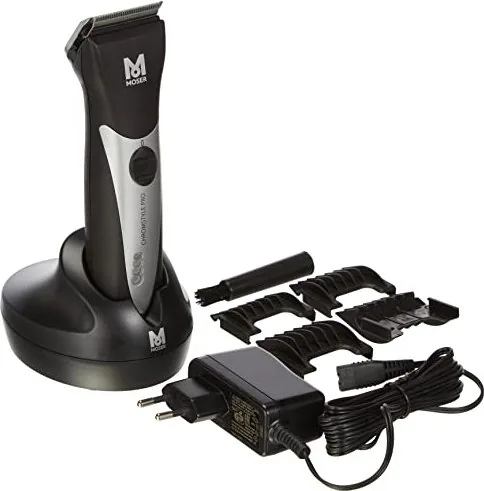
Charging station, cleaning brush, oil, 2 batteries
Product Description
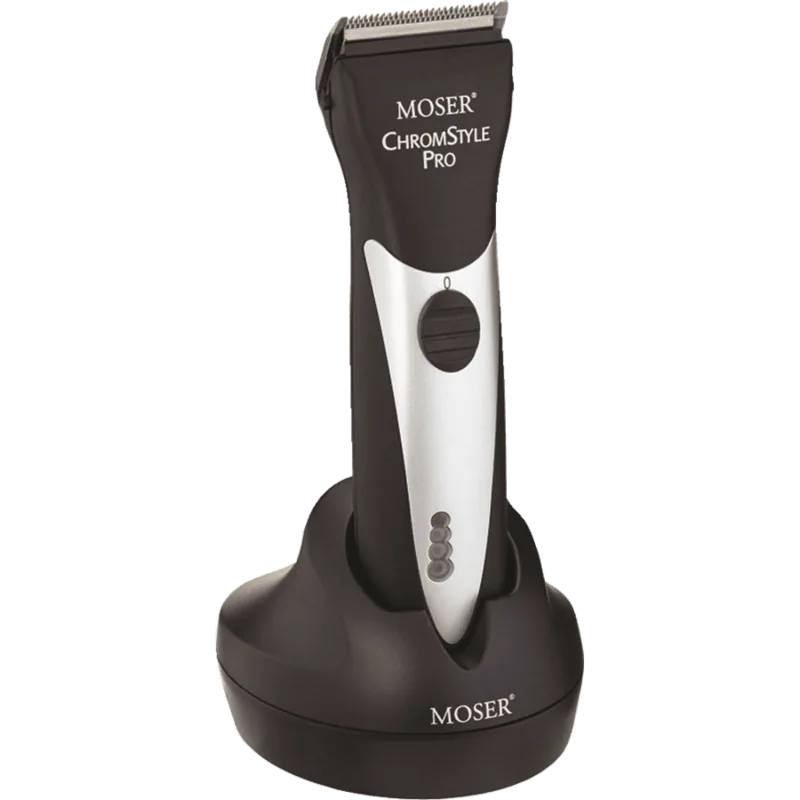
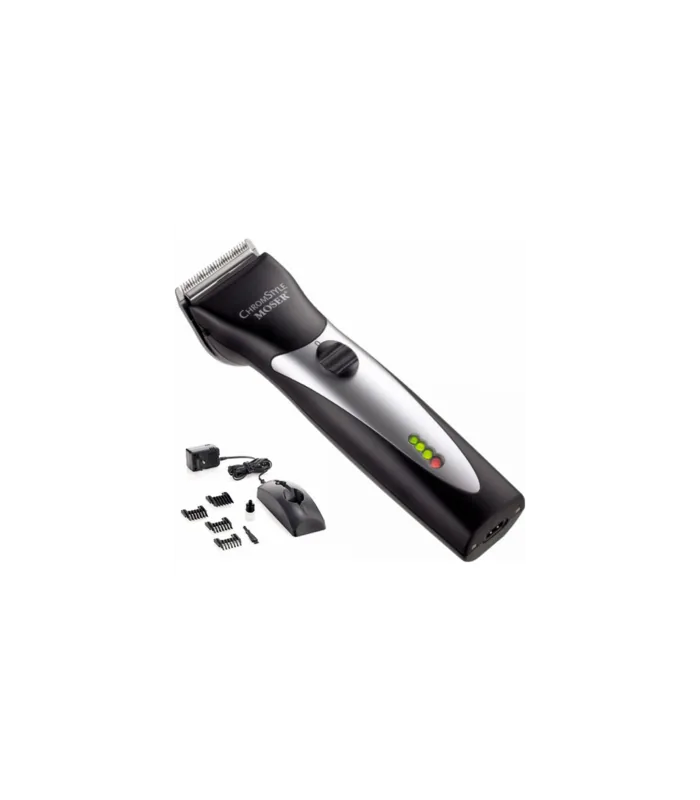
The Moser 1871-0071 ChromStyle Pro black is a versatile grooming tool designed for professional stylists and home users alike. This cordless hair clipper features a powerful DC motor paired with a LiFePO4 lithium battery that provides up to 90 minutes of continuous runtime without the hindrance of power cables. Its compact and lightweight design makes it exceptionally easy to handle during intricate styling tasks. The automatic sensor system is a standout feature, monitoring the blade set for oil levels and cleanliness continuously. If maintenance is required, an acoustic signal alerts the user, combined with a flashing battery indicator light to prevent operational issues and protect the motor.
Precision cutting is central to the performance of this device. Users can adjust the cutting length directly on the head unit to five specific positions ranging from 0.7 mm to 3 mm. This flexibility allows for various hair lengths and styles without needing to change attachments constantly. The standard package comes with multiple attachment combs measuring 3 mm, 6 mm, 9 mm, and 12 mm for different cutting lengths to suit various needs. Cleaning is notably simple due to the easy cleaning lever integrated into the blade assembly. This allows users to remove hair accumulated between the top and bottom blades quickly and efficiently.
Safety protocols are essential for the longevity and safety of the device. The appliance must never be used in wet environments or near water sources like bathrooms where it could fall. It should also not be used in areas with flammable aerosols or oxygen release systems. The power adapter is universal, accepting 100 to 240 volts, making it suitable for international travel without additional transformers. The battery charging process is managed intelligently to prevent overcharging, ensuring the battery chemistry lasts for many usage cycles before replacement. Once the battery reaches full capacity, a distinct sound signal notifies the user that charging is complete.
Regular maintenance is crucial for consistent performance and durability. Oiling the blades frequently prevents premature wear and ensures smooth operation during hair cutting sessions. If cutting quality diminishes significantly despite regular care, the blade set may need professional replacement at an authorized service center. Hygiene spray should be used to disinfect the blades thoroughly after each session to maintain health standards. Disposal of the unit must adhere strictly to local electronic waste regulations to protect the environment. The Moser 1871-0071 ChromStyle Pro black Manual includes detailed instructions on all these maintenance and safety procedures to ensure optimal function.
Search for 67,706 Manuals online


Type-in Brand or Model