
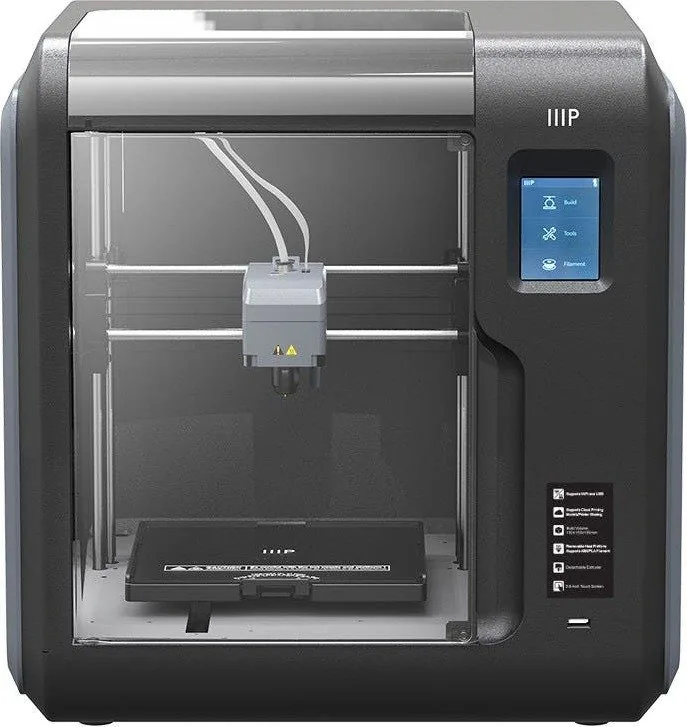
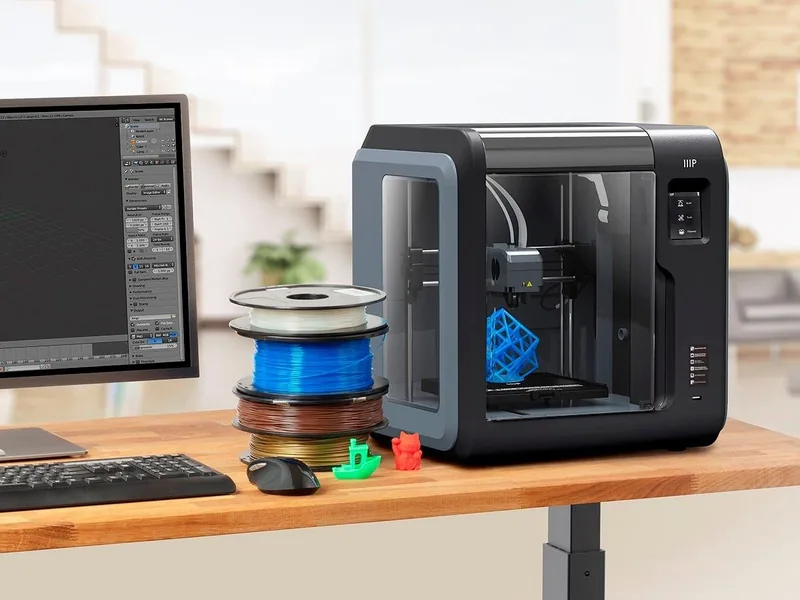
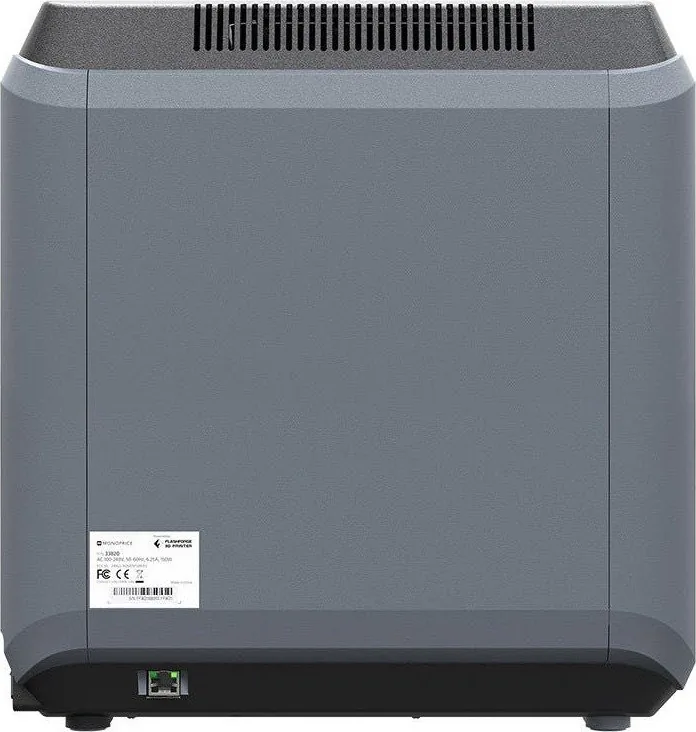
Monoprice MP Voxel Manual
PDF manual · 47 Pages
English



Quick check
Incorrect answer, please try again.
Chat with your Monoprice MP Voxel manual using AI
Get instant AI answers from your Monoprice MP Voxel manual
Ask anything about the Monoprice MP Voxel. Answers come from this manual, with the pages they are based on.
MP Voxel Maintenance Schedule
Remove filament and use the provided cleaning tool to drill out residue with rotating motions. Repeat several times.
Turn off printer and let cool. Remove old nozzle by pressing clamps and insert new one firmly. Perform calibration afterwards.
Ask a Question
Do you recommend MP Voxel?
Yes No
Lisa Chen
5 months ago
What is the maximum filament spool weight this printer supports?

Manual.ly
5 months ago
The printer is designed to accommodate filament spools up to 500 grams. Larger spools will not fit properly in the provided holder. Additionally, the filament drive mechanism is not strong enough for heavier rolls like 1kg, which could cause feeding issues. We suggest using spools within the 500g limit for optimal operation.
Frequently Asked Questions
Yes, this printer supports 1.75mm filaments including ABS, PLA, wood, and metal fill materials.
Is this answer helpful?
You can use Wi-Fi, Ethernet, or connect via a USB flash drive to upload files.
Is this answer helpful?
The printer offers a build area of 150 x 150 x 150 mm for object creation.
Is this answer helpful?
Yes, there is a built-in camera that allows for remote monitoring of prints.
Is this answer helpful?
Yes, calibration is recommended before making prints to ensure the nozzle distance is correct.
Is this answer helpful?
No, the camera and USB port cannot be active at the same time.
Is this answer helpful?
You should follow the clearing steps in the manual to fix the nozzle issue.
Is this answer helpful?
Advantages and Disadvantages
Advantages

- Features a 2.8-inch IPS touchscreen for simplified menu navigation and settings control.
- Supports multiple connectivity options including Wi-Fi, Ethernet, USB drives, and cloud integration.
- Includes a removable build plate that makes removing finished prints much easier.
- Quick disconnect nozzle design allows users to replace nozzles with minimal effort.
- Built-in camera enables remote monitoring of print progress via PolarCloud integration.
Disadvantages

- Does not automatically turn off after print jobs are completed by the user.
- ABS materials emit fumes requiring excellent ventilation for safe operation indoors.
- Camera and USB port cannot be active at the same time during operation.
- Manual shutdown is required since there is no automatic power off feature.
- Requires manual bed leveling calibration before printing to ensure print quality.
Product Specification
Process
Fused Filament Fabrication (FFF)
Configuration
1x moving print head (left/right, up/down), 1x moving print bed (forward/backward)
Construction
Complete unit, enclosed print chamber (with viewing window lid, viewing window front, viewing window left, front door), controller in device, integrated filament holder
Recommended Materials
1.75mm Filament, open system (2.09 in core diameter, 7.09 in coil outer diameter), ABS, ASA, PETG/PET, PLA
Build Volume
5.91x5.91x5.91 in (WxHxD)
Print Head
1x Print head (1x Nozzle with mono-feed, 0.02 in, Brass, interchangeable, 122-464°F), 1x Bowden Extruder
Layer Height
0.002-0.016 in
X-axis Accuracy
0.0004 in
Y-axis Accuracy
0.0004 in
Z-axis Accuracy
0.0001 in
Speeds
0.39-3.94 in/s Printing
Build Plate
Square, heated (32-212°F), removable, flexible, supported bed leveling
Interfaces
USB-A 2.0, Wi-Fi, 1x RJ-45 (10/100Base-T)
Camera
with Web interface
Scanner
N/A
Additional Features
N/A
Display
2.5 in Diagonal, color, Touchscreen, IPS
Controller
Touchscreen, 8GB integrated storage, optional via Computer, optional via Cloud
Noise Level
42dB(A)
Power Supply
100-250V, 150W
Operating Temperature
59-86°F
Dimensions
15.75x15.94x14.96 in (WxHxD)
Weight
19.84 lbs (empty)
Color
black/white (Enclosure), black (Build plate)
Included in Box
1x Printer, 2x 0.66 lbs PLA Filament (black, white), Tool kit, Cleaning kit, 1x Spare Hotend
Features
Filament Sensor, Print chamber lighting, Print chamber ventilation (with HEPA Filter)
Manufacturer Warranty
1 Year
Product Description
Monoprice MP Voxel 3D Printer Overview
The world of additive manufacturing continues to expand thanks to innovative machines like the Monoprice MP Voxel 3D Printer. This compact yet powerful device brings high-quality printing to your workspace without requiring an extensive footprint. Many makers prioritize safety during this process. With a build volume of 150 x 150 x 150 mm, it offers enough space for most creative projects while fitting comfortably on a standard desk. The device features a user-friendly 2.8-inch IPS touchscreen that simplifies navigation through menus and settings.
Setup is straightforward for most new owners. The Monoprice MP Voxel 3D Printer Manual provides detailed instructions on calibration, filament loading, and clearing clogged nozzles. Proper calibration ensures the nozzle sits at the correct distance above the build plate, which is critical for adhesion. Safety guidelines emphasize keeping the device indoors away from moisture and ensuring adequate ventilation when using ABS materials which release fumes. Maintenance is simplified by a quick disconnect nozzle design. Swapping nozzles or clearing blockages requires minimal effort when following the provided steps. The camera feature adds value by tracking progress in real time. Whether you are creating prototypes or decorative items, this machine delivers consistent results. Understanding the full capabilities ensures you get the most out of your investment in the long run.
One of the standout capabilities of this printer is its connectivity options. Users can load files via internal memory which holds 8GB of data, or connect external storage like USB drives. Wireless functionality through Wi-Fi and Ethernet allows for remote monitoring and printing. The inclusion of PolarCloud integration enables users to check print status from anywhere with an internet connection. This flexibility ensures that workflow interruptions are minimized regardless of your location. Material compatibility is another significant advantage. The printer supports standard 1.75mm filaments including ABS, PLA, and various composite materials like wood and metal fill. It achieves layer resolutions between 0.05 and 0.4 mm with a build accuracy of +/- 0.2 mm. Temperature control is precise, allowing the extruder to reach 250 C and the build platform to heat up to 100 C. These specifications cater to both beginners and experienced hobbyists seeking reliability. This printer is designed for indoor use only.
Notes
Ensure the printer operates in ambient temperatures between 15 C and 30 C. Keep the power cord away from tripping hazards. Always unplug when not in use. It is important to avoid subjecting the product to extreme force or shock during setup. Regular checks for physical damage on the power cord are recommended before plugging into the outlet. Ensure the location is well-ventilated as fumes may arise during certain types of printing materials use. Regular cleaning maintains optimal performance over time.
Search for 67,706 Manuals online


Type-in Brand or Model
OfficiisAlias28
5 months ago
Does this printer support 1kg filament spools or is it limited to 500g coils?
Manual.ly
5 months ago
The printer is optimized for 500g filament spools that fit into the built-in compartment. Larger 1kg rolls will not fit properly in the designated space, and the filament drive mechanism may struggle to feed heavier coils effectively. We recommend using an external filament holder for 1kg spools to ensure proper tension and feeding. Additionally, the cooling fan is known to become louder during extended printing sessions.