
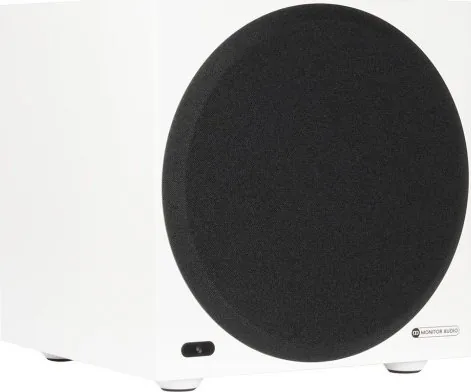
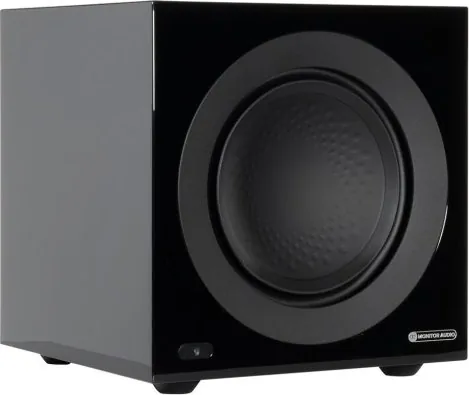
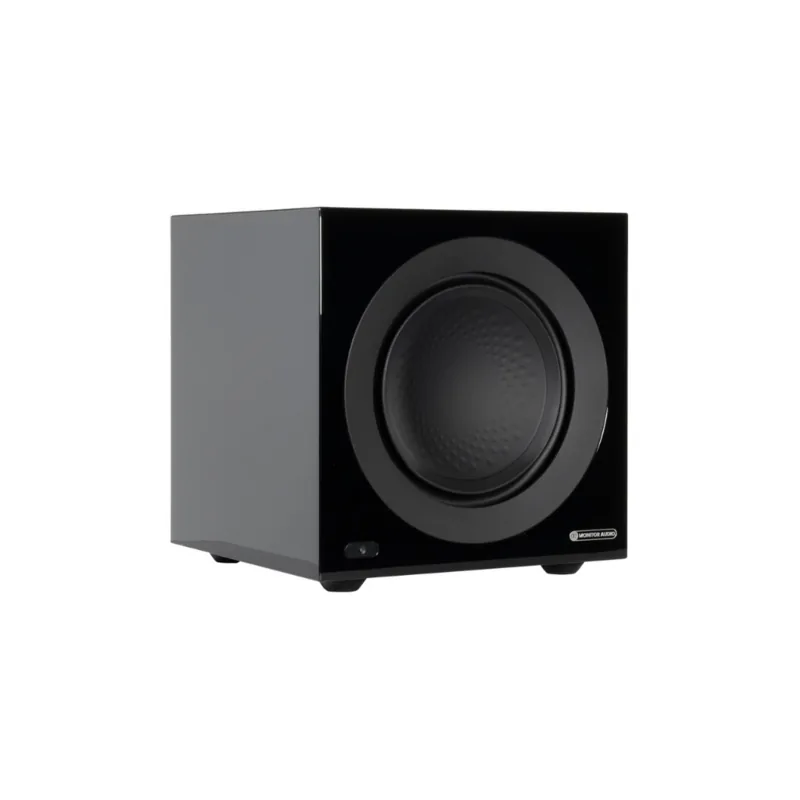
Monitor Audio Anthra W10 Manual
PDF manual · 11 Pages
English



Quick check
Incorrect answer, please try again.
Chat with your Monitor Audio Anthra W10 manual using AI
Get instant AI answers from your Monitor Audio Anthra W10 manual
Ask anything about the Monitor Audio Anthra W10. Answers come from this manual, with the pages they are based on.
Ask a Question
Do you recommend Anthra W10?
Yes NoFrequently Asked Questions
The Anthra W10 supports stereo unbalanced RCA inputs for typical stereo systems and a balanced LFE XLR input for long cable runs or professional setups. It also offers RCA and XLR link outputs for daisy-chaining additional subwoofers or amplifiers.
Is this answer helpful?
For AV systems it’s recommended to set the crossover on the AV receiver and keep the Anthra’s LPF bypassed. If using a full-range stereo amplifier without a dedicated sub out, enable the Anthra’s LPF and set an appropriate crossover frequency.
Is this answer helpful?
Use the MaestroUnite app to edit the three custom EQ presets. The app provides an 8-band parametric EQ where each filter can be adjusted (type, frequency, gain, Q) and saved; changes sync to the subwoofer automatically.
Is this answer helpful?
Yes — the front LED brightness can be adjusted or turned off via the MaestroUnite app or the subwoofer menu. The LED also displays color-coded status for pairing, updates, faults, and standby.
Is this answer helpful?
Maintain the cabinet with regular dusting using a soft or microfibre cloth; clean drivers gently with a damp cloth if necessary. Avoid solvents or aggressive polishes. Inspect feet/spikes for secure mounting and keep ventilation clear.
Is this answer helpful?
With the subwoofer powered on, press and hold the Factory Reset button for about 5 seconds. The display will show "Factory Reset in Progress." This erases Wi‑Fi credentials and all custom settings, returning the unit to default configuration.
Is this answer helpful?
Use the balanced XLR input/output for cable runs over 10 meters (up to 100 m), or when you need improved noise rejection. XLR is recommended for professional or long-distance installations to minimize interference.
Is this answer helpful?
Advantages and Disadvantages
Advantages

- Deep, controlled bass from a 10" high linear-excursion driver with high-efficiency Class-D amplification.
- Flexible connectivity: RCA and balanced XLR inputs/outputs, 12V trigger, and daisy-chain capability.
- Comprehensive tuning via front-panel encoder and MaestroUnite app with 8-band parametric EQ.
- Sealed cabinet and robust construction deliver tight transients and low distortion across listening levels.
- Clear multi-color LED status indicators and energy-efficient auto-on options for convenient use.
Disadvantages

- Sealed design may require more placement experimentation to avoid room-mode bass buildup in some rooms.
- RCA connections should be limited to under 10 m to prevent interference, requiring balanced runs for long distances.
- Factory reset erases Wi‑Fi and custom settings — inconvenient if done unintentionally.
- Weight and size can be substantial for some installations; consider footprint and handling during placement.
- Advanced tuning benefits from app familiarity; casual users may need time to learn parametric EQ features.
Product Specification
Woofer
1x 10"/10.00in
Amplification
active
Design
Front-firing
Enclosure type
closed
Power
425W RMS
Dimensions (WxHxD)
12.64x12.64x12.64in
Weight
48.94lb
Product Description
Monitor Audio Anthra W10 — Powerful, Precise, and Intuitive
The Monitor Audio Anthra W10 blends modern design with serious low-frequency performance. Built around a 10" high linear-excursion driver and a high-efficiency Class-D amplifier, the Anthra W10 delivers deep, controlled bass that integrates cleanly with both stereo and AV systems. It emphasizes simplicity without sacrificing flexibility: onboard controls and an intuitive screen let you adjust volume, low-pass filter, and EQ presets, while the MaestroUnite app unlocks deeper customization including parametric EQ, phase control, and LED brightness.
Thoughtfully engineered connectivity supports RCA line-level inputs for typical stereo setups and balanced XLR LFE for longer cable runs or professional installations. Outputs let you daisy-chain additional subwoofers or amplifiers. A 12V trigger and auto-on features offer efficient, convenient operation when paired with modern receivers. The Anthra W10’s sealed cabinet and robust construction limit distortion and deliver tight transients, making it ideal for music and home cinema where clarity and impact are both required.
Setup is straightforward: position for optimal bass response, connect signal and power, then fine-tune using the front encoder or MaestroUnite app. The onboard low-pass filter can be enabled when using full-range sources; for AV receivers the recommendation is to set crossover on the receiver and leave the Anthra’s LPF bypassed. Several EQ presets (Music, Movie, Impact) are provided, plus three user-customizable slots with an 8-band parametric EQ for precise tonal shaping.
A multi-color front LED communicates status and alerts (standby, pairing, firmware update, fault conditions) and can be dimmed or switched off. Care and maintenance are simple: regular dusting, gentle cleaning of driver surfaces, and avoidance of solvents. If needed, a factory reset clears network settings and custom presets. The W10 also benefits from Monitor Audio’s warranty and registration process for support and updates.
Notes:
- Sealed cabinet design favors tight, controlled bass rather than exaggerated boom.
- Use balanced XLR for cable runs over 10 m to minimize noise.
- Default LPF is bypassed — set crossover on an AV receiver when used in home theater.
Search for 67,706 Manuals online


Type-in Brand or Model