
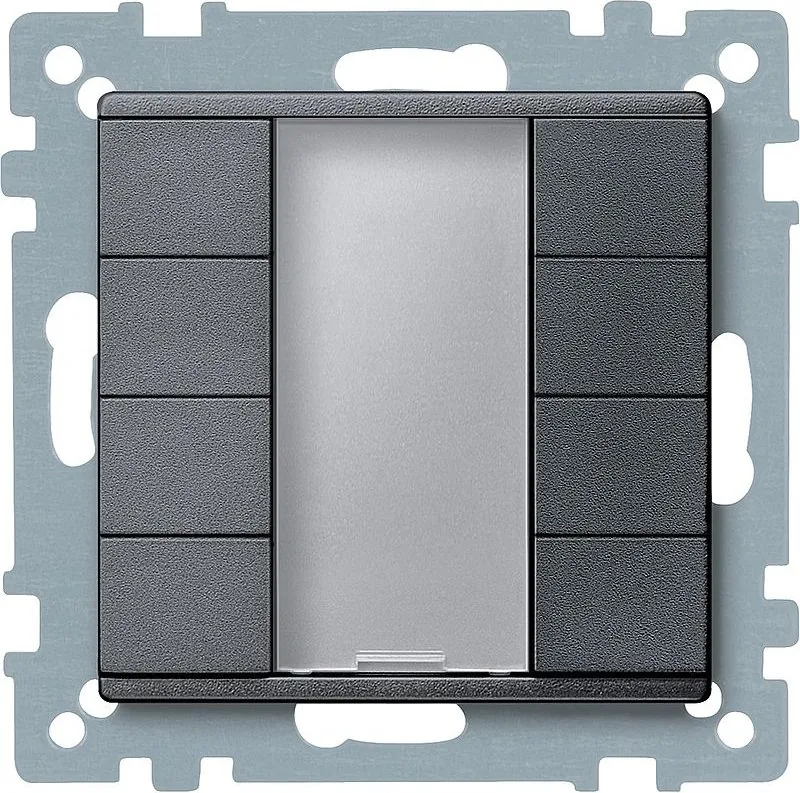
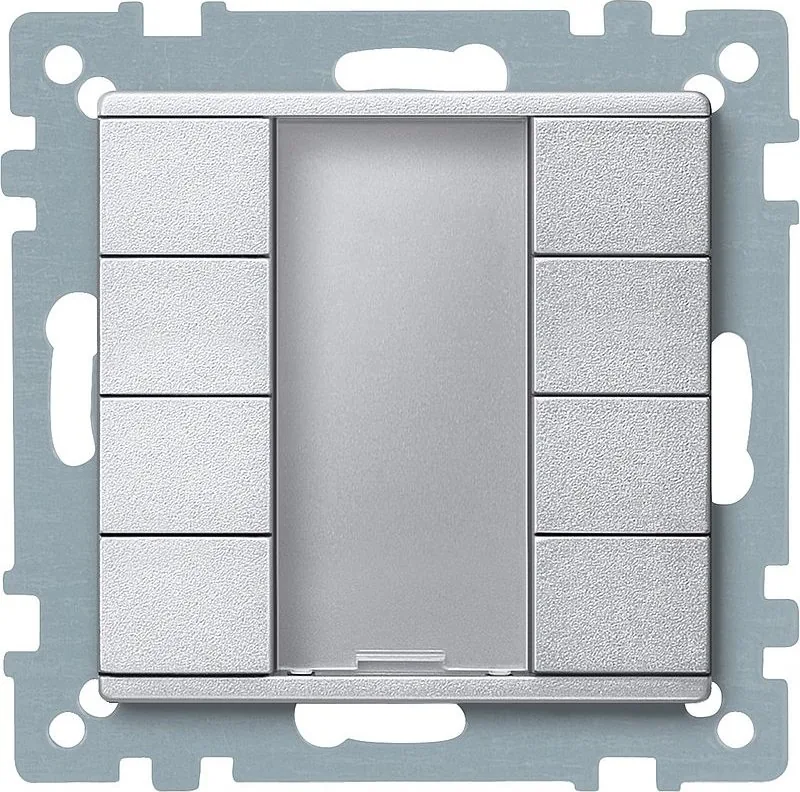
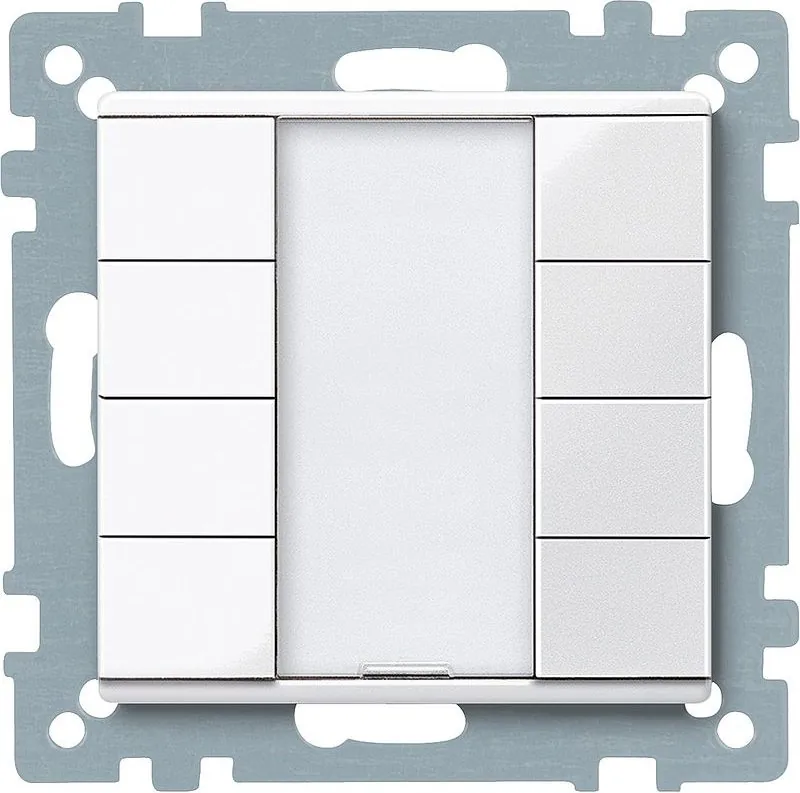
Merten Push-button Plus 4-gang Manual
PDF manual · 27 Pages
English



Quick check
Incorrect answer, please try again.
Chat with your Merten Push-button Plus 4-gang manual using AI
Get instant AI answers from your Merten Push-button Plus 4-gang manual
Ask anything about the Merten Push-button Plus 4-gang. Answers come from this manual, with the pages they are based on.
Ask a Question
Do you recommend Push-button Plus 4-gang?
Yes NoFrequently Asked Questions
No, safety regulations in DIN VDE 0105 mandate that the device must be installed by a skilled electrician. Attempting self-installation can lead to fire hazards or electrical shocks.
Is this answer helpful?
Yes, the push-buttons can be configured to perform various functions including controlling blinds and shutters alongside lighting and dimming tasks.
Is this answer helpful?
There is a minimum 17-second delay after initialization before the device can process telegrams. This ensures system stability before operation begins.
Is this answer helpful?
Most commercially available IR remote controls can be used. However, some may require a learning process, and certain models might not be compatible.
Is this answer helpful?
Hold the two uppermost right keys and the uppermost left key until LEDs flash, press the switch key, then repeatedly press the remote key until LEDs on the switch light continuously.
Is this answer helpful?
The device operates between -5 °C and +45 °C. Storage can range from -25 °C to +55 °C during transport where it can withstand up to +70 °C.
Is this answer helpful?
You need KNX-certified software to plan, install, and commission the device. The physical address and configuration settings are loaded via the EIB system.
Is this answer helpful?
Advantages and Disadvantages
Advantages

- Versatile functionality allows switching, dimming, blind control, and scene activation with a single switch.
- Built-in IR receiver enables wireless control using standard or Merten remote controls for added convenience.
- KNX system integration ensures compatibility with established intelligent building protocols for stable communication.
- Status LEDs provide clear visual feedback on button states, improving user interaction and system monitoring.
- Professional-grade mounting in System M frames offers durability and aesthetic integration into standard wall setups.
Disadvantages

- Professional installation is mandatory due to high voltage risks, preventing DIY setup for most homeowners.
- Configuration requires specific KNX-certified software knowledge which adds complexity to the initial setup phase.
- Some generic IR remotes may not pair successfully, necessitating testing or specific Merten branded remotes.
- Initialization creates a mandatory 17-second delay before the device processes any commands after power restoration.
- Limited IR reception angle of 60 degrees may require precise positioning of the receiver relative to the user.
Product Specification
Type
Sensor
Standard
KNX
Function
Pushbutton, Dimming Function, Shutter Control
Topology
Bus
Special Features
IP20
Product Description
Merten 4-button Plus Switch: Elevate Your Smart Home Experience
The Merten 4-button Plus Switch represents a pinnacle of smart home technology, designed for seamless integration into intelligent building systems. This device is part of the INSTABUS EIB system and adheres to KNX guidelines, ensuring reliable communication within your home automation network. Whether you are managing lighting, adjusting blinds, or activating specific scenes, this switch offers versatile control options tailored to modern living needs. The flexibility of this device allows homeowners to customize their environment with unprecedented ease and functionality.
Each button on the Merten 4-button Plus Switch can be programmed to perform distinct tasks, giving you granular control over your environment. You can use it to switch lights on or off, adjust dimmer settings for atmosphere creation, or control electric blinds and shutters independently. Advanced users can even load scenes to execute multiple actions simultaneously with a single press, streamlining daily routines. If you own a compatible IR remote control, the built-in receiver allows you to operate each key wirelessly, adding another layer of convenience to your daily life. The status LEDs next to each key provide immediate visual feedback, ensuring you know exactly what state your systems are in at any moment.
Installation requires professional expertise due to safety regulations specified in DIN VDE 0105. Only a skilled electrician should install this device to prevent fire hazards or electric shocks. The switch utilizes the System M frame for mounting, making it compatible with standard installations found in many European homes. Configuration is done using KNX-certified software like ETS, where physical addresses are loaded and complex functions are tailored to specific requirements. The software dependency ensures that the device remains up-to-date with the latest features and security patches available through the Merten product database online.
Temperature stability is another key feature, operating reliably between negative and positive Celsius ranges suitable for various indoor environments. The IR receiver functions within a 60-degree angle, covering most viewing positions in a standard room without requiring direct line-of-sight perfection. While most commercially available remotes work, some may require specific learning procedures for optimal pairing and reliability. Note that there is a short 17-second delay after initialization before processing commands to ensure stability after restoration. With its robust design and comprehensive support options, the Merten 4-button Plus Switch sets a high standard for user-friendly, yet powerful home automation interfaces. It is designed to last, offering peace of mind through quality engineering and reliable performance across different weather conditions during transport and storage. This product is ideal for those seeking a sophisticated and adaptable solution for their connected home ecosystem.
Search for 67,732 Manuals online


Type-in Brand or Model