
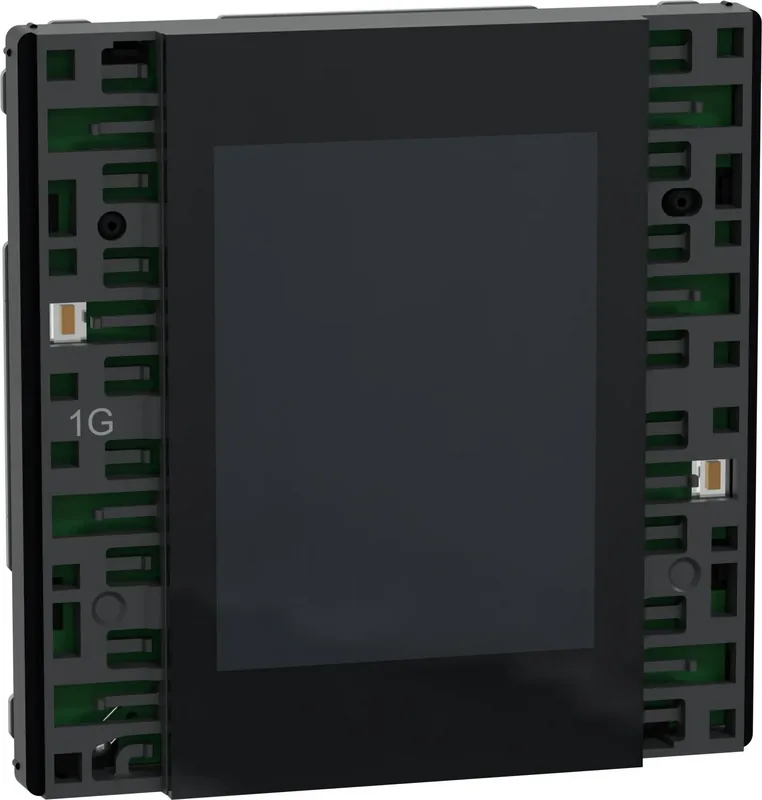
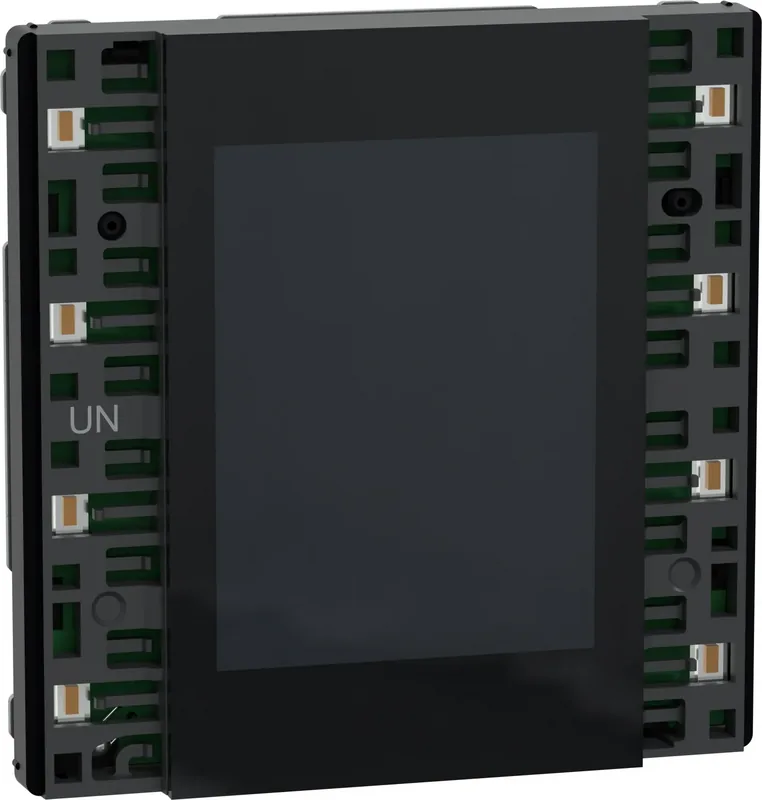
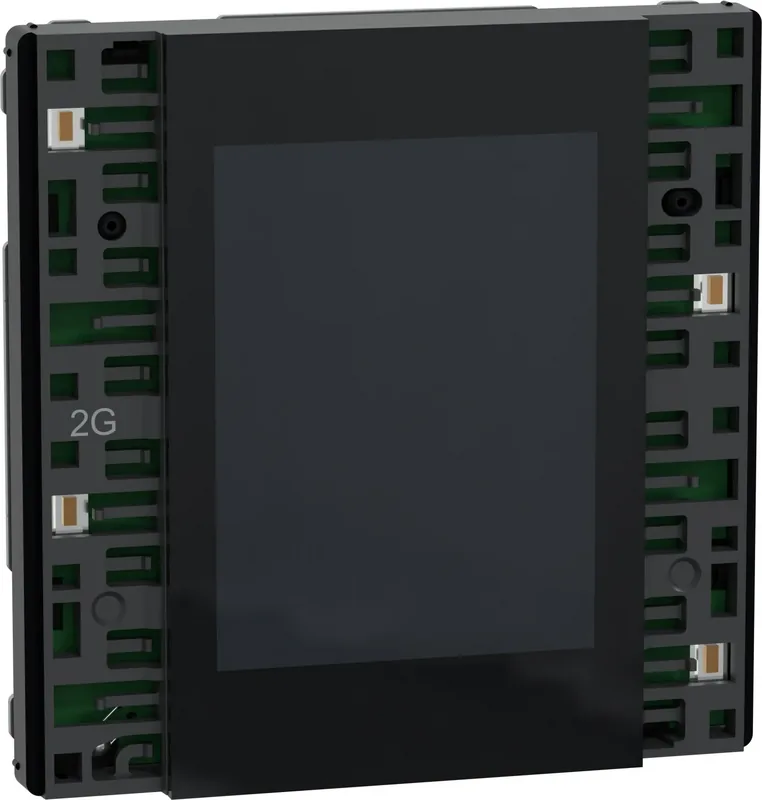
Merten KNX Push Button Flex Manual
PDF manual · 2 Pages
English



Quick check
Incorrect answer, please try again.
Chat with your Merten KNX Push Button Flex manual using AI
Get instant AI answers from your Merten KNX Push Button Flex manual
Ask anything about the Merten KNX Push Button Flex. Answers come from this manual, with the pages they are based on.
Ask a Question
Do you recommend KNX Push Button Flex?
Yes NoFrequently Asked Questions
Power is delivered directly through the KNX bus infrastructure. This eliminates the need for separate voltage lines for the switch itself, simplifying installation and reducing wiring complexity within the junction box while maintaining safety standards.
Is this answer helpful?
Only skilled professionals with knowledge in connecting electrical devices and establishing KNX networks should perform installation. They must prove proficiency in safety standards and local wiring rules to prevent hazards.
Is this answer helpful?
No, you cannot use this unit for safety critical applications requiring absolute fail-safe mechanisms. It is intended for general home automation tasks like lighting or shading control.
Is this answer helpful?
The physical dimensions are width seventy-one millimeters by height seventy-one millimeters and depth thirty-one millimeters. This fits comfortably into standard frames found in most residential buildings globally.
Is this answer helpful?
Yes, the proximity sensor activates functions when hands approach within approximately twelve centimeters. Accuracy depends on surrounding ambient brightness and clear path to the sensor face.
Is this answer helpful?
Operating ambient temperature ranges from minus five degrees Celsius up to plus forty-five degrees Celsius. Humidity must remain below ninety-three percent relative without condensation present for optimal function.
Is this answer helpful?
Configuration occurs through specialized engineering tools connected to the bus. You load the application data from software which updates the display labels and behavior dynamically for user preference.
Is this answer helpful?
Advantages and Disadvantages
Advantages

- Integrated KNX bus coupler simplifies network connections significantly
- Dynamic labeling shows current function directly on surface
- Proximity sensor detects hand approach up to twelve centimeters
- Available in one, two, three, and universal configurations
- Configurable via engineering software for personalized operation
Disadvantages

- Requires deep flush-mounted box greater than thirty-five millimeters
- Not approved for control of safety critical applications
- Strict insulation rules apply to SELV cable installations
- Sensitivity may vary depending on ambient brightness levels
Product Specification
Type
Control Unit Hardware
Standard
KNX
Function
Control
Topology
Bus
Dimensions
2.80 x 2.80 x 1.22 in
Features
IP20, Display
Product Description
Revolutionizing Smart Home Control with Merten KNX Touch Sensor Flex
Modern homes demand intelligent solutions that blend aesthetics with functionality perfectly. The Merten KNX Touch Sensor Flex stands out as a premier choice for automated lighting and shading systems worldwide. This innovative device transforms standard wall plates into highly interactive interfaces capable of handling complex household tasks through simple touch gestures alone.
At its core, the system utilizes advanced dynamic labeling technology designed for clarity and ease. Users will see exactly what function they are controlling directly on the sensor surface immediately without looking up. Configuration happens seamlessly through industry-standard engineering tools, allowing highly personalized setups without constant recalibration issues arising frequently. Each rocker option offers distinct operational modes depending entirely on your specific home automation needs and daily preferences.
Installation requires careful attention to strict technical details before beginning work. Qualified professionals must ensure full compliance with local electrical standards before mounting begins anywhere inside a residence. The device fits neatly into standard flush-mounted boxes that measure deeper than thirty-five millimeters minimum depth required. Proper cable insulation remains critical to prevent serious hazards during daily operation cycles throughout the year. Always avoid installing near direct sunlight or strong heat sources to maintain high accuracy in proximity detection capabilities over time.
Power delivery is supplied directly through the robust KNX bus infrastructure provided by your installer. This simplifies wiring considerably compared to traditional switches which require individual live wire runs constantly during renovation phases. The integrated bus coupler streamlines network connections within your broader building management system effectively and securely. You can initialize all settings quickly upon downloading fresh application data from specialized programming software tools available online. This ensures reliable communication across the entire bus network without signal loss.
Technical specifications include an IP20 protection rating ensuring safety against solid objects larger than twelve millimeters. Operating temperatures range safely between minus five degrees Celsius and plus forty-five degrees Celsius outdoors. Dimensions are compact at seventy-one millimeters square fitting most standard frames comfortably.
Important Safety Notes
Electrical shock risks always exist if proper protocols are strictly ignored during maintenance work. Basic insulation to the retaining ring must stay completely intact for SELV cables used indoors safely. Failure to follow these essential guidelines may result in severe personal injury claims affecting everyone. Never use this unit for any safety-critical applications requiring absolute fail-safe mechanisms legally.
In summary, integrating this premium touch sensor enhances user experience significantly for everyone today. Whether managing ambient lights or ventilation fans, efficiency meets modern design principles effortlessly everywhere. For those seeking reliable automation hardware, understanding correct setup procedures ensures maximum longevity and consistent performance in every single room occupied.
Search for 67,732 Manuals online


Type-in Brand or Model