
MegaSat Campingman Portable 2 Manual
PDF manual · 23 Pages
English



Quick check
Incorrect answer, please try again.
Chat with your MegaSat Campingman Portable 2 manual using AI
Get instant AI answers from your MegaSat Campingman Portable 2 manual
Ask anything about the MegaSat Campingman Portable 2. Answers come from this manual, with the pages they are based on.
Ask a Question
Do you recommend Campingman Portable 2?
Yes NoDo you recommend Campingman Portable 2?
Yes NoFrequently Asked Questions
Turn on the control unit using the main switch. After boot, choose your satellite within the first seconds using the up/down satellite buttons. The system checks connections, then starts searching. When alignment succeeds, the satellite list appears, the SEARCH LED goes off, and the display dims.
Is this answer helpful?
Antenna (FAIL) usually indicates no connection or communication issues, so check the coaxial line. Tuner (FAIL) and Button (FAIL) point to internal receiver components and may require a dealer inspection. Also confirm proper cabling and that everything is powered correctly.
Is this answer helpful?
Yes. The system is designed to work between the antenna and a receiver. It can also be used with a second receiver through the dedicated port for an additional set-top box or a twin receiver.
Is this answer helpful?
Satellite TV needs a clear view of the satellite. Trees, bridges, large buildings, heavy rain, clouds, snow, or ice can interrupt or degrade the signal. If the signal is lost, the receiver can freeze or stop the program until conditions improve, then service typically resumes.
Is this answer helpful?
Download the latest firmware from the manufacturer website, copy it to a FAT32-formatted USB stick with no other files, and insert it into the front USB socket. Turn the control unit on and let the update run automatically. Do not switch off during the update.
Is this answer helpful?
A satellite operator may change transponder frequency data. If some channels work while others do not, or the antenna cannot find the selected satellite properly, update/re-check the frequency information and repeat the search procedure.
Is this answer helpful?
Advantages and Disadvantages
Advantages

- Fast satellite search with guided LED indicators (PWR, SEARCH, ERR) for easier alignment
- Auto Skew plus 0-90 degree elevation helps optimize reception across Europe
- Compatible with digital, HD-ready set-top boxes and TVs
- USB firmware updates allow handling satellite frequency changes and improvements
- Supports single receiver use and an optional second/twin receiver via the additional port
Disadvantages

- Requires a clear line of sight to the satellite; obstacles can block signal quickly
- Heavy rain, clouds, snow, or ice may reduce reception quality or interrupt programming
- Reception can be less stable near the edge of the satellite footprint
- Firmware updates require careful USB preparation (FAT32, only the correct files)
- Installation and wiring must be done carefully (including power safety requirements)
Product Specification
Participants
2
Satellite Positions
1
Satellite Antenna
14.96 in
LNB
1x Twin
Multiswitch
no
Installation Accessories
2x Coaxial cable (32.81 ft), 1x Coaxial cable (3.28 ft), Control unit
Special Features
Auto Skew, Camping system
Product Description
MegaSat Campingman Portable 2: Portable Satellite TV with Smart Alignment
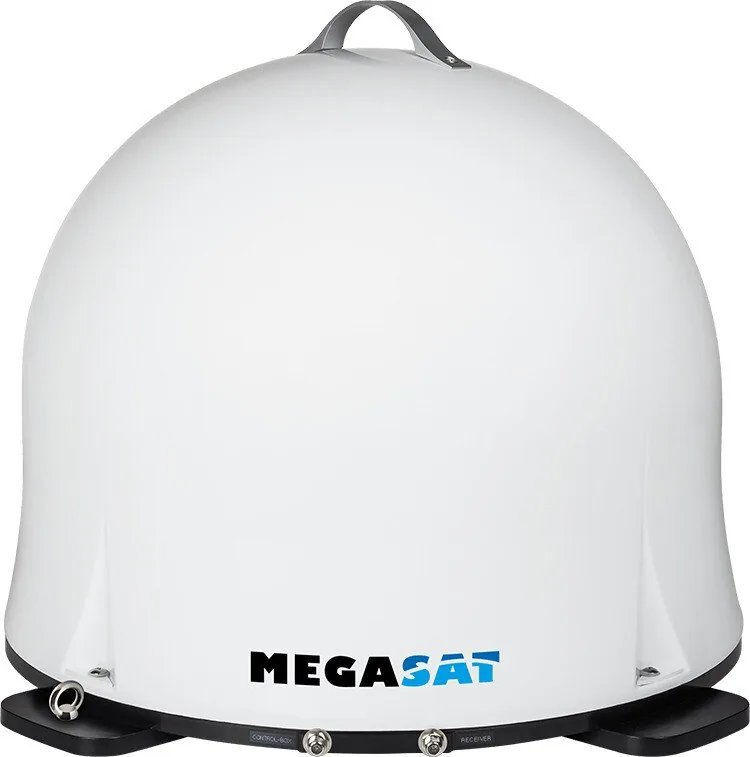
The MegaSat Campingman Portable 2 is a compact satellite positioning system designed for effortless TV viewing during camping and travel. With its automatic satellite search and dependable control unit, it helps you get signal lock quickly and then lets you enjoy your favorite channels without constantly adjusting the dish.
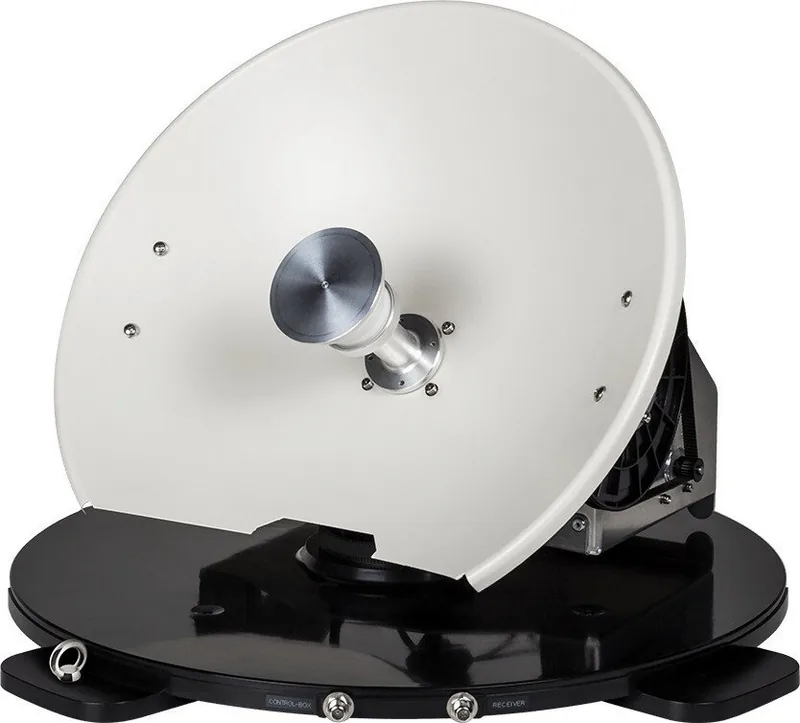
At the heart of the system is a 38 cm high-performance parabolic antenna housed in an elegant protective shell for everyday outdoor conditions. Reception is improved across Europe thanks to the Auto Skew system and elevation technology that supports a tilt range from 0 to 90 degrees. The control unit handles satellite selection and drives the antenna positioning so you can focus on the screen rather than the hardware.
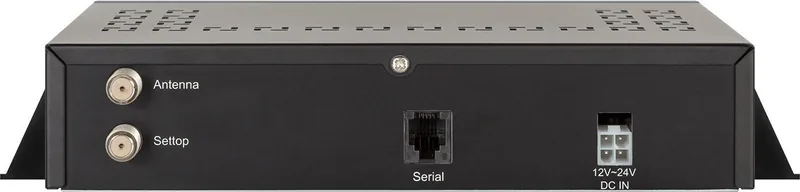
This setup is built for compatibility with digital, HD-ready TV receivers and televisions. The system connects between the antenna and your set-top box (receiver), and it can be used with a single receiver or an additional receiver through the provided port. During operation, the display and LED indicators guide you through status, searching, and error conditions.
Practical use includes clear, step-by-step startup behavior: power on the control unit, select the satellite within the first moments, and let the automatic search complete. Once aligned, the unit dims the display and you can switch satellites using the up and down selection controls.
Keeping the system up to date is also straightforward. When changes are needed (for example, satellite operator frequency adjustments), you can update firmware via the front USB port. The MegaSat Campingman Portable 2 Manual keyword is especially useful during setup and firmware steps, including formatting a FAT32 USB stick and ensuring no extra files are present.
One of the most important realities of satellite TV is line of sight. Trees, bridges, large buildings, and other obstructions can block the signal, and heavy rain, clouds, snow, or ice may degrade reception. In worst cases, programming can pause with a frozen or disappearing picture until signal conditions improve. Reception is best when you are within the satellite footprint area; edge locations can experience interference.
Key takeaways
- Auto skew and 0-90 degree elevation help optimize reception across Europe
- Fast satellite search with on-unit LED indicators for PWR, SEARCH, and errors
- USB firmware updates support changes from satellite operators
- Reliable viewing depends on clear line of sight and stable weather
Notes
- Install the control unit and receiver away from airbags and route cables carefully to avoid shorts.
- The system uses a clear satellite view; weather and obstacles can temporarily interrupt service.
- If your chosen channels do not match after a frequency change, update satellite frequency data guidance and try searching again.
Search for 67,732 Manuals online


Type-in Brand or Model
Brielle Leuschke
8 months ago
Does the satellite reception stay stable if I move around (for example turning in bed or slight vehicle movement), or will the signal drop like some reviews mention?
Manual.ly
8 months ago
Satellite TV needs a stable line of sight to the satellite. If the antenna is moved (even slightly), the receiver may lose lock and picture can stop until it reacquires the satellite. For best results, place the antenna on a firm, non-moving surface, align it toward the satellite (use the included instructions/aiming indicator if available), and keep the position steady during viewing. If the signal drops, stop movement, wait a moment for reacquisition, and then readjust the antenna position if needed. Also check that all cables are firmly connected and the setup is installed correctly (as any loose connection can reduce stability).