
Manhattan SuperSpeed USB 3.0 Hub Manual
PDF manual · 2 Pages
English



Quick check
Incorrect answer, please try again.
Chat with your Manhattan SuperSpeed USB 3.0 Hub manual using AI
Get instant AI answers from your Manhattan SuperSpeed USB 3.0 Hub manual
Ask anything about the Manhattan SuperSpeed USB 3.0 Hub. Answers come from this manual, with the pages they are based on.
Ask a Question
Do you recommend SuperSpeed USB 3.0 Hub?
Yes NoFrequently Asked Questions
You can connect keyboards, mice, webcams, flash drives, external hard drives, and most USB peripherals. The hub supports USB-A 3.0 devices and is backward compatible with USB 2.0 and 1.1 devices.
Is this answer helpful?
Model 162296 is bus-powered and works without an adapter for low-power peripherals. Model 162302 includes an AC power adapter for situations where multiple or power-hungry devices (like some external drives) need additional power.
Is this answer helpful?
The hub supports USB 3.0 SuperSpeed bandwidth (up to 5 Gbps theoretical peak), offering significantly faster transfers than USB 2.0. Actual speeds depend on connected devices, cable quality, and host computer capabilities.
Is this answer helpful?
Yes, as long as your computer has a USB-A port. The hub is plug-and-play and works with major operating systems. For devices that only have USB-C ports, a separate USB-C to USB-A adapter or cable is required.
Is this answer helpful?
Specifications and warranty details are available on manhattanproducts.com. The manufacturer provides regional warranty instructions and information about replacement procedures and coverage durations.
Is this answer helpful?
Follow local electronic waste regulations. In the EU and many regions, the hub must be taken to a designated WEEE collection or recycling point rather than thrown in household trash. Contact your local municipality or retailer for guidance.
Is this answer helpful?
Yes. The product complies with FCC Class B limits and relevant CE/EMC/LVD directives, ensuring electromagnetic compatibility and electrical safety per regional requirements.
Is this answer helpful?
Advantages and Disadvantages
Advantages

- Expands one USB-A port into four USB-A 3.0 SuperSpeed ports for faster transfers.
- Plug-and-play operation with LED power/status indicator for easy setup.
- Model 162302 includes optional AC adapter for powering multiple or high-draw devices.
- Backward compatible with USB 2.0 and 1.1 devices for broad peripheral support.
- Meets FCC Class B and CE/EMC/LVD regulatory standards and includes recycling guidance.
Disadvantages

- Bus-powered model (162296) may not support multiple high-power devices simultaneously.
- Built-in cable length may limit placement flexibility depending on workspace.
- No integrated USB-C port — requires USB-A host connection on modern devices.
- Limited to four downstream ports; users needing many ports require additional hubs.
- Power adapter included only with model 162302, requiring separate purchase for 162296 users.
Product Specification
Type
USB hub
Form factor
1x external wired (connection cable not detachable)
Host connection
1x USB-A 3.0 (plug via cable, 5Gb/s, 19.69in cable length)
Ports
4x USB-A 3.0 (female port)
Data transfer
4x USB-A 3.0 (female port, 5Gb/s)
Power supply
Power supply also via host connection, mains connection (1x barrel connector 5V/3A), external power supply possible but not included
Dimensions
1.77x0.79x2.17in (WxHxD)
Weight
0.13lb
Housing color
black
Compatibility
universal
Manufacturer's warranty
three years
USB notation
Link
Product Description
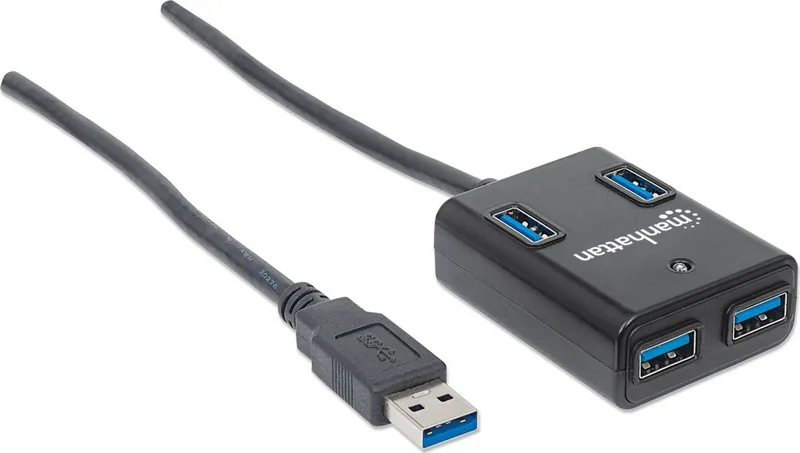
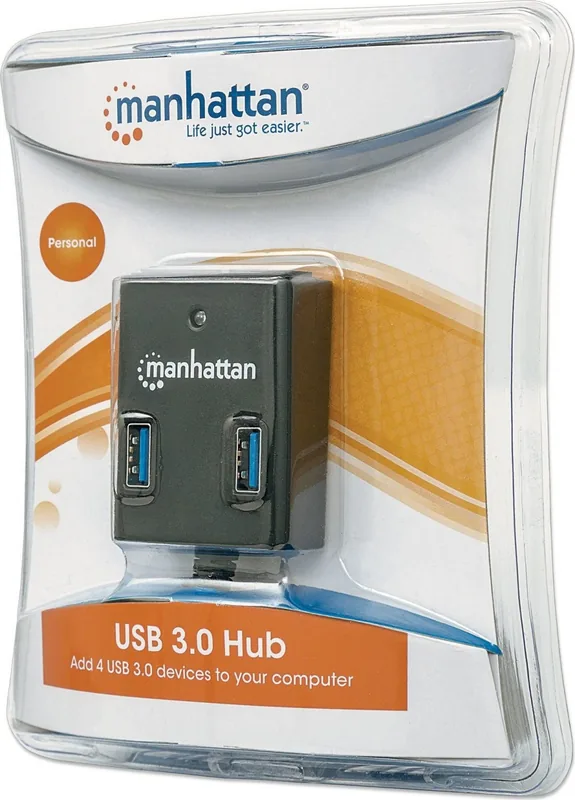
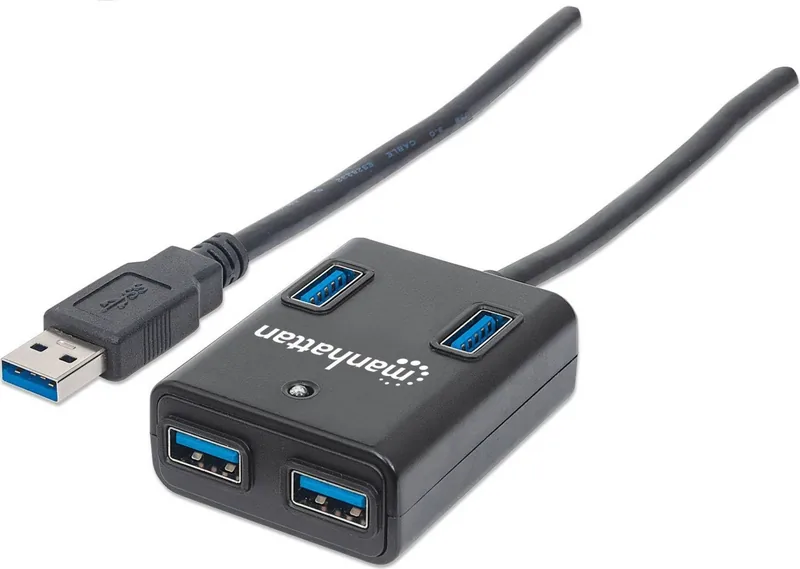
Manhattan USB hub, 4× USB-A 3.0, USB-A 3.0 (plug) Manual
Discover the Manhattan USB hub — a compact SuperSpeed USB 3.0 solution that expands a single USB-A port into four high-performance USB-A 3.0 downstream ports. Designed for everyday users and professionals alike, this hub delivers faster data transfer, plug-and-play convenience, and broad device compatibility. It’s ideal for connecting keyboards, mice, webcams, external drives, flash drives, and other peripherals without constantly swapping cables.
The hub features a built-in USB-A 3.0 plug for simple connection to your computer. An LED indicator provides immediate visual confirmation that the hub is powered and ready. Model 162302 includes an optional AC power adapter for situations where additional power is required to run multiple or power-hungry devices; model 162296 operates bus-powered for lighter setups. The hub supports standard USB 3.0 SuperSpeed bandwidth for quicker file transfers compared with USB 2.0, while remaining backward compatible with USB 2.0 and 1.1 devices.
Construction and compliance are practical strengths: the hub comes with clear setup steps — plug the built-in cable into your computer, attach the optional adapter if extra power is needed, then connect up to four peripherals. Manhattan provides specifications and warranty details online, and the product follows regional regulatory standards (FCC Class B, CE/EMC/LVD) and WEEE recycling guidance. Documentation emphasizes proper disposal and recycling to reduce environmental impact.
Who should consider this hub? Remote workers, students, gamers, and content creators who need extra USB ports without sacrificing transfer speed will benefit most. It’s also useful for office setups and conference-room stations where multiple peripherals are routinely connected. The inclusion of an AC adapter in one model broadens its usefulness for external drives or multiple powered devices.
In short, the Manhattan 4× USB-A 3.0 hub is a straightforward, dependable accessory that streamlines connectivity, boosts transfer speeds over legacy hubs, and offers flexible power options when needed. It’s a practical add-on for expanding a laptop or desktop’s USB capacity while maintaining simplicity and compliance with safety and recycling standards.
Notes
- Model 162302 includes an AC power adapter; model 162296 is bus-powered.
- LED indicates ready/power status.
- Backward compatible with USB 2.0/1.1 devices.
- Check manhattanproducts.com for spec sheets and warranty details.
- Follow local rules for electronic recycling (WEEE).
Search for 67,732 Manuals online


Type-in Brand or Model
Josefa Laureano
10 months ago
Does this USB 3.0 hub supply enough power to spin up and run an external USB 3.0 HDD, or do I need an external, stabilized power supply?
Manual.ly
10 months ago
The hub is typically fine for low-power devices like USB sticks and some SSDs. However, some USB 3.0 HDDs require higher startup (inrush) current than the USB port can deliver through a hub. In that case the drive may not be detected or may fail to start. If your HDD is power-hungry, use an externally powered (own power adapter) HDD, or choose a powered USB hub with a proper external power supply that matches your drive requirements.