Manual.ly Logo

Manhattan DisplayPort to 2-Port HDMI Splitter Hub Manual

0.0 · 0 Ratings

PDF manual · 2 Pages

English

M: OA-GPT-54-NAN
page

/ 2

Loading...
946b12239a0bb6762154ed34734f12da33d5 page 1
Important: Read before use. • Importante: Leer antes de usar.
manhattanproducts.com
ENGLISH: For warranty information, go to manhattanproducts.com/warranty.
DEUTSCH: Garantieinformationen nden Sie unter manhattanproducts.com/warranty.
ESPAÑOL: Si desea obtener información sobre la garantía, visite manhattanproducts.com/warranty.
FRANÇAIS: Pour consulter les informations sur la garantie, visitez manhattanproducts.com/warranty.
POLSKI: Informacje dotyczące gwarancji znajdują się na stronie manhattanproducts.com/warranty.
ITALIANO: Per informazioni sulla garanzia, accedere a manhattanproducts.com/warranty.
EN MÉXICO: Póliza de Garantía Manhattan — Datos del importador y responsable ante el consumidor:
IC Intracom México, S.A.P.I. de C.V. • Av. Interceptor Poniente # 73, Col. Parque Industrial La Joya, Cuautitlán Izcalli, Estado de México, C.P. 54730,
México. • Tel. (55)1500-4500 • La presente garantía cubre los siguientes productos contra cualquier defecto de fabricación en sus materiales y
mano de obra. A. Garantizamos los productos de limpieza, aire comprimido y consumibles, por 60 dias a partir de la fecha de entrega, o por el
tiempo en que se agote totalmente su contenido por su propia función de uso, lo que suceda primero. B. Garantizamos los productos con partes
móviles por 3 años. C.Garantizamos los demás productos por 5 años (productos sin partes móviles), bajo las siguientes condiciones: 1) Todos los
productos a que se reere esta garantía, ampara su cambio físico, sin ningún cargo para el consumidor. 2) El comercializador no tiene talleres
de servicio, debido a que los productos que se garantizan no cuentan con reparaciones, ni refacciones, ya que su garantía es de cambio físico. 3)
La garantía cubre exclusivamente aquellas partes, equipos o sub-ensambles que hayan sido instaladas de fábrica y no incluye en ningún caso el
equipo adicional o cualesquiera que hayan sido adicionados al mismo por el usuario o distribuidor. Para hacer efectiva esta garantía bastará con
presentar el producto al distribuidor en el domicilio donde fue adquirido o en el domicilio de IC Intracom México, S.A.P.I. de C.V., junto con los
accesorios contenidos en su empaque, acompañado de su póliza debidamente llenada y sellada por la casa vendedora (indispensable el sello y
fecha de compra) donde lo adquirió, o bien, la factura o ticket de compra original donde se mencione claramente el modelo, número de serie
(cuando aplique) y fecha de adquisición. Esta garantía no es válida en los siguientes casos: Si el producto se hubiese utilizado en condiciones
distintas a las normales; si el producto no ha sido operado conforme a los instructivos de uso; o si el producto ha sido alterado o tratado de ser
reparado por el consumidor o terceras personas.
Warranty Information
Printed on recycled paper.
© IC Intracom. All rights reserved. Manhattan is a trademark of IC Intracom, registered in the U.S. and other countries.
All trademarks and trade names are the property of their respective owners.
Regulatory Statements
FCC Class B
This equipment has been tested and found to comply with the limits for a Class B digital device, pursuant to Part 15 of Federal Communications
Commission (FCC) Rules. These limits are designed to provide reasonable protection against harmful interference in a residential installation. This
equipment generates, uses and can radiate radio frequency energy, and if not installed and used in accordance with the instructions may cause
harmful interference to radio communications. However, there is no guarantee that interference will not occur in a particular installation. If this
equipment does cause harmful interference to radio or television reception, which can be determined by turning the equipment o and on, the
user is encouraged to try to correct the interference by one or more of the following measures: reorient or relocate the receiving antenna; increase
the separation between the equipment and the receiver; connect the equipment to an outlet on a circuit dierent from the receiver; or consult
the dealer or an experienced radio/TV technician for help.
CE
ENGLISH: This device complies with the requirements of CE RED 2014/53/EU, 2014/30/EU and/or 2014/35/EC. The Declaration of Conformity
for this product is available at:
DEUTSCH: Dieses Gerät enspricht der CE RED 2014/53/EU, 2014/30/EU und / oder 2014/35/EC. Die Konformitätserklärung für dieses Produkt
nden Sie unter:
ESPAÑOL: Este dispositivo cumple con los requerimientos de CE RED 2014/53/EU, 2014/30/EU y / o 2014/35/EC. La declaración de conformidad
esta disponible en:
FRANÇAIS: Cet appareil satisfait aux exigences de CE RED 2014/53/EU, 2014/30/EU
et / ou 2014/35/EC
. La Déclaration de Conformité est
disponible à:
POLSKI: Urządzenie spełnia wymagania CE RED 2014/53/EU, 2014/30/EU I / lub 2014/35/EC. Deklaracja zgodności dostępna jest na stronie
internetowej producenta:
ITALIANO: Questo dispositivo è conforme alla CE RED 2014/53/EU, 2014/30/EU e / o 2014/35/EC. La dichiarazione di conformità è disponibile al:
manhattanproducts.com
North & South America
IC Intracom Americas
550 Commerce Blvd.
Oldsmar, FL 34677 USA
Asia & Africa
IC Intracom Asia
4-F, No. 77, Sec. 1, Xintai 5th Rd.
Xizhi Dist., New Taipei City 221, Taiwan
Europe
IC Intracom Europe
Löhbacher Str. 7
D-58553 Halver, Germany
DisplayPort Splitter Hub
with MST I nstructions
Models 152716, 152723, 207737, 207744, 207768, 207775
MH-152716-23-207737-44-68-75_QiG-1117_REV-5.01
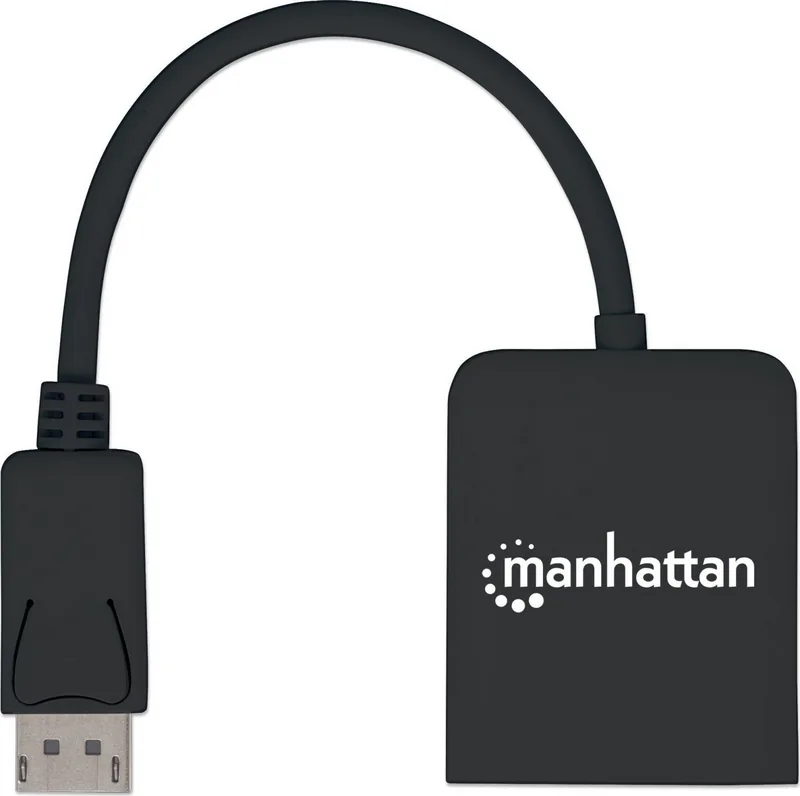
Shown: 152716
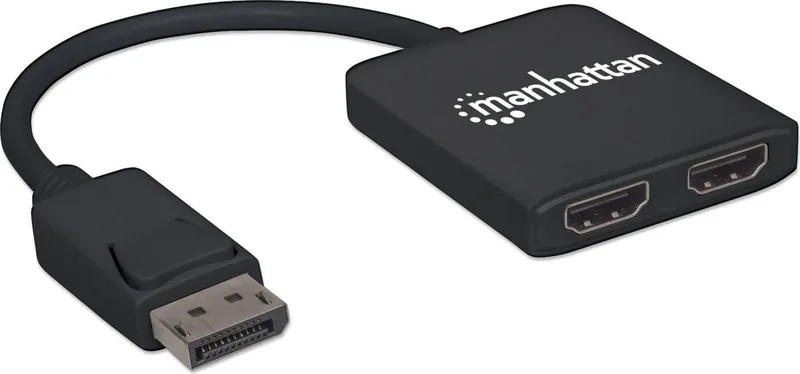
Shown: 207744

Chat with your Manhattan DisplayPort to 2-Port HDMI Splitter Hub manual using AI

Get instant AI answers from your Manhattan DisplayPort to 2-Port HDMI Splitter Hub manual

Ask anything about the Manhattan DisplayPort to 2-Port HDMI Splitter Hub. Answers come from this manual, with the pages they are based on.

Ask a Question

0/1000

Do you recommend DisplayPort to 2-Port HDMI Splitter Hub?

Yes No

Frequently Asked Questions

A

It takes one DisplayPort signal and sends it to two HDMI displays. Depending on your setup, you can mirror the screen, extend the desktop, or use MST-based multi-display output.

Is this answer helpful?

A

Yes. MST requires a compatible DP 1.2 graphics card or source device that supports Multi-Stream Transport. Without MST support, some advanced multi-display functions may not work as expected.

Is this answer helpful?

A

The text shows support for configurations such as 4K at 30 Hz and 1080p at 60 Hz. Actual output depends on the source device, display capabilities, and selected mode.

Is this answer helpful?

A

Yes. It uses 5V/2A microUSB power to help keep dual-display output stable. This is useful when driving two HDMI monitors at the same time.

Is this answer helpful?

A

Yes. Mirrored mode is supported, so both HDMI displays can show the same content. This is useful for presentations, sharing, and simple display duplication.

Is this answer helpful?

A

Yes. It is a good fit for productivity setups, especially when you want to expand from one DisplayPort output to two HDMI screens without replacing your main device.

Is this answer helpful?

A

The Manhattan DisplayPort to 2-Port HDMI Splitter Hub with MST Manual helps explain modes, power needs, compatibility, and setup basics so you can connect the hub correctly and get the best display results.

Is this answer helpful?

M: OA-GPT-54-NAN

Advantages and Disadvantages

Advantages

  • Supports two HDMI displays from one DisplayPort source for easier expansion.
  • Offers extended, mirrored, and MST video wall viewing modes.
  • Can reach 4K@30Hz or 1080p@60Hz depending on the setup.
  • Uses external 5V/2A microUSB power for steadier dual-display performance.
VS

Disadvantages

  • MST mode requires a DP 1.2 graphics card or compatible source.
  • Not every monitor pair will achieve the highest supported resolution.
  • Needs external power, adding one more cable to manage.
  • Advanced features depend on host device and display compatibility.
M: OA-GPT-54-NAN

Product Specification

Video Inputs

1x DisplayPort 1.2 In

Video Outputs

2x HDMI Out

Resolutions up to

3840x2160@30Hz

Power Consumption

10W typical

Dimensions

10.04x0.43x1.97 in (WxHxD)

Weight

0.11 lb

M: OA-GPT-54-NAN

Product Description

Manhattan DisplayPort to 2-Port HDMI Splitter Hub with MST Manual: A Smart Way to Expand Your Screen Space

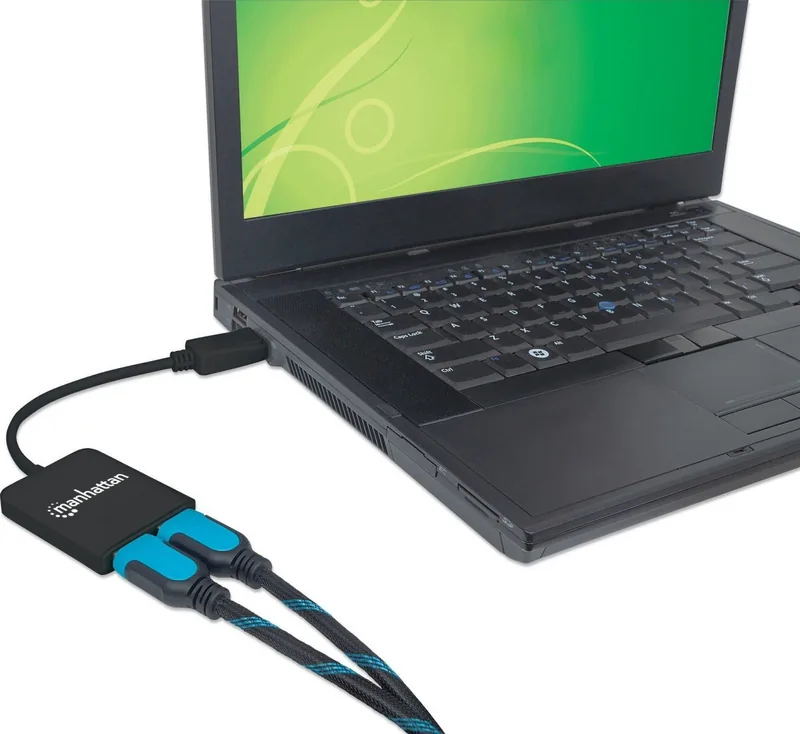
If you need more room to work, present, or monitor content, the Manhattan DisplayPort to 2-Port HDMI Splitter Hub with MST Manual points to a simple solution: one DisplayPort source feeding two HDMI displays. Instead of juggling cables or replacing your setup, this compact hub helps turn a single output into a more flexible workstation. It is especially useful for users who want a cleaner desk and a smoother multi-screen experience.

Built for practical multi-display use

This splitter hub is designed for everyday productivity and display expansion. It supports multiple viewing modes, including extended desktop, mirrored output, and MST-based video wall setups. That means you can use it to stretch your workspace across two monitors, duplicate the same content for presentations, or create a larger combined display effect when your system supports it. For office tasks, digital signage, or home workstations, the flexibility is a major advantage.

Resolution and compatibility matter

The hub is made to work with modern display needs, offering support for resolutions such as 4K at 30 Hz and 1080p at 60 Hz depending on the connected devices and mode. The key detail is MST support: to use multi-stream transport properly, the source device should have a DP 1.2 graphics card or compatible DisplayPort output. That makes the Manhattan DisplayPort to 2-Port HDMI Splitter Hub with MST Manual especially helpful for users who want to understand setup requirements before connecting their monitors.

Reliable power and straightforward setup

A 5V/2A microUSB power input helps keep the hub stable during dual-display operation. This extra power support is useful when driving two screens, especially in setups where consistency matters. The compact design also makes it easy to place near a laptop dock, desktop tower, or presentation station without adding clutter. In short, it is a practical accessory for users who want reliable screen splitting without complicated installation.

Notes

  • Best results depend on the source device, GPU support, and connected HDMI displays.
  • MST requires a compatible DP 1.2 graphics card.
  • Resolution may vary by mode and monitor combination.
  • Useful for work, presentations, and multi-screen viewing.
M: OA-GPT-54-NAN

© Copyright 2026 Manual.ly
