
Manhattan 130424 Manual
PDF manual · 2 Pages
English



Quick check
Incorrect answer, please try again.
Chat with your Manhattan 130424 manual using AI
Get instant AI answers from your Manhattan 130424 manual
Ask anything about the Manhattan 130424. Answers come from this manual, with the pages they are based on.
Ask a Question
Do you recommend 130424?
Yes NoFrequently Asked Questions
It connects a SATA drive to a computer through USB, making it easier to access, transfer, back up, or test storage without installing the drive internally.
Is this answer helpful?
Connect the SATA device to the adapter first, then plug the adapter into an active USB port. After that, the computer should detect the drive if it is supported.
Is this answer helpful?
It should be connected to an active USB port for proper operation. A powered or functioning USB connection is important for stable use.
Is this answer helpful?
Yes, it is a practical option for copying files and creating backups from SATA drives because it offers quick access through USB.
Is this answer helpful?
Not fully. It provides direct connectivity, but it does not offer the physical protection or enclosed design that a full drive case provides.
Is this answer helpful?
The product information points users to the manufacturer website for specifications and warranty-related details.
Is this answer helpful?
Advantages and Disadvantages
Advantages

- Simple two-step setup makes it easy to use right away.
- USB 3.0 support helps speed up drive access and transfers.
- Useful for backups, testing, and quick SATA drive connections.
- Compact adapter design is convenient for portable workflows.
Disadvantages

- Needs an active USB port, so passive connections will not work.
- It is a bridge adapter, not a full drive enclosure or storage case.
- Compatibility and specifications must be checked separately online.
- Not ideal if you need advanced features like hardware protection or RAID.
Product Specification
Conversion
USB -> SATA
Host
1x USB-A 3.0 (male)
Target
1x SATA 6Gb/s + SATA Power (female)
Additional Power Supply
N/A
Form Factor
Cable/Dongle
Dimensions
2.87x1.10x0.43in
Product Description
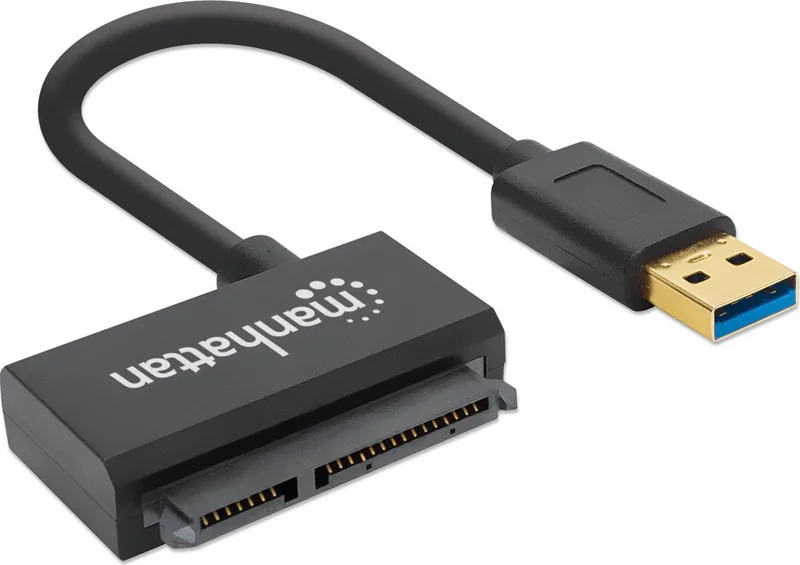
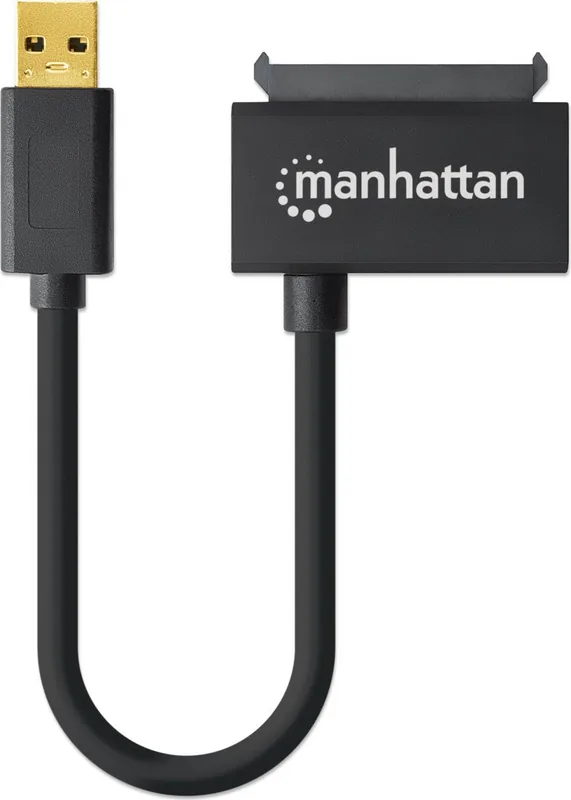
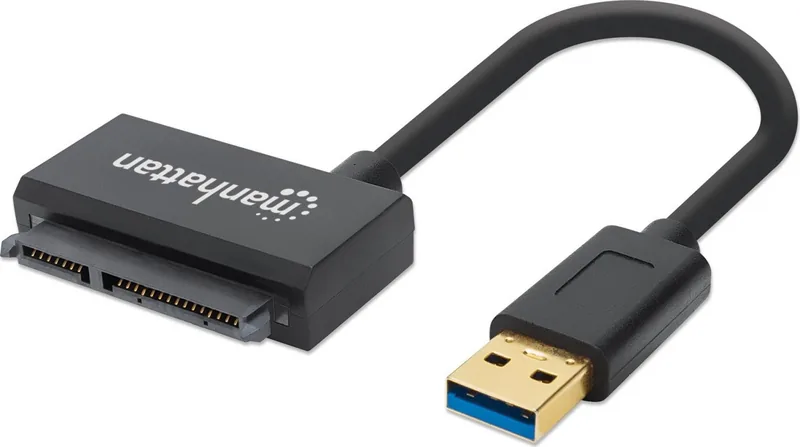
Manhattan USB-A 3.0 to SATA Adapter: Fast, Simple Storage Access
The Manhattan USB-A 3.0 to SATA Adapter is a practical solution for anyone who needs quick access to a SATA drive through a standard USB connection. It is designed for convenience, letting you connect a SATA device and then plug the adapter into an active USB port. That simple workflow makes it a useful tool for file transfers, drive testing, backups, and everyday storage recovery.
What makes this adapter appealing is its no-nonsense approach. You do not need a complicated setup to get started, and the Manhattan USB-A 3.0 to SATA Adapter Manual reflects that with just a few clear steps. First, connect your SATA device to the adapter. Next, plug the adapter into a powered USB port. In practice, this makes the adapter especially handy for users who want to access an internal drive externally without building a full enclosure.
For a blog post perspective, this is the kind of accessory that quietly solves real problems. It can help technicians review drives, help home users move data between systems, and support anyone who wants a flexible way to work with SATA storage. Because it uses USB 3.0, it is built for faster communication than older USB standards, which can make everyday tasks feel smoother and more efficient.
The product also comes with the kind of practical details that matter. There are recycling and disposal notes for responsible end-of-life handling, which is a useful reminder that electronics should be treated with care even after their useful life ends. Regulatory references such as FCC Class B and CE/R&TTE compliance show that the adapter is positioned for broad international use and standard electronic safety expectations.
Why it stands out
This adapter is best viewed as a compact bridge between two common technologies: SATA storage and USB connectivity. That makes it a valuable accessory for users who need temporary access rather than a permanent drive setup. It is straightforward, portable, and focused on function over extra complexity.
Notes
- Use an active USB port for proper operation.
- Check the manufacturer site for detailed specifications and warranty information.
- Dispose of electronic equipment through local recycling channels when no longer needed.
- Keep the adapter manual handy for quick setup guidance and compliance details.
Search for 67,732 Manuals online


Type-in Brand or Model
Lukas Fischer
9 months ago
Does this SATA-USB adapter work reliably for SSD cloning, and is it compatible with HDDs or optical drives? Also, the listing shows a longer cable - how long is it in practice?
Manual.ly
9 months ago
Yes, reviewers report it is stable and essentially plug-and-play: SSDs are detected right away, transfers are consistent, and migrations/cloning work without issues. SMART commands also pass through properly. For drive types, it is not intended for HDDs or optical drives, since those typically need an extra power connection. One common practical issue is the cable length: multiple users report a much shorter, fixed (non-removable) cable than advertised, around 21 cm total length. If you need comfortable placement, plan for that shorter reach.