
Makita WUT02U Manual
PDF manual · 52 Pages
English



Quick check
Incorrect answer, please try again.
Chat with your Makita WUT02U manual using AI
Get instant AI answers from your Makita WUT02U manual
Ask anything about the Makita WUT02U. Answers come from this manual, with the pages they are based on.
Ask a Question
Do you recommend WUT02U?
Yes NoFrequently Asked Questions
It allows supported Makita battery tools to automatically start and stop a mains-operated vacuum cleaner wirelessly.
Is this answer helpful?
Set the vacuum to AUTO, hold the channel setting button for over 2 seconds to test, and switch channels until the vacuum runs correctly.
Is this answer helpful?
Yes, by holding the wireless activation button on the adapter for about 6 seconds twice until the lamp blinks fast red.
Is this answer helpful?
Unplug the adapter, clean the vents, let it cool down, and check if it works properly before reconnecting.
Is this answer helpful?
No, the wireless unit is often sold as an optional accessory depending on the country of purchase.
Is this answer helpful?
This may occur due to the detection method when plugging in or changing switches; if it runs longer than 20 seconds, there may be a malfunction.
Is this answer helpful?
Advantages and Disadvantages
Advantages

- Enables automatic start and stop of vacuum cleaners via wireless tool signals
- Compact and lightweight design at only 0.41 kg
- Features clear LED status indicators for easy troubleshooting
- Supports channel selection to minimize signal interference
- Includes securing band and hook for stable mounting
Disadvantages

- Requires specific Makita vacuum cleaners with auto-start/stop function
- Wireless transmission range is limited to approximately 10 meters
- Initial setup and channel testing can be time-consuming
- Does not include the wireless unit in all regions as standard
- Sensitive to high heat and static electricity environments
Product Description
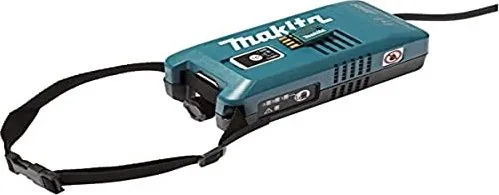
Makita WUT02U AWS Wireless Adapter: Seamless Dust Collection Control
The Makita WUT02U AWS Wireless Adapter is a crucial accessory designed to bridge the gap between your cordless power tools and mains-operated vacuum cleaners. This innovative device enables the automatic start and stop function of compatible Makita vacuums, ensuring that dust extraction begins precisely when you activate your tool and ceases immediately after you finish. By eliminating the need for manual switching, it streamlines your workflow and maintains a cleaner work environment.
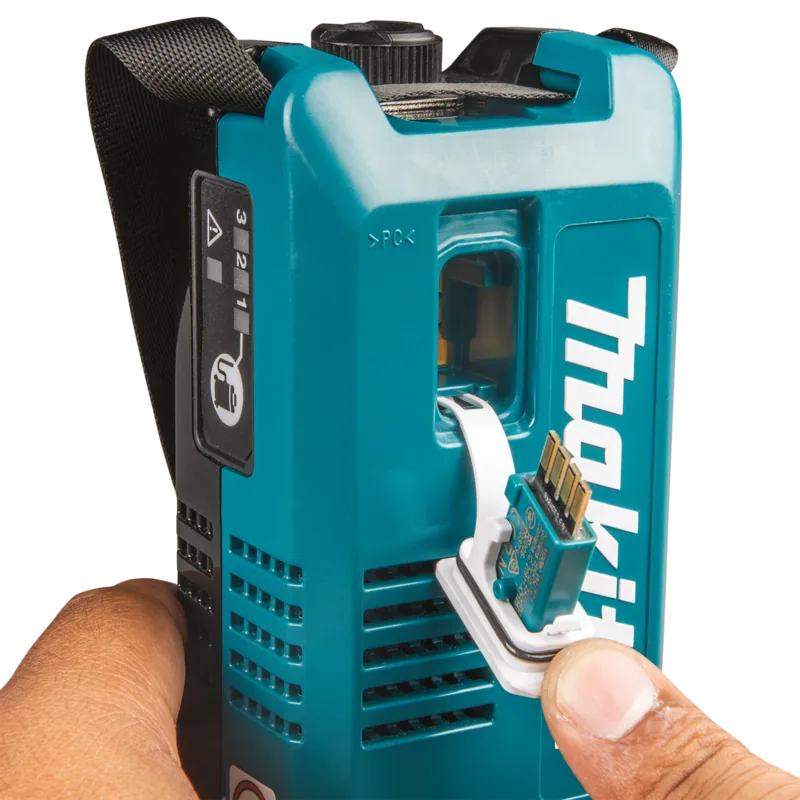
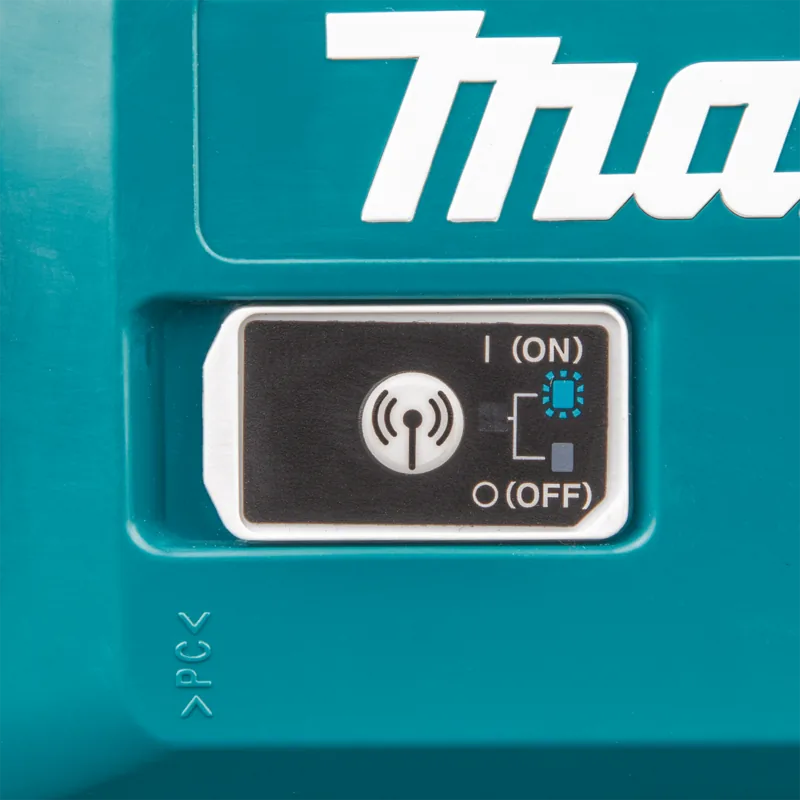
This adapter connects directly to the vacuum cleaner's outlet and communicates wirelessly with a wireless unit installed in your Makita battery-powered tool. When you press the activation button on the tool, the signal is transmitted to the adapter, which then triggers the vacuum to turn on. The system supports channel settings to prevent interference if multiple users are working nearby. It features intuitive LED indicators that provide real-time status updates regarding standby mode, registration processes, and potential errors like overheating.
Installation is straightforward but requires careful attention to safety guidelines. Users must ensure the vacuum cleaner is set to AUTO mode and follow specific steps to register tools and select the optimal communication channel. The device includes a protective case for the wireless unit and comes with securing bands or hooks to keep the adapter firmly attached to the vacuum during operation. Regular maintenance involves keeping vents clear and avoiding exposure to moisture or extreme temperatures.
With a compact design measuring 154 mm by 71 mm by 57 mm and weighing just 0.41 kg, the WUT02U fits easily into any workshop setup. It is an essential upgrade for professionals who demand efficiency and cleanliness in their daily operations.
Search for 67,732 Manuals online


Type-in Brand or Model