
Lupine C14 Mag StVZO Manual
PDF manual · 14 Pages
English



Quick check
Incorrect answer, please try again.
Chat with your Lupine C14 Mag StVZO manual using AI
Get instant AI answers from your Lupine C14 Mag StVZO manual
Ask anything about the Lupine C14 Mag StVZO. Answers come from this manual, with the pages they are based on.
Ask a Question
Do you recommend C14 Mag StVZO?
Yes NoFrequently Asked Questions
By default, press the button twice quickly to switch the light on. To turn it off, press and hold the button for approximately one to two seconds, then release it.
Is this answer helpful?
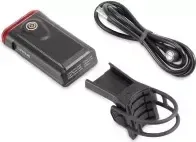
Charge the rear light using the included magnetic charging cable. The charging LED shines red while charging and changes to green when the battery is fully charged. Charging takes approximately three hours.
Is this answer helpful?
After switching on, green indicates 51-100 percent capacity. Red indicates 26-50 percent capacity. A continuously flashing red light indicates 25 percent capacity or less and signals that the unit should be recharged.
Is this answer helpful?
Yes. When enabled, the ambient light sensor can switch the light on or off based on surrounding brightness. The rear light must be switched on first, and automatic shutoff after entering bright conditions has an approximately 20-second delay.
Is this answer helpful?
The brake sensor detects abrupt deceleration. When it is enabled, the rear light briefly increases its brightness during sudden braking and then automatically returns to its previous light level.
Is this answer helpful?
With the light switched on, hold the button for about eight seconds. Release it immediately after the matching number of flashes: two for light sensor, three for brake sensor, four for 0.3 W mode, five for 0.5 W mode, and six for factory reset.
Is this answer helpful?
Advantages and Disadvantages
Advantages

- Up to 22 hours of runtime from a compact 4.4 Wh Li-Po battery.
- Brake sensor briefly boosts brightness during sudden deceleration.
- IP68 and IK09 ratings support use in wet weather and demanding conditions.
Disadvantages

- The light sensor works only when the rear light has already been switched on.
- Settings require remembering flash-count sequences while holding the button.
- Mount compatibility is limited to seat posts with a 27-40 mm diameter.
Product Specification
Type
Rear light
Colors
black
Light source
LED
Max. runtime
22 h
Charging time
3 h
Light mode
Steady light (2 levels)
Power supply
Rechargeable battery
Mounting
Bracket
Dimensions
2.8 x 1.57 x 1.02 in
Weight
2.12 oz
Special features
waterproof, brake light capable, brightness sensor, StVZO compliant
Product Description
Lupine C14 Mag StVZO Rear Light - Read, Download & Print Free
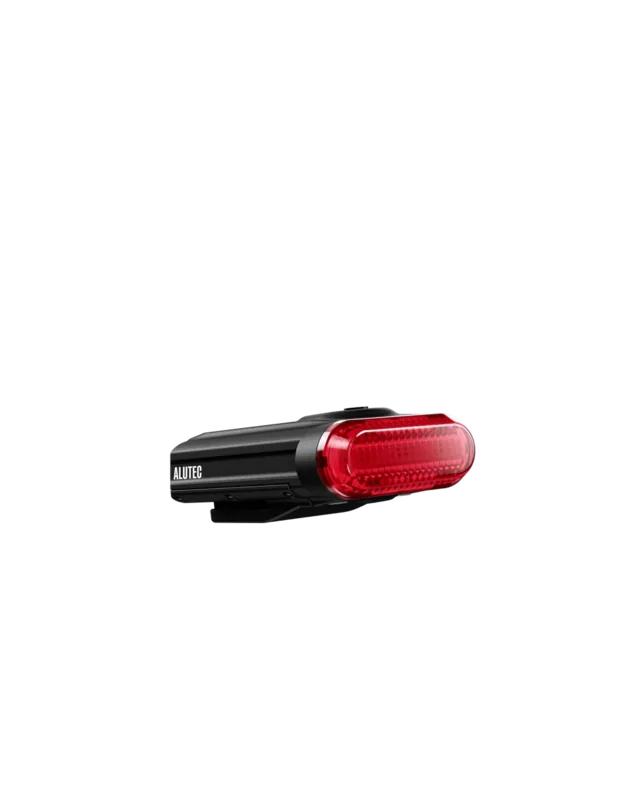
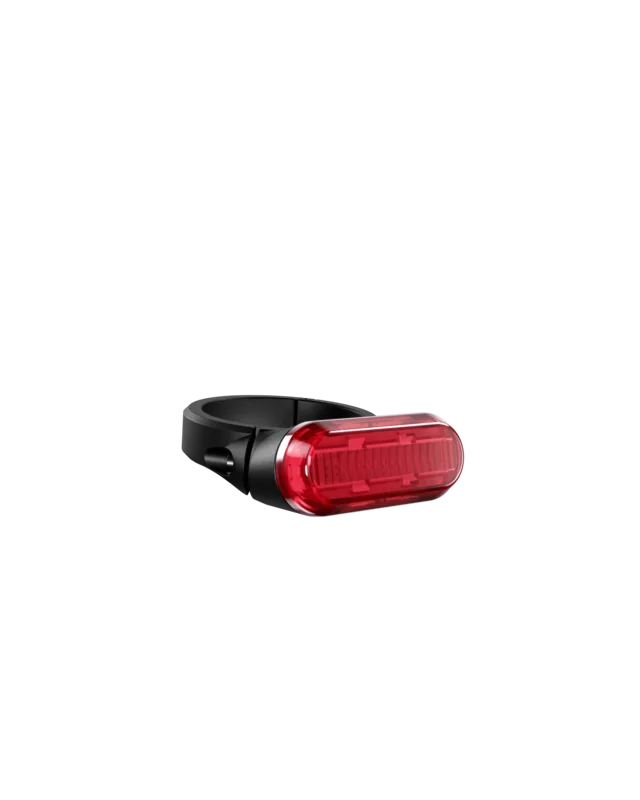
The Lupine C14 Mag StVZO Rear Light is a compact, premium bicycle rear light designed for reliable visibility in everyday riding. Built with a robust anodized 6061-T6 aluminum housing, it combines a clean appearance with practical controls, intelligent sensor functions, and weather-resistant construction. At only 60 g, it is a lightweight choice for riders who want a tidy and durable rear-light solution.
Smart operation for daily rides
The light switches on with a double click by default, while switching it off requires holding the button for around one to two seconds. A status LED beside the button provides immediate battery information after startup: green indicates more than 50 percent capacity, red indicates 26 to 50 percent, and a flashing red signal means charging is needed.
Charging is handled through the supplied magnetic charging cable. The charging indicator glows red while charging and turns green once the battery is full. With a 4.4 Wh Li-Po battery and a maximum runtime of up to 22 hours, the C14 Mag is suited to regular commuting, training rides, and longer journeys.
Adaptive light and braking signal
An optional ambient light sensor can automatically control the rear light according to surrounding brightness. The unit must already be switched on for this feature to work. When moving from dark to bright conditions, the automatic shutoff uses an approximately 20-second delay to avoid unnecessary switching.
The integrated brake sensor adds another layer of rider visibility. During sudden braking, the light briefly becomes brighter before returning to its previous output level. Riders can also select 0.3 W or 0.5 W continuous-light modes, allowing the setup to match personal preferences and riding conditions.
Secure, adjustable mounting
The C14 Mag mounts vertically to seat posts measuring 27 to 40 mm in diameter. Its strap holder should be tightened firmly so it cannot shift during use. Once attached, the lamp slides into the mount and should be aligned parallel to the road. Keep the light unobstructed and install it between 250 and 1200 mm above the ground for proper positioning.
Notes
The rear light carries StVZO approval K 1660L and has IP68 and IK09 protection ratings. It is built to resist dust, water, and everyday impacts. Settings can be changed by holding the button for about eight seconds and releasing it after the desired number of flashes. A six-flash selection restores factory settings.
Search for 67,706 Manuals online


Type-in Brand or Model