
Lindy HDMI to USB 3.1 43235 Manual
PDF manual · 12 Pages
English



Quick check
Incorrect answer, please try again.
Chat with your Lindy HDMI to USB 3.1 43235 manual using AI
Get instant AI answers from your Lindy HDMI to USB 3.1 43235 manual
Ask anything about the Lindy HDMI to USB 3.1 43235. Answers come from this manual, with the pages they are based on.
Ask a Question
Do you recommend HDMI to USB 3.1 43235?
Yes NoFrequently Asked Questions
It captures HDMI video and audio and sends the signal to a computer over USB, making it useful for recording, streaming, and live presentation workflows.
Is this answer helpful?
Yes. The device supports capture up to 1080p at 60 frames per second, which helps keep motion smooth and detail clear.
Is this answer helpful?
No. It is bus powered through USB, so it does not require a separate power adapter.
Is this answer helpful?
No. The device does not include capture software, so you can use a third-party app that fits your needs.
Is this answer helpful?
No. The manual states that HDCP-protected content is not supported, so protected sources may not display correctly.
Is this answer helpful?
It supports Windows 7/8/8.1/10 and Mac OS X 10.8, with automatic driver installation on supported systems. Windows 7 may require manual driver download.
Is this answer helpful?
Advantages and Disadvantages
Advantages

- 1080p at 60 fps capture helps preserve detail and reduce motion blur.
- USB bus power and plug-and-play design make setup fast and portable.
- Works with common capture and streaming apps like OBS and Skype.
- Supports both video and stereo audio from HDMI sources.
- Includes warranty coverage and lifetime technical support.
Disadvantages

- Does not support HDCP-protected HDMI content.
- Needs a USB 3.0 / 3.1 Gen 1 port for full performance.
- No capture software is bundled with the device.
- Lower CPU power or poor settings can cause dropped frames or glitches.
Product Specification
Resolution
1920x1080p (60fps/Recording)
Inputs
HDMI
Outputs
N/A
Interface
USB-A 3.0
Dimensions
2.87x1.65x0.55in
Weight
0.22lb
Manufacturer's Warranty
Two Years
Product Description
Lindy Video Grabber, HDMI, USB-A 3.0 Manual: A Practical Capture Tool for Everyday Recording
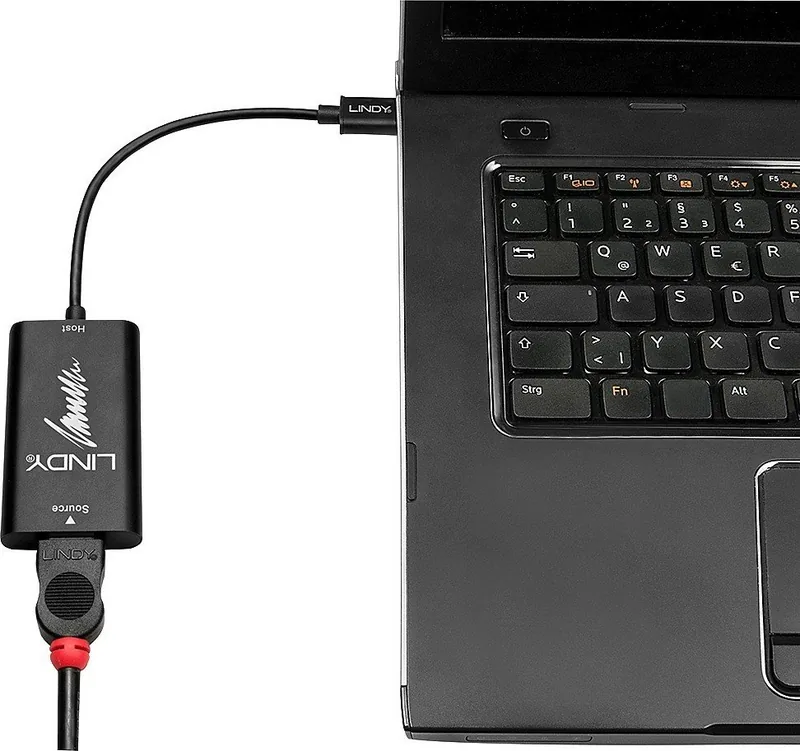
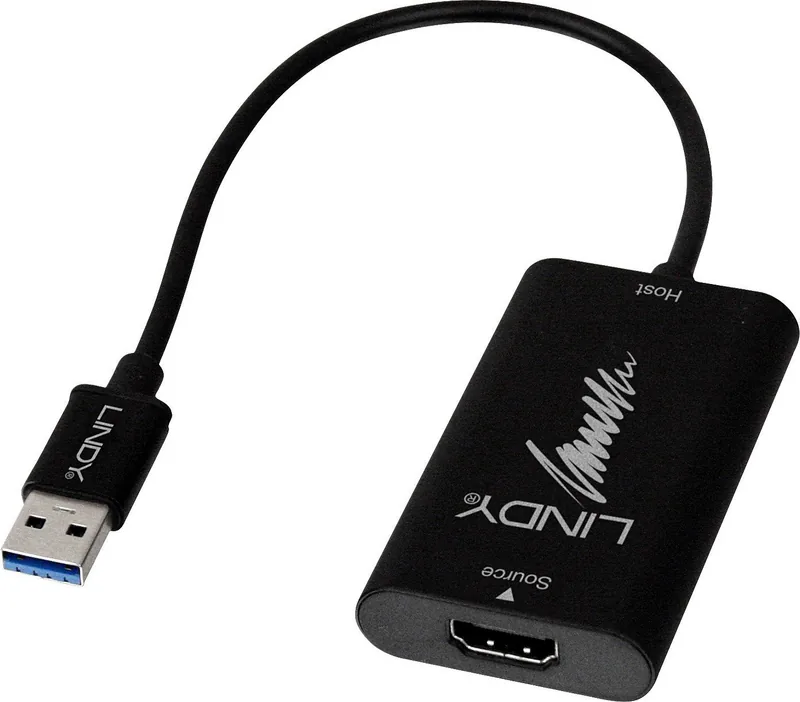
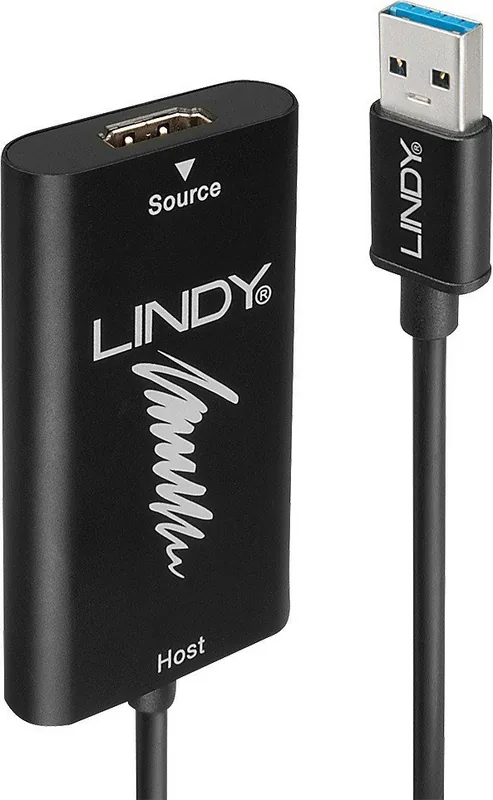
The Lindy Video Grabber, HDMI, USB-A 3.0. Manual describes a compact capture device made for users who want to bring HDMI video and audio into a computer with minimal setup. It is designed for recording, streaming, conferencing, and general content creation, especially when a reliable USB 3.0 connection is available. With support for up to 1080p at 60 fps, it aims to preserve detail while keeping motion smooth and reducing blur.
This capture device is built around simplicity. It uses a standard USB-A 3.0 / USB 3.1 Gen 1 connection, is bus powered, and does not require an external power supply. That makes it easy to carry and quick to deploy with laptops or desktop systems. The manual highlights compatibility with Windows and macOS, plus automatic driver installation on supported systems, which helps shorten the setup process. For Windows 7, separate drivers are available.
Another strong point is flexibility. The device can work with a range of third-party software, including broadcasting and conferencing tools. It has been tested with popular applications such as OBS, Wirecast, Adobe FMLE, PotPlayer, Skype, and Windows 10 Camera. That makes it suitable for creators, educators, remote presenters, and anyone who needs to capture an HDMI source such as a camera, console, or media player.
The product is also positioned as a dependable long-term accessory. LINDY includes a 2-year warranty and lifetime technical support, which adds confidence for buyers who want support after purchase. The specifications also show attention to audio quality, with PCM support at common sampling rates, making the device useful for balanced video-and-audio capture workflows.
Of course, the manual also makes the limits clear. It does not support HDCP-protected content, and the best performance depends on using a true USB 3.0 port. Users with weaker CPUs or incorrect compression settings may see dropped frames or glitches. In practice, that means the device works best when paired with the right host computer and the right capture software.
Notes
- Use a USB 3.0 / 3.1 Gen 1 port for 1080p60 capture.
- Check source compatibility and avoid HDCP-protected signals.
- Choose capture software that matches your workflow and system power.
- Windows 7 users may need to install drivers manually.
Search for 67,732 Manuals online


Type-in Brand or Model