
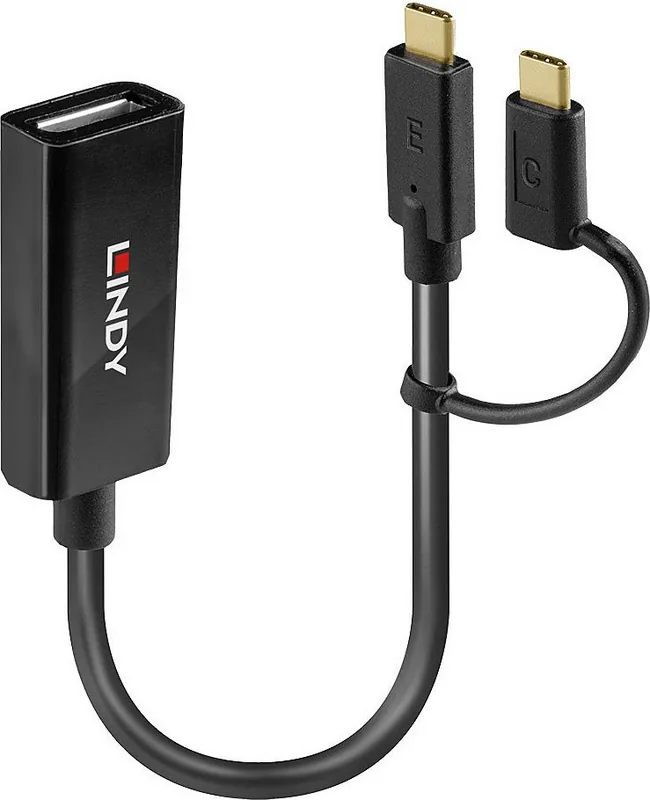
Lindy Bi-directional USB-C to DisplayPort 43294 Manual
PDF manual · 2 Pages
English



Quick check
Incorrect answer, please try again.
Chat with your Lindy Bi-directional USB-C to DisplayPort 43294 manual using AI
Get instant AI answers from your Lindy Bi-directional USB-C to DisplayPort 43294 manual
Ask anything about the Lindy Bi-directional USB-C to DisplayPort 43294. Answers come from this manual, with the pages they are based on.
Ask a Question
Do you recommend Bi-directional USB-C to DisplayPort 43294?
Yes NoFrequently Asked Questions
The Lindy converter supports a maximum resolution of 4K at 3840 x 2160 pixels running at 60Hz. This ensures smooth and high-definition video playback suitable for professional workstations and entertainment systems.
Is this answer helpful?
No, drivers are not required. The converter utilizes the DisplayPort Alternate Mode standard inherent in USB Type C ports, allowing for plug-and-play operation without any additional software installation.
Is this answer helpful?
When connecting to a USB Type C source device like a laptop, you must use the USB Type C connector with Pin assignment E. Using the Pin C connector with a computer source will result in no video signal being displayed.
Is this answer helpful?
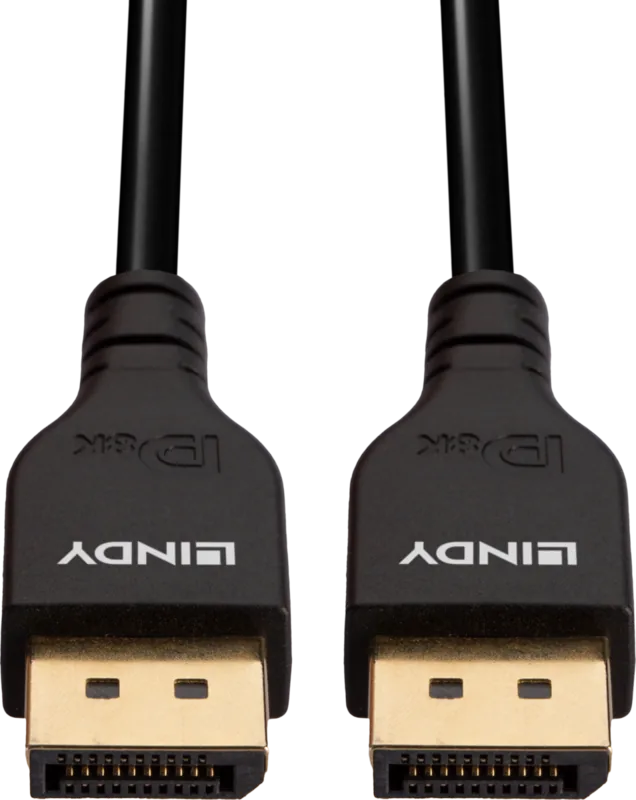
No, a Male-to-Male DisplayPort cable is not included. You will need to purchase one separately to connect the converter to your monitor or display screen.
Is this answer helpful?
Yes, the converter is bidirectional. You can connect a display with a USB Type C interface to a source device that has a DisplayPort output, provided you select the correct USB Type C pin assignment for your specific display.
Is this answer helpful?
This product comes with a two-year manufacturer warranty from the date of purchase. Additionally, customers receive free lifetime technical support to assist with any usage questions or issues.
Is this answer helpful?
Advantages and Disadvantages
Advantages

- Supports bidirectional connection between USB Type C and DisplayPort devices
- Delivers high-resolution 4K video at 60Hz for sharp visuals
- Includes dual pin assignments (C and E) for broad display compatibility
- Requires no driver installation due to native DisplayPort Alternate Mode support
- Backed by a two-year warranty and free lifetime technical assistance
Disadvantages

- DisplayPort cable must be purchased separately as it is not included
- Strict requirement to use Pin E connector when connecting to USB Type C sources
- Does not support audio transmission over the DisplayPort output directly
- Limited to specific pin assignments which may confuse inexperienced users
- Physical size may protrude slightly from compact laptop ports
Product Specification
Input
USB-C 3.0 (Pinout C), USB-C 3.0 (Pinout E)
Output
DisplayPort 1.4
Resolution
max. 3840x2160@60Hz
Features
HDCP 2.2
Manufacturer Warranty
two years
Product Description
Elevate Your Visual Experience with the Lindy Bidirectional USB-C to DisplayPort 1.4 Converter
In today's fast-paced digital environment, seamless connectivity between devices is paramount. The Lindy Bidirectional USB-C to DisplayPort 1.4 Converter stands out as a versatile solution for professionals and enthusiasts who demand high-resolution video transmission without compromise. This sleek black converter is engineered to bridge the gap between modern USB Type C sources and traditional DisplayPort displays, or vice versa, ensuring that your visual setup remains flexible and future-proof.
The core strength of this device lies in its bidirectional capability. Whether you are connecting a laptop with a USB Type C port to a monitor featuring a DisplayPort input, or linking a DisplayPort output source to a display equipped with a USB Type C interface, this converter handles it all with ease. It supports the DisplayPort Alternate Mode on USB Type C connectors, allowing for high-quality video output without the need for additional drivers or complex software installations. Simply plug and play to enjoy immediate results.
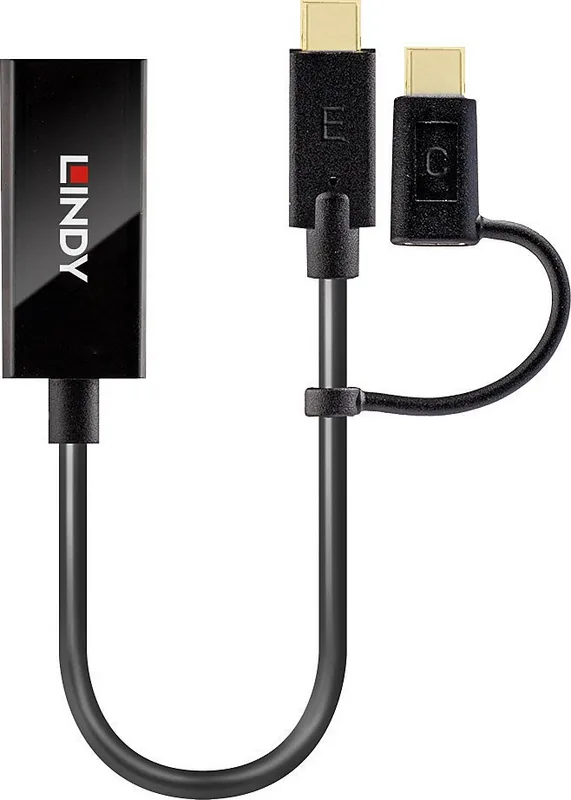
Designed with precision, the converter features dual USB Type C male connectors. One connector utilizes Pin assignment E, while the other uses Pin assignment C. This thoughtful design ensures compatibility with a wide range of displays, accommodating various pin configurations found in different market segments. The maximum resolution supported reaches an impressive 4K at 60Hz (3840 x 2160), delivering crisp and vivid images perfect for graphic design, gaming, or professional presentations. Powered by the reliable CYPD2119 chipset, the unit guarantees stable performance under demanding conditions.
Beyond its technical prowess, the Lindy converter offers peace of mind with a comprehensive two-year manufacturer warranty and free lifetime technical support. Manufactured by LINDY Electronics GmbH, a trusted name in connectivity solutions, this product adheres to strict European and international standards including FCC, CE, and RoHS compliance. It is built to withstand daily use in both home and office environments while minimizing electromagnetic interference. Proper disposal guidelines are also provided to ensure environmental responsibility through recycling programs mandated by WEEE regulations.
Important Installation Notes
- Always verify the pin assignment of your display before connecting. Using the wrong pin configuration may result in no video signal.
- When connecting to a USB Type C source device, strictly use the connector with Pin assignment E.
- A Male-to-Male DisplayPort cable is required but not included in the package.
- Ensure your source device supports DisplayPort Alternate Mode for optimal functionality.
Search for 67,732 Manuals online


Type-in Brand or Model