
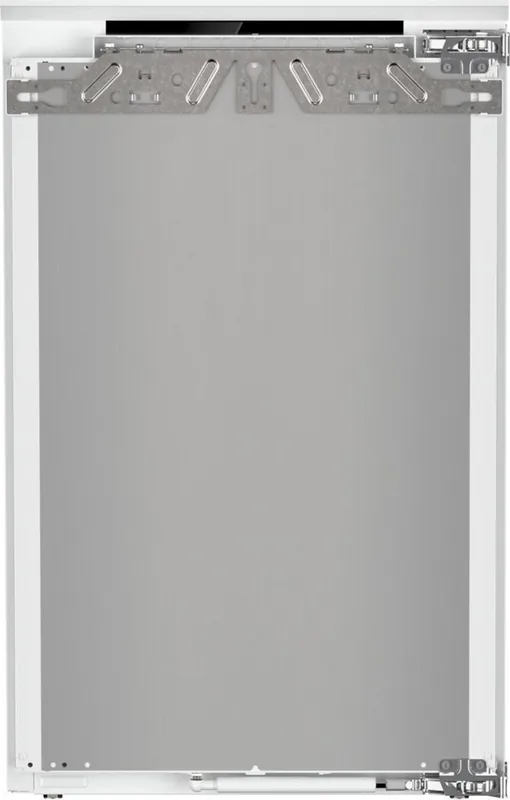
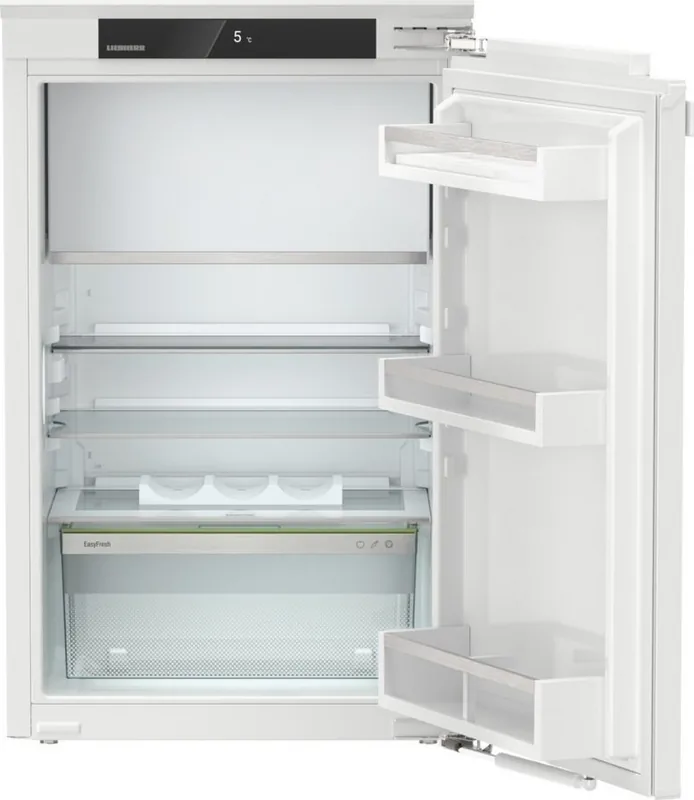
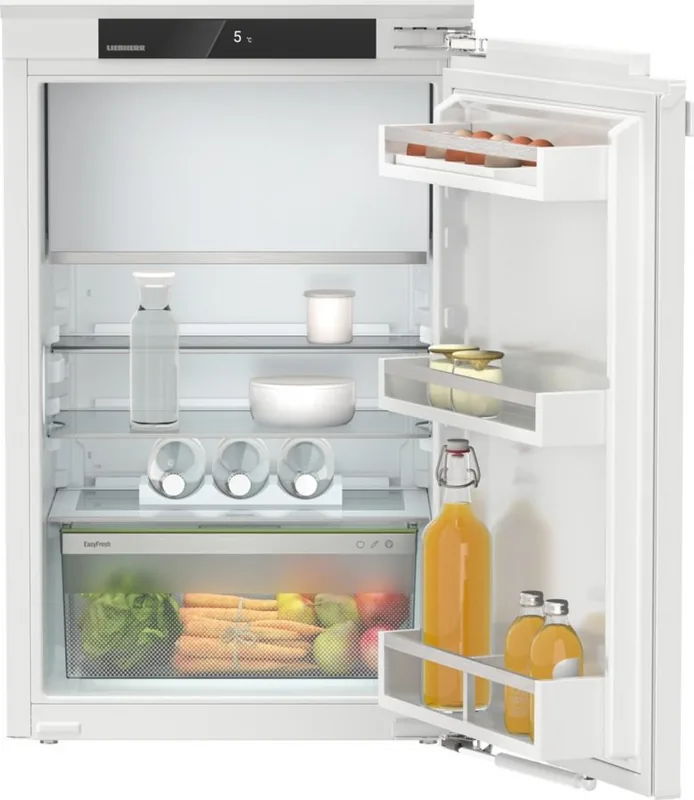
Liebherr IRd 3921-20 Plus Manual
PDF manual · 24 Pages
English



Quick check
Incorrect answer, please try again.
IRd 3921-20 Plus Maintenance Schedule
Change the filter every six months to ensure optimal air quality. Confirm the reminder message in the display.
Regularly clean the drain opening with a thin tool like a cotton swab to prevent clogging.
Use soft cloths with lukewarm water and mild detergent. Do not use abrasive or sharp cleaning agents.
Free maintenance reminders
Timed to your purchase date. Always free, unsubscribe anytime.
Ask a Question
Do you recommend IRd 3921-20 Plus?
Yes NoFrequently Asked Questions
The recommended temperature for the cooling compartment is about 5 °C. Using E-Saver raises the target (~7 °C) to reduce energy consumption; always check food safety and manufacturer guidance for specific items.
Is this answer helpful?
SuperCool increases cooling power to quickly lower temperatures when adding large quantities or for faster freezing. PowerCool optimizes air distribution for stable temperature layering, helpful in hot conditions or when adding moist items to reduce condensation.
Is this answer helpful?
Yes, Wi‑Fi control is available but requires the separate SmartDevice-Box and the SmartDevice app. After installing the box and app, follow the setup instructions to register the appliance and enable remote functions and integrations.
Is this answer helpful?
Replace the FreshAir activated carbon filter approximately every six months. The appliance can prompt a reminder if that feature is activated. Dispose of the used filter according to local waste rules.
Is this answer helpful?
Confirm the displayed message to mute the alarm, note any shown error code and consult the troubleshooting section. For simple issues (door open, power) follow the guidance; for persistent or technical errors contact Liebherr service with model and service numbers.
Is this answer helpful?
Unplug the appliance or activate CleaningMode, remove removable parts and clean with a soft cloth and mild pH-neutral detergent. Avoid abrasive cleansers, harsh chemicals and high-temperature dishwashing where not recommended. Dry parts before reassembly.
Is this answer helpful?
SabbathMode limits electronic interactions to meet religious observance requirements: some signals, lights and alarms are disabled, and user interaction is restricted. Functions active before enabling remain, and after power interruptions the appliance may return to SabbathMode automatically.
Is this answer helpful?
Advantages and Disadvantages
Advantages

- Flexible storage with adjustable glass shelves, VarioSafe and EasyFresh-Safe humidity control for produce.
- Multiple operating modes (SuperCool, PowerCool, HolidayMode, E-Saver) for rapid cooling, party use and energy savings.
- Clear display and intuitive navigation with customer menu and diagnostics for straightforward control and troubleshooting.
- Optional SmartDevice connectivity allows remote monitoring and extended functionality via SmartDevice-Box and app.
- Maintenance-friendly: removable components for cleaning and a replaceable FreshAir activated carbon filter for odor control.
Disadvantages

- Smart features require a separate SmartDevice-Box purchase and app setup to enable Wi‑Fi functions.
- Some functions and accessories are model-dependent and may not be included on every unit.
- Manual defrosting of the freezer compartment may be needed for models without full automatic defrost.
- Energy efficiency is sensitive to installation and user behavior (ventilation, door opening, ambient temperature).
- Handling and disposal require care due to refrigerant and oil — professional service recommended for repairs.
Product Specification
Built-in type
built-in (flat hinge)
Energy efficiency class
D (A to G)
Energy consumption
118kWh/year
Front color
white
Usable capacity refrigerator compartment
3.60cu ft
Usable capacity freezer compartment
0.57cu ft
Total usable capacity
4.17cu ft
Star rating
4
Freezing capacity in 24h
4.41lb
Storage time in case of malfunction
9h
Display
Touchscreen
Features
Vegetable compartment (EasyFresh), SuperCooling, LED lighting, Bottle rack, divisible glass shelf, Door alarm
Smart Home
App control optional (Wi-Fi (WLAN), SmartDevice)
Climate class
SN/N/ST
Noise level
37dB(A)
Noise emission class
C (A to D)
Door system
Door hinge right, reversible
Dimensions
22.01x34.33x21.50in (WxHxD)
Installation dimensions
22.05-22.44x34.41-35.04x21.65in (WxHxD)
Product Description
Liebherr IRd 3921-20 Plus — Practical Overview and Manual Insights
The Liebherr IRd 3921-20 Plus is a thoughtfully engineered built-in refrigerator designed for household and household-like environments. It blends efficient cooling technology, flexible storage features and user-friendly controls to support everyday food preservation. With functions such as SuperCool, PowerCool, E-Saver and HolidayMode, it adapts to heavy loads, seasonal conditions and energy-saving needs. The unit supports smart connectivity via a SmartDevice-Box for remote monitoring and extended features through the SmartDevice app.
Key features and usability
This model offers a multifunctional interior: adjustable glass shelves, a VarioSafe for small items, EasyFresh-Safe with adjustable humidity for produce, pull-out drawers and an optional 4-star freezer compartment on some variants. The ventilation and fan with an optional FreshAir activated carbon filter help maintain odor control and even temperature distribution.
Control is handled through a clear display and simple navigation buttons that let you activate functions, adjust temperatures and access a customer menu for diagnostics. Safety and convenience features include door alarms, display brightness settings, input lock to prevent accidental changes, CleaningMode for safe maintenance, and SabbathMode for religious observance.
Performance and maintenance
Temperature ranges suit common food storage needs and the freezer reaches standard -18 °C when properly loaded. Energy efficiency depends on placement and use: short door openings, proper ventilation clearance and sensible temperature settings reduce consumption. Regular maintenance includes replacing the FreshAir filter every six months (where fitted), defrosting guidance for manual freezer maintenance, and recommended cleaning procedures using mild, pH-neutral cleaners. The manual emphasizes safe handling of refrigerant-containing components and safe disposal practices.
Design and safety
The IRd 3921-20 Plus comes with clear safety guidance: do not store flammable aerosols inside, avoid using unapproved electrical devices in the interior, and keep ventilation openings clear. The design includes anti-tip and load guidance for shelves and drawers, plus clear instructions for installation, electrical connection and commissioning.
Notes:
- SmartDevice-Box sold separately for Wi‑Fi features.
- Some features marked with an asterisk depend on model variant or optional equipment.
- Follow recommended cleaning and filter replacement intervals to preserve performance.
Search for 67,706 Manuals online


Type-in Brand or Model