
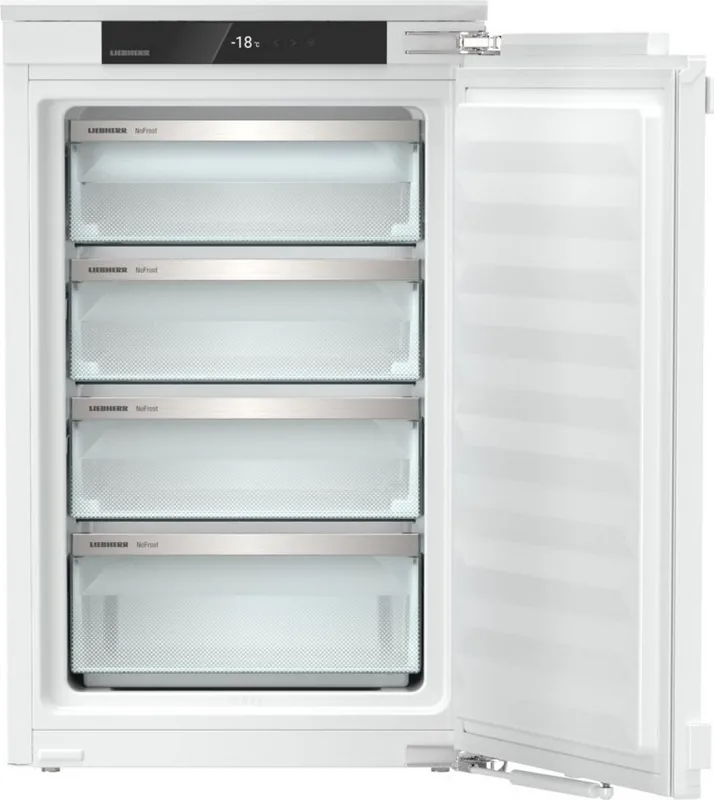
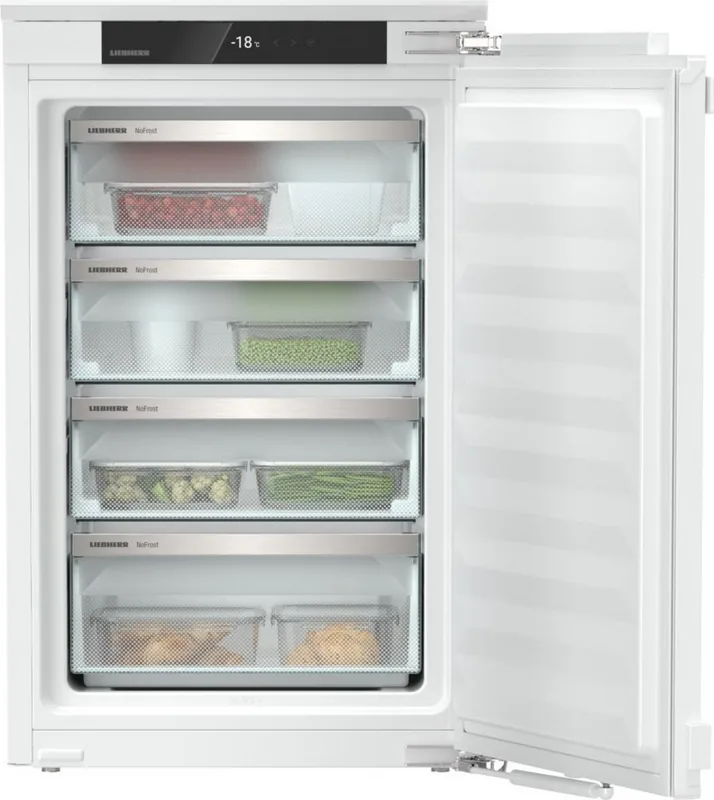
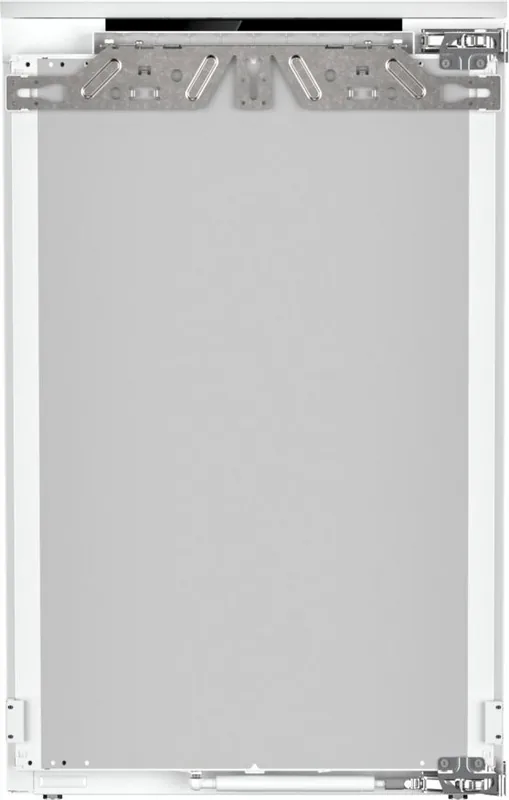
Liebherr IFNd 3924-22 Plus NoFrost Manual
PDF manual · 22 Pages
English



Quick check
Incorrect answer, please try again.
Chat with your Liebherr IFNd 3924-22 Plus NoFrost manual using AI
Get instant AI answers from your Liebherr IFNd 3924-22 Plus NoFrost manual
Ask anything about the Liebherr IFNd 3924-22 Plus NoFrost. Answers come from this manual, with the pages they are based on.
IFNd 3924-22 Plus NoFrost Maintenance Schedule
Use soft cloths with pH-neutral cleaners. Do not use abrasive sponges or sharp agents.
If frost forms, activate SuperFrost, switch off, and remove ice with a sponge. Do not use sharp objects.
Ask a Question
Do you recommend IFNd 3924-22 Plus NoFrost?
Yes NoFrequently Asked Questions
NoFrost automatically prevents ice accumulation on the evaporator by periodically defrosting and evaporating moisture. This eliminates manual defrosting, maintains stable freezing performance and simplifies upkeep.
Is this answer helpful?
Use the SuperFrost function: activate about 6 hours before freezing small amounts or about 24 hours before freezing maximum quantities. SuperFrost lowers temperatures to freeze food quickly to the core; it deactivates automatically when finished.
Is this answer helpful?
Yes, the appliance is SmartDevice-compatible but requires the optional SmartDeviceBox and the Liebherr SmartDevice app. Wi‑Fi features depend on regional availability and may be restricted in some countries.
Is this answer helpful?
For a door alarm, close the door or adjust the alarm delay in settings. For a temperature alarm, check for warm food recently added, power cuts, or ventilation issues; confirm the warning and contact customer service if the problem persists.
Is this answer helpful?
Switch off and unplug the appliance, remove food and components, clean interior surfaces and removable parts with a soft cloth and mild detergent, dry thoroughly, then reconnect and restart. Follow manufacturer guidance for disassembling specific drawers or shelves.
Is this answer helpful?
VarioSpace allows removal of drawers and glass shelves to create space for large items like whole poultry or joints. Remove designated shelves/drawers per the manual to reconfigure storage as needed.
Is this answer helpful?
SabbathMode disables certain electronic notifications to meet religious requirements and keeps the status display stable. Be cautious: power failure warnings may not be displayed, so inspect food carefully after outages to avoid consuming spoiled items.
Is this answer helpful?
Advantages and Disadvantages
Advantages

- NoFrost technology prevents ice buildup and eliminates manual defrosting.
- Touch display with clear menus for temperature, SuperFrost, PartyMode, E-Saver and SabbathMode.
- VarioSpace with removable drawers and glass shelves for flexible storage of large items.
- SmartDevice compatibility via SmartDeviceBox enables Wi‑Fi control and remote monitoring.
- Energy-saving recommendations and configurable display/input locks improve efficiency and safety.
Disadvantages

- SmartDevice functions require an optional SmartDeviceBox and may be unavailable in some countries.
- Some drawer and shelf systems vary by model and may be more complex to disassemble or reassemble.
- Higher energy consumption when running high-performance modes (PartyMode/SuperFrost) or at warmer ambient temperatures.
- SabbathMode can mask power-failure warnings, posing potential food safety risks if power outages occur.
- Repair and mains-cable replacement must be done by qualified service personnel, potentially adding service cost.
Product Specification
Design
integrated (flat hinge)
Energy efficiency class
D (A to G)
Energy consumption
153 kWh/yr
Front color
silver
Side color
white
Net capacity
3.07 cu ft
Star rating
4
Freezing capacity in 24h
22.05 lb
Storage time in case of fault
10 hr
Display
yes
Features
NoFrost, SuperFreeze, Door alarm
Smart Home
App control optional
Climate class
SN/N/ST/T
Noise level
34dB
Airborne acoustical noise emission class
B (A to D)
Door system
Right-hand door hinge, reversible
Dimensions
22.01x34.33x21.50 in (WxHxD)
Installation dimensions
22.05-22.44x34.41-35.04x21.65 in (WxHxD)
Product Description
Liebherr IFNd 3924-22 Plus NoFrost Manual — Overview and Features
The Liebherr IFNd 3924-22 Plus NoFrost is a built-in freezer engineered for household and light commercial use, offering modern convenience, efficient freezing and smart connectivity. Designed with NoFrost technology (denoted by the "N" in the model name), it prevents internal ice build-up, eliminating the need for manual defrosting and ensuring stable low temperatures for long-term food preservation.
Key design and usability highlights
This model features a user-friendly touch display for intuitive operation, with menus for temperature control, appliance functions and advanced settings. Factory presets include an ideal -18 °C for the freezer compartment, with options such as SuperFrost for rapid freezing, PartyMode for temporary high-performance cooling, E-Saver to reduce energy consumption, and SabbathMode for certified religious use. The display supports brightness adjustment, input lock and a configurable door alarm.
Storage is flexible thanks to VarioSpace: removable glass shelves and drawers let you create room for large items like poultry or joints of meat. Drawers are available on glass shelves or moulded ribs and some models include a tilting top drawer for easier access. A dedicated freezer tray helps freeze small items separately to avoid clumping.
The appliance is SmartDevice-ready: pairing with a SmartDeviceBox and the Liebherr SmartDevice app enables Wi‑Fi control and remote monitoring, adding convenience for modern connected homes (availability depends on region and requires the SmartDeviceBox accessory).
Safety, maintenance and energy considerations
Comprehensive safety instructions emphasize proper installation, ventilation, and safe handling of flammable refrigerant and oils. The NoFrost system automates defrosting, while manual defrost instructions are provided for non-NoFrost variants. Regular cleaning guidance and removable component instructions make upkeep straightforward. Energy-saving tips include preserving ventilation, minimizing door openings, and using E-Saver mode if extended shelf life is not required.
Practical technical notes
The freezer supports configurable temperature units (°C/°F), status and fault messages on the display, and a demo mode for retail demonstrations. The model plate lists freezing capacity and other specifications. For troubleshooting, the manual covers common fault messages, acoustic alarms, and customer service contact steps.
Final thought
The Liebherr IFNd 3924-22 Plus NoFrost blends efficient freezing, flexible interior layout and smart features in a built-in package designed for reliable long-term storage. It suits users who want low maintenance (NoFrost), precise control via a touch display, and optional SmartDevice connectivity.
Notes:
- NoFrost automates defrosting; manual defrost instructions apply only to non-NoFrost variants.
- Some SmartDevice features require the SmartDeviceBox accessory and may be restricted in certain countries.
- Observe climate class and installation conditions for optimal performance.
Search for 67,706 Manuals online


Type-in Brand or Model