
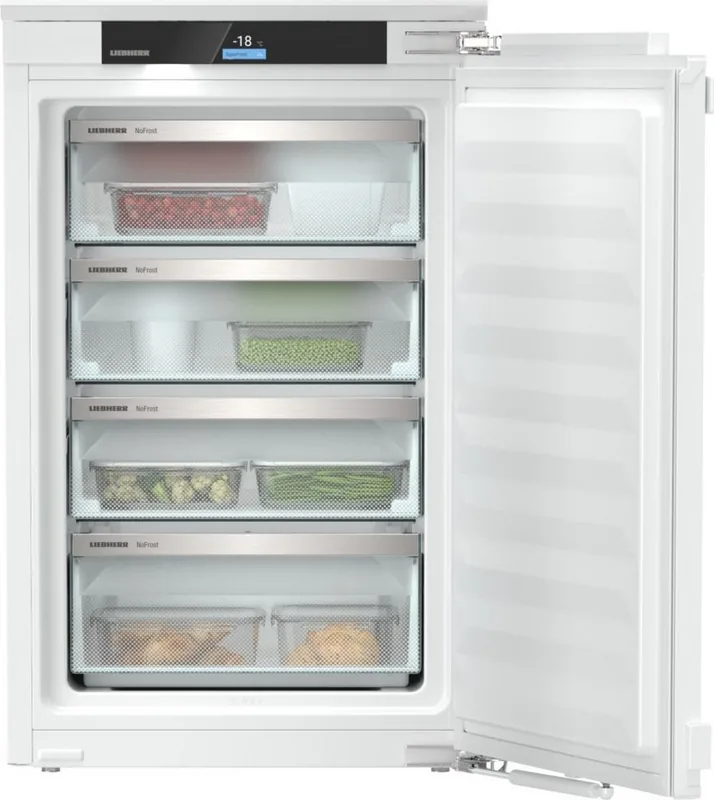
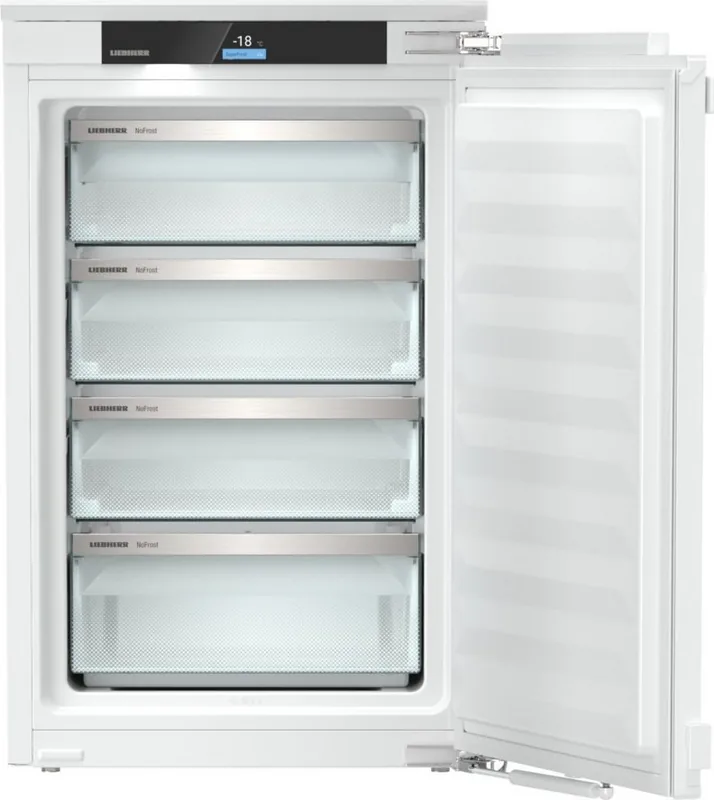
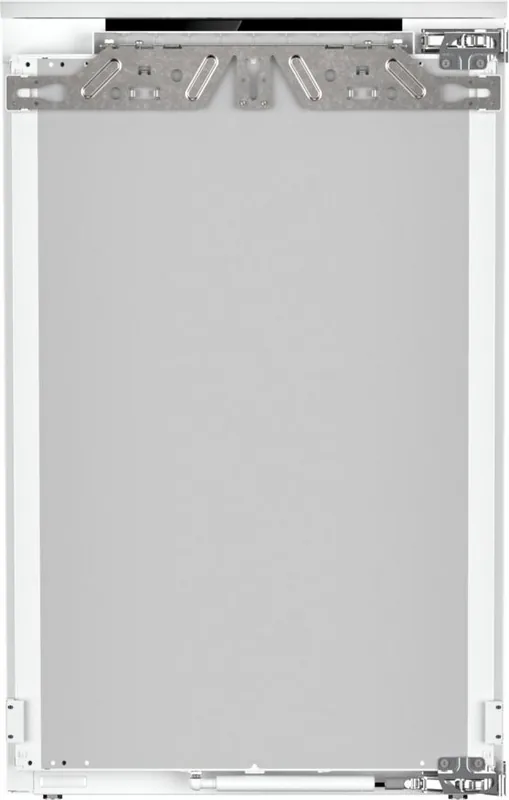
Liebherr IFNci 3954-22 Prime NoFrost Manual
PDF manual · 22 Pages
English



Quick check
Incorrect answer, please try again.
Chat with your Liebherr IFNci 3954-22 Prime NoFrost manual using AI
Get instant AI answers from your Liebherr IFNci 3954-22 Prime NoFrost manual
Ask anything about the Liebherr IFNci 3954-22 Prime NoFrost. Answers come from this manual, with the pages they are based on.
IFNci 3954-22 Prime NoFrost Maintenance Schedule
Wipe dry and clean with soft cloth, lukewarm water and detergent. Do not use abrasive materials.
Clean drawers, freezer tray, and ice cube tray. Ice cube tray can be washed in dishwasher up to 60 C.
Ask a Question
Do you recommend IFNci 3954-22 Prime NoFrost?
Yes NoFrequently Asked Questions
NoFrost automatically defrosts the evaporator by collecting and evaporating frost, preventing ice buildup. This eliminates the need for manual defrosting, maintains freezer efficiency and ensures steady cooling performance.
Is this answer helpful?
Activate SuperFrost before freezing: for small batches, enable about 6 hours prior; for maximum loads, enable about 24 hours before. SuperFrost reduces temperatures to freeze food faster and increases cold reserves for newly added fresh food.
Is this answer helpful?
Yes—if your model is SmartDevice-enabled, download the Liebherr SmartDevice app, register and follow the app instructions to connect via WiFi. Note SmartDevice may be unavailable in certain countries.
Is this answer helpful?
Ensure proper ventilation, avoid installation near heat sources, prevent damage to refrigerant lines, make the power plug accessible, and follow climate rating limits on the type plate. Repairs should be done by qualified service personnel.
Is this answer helpful?
Package food properly, avoid contact between raw and ready-to-eat items, leave space for air circulation, observe best-before dates, cool hot food to room temperature before freezing, and follow recommended portion sizes to ensure thorough freezing.
Is this answer helpful?
Keep the appliance closed to retain cold. If food has thawed, do not refreeze it. For units in SabbathMode, note that alarms may be suppressed—inspect food carefully and contact customer service if unsure.
Is this answer helpful?
Unplug before cleaning. Use soft cloths and pH-neutral cleaners; avoid abrasive materials. Remove and clean removable drawers, glass shelves and ice trays as instructed. NoFrost handles defrosting automatically, but regular cleaning preserves hygiene and efficiency.
Is this answer helpful?
Advantages and Disadvantages
Advantages

- NoFrost technology prevents manual defrosting and reduces maintenance.
- Touch & Swipe display with multiple modes (SuperFrost, PartyMode, SabbathMode).
- SmartDevice WiFi integration enables remote monitoring and control via app.
- VarioSpace and removable drawers/shelves allow flexible storage of bulky items.
- EnergySaver mode lowers consumption by adjusting set temperature by 2 °C.
Disadvantages

- SmartDevice functions may be unavailable in some countries (e.g., Russia, Belarus, Kazakhstan).
- Requires correct installation and ventilation; poor placement increases energy use.
- Refrigerant is flammable—damage to cooling lines poses fire risk during disposal/repair.
- Some pull-out systems require careful disassembly and reassembly for cleaning.
- Demo mode deactivates refrigeration; accidental activation could cause issues.
Product Specification
Construction Type
Integrated (flat hinge)
Energy Efficiency Class
C (A to G)
Energy Consumption
122kWh/Year
Front Color
silver
Side Color
white
Net Capacity
3.07cu ft
Star Rating
4
Freezing Capacity in 24h
22.05lb
Storage time in case of power failure
10h
Display
Touchscreen
Features
NoFrost, Super Freeze, LED lighting, Door alarm
Smart Home
App control (Wi-Fi (WLAN), SmartDevice)
Climate Class
SN/N/ST/T
Noise Emission
33dB
Noise Emission Class
B (A to D)
Door System
Right door hinge, reversible
Dimensions
22.01x34.33x21.50in (WxHxD)
Installation Dimensions
22.05-22.44x34.41-35.04x21.65in (WxHxD)
Product Description
Liebherr IFNci 3954-22 Prime NoFrost Manual
The Liebherr IFNci 3954-22 Prime NoFrost is a high-end built-in combined fridge-freezer engineered for reliable food preservation, energy efficiency, and convenient everyday use. With NoFrost technology, a Touch & Swipe display, SmartDevice connectivity and purpose-built compartments, the unit focuses on reducing maintenance while preserving optimal storage conditions. It suits households and small hospitality settings needing dependable freezing and long-term storage performance.
Design and key features
The appliance integrates an intuitive Touch & Swipe display to control temperature zones, activate SuperFrost for rapid freezing, enable PartyMode or SabbathMode, and manage WiFi connection for SmartDevice app control. NoFrost prevents manual defrosting by automatically evaporating frost from the evaporator. VarioSpace options let you remove drawers and shelves to freeze bulky items. LED interior lighting and soft-closing drawers add to day-to-day convenience.
Performance and storage
Designed to maintain recommended freezer temperatures (factory set to -18 °C), the IFNci 3954-22 offers a rated freezing capacity (see type plate for exact kg/24h). Storage guidance includes suggested freezing quantities per package and recommended activation timing for SuperFrost depending on load. The appliance supports safe packaging, separation of raw and ready-to-eat foods, and guidance for defrosting and refreezing to avoid spoilage.
Safety, installation and maintenance
Built to applicable EU and UK radio and safety standards, the unit uses a flammable but environmentally friendly refrigerant; installation must avoid damaging refrigeration lines. The manual provides climate rating limits for proper installation, warnings about combustible items, and clear instructions for cleaning, removing and reinstalling drawers, and disassembly of certain pull-out systems. NoFrost eliminates manual defrosting, but routine cleaning, visual inspections, and adherence to ventilation guidance preserve efficiency.
Connectivity and user modes
SmartDevice compatibility allows remote monitoring and function control via WiFi and the Liebherr app (availability varies by country). Useful preset modes include PartyMode (combined temporary settings), SabbathMode (disables select electronic responses for religious observance), EnergySaver (raises temperature by 2 °C to lower consumption), and Demo mode for dealer demonstration. The display supports multiple languages and an entry lock to prevent unintended changes.
Notes
- Check the appliance type plate for exact technical ratings and freezing capacity.
- For optimum energy use, avoid placing the unit near heat sources and ensure unobstructed ventilation.
- In case of malfunctions, consult troubleshooting steps before contacting Liebherr Customer Service.
Search for 67,706 Manuals online


Type-in Brand or Model