
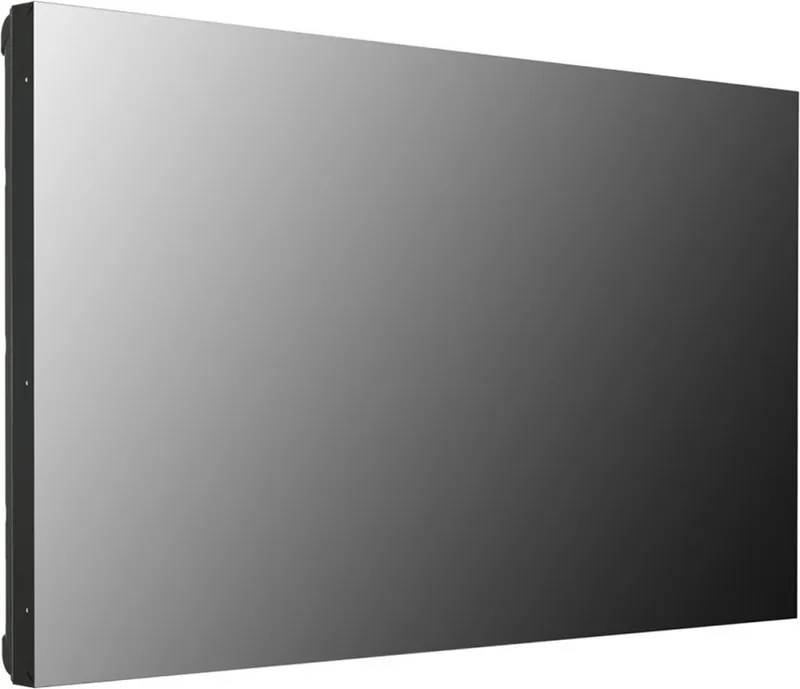
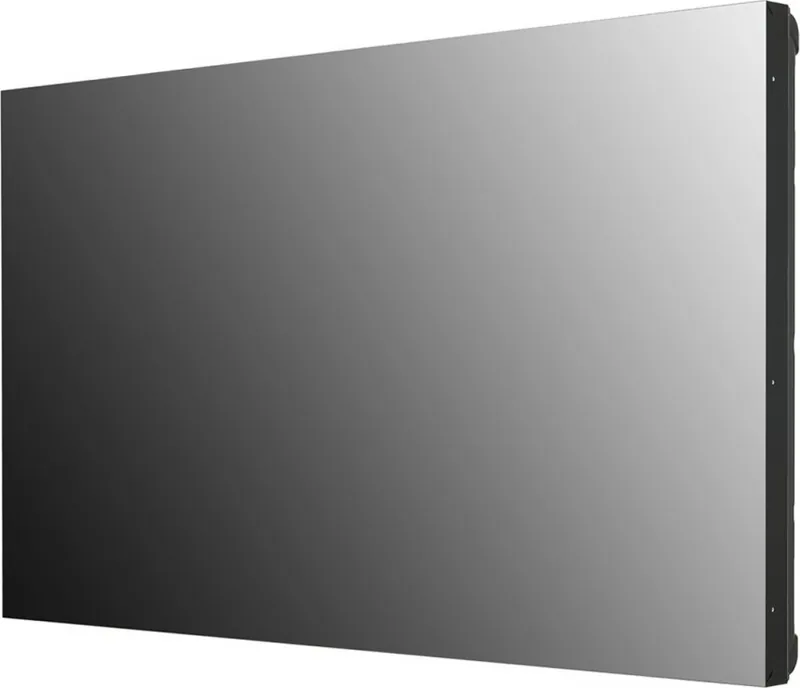

LG 55VH7E-H Manual
PDF manual · 93 Pages
English


Quick check
Incorrect answer, please try again.
Chat with your LG 55VH7E-H manual using AI
Get instant AI answers from your LG 55VH7E-H manual
Ask anything about the LG 55VH7E-H. Answers come from this manual, with the pages they are based on.
Ask a Question
Do you recommend 55VH7E-H?
Yes NoFrequently Asked Questions
Use Ethernet cable or Wi-Fi dongle for wireless internet. Check network settings menu for IP configuration.
Is this answer helpful?
It is a quick configuration tool for video wall setups and display options. Simplifies complex alignment tasks for multiple screens.
Is this answer helpful?
Yes, it supports various video codecs like H.264 and HEVC. Check file type compatibility before connecting the drive.
Is this answer helpful?
Use Group Manager 2.0 to distribute content across the network. Master and Slave modes coordinate content schedules effectively.
Is this answer helpful?
Yes, touch screen support is available on specific compatible models. Allows interactive control without using a remote control.
Is this answer helpful?
Fail over mode plays content from internal storage automatically. Status mailing may notify administrators of the fault immediately.
Is this answer helpful?
Yes, via RS-232C or web-based admin tools. Command references allow integration with external control systems easily.
Is this answer helpful?
Advantages and Disadvantages
Advantages

- webOS 4.0 Provides intuitive user interface for digital signage operations and content management.
- Video Wall Configurations Support Tile modes and natural mode for seamless visual displays.
- Multi Screen Mode Allows split viewing capabilities for diverse content streaming simultaneously.
- Remote Management Tools Enable deep system configuration without physical access to the monitor.
- Fail Over Technology Ensures content continues playing from internal storage during input signal loss.
Disadvantages

- USB Limitations Supports specific file types and may struggle with large capacity drives.
- Network Dependency Requires stable Wi-Fi or Ethernet for full management functionality.
- Codec Restrictions Not all video compression formats are supported for playback optimization.
- Setup Complexity Requires technical knowledge for configuring video wall and network settings.
- IR Signal Range Infrared control may not work effectively at long distances.
Product Specification
Diagonal
"55" (139.7 cm)"
Resolution
1920 x 1080, 16:9
Brightness
700 cd/m2
Contrast
1,200:1 (Static), 500,000:1 (Dynamic)
Response Time
8 ms
Viewing Angle
178 deg / 178 deg
Panel
IPS (AH-IPS)
Form
Flat (Standard)
Coating
Non-glare (Matte)
Backlight
White-LED
HDR
N/A
Color Depth
10-bit (1.07 Billion colors)
Refresh Rate
60 Hz
Signal Frequency
Not specified (Horizontal), Not specified (Vertical)
Connections
1x DVI, 2x HDMI, 1x DisplayPort, 1x DisplayPort-Out, 1x 3.5mm Jack (Line-In), 1x 3.5mm Jack (Line-Out)
Additional Connections
1x USB, 2x Serial, 2x RJ-45 LAN, 1x JAE 80-Pin OPS
VESA
600 x 400 (Standard)
Power Consumption
260 W (Max), 220 W (Typical), Not specified (Old Energy Label A+++ to G), Not specified (Standby)
SDR Energy Efficiency Class
G
SDR Energy Consumption
135 kWh/1000h
Dimensions (Width x Height x Depth)
47.68" x 26.85" x 3.39"
Weight
41.01 lbs
Features
Slim Bezel, Temperature Sensor, Wi-Fi, webOS
Manufacturer Warranty
Three Years (Advance Replacement)
Product Description
Overview
Explore the comprehensive capabilities of the LG 55VH7E-H, 55 Manual product guide for digital signage systems. This monitor is engineered for high-performance commercial displays. It runs on webOS 4.0, ensuring a smooth and intuitive operating experience for operators.
Features
The Content Manager platform allows users to play images, videos, and templates efficiently. Scheduling features ensure media plays at the correct times daily. Group Manager 2.0 facilitates the distribution of content across networks. EZ Setting simplifies complex video wall configurations with tile modes and natural modes. Safety mechanisms like ISM prevent image retention during static displays. Network options include wired Ethernet and optional Wi-Fi dongles for flexible installation. Status mailing sends email alerts to administrators regarding system health and faults. Fail over technology ensures content continues from internal storage during input signal loss. Multi-screen modes enable picture-in-picture or four-way splits for diverse content. Audio support includes internal speakers or external Bluetooth and wired connections. The Admin section offers password protection and remote locking for security. Power management includes Display Power Management and auto-off schedulers for energy efficiency. Display settings cover rotation and various aspect ratios for optimal viewing. Connectivity is robust with HDMI, DisplayPort, and OPS slots for versatility.
Management
Screen Share permits direct wireless casting from mobile devices and computers. LG Presenter enables presentations with easy handover capabilities between users. Smart Calibration adjusts color accuracy using specific temperature targets for consistency. RS-232C ports allow device daisy chaining for large scale installations. The dashboard provides quick access to key system information and settings. Web-based management tools allow deep configuration without physical proximity. Firmware updates maintain security and performance standards over time. Supported formats include HEVC and H.264 for high quality playback efficiency. Custom boot and no-signal images help maintain corporate branding identity. Touch interfaces add interactivity for retail and educational environments. This signage solution combines robust hardware with intelligent software for reliability. It fits any commercial setting requiring consistent digital display performance. Energy saving modes like Smart Energy Saving adjust brightness automatically. Screen Fault Detection checks for abnormalities to ensure quality assurance. USB storage supports various file types with specific compatibility limits.
Connectivity
Wake on LAN allows remote power activation for convenience. IR codes allow control of multiple screens from a single receiver. The comprehensive command reference supports integration with external control systems. Picture ID features enable targeted control in multi-screen setups. Touch assistive menus allow configuration without a physical remote key. The manual emphasizes regular maintenance for optimal performance. Power on delay settings prevent network overload during startup. Status email notifications help teams react quickly to faults. Remote management tools reduce on-site technician requirements significantly. The display supports various resolutions for input signals. Video wall synchronization keeps multi-screen layouts aligned perfectly. Content syncing among devices ensures uniform branding across locations. Advanced settings manage display brightness based on ambient light levels. Safety modes prevent overheating during extended operation hours.
Search for 67,732 Manuals online


Type-in Brand or Model