
Lenovo ThinkBook 15 G2 ITL Manual
PDF manual · 64 Pages
English


Quick check
Incorrect answer, please try again.
Chat with your Lenovo ThinkBook 15 G2 ITL manual using AI
Get instant AI answers from your Lenovo ThinkBook 15 G2 ITL manual
Ask anything about the Lenovo ThinkBook 15 G2 ITL. Answers come from this manual, with the pages they are based on.
ThinkBook 15 G2 ITL Maintenance Schedule
Check regularly for damage, wear, or signs of safety risks. Do not use if any component is suspected to be faulty.
Remove dust accumulations from ventilation slots and front panel openings. Clean more frequently in dusty environments.
Ask a Question
Do you recommend ThinkBook 15 G2 ITL?
Yes NoDo you recommend ThinkBook 15 G2 ITL?
Yes NoFrequently Asked Questions
The ThinkBook 15 G2 ITL uses a 15.6-inch display with Full HD (1920×1080) resolution on FHD models. Selected SKUs may include multi-touch support; exact panel options depend on configuration.
Is this answer helpful?
Video output is supported via the HDMI port and the USB-C/Thunderbolt 4 connector which offers DisplayPort functionality. Use appropriate adapters if connecting to legacy displays.
Is this answer helpful?
Yes. The laptop supports M.2 SSD(s) (2242 or 2280) and an optional 2.5-inch SATA HDD depending on SKU. Memory typically supports onboard DDR4 plus one SODIMM slot for expansion. Follow Lenovo CRU instructions and safety guidance for replacements.
Is this answer helpful?
UEFI/BIOS supports administrator and user passwords, master and user hard-disk passwords, power-on password, Hotkey Mode, Always-On USB control, Flip to Boot, and other configurable firmware security settings.
Is this answer helpful?
Use the Novo button (or Fn + power on some models) to open the Novo menu for Normal Startup, BIOS Setup, Boot Menu, System Recovery, or UEFI Diagnostics. Lenovo Vantage or recovery media can assist with OS recovery.
Is this answer helpful?
Charge the battery in ambient temperatures between 15°C and 35°C. Full charging typically takes two to four hours depending on capacity and usage. To maximize battery life, allow discharge below ~94% before recharging when using Lenovo battery-health features.
Is this answer helpful?
Drivers, BIOS/UEFI updates, and manuals are available from Lenovo Support (support.lenovo.com) and via Lenovo Vantage or Lenovo PC Manager. Enter your machine type or serial number to find tailored updates and documents.
Is this answer helpful?
Advantages and Disadvantages
Advantages

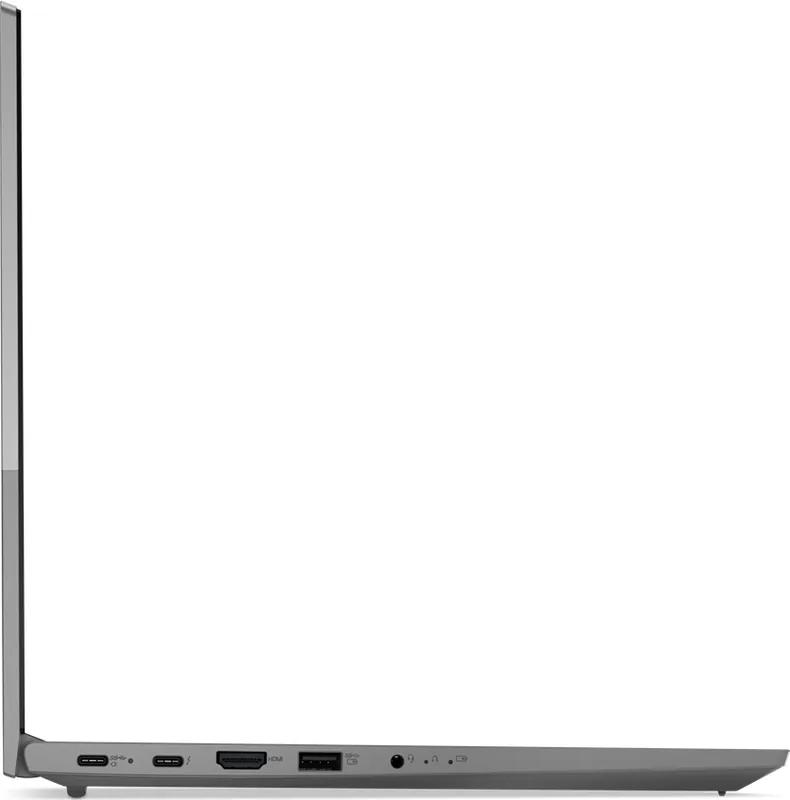
- Wide connectivity: Thunderbolt 4, USB-C with DP, HDMI, Ethernet, USB-A, and SD card slot for versatile use.
- Robust security: fingerprint reader (select models), nano lock slot, and UEFI/BIOS password options for layered protection.
- Flexible storage and memory: M.2 SSD support, optional 2.5-inch HDD, and SODIMM expansion for upgrades.
- Balanced power management: selectable modes (Intelligent Cooling, Battery Saving, Extreme Performance) to suit workloads.
- Business-focused features: privacy camera slider, Novo button for recovery, and Lenovo Vantage/PC Manager support.
Disadvantages

- Feature variability: important features (touchscreen, fingerprint reader, backlit keyboard) depend on SKU and may not be standard.
- Thermals and noise: compact chassis may heat up under heavy loads; effective cooling may require higher fan activity.
- Battery charging limits: optimal charging and long battery life depend on temperature and usage conditions.
- CRU limitations: some repairs or forgotten passwords (BIOS/hard-disk) may require service center intervention and possible component replacement.
- Port placement differences: left/right port layouts vary by model; adapters may be needed for some external displays or devices.
Product Specification
Type
Notebook
HDD
N/A
Flash
N/A
Authentication
Fingerprint reader (Power Button), TPM 2.0
Camera
0.9 Megapixels, Webcam cover
Optical drive
N/A
Battery
fixed, Li-Polymer, 45Wh, 7.5h runtime
Weight
3.75 lb
Dimensions
14.06x9.25x0.74in (WxDxH)
Color
grey, Manufacturer designation: Mineral Grey
Warranty
one year (send-in)
USB notation
Link
Product Description
Lenovo ThinkBook 15 G2 ITL Manual — Overview and Features
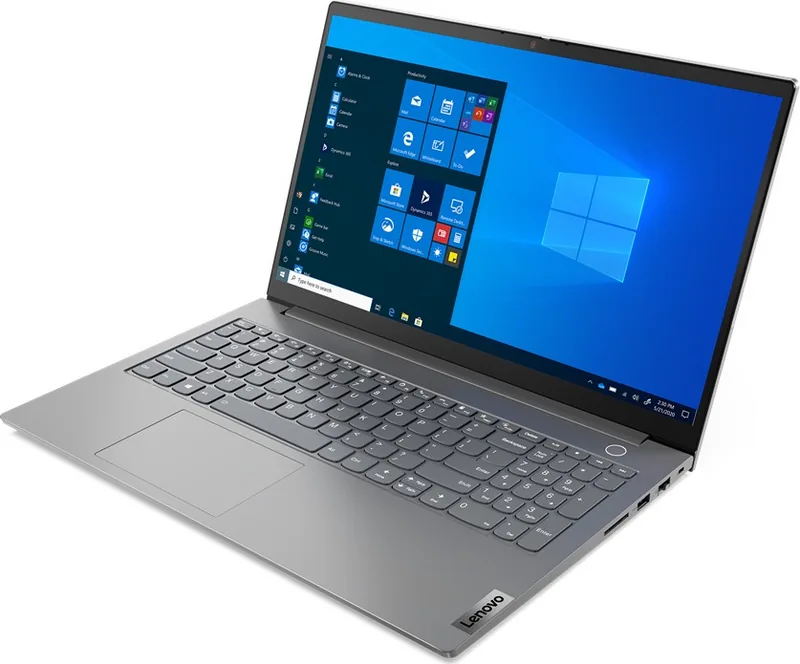
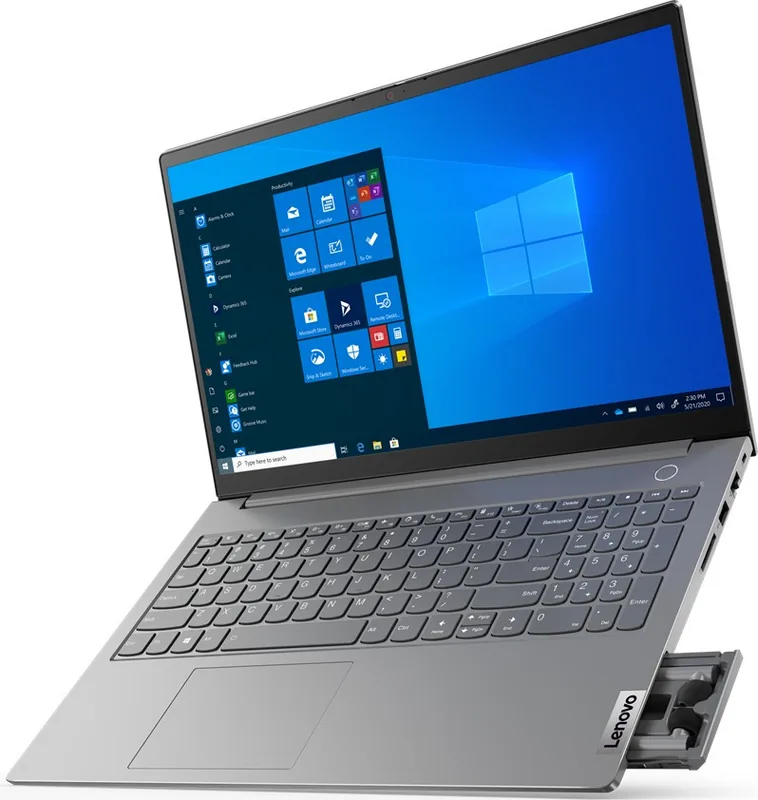
The Lenovo ThinkBook 15 G2 ITL is a business-focused 15.6-inch laptop that blends modern Intel performance, practical security features, and a clean industrial design tailored for professionals and mobile workers. Designed to balance portability with productivity, the ThinkBook 15 G2 ITL offers full HD display options, multiple storage configurations, and a variety of ports including USB-C (with DisplayPort support), Thunderbolt 4, HDMI, USB-A (including an Always-On charging port), Ethernet, and an SD card reader. These connectivity choices make it easy to dock, present, or transfer large files while on the road.
Under the lid you’ll find options for SSD (M.2) and traditional 2.5-inch HDDs, DDR4 memory with at least one SODIMM slot, and battery packs in different capacities to match your mobility needs. The system’s power and thermal management provide selectable performance modes (Intelligent Cooling, Battery Saving, and Extreme Performance) to prioritize battery life or processing power depending on the task. Charging behavior and battery health are adjustable through Lenovo software tools.
Security and manageability are central to this model: a fingerprint reader (on selected SKUs), nano security-lock slot, and BIOS/UEFI password options (administrator, user, and hard-disk passwords) offer layered protection. The physical webcam includes a privacy cover and an indicator light, while the keyboard may include a backlight and a numeric keypad for data-entry tasks. Lenovo’s Novo button and Lenovo Vantage / PC Manager simplify recovery, firmware updates, diagnostics, and hardware tuning.
The chassis includes thoughtfully placed vents and speakers, and the keyboard hotkeys provide quick access to volume, display switching, media controls, and collaboration features for apps like Teams or Skype (where supported). Multi-touch display support is available on select models for more intuitive interaction. Overall dimensions and port placement make the ThinkBook 15 G2 ITL suitable for both desktop-replacement use and travel-friendly productivity.
Practical maintenance and support are emphasized: certain components are customer-replaceable (CRUs) like power cords and some adapters, and Lenovo provides recovery options, online documentation, and regional support channels. Safety guidance, environmental and compliance information, and battery handling instructions are included to help users maintain device longevity and regulatory conformity.
Notes
- Selected features (fingerprint reader, integrated earphones, keyboard backlight, multi-touch display) vary by configuration.
- Performance and battery life depend on configuration, workload, and environmental factors.
- Always follow safety and disposal guidance for batteries and electronic components.
Search for 67,732 Manuals online


Type-in Brand or Model