
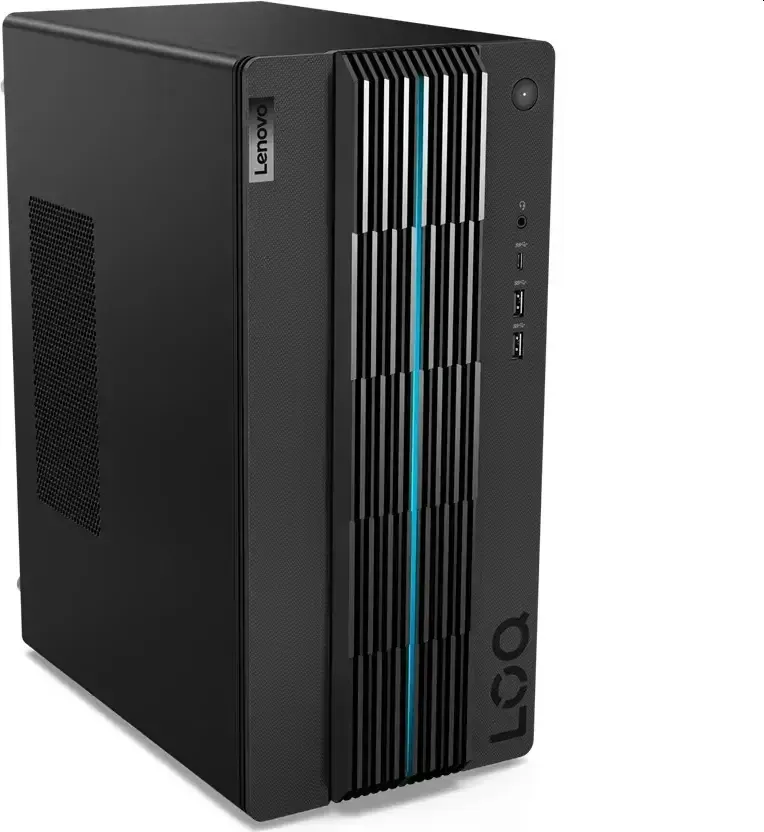
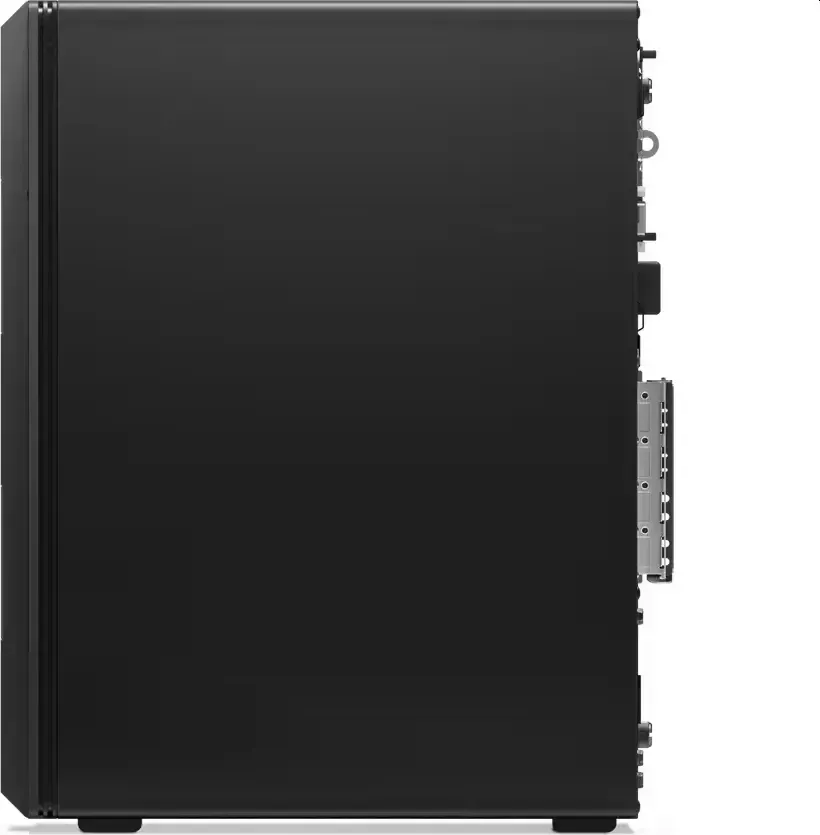
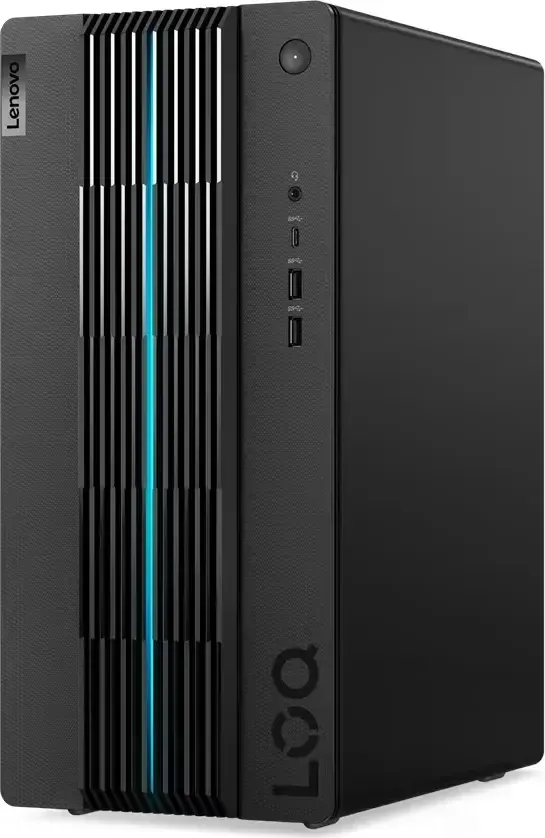
Lenovo LOQ Tower 17IRB8 Manual
PDF manual · 36 Pages
English


Quick check
Incorrect answer, please try again.
Chat with your Lenovo LOQ Tower 17IRB8 manual using AI
Get instant AI answers from your Lenovo LOQ Tower 17IRB8 manual
Ask anything about the Lenovo LOQ Tower 17IRB8. Answers come from this manual, with the pages they are based on.
Ask a Question
Do you recommend LOQ Tower 17IRB8?
Yes NoFrequently Asked Questions
Hold the power button until the unit shuts down completely then release and wait briefly before restarting the system to refresh operations.
Is this answer helpful?
Visit the Lenovo support website or use the pre-installed Lenovo Vantage application to locate and install current firmware and device drivers automatically.
Is this answer helpful?
Immediately unplug the power cable shut off the device and allow all moisture to dry thoroughly before reconnecting electrical power to prevent permanent damage.
Is this answer helpful?
Yes memory modules are listed as customer replaceable units allowing you to increase capacity by opening the side panel and inserting compatible sticks.
Is this answer helpful?
Keep the environment between five degrees Celsius and thirty-five degrees Celsius during operation to ensure the hardware functions correctly without overheating.
Is this answer helpful?
The system includes built-in bluetooth technology allowing wireless pairing with keyboards mice smartphones and other supported accessories nearby.
Is this answer helpful?
Access disk management tools within the operating system control panel to create new volumes or shrink existing partitions according to your storage needs.
Is this answer helpful?
Advantages and Disadvantages
Advantages

- Expandable RAM and storage capacities allow for future growth without buying a new system.
- Multiple power supply options provide flexibility for different hardware configurations and budgets.
- Thunderbolt 4 support enables high-speed data transfer and external display connections.
- Integrated Lenovo Vantage software simplifies driver updates and system health monitoring.
- User-replaceable components facilitate easy maintenance and part swapping for experienced users.
Disadvantages

- Desktop tower form factor lacks portability compared to laptops or small form factor PCs.
- Initial setup requires understanding power specifications and compatible component selections.
- Fan noise may increase significantly under heavy computational loads and stress testing.
- Warranty coverage might exclude damage caused by non-approved third-party hardware installations.
- Replacing the power supply unit involves accessing deep interior components safely.
Product Specification
HDD
N/A
Flash
N/A
SSD/HDD Slots
1x M.2 PCIe 4.0 x4 (2280)
Rear I/O
4x USB Type-A 2.0 (480 Mbps), 1x VGA, 1x HDMI 1.4b, 1x 3.5mm Jack, 1x RJ-45 2.5G Ethernet, 1x AC Power Inlet C13 (Power Inlet)
Front/Side I/O
1x USB-C 3.0 (5 Gbps), 1x USB Type-A 3.1 (10 Gbps), 1x USB Type-A 3.0 (5 Gbps), 1x 3.5mm Jack
Optical Drive
N/A
Camera
N/A
Dimensions
6.69x14.80x11.97 in (WxHxD)
Weight
18.52 lbs
Volume
0.69 cu ft (calculated)
Color
Black (Raven Black)
USB Notation
Link
Product Description
Discover Performance with the Lenovo LOQ 17IRB8
Setting Up Your High-Performance Tower
Establishing a reliable workstation starts with choosing hardware that balances power and expandability. Enthusiasts often align their setup strategies with the Lenovo LOQ 17IRB8 Manual standards to maximize system settings before purchase. This tower model delivers consistent stability for demanding applications including video editing and competitive gaming. Understanding the environmental limits ensures longevity while maintaining peak thermal performance under heavy loads. Operating temperatures must stay between five degrees Celsius and thirty-five degrees Celsius for continuous usage stability.
Comprehensive Hardware Configuration Details
Internal components are designed for modular upgrades allowing users to modify capacity without replacing the entire unit. Power supply units come in multiple wattages ranging from three hundred ten watts up to five hundred watts to accommodate different graphics card setups. Memory support utilizes standard dual inline modules compatible with fourth-generation architectures for efficient data processing speeds. Storage expansion options include both solid state drives and mechanical platter drives for balanced cost versus performance requirements. Users can replace these parts themselves using specific service instructions provided with the original package.
Advanced Connectivity and Port Layout
External interfaces handle a vast variety of peripheral devices seamlessly through organized panels. Thunder bolt ports enable rapid transmission rates for high resolution monitors and external storage enclosures. Network capabilities rely on integrated ethernet controllers supporting gigabit speeds for low latency online interactions. Wireless audio solutions utilize bluetooth technology for connecting headphones or speakers without cluttering the desk with cables. Security features incorporate physical locking mechanisms to prevent unauthorized access to the hardware components inside.
System Management and Software Utility
Automated tools assist in keeping drivers current and diagnosing potential failures before they cause issues. Utilities run diagnostics on memory modules and storage health metrics regularly during active operation cycles. Thermal management systems adjust fan speeds dynamically to reduce noise while cooling active processors effectively. Resetting functionality exists for scenarios where the operating system becomes unresponsive requiring immediate intervention by the user. Liquid spill incidents require careful disconnection and drying periods before attempting restarts to avoid shorts.
Maintenance Procedures and Safety Notes
Additional safeguards protect against electrostatic discharge when touching internal electronics during open cases. Partitioning data disks follows specific commands entered into search bars within the operating system interface. Recovery processes restore factory states if corruption occurs due to software conflicts or driver errors. Always ensure backups exist before performing major hardware swaps to preserve critical files. Guidance materials cover safety warnings regarding internal voltage risks during servicing procedures for all technicians.
Search for 67,706 Manuals online


Type-in Brand or Model