
Lenovo IdeaPad 5 14IIL05 Manual
PDF manual · 70 Pages
English


Quick check
Incorrect answer, please try again.
Chat with your Lenovo IdeaPad 5 14IIL05 manual using AI
Get instant AI answers from your Lenovo IdeaPad 5 14IIL05 manual
Ask anything about the Lenovo IdeaPad 5 14IIL05. Answers come from this manual, with the pages they are based on.
IdeaPad 5 14IIL05 Maintenance Schedule
Store rechargeable batteries at room temperature at about 30%-50% capacity. Charge them at least once per year to prevent over-discharging.
Regularly inspect the outside for dust accumulation and remove dust from vents and bezel perforations. Clean more often in dusty or high-traffic areas.
Free maintenance reminders
Timed to your purchase date. Always free, unsubscribe anytime.
Ask a Question
Do you recommend IdeaPad 5 14IIL05?
Yes NoFrequently Asked Questions
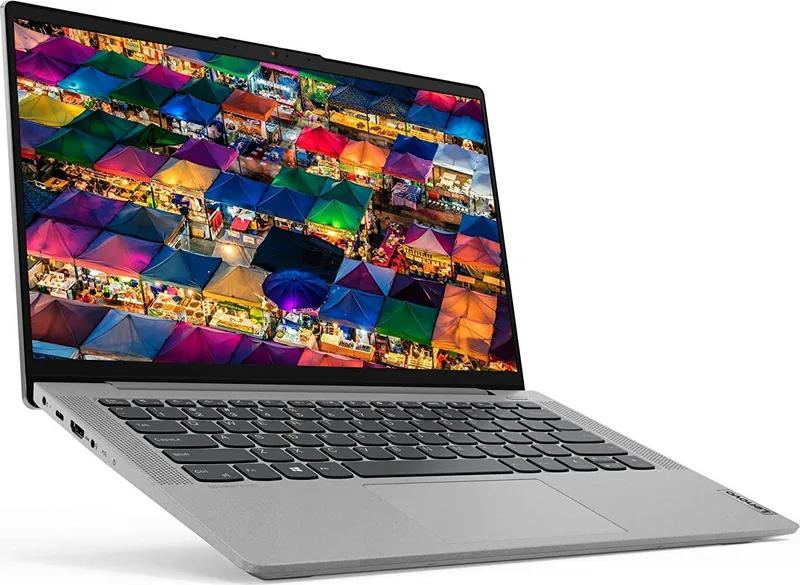
The IdeaPad 5 14IIL05 typically features a 14-inch Full HD (1920×1080) screen. Some configurations support multi-touch capability. Screen size, touch support and finish may vary by model.
Is this answer helpful?
Yes — selected 14" models use a USB-C port for charging and support USB-C power adapters (including 65W or 95W options). Some variants still include a dedicated barrel power jack; check your specific configuration.
Is this answer helpful?
Use the Novo button (small pinhole) while the machine is off to open the Novo menu for BIOS/UEFI setup, boot selection, or Windows recovery. Alternatively, press F2 for UEFI/BIOS or F12 at startup to open boot options.
Is this answer helpful?
UEFI/BIOS supports administrator and user passwords, power-on password, and hard-disk master/user passwords. Some models include a fingerprint reader for Windows Hello authentication. Lost firmware passwords typically require authorized service.
Is this answer helpful?
Use a USB flash drive and run the Windows recovery drive tool (search 'create a recovery drive'). Select 'Back up system files to the recovery drive' if you want the option to recover or reset Windows from the drive; note this will erase the USB drive.
Is this answer helpful?
Most IdeaPad 5 configurations use soldered DDR4 memory with zero DIMM slots, so RAM is not user-upgradeable. Verify your exact model specifications before purchasing or attempting upgrades.
Is this answer helpful?
Immediately remove the power adapter, power the laptop off and disconnect all cables. Allow the device to dry completely before powering on. If damage is suspected, contact Lenovo support to avoid further harm or data loss.
Is this answer helpful?
Advantages and Disadvantages
Advantages

- Portable 14" Full HD display with optional multi-touch and slim metal or plastic chassis.
- Modern connectivity: USB-C (DisplayPort/power), HDMI, USB-A (Always-On), SD card slot on select models.
- Security and firmware control via UEFI/BIOS, Novo button, multiple password types, and optional fingerprint reader.
- Lenovo Vantage/PC Manager for easy updates, diagnostics, battery monitoring and performance management.
- Flexible power options and battery capacities (44.5–70 Wh) with energy/performance modes and recovery tools.
Disadvantages

- Some features (fingerprint reader, Always-On USB, SD slot) are available only on selected models.
- No user-upgradeable RAM slots — memory is soldered (0 DIMM slots) on many configurations.
- USB transfer speeds vary by port standard and environment; adapters may be needed for some devices.
- UEFI/BIOS password and disk password recovery requires authorized service and possible board/drive replacement.
- Actual battery life and charging times vary significantly with configuration, workload and environmental conditions.
Product Specification
Type
Notebook
SSD
512GB M.2 PCIe 3.0 (2242)
HDD
N/A
Flash
N/A
Operating System
Windows 10 Home 64bit
Authentication
Fingerprint Reader (Power Button), TPM 2.0
Camera
0.3 Megapixel
Optical Drive
N/A
Battery
fixed, Li-Ion, 57Wh, 11h runtime
Dimensions
12.68x8.35x0.70in (WxDxH)
Warranty
two years (send-in)
USB Naming Convention
Link
Product Description
Lenovo IdeaPad 5 14IIL05 Manual — Overview and Key Features
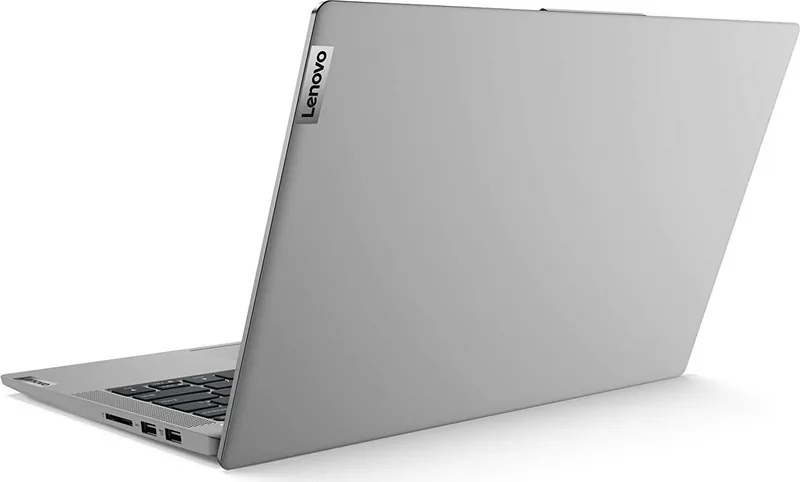
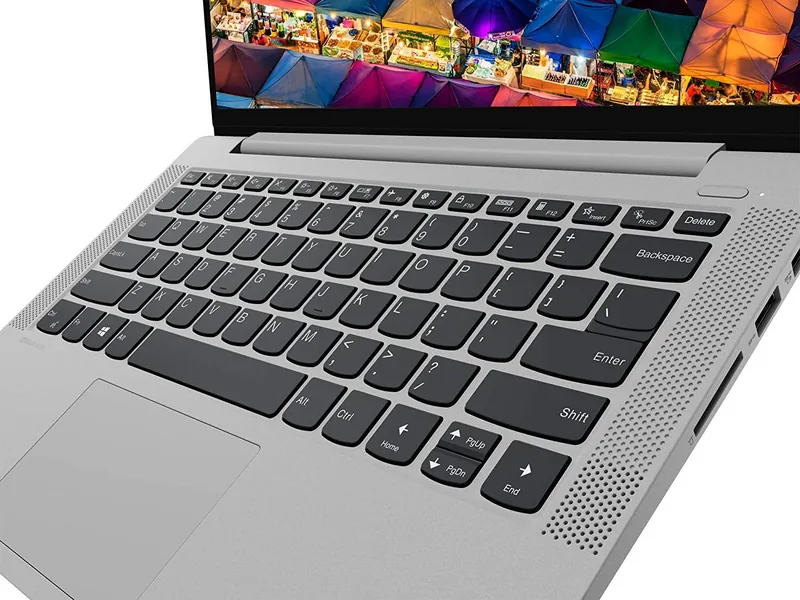
The Lenovo IdeaPad 5 14IIL05 is a compact, versatile 14-inch laptop designed to balance everyday productivity, portability, and modern connectivity. It ships with a Full HD (1920×1080) display, DDR4 memory, M.2 PCIe SSD storage, and a choice of power adapters (45W, 65W, or 95W USB-C). The chassis options include plastic and metal variants with thin profiles, and selected models offer fingerprint readers, backlit keyboards, and multi-touch screens.
Boot and firmware options are flexible: the machine supports UEFI (with legacy support when needed) and provides a Novo button for easy access to BIOS/UEFI setup, boot selection, and Windows recovery. Security features include multiple UEFI/BIOS passwords (administrator, user, power-on) and optional hard-disk passwords to protect data.
On the left and right edges you’ll find power / USB-C charging, HDMI, USB-A ports (one Always-On), a combo audio jack, SD card slot (on some models), and Novo/indicator LEDs. Wireless features include Wi‑Fi and Bluetooth, and the device supports DisplayPort over USB‑C on compatible configurations.
Lenovo equips the IdeaPad 5 with software tools such as Lenovo Vantage and Lenovo PC Manager for driver updates, hardware diagnostics, battery and performance management, and UEFI/BIOS updates. Windows 10 is the baseline OS for instructions and workflows, including account setup, Windows Hello fingerprint enrollment, and recovery options like system restore, reset, and creating a recovery USB.
Power and battery management are emphasized: typical battery capacities range based on model (44.5–70 Wh depending on configuration) and charge behavior can be monitored via Lenovo Vantage. The laptop offers multiple performance modes (switched via hotkeys) and energy plans to balance runtime and performance.
User accessibility and ergonomics are covered, with guidance on hotkeys, multi-touch gestures, display resolution and scaling, and accessibility features (magnifier, narrator, on-screen keyboard, speech recognition). Safety, maintenance and regulatory guidance are included: handling of batteries, safe transport, ventilation, disconnect procedures, and CRU (customer replaceable unit) guidance for authorized upgrades or replacements.
Notes
- Selected models include fingerprint readers, camera privacy slider, and backlit keyboards.
- USB-C may serve as the charging port on some 14" variants; adapters may be required for some peripherals.
- Recovery options include system restore points, reset (keep files or remove all), and a user-created recovery USB.
Search for 67,706 Manuals online


Type-in Brand or Model