
LC-Power LC-NB-14-N5095-12GB Manual
PDF manual · 42 Pages
English



Quick check
Incorrect answer, please try again.
Chat with your LC-Power LC-NB-14-N5095-12GB manual using AI
Get instant AI answers from your LC-Power LC-NB-14-N5095-12GB manual
Ask anything about the LC-Power LC-NB-14-N5095-12GB. Answers come from this manual, with the pages they are based on.
LC-NB-14-N5095-12GB Maintenance Schedule
Make sure to back up important files regularly to avoid loss.
Fully charge the battery regularly. Do not keep the battery empty for a long time.
Ask a Question
Do you recommend LC-NB-14-N5095-12GB?
Yes No
Hans Weber
5 months ago
Is this laptop suitable for basic office work and does it have a metal look?
Frequently Asked Questions
No, the battery inside this notebook cannot be replaced by the user. Attempting to do so or using an incorrect battery may cause the device to explode. Please contact a skilled technician or support team.
Is this answer helpful?
Press and hold the Esc key on the keyboard while pressing the power button. Once the options screen appears, select SCU for BIOS settings or Boot Manager for operating system options.
Is this answer helpful?
Try switching off the device by holding the power button for up to 30 seconds. Use this method only when absolutely necessary to force a shutdown.
Is this answer helpful?
This is a known Windows 10 error after the first start. To fix it, shut down and restart three times until the recovery screen appears, then choose Troubleshoot and Reset this PC.
Is this answer helpful?
This product is intended for casual games, office applications, and internet browsing. It is not designed for heavy industrial applications or high-end gaming.
Is this answer helpful?
Advantages and Disadvantages
Advantages

- Includes 12GB RAM for smooth multitasking
- Fast 256GB SSD for quick boot and load times
- Intel Celeron N5095 processor handles daily tasks well
- Integrated Cortana voice assistant for convenience
- Durable design suitable for home and office use
Disadvantages

- Battery is not user-replaceable
- Not suitable for industrial or heavy-duty applications
- Cannot run complex professional software efficiently
- Screen requires gentle handling to avoid damage
- Windows activation may face delays on slow networks
Product Specification
Type
Notebook
Display
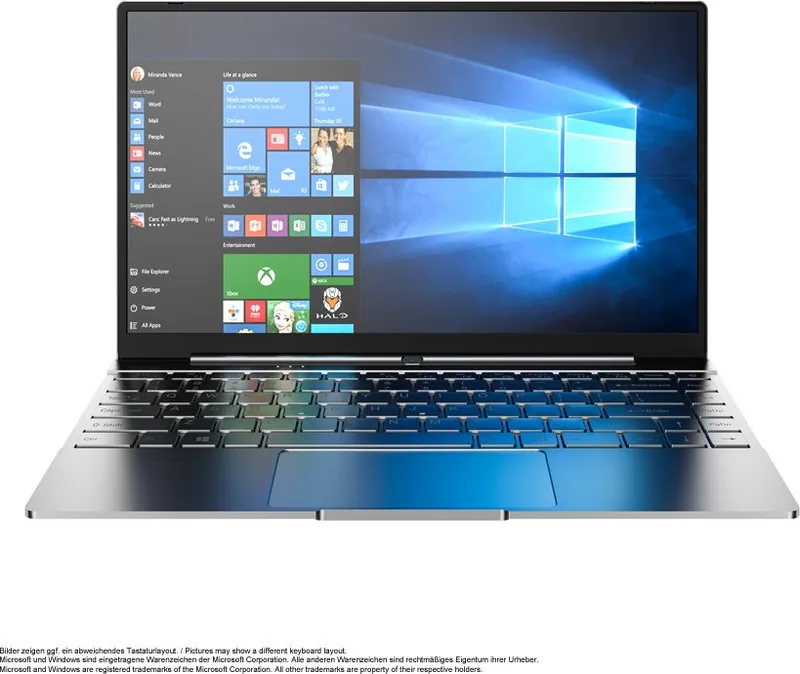
14.1, 1920x1080 (FHD), 16:9, 156ppi, 60Hz, non-glare (matt), 64.7cd/ft², 800:1
CPU
Intel Celeron N5095, 4C/4T, 2.00-2.90GHz, 4MB+2MB Cache, 15W TDP, Codename "Jasper Lake" (Tremont, Intel 10nm+ + Intel 14nm)
RAM
12GB LPDDR4 (12GB soldered)
SSD
256GB M.2
HDD
N/A
Flash
N/A
Graphics
Intel UHD Graphics (iGPU), 16EU/128SP, 0.45-0.75GHz, Architecture "Gen 11" (Jasper Lake GT1)
Operating System
Windows 10 Pro 64bit
Input
Keyboard with US layout (backlit, Rubber-Dome), Touchpad
Ports
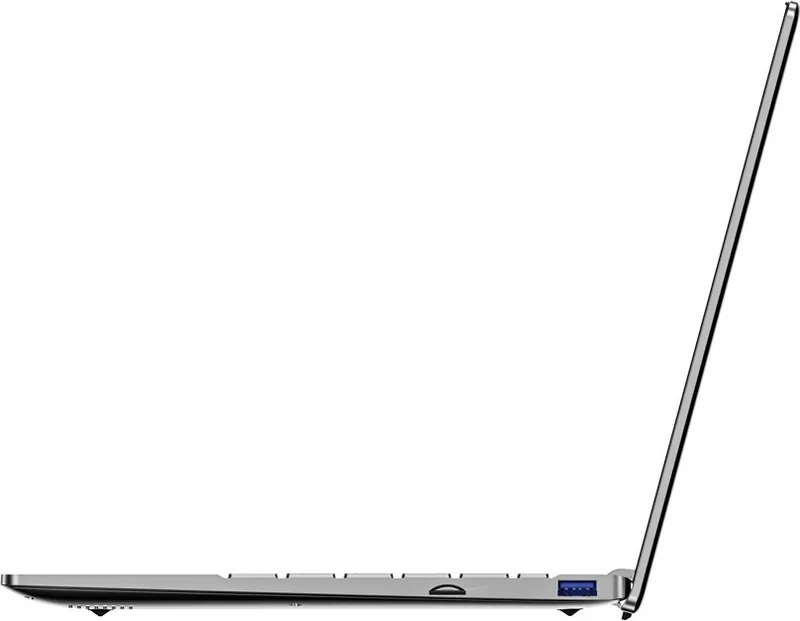
1x USB-C 3.0 (5Gb/s), 1x USB-A 2.0 (480Mb/s), 1x 3.5mm Jack, 1x microSD, 1x DC-In Barrel Jack (Power)
Wireless
Wi-Fi 5 (WLAN 802.11a/b/g/n/ac), Bluetooth 4.0
Camera
0.9 Megapixel
Optical Drive
N/A
Battery
Built-in, Li-Polymer, 37Wh, 5000mAh
Power Adapter
1x Barrel Plug (36W/12V/3A)
Weight
2.95 lbs
Dimensions
12.76x8.11x0.75 in (WxDxH)
Color
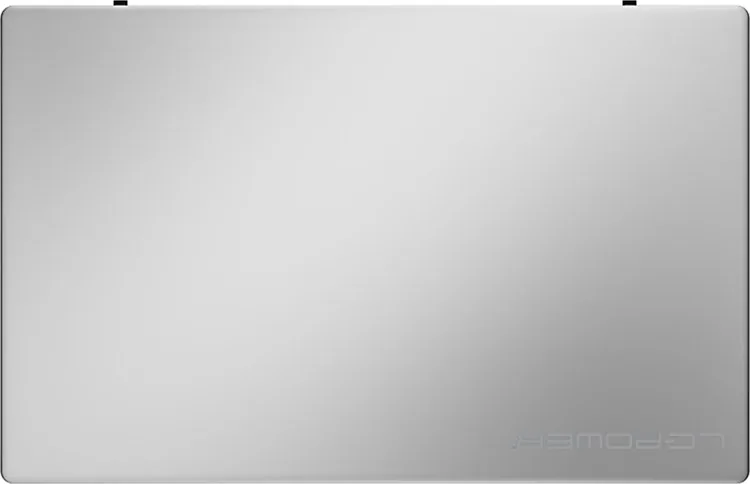
Silver
USB Spelling
Link
Product Description
Discover the LC-Power LC-NB-14-N5095-12GB: A Reliable Home and Office Companion
The LC-Power LC-NB-14-N5095-12GB is a versatile notebook designed to meet the everyday computing needs of students, home users, and office professionals. Powered by the Intel Celeron N5095 processor, this device offers a balance of efficiency and performance suitable for web browsing, document editing, media consumption, and light gaming. With 12GB of RAM and a fast 256GB SSD, it ensures smooth multitasking and quick boot times, making daily tasks feel effortless.
Designed with durability in mind, the notebook adheres to strict safety guidelines. Users are advised to keep the device away from moisture, direct sunlight, and extreme temperatures to prevent damage. The screen should be handled gently using only a soft, dry cloth to avoid scratches or fingerprints. It is crucial not to disassemble the unit yourself, as this would void the warranty. For battery longevity, always use the original power adapter and ensure the battery is charged to at least 30% before extended periods of storage.
Setting up your new device is straightforward. You can access applications via the Start menu and select from the full list of installed software. Security is managed easily through Windows settings where you can create user accounts and passwords. Connectivity options include Wi-Fi and Bluetooth, which can be toggled directly from the settings menu. For voice assistance, the integrated Cortana feature helps with reminders, emails, and searches.
Power management is key to extending the life of your hardware. While you can use the laptop while charging, doing so will increase the total time required to reach a full charge. Regularly fully charging the battery helps maintain its health. If you encounter issues like a non-responsive screen, a hard reset by holding the power button for 30 seconds may be necessary. For common software glitches like the defaultuser0 account name, a system recovery process involving advanced repair options can resolve the problem.
Whether you need a machine for remote work, online classes, or entertainment, the LC-Power LC-NB-14-N5095-12GB provides a solid foundation. Its compact design and efficient components make it an ideal choice for those seeking a dependable computer without breaking the bank.
Search for 67,706 Manuals online


Type-in Brand or Model
Erika Schmidt
5 months ago
Are the silver keys with white lettering easy to read in low light for older users?
Manual.ly
5 months ago
The keyboard features a silver finish with white characters, which offers a modern aesthetic. However, visibility can be reduced under certain lighting conditions or for users with vision difficulties. We recommend ensuring adequate ambient lighting when using the device in dim environments.