
LC-Power LC-M27-QHD-180 Manual
PDF manual · 64 Pages
English



Quick check
Incorrect answer, please try again.
Chat with your LC-Power LC-M27-QHD-180 manual using AI
Get instant AI answers from your LC-Power LC-M27-QHD-180 manual
Ask anything about the LC-Power LC-M27-QHD-180. Answers come from this manual, with the pages they are based on.
Ask a Question
Do you recommend LC-M27-QHD-180?
Yes No
John Smith
7 months ago
Is the OSD menu easy to navigate without reading German?
Frequently Asked Questions
The LC-M27-QHD-180 supports a maximum refresh rate of 180Hz, providing extremely smooth motion for gaming and multimedia use.
Is this answer helpful?
Yes, the monitor features Adaptive-Sync compatibility to reduce screen tearing and stuttering when paired with supported graphics cards.
Is this answer helpful?
The monitor boasts a 1ms Gray-to-Gray GTG response time, ensuring minimal motion blur during fast-paced scenes.
Is this answer helpful?
It includes dedicated presets for RTS/RPG, FPS Arena, and MOBA Arena modes to tailor settings for specific game genres.
Is this answer helpful?
Yes, the Dynamic Brightness feature automatically adjusts screen luminance based on the content being displayed.
Is this answer helpful?
It typically includes DisplayPort and HDMI inputs to connect PCs, consoles, and other media devices.
Is this answer helpful?
Yes, it offers Low Blue Light and Flicker-Free modes to help reduce eye strain during extended usage periods.
Is this answer helpful?
Advantages and Disadvantages
Advantages

- Exceptional 180Hz refresh rate provides fluid motion
- Fast 1ms response time minimizes input lag and blur
- Versatile connectivity with DP and HDMI inputs
- Built-in GamePlus tools enhance competitive play
- Multiple preset game modes for optimized performance
Disadvantages

- Stand may lack extensive tilt or swivel adjustment
- Color accuracy might require manual calibration out of the box
- On-screen display navigation can be slightly complex initially
- No built-in speakers included in the base model
- Cable management could be improved on the rear panel
Product Specification
Function
Monitor (stationary)
Diagonal
27" (68.58cm)
Resolution
2560x1440 (QHD), 16:9, 109ppi
Panel
IPS
Backlight
LED, Blue Light Filter, Flicker-Free
Brightness
300cd/sq.m (typical)
Contrast
1,000:1 (static), 1,000,000:1 (dynamic)
Response Time
1ms (GtG)
Refresh Rate
180Hz (2560x1440)
Variable Synchronization
Adaptive Sync
Connections
2x HDMI 2.0, 2x DisplayPort 1.4, 1x 3.5mm Jack (Line-Out), 1x DC-In Hollow Socket (Power Supply)
Shape
straight (flat)
Viewing Angle
178°/178°
Coating
non-glare (matte)
Color Depth
8bit (16.7 Million Colors)
FRC
unknown
sRGB
99%
Adobe RGB
85%
DCI-P3
93%
Operation
Joystick
Ergonomics
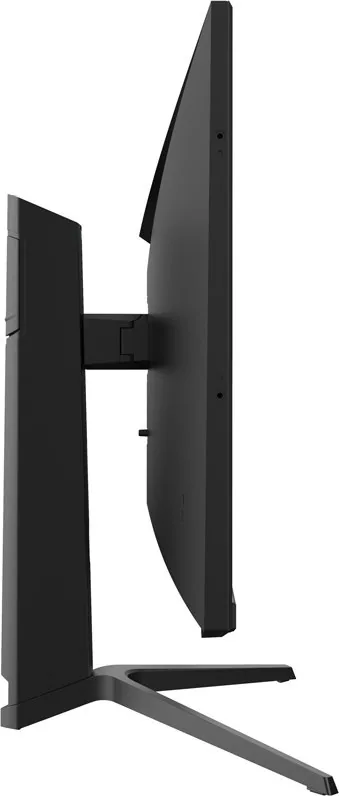
with stand, height adjustable (120mm), Pivot (+90°), Rotatable (+/-30°), Tilt (+20°/-5°)
VESA
75x75 (occupied)
Power Consumption
0.5W (Standby)
Energy Efficiency SDR (A to G)
26kWh/1000h (F)
Features
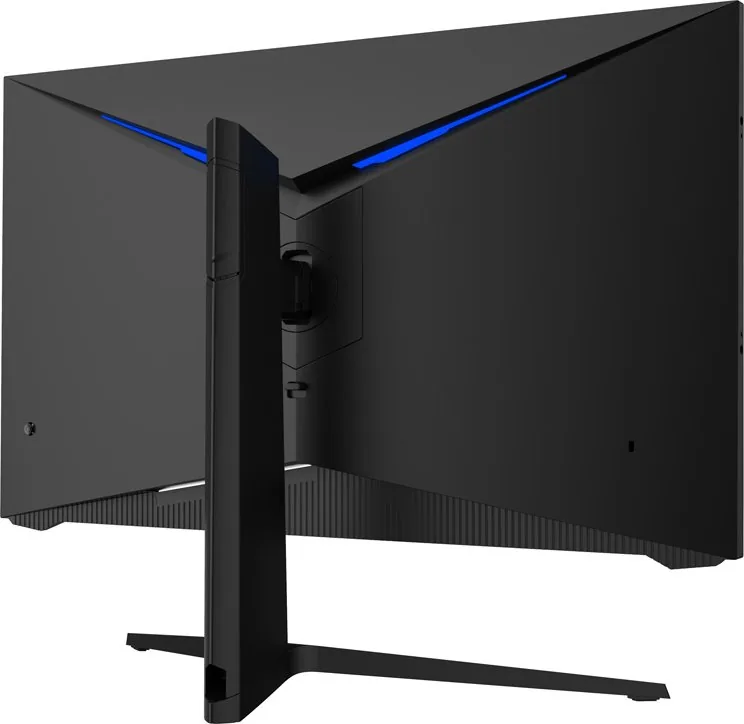
Rear Lighting (Blue)
Screen-to-Body Ratio
86.81% (calculated)
Dimensions
24.37x18.82x9.37in (WxHxD) with stand compressed, 24.37x14.72x2.52in (WxHxD) without stand
Color
black (Display Frame) / black (Lower Bezel) / black (Stand) / black (Rear)
Weight
13.12lbs (with stand)
Power Supply
external
Warranty
three years
USB Spelling
Link
Product Description
Elevate Your Gaming with the LC-Power LC-M27-QHD-180
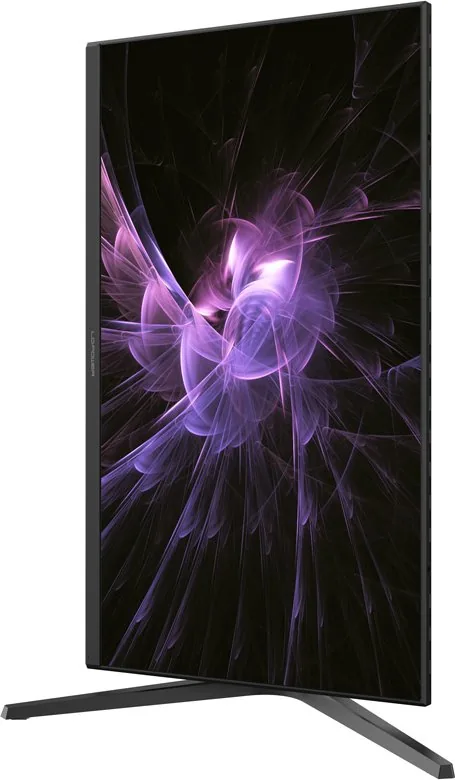
The LC-Power LC-M27-QHD-180 is a high-performance 27-inch monitor designed specifically for gamers who demand speed, clarity, and precision. Featuring a stunning QHD resolution of 2560x1440 pixels, this display delivers sharp visuals that bring your virtual worlds to life with incredible detail. The standout feature is its blistering 180Hz refresh rate, which ensures buttery-smooth motion during fast-paced action sequences. Whether you are dominating in competitive shooters or exploring vast open worlds, every frame counts.
Equipped with a rapid 1ms GTG response time, this monitor eliminates ghosting and motion blur, giving you the split-second advantage needed to react instantly. The screen supports Adaptive-Sync technology, synchronizing the refresh rate with your graphics card to prevent screen tearing and stuttering. For added comfort during long gaming sessions, it includes Low Blue Light modes and flicker-free technology to reduce eye strain. The built-in GamePlus features allow you to toggle crosshairs, timers, and color difference settings directly from the OSD menu without leaving the game.
Connectivity is versatile, offering multiple inputs including DisplayPort and HDMI ports to accommodate various setups. The ergonomic design allows for adjustments to suit your viewing angle, while the sleek aesthetic fits seamlessly into any modern desk setup. Customizable picture modes like RTS/RPG, FPS Arena, and MOBA Arena optimize settings for specific genres, ensuring the best visual experience regardless of what you are playing.
Key Notes
- Supports 180Hz refresh rate for ultra-smooth gameplay.
- Includes specialized game modes for different genres.
- Features comprehensive OSD customization options.
Pros and Cons
Pros
- Exceptional 180Hz refresh rate provides fluid motion.
- Fast 1ms response time minimizes input lag and blur.
- Versatile connectivity with DP and HDMI inputs.
- Built-in GamePlus tools enhance competitive play.
- Multiple preset game modes for optimized performance.
Cons
- Stand may lack extensive tilt or swivel adjustment.
- Color accuracy might require manual calibration out of the box.
- On-screen display navigation can be slightly complex initially.
- No built-in speakers included in the base model.
- Cable management could be improved on the rear panel.
Frequently Asked Questions
What is the maximum refresh rate of this monitor? The LC-M27-QHD-180 supports a maximum refresh rate of 180Hz, providing extremely smooth motion for gaming and multimedia use.
Does it support adaptive sync technologies? Yes, the monitor features Adaptive-Sync compatibility to reduce screen tearing and stuttering when paired with supported graphics cards.
How fast is the pixel response time? The monitor boasts a 1ms Gray-to-Gray (GTG) response time, ensuring minimal motion blur during fast-paced scenes.
What gaming modes are available? It includes dedicated presets for RTS/RPG, FPS Arena, and MOBA Arena modes to tailor settings for specific game genres.
Can I adjust the brightness dynamically? Yes, the Dynamic Brightness feature automatically adjusts screen luminance based on the content being displayed.
What connection ports does it have? It typically includes DisplayPort and HDMI inputs to connect PCs, consoles, and other media devices.
Is there an eye care mode? Yes, it offers Low Blue Light and Flicker-Free modes to help reduce eye strain during extended usage periods.
Search for 67,706 Manuals online


Type-in Brand or Model
Lisa Weber
5 months ago
Does this monitor have built-in speakers or a USB hub?
Manual.ly
5 months ago
Thank you for your inquiry. This model does not include built-in speakers or a USB hub. It features two HDMI ports, two DisplayPort inputs, and an audio output jack. The absence of these features is common for monitors in this price range.