
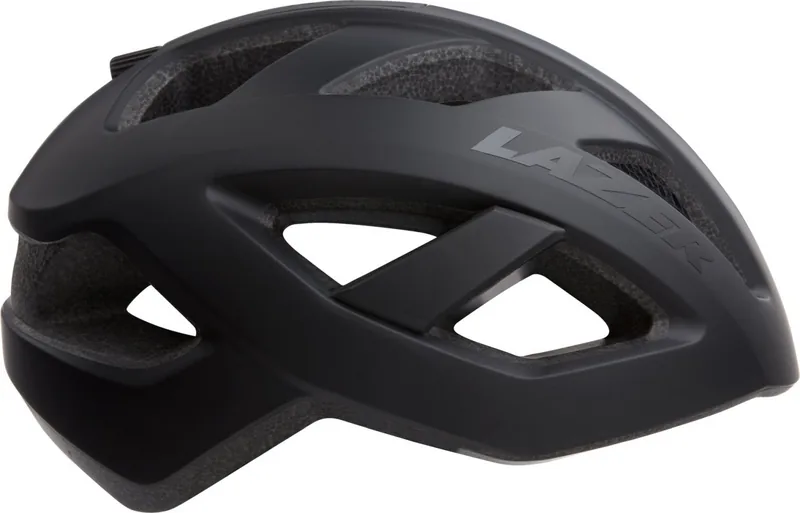
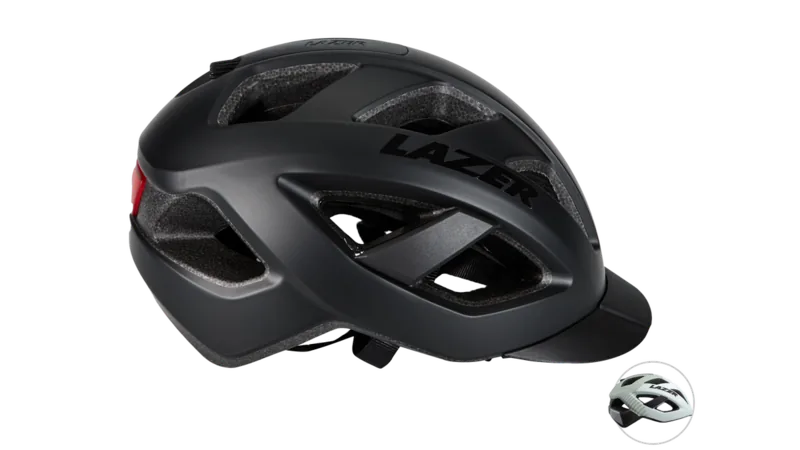
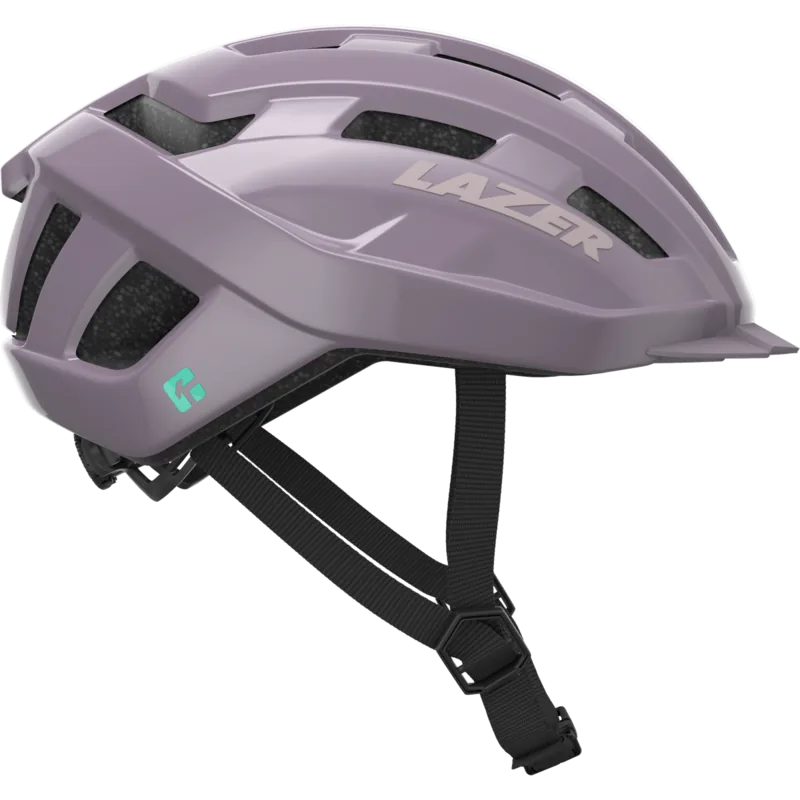
Lazer Cameleon DLX Manual
PDF manual · 4 Pages
English



Quick check
Incorrect answer, please try again.
Chat with your Lazer Cameleon DLX manual using AI
Get instant AI answers from your Lazer Cameleon DLX manual
Ask anything about the Lazer Cameleon DLX. Answers come from this manual, with the pages they are based on.
Ask a Question
Do you recommend Cameleon DLX?
Yes NoFrequently Asked Questions
Use the supplied cable and plug into a standard 5V USB power source (smartphone charger or computer USB port). Charge approximately 2 hours; the charging LED is solid red while charging and turns off when fully charged.
Is this answer helpful?
Approximate runtimes are: constant mode ~8 hours, pulsing mode ~10 hours, and flashing mode up to ~26 hours, depending on battery age and usage conditions.
Is this answer helpful?
To install, align the LED with the rear helmet hole and press the top then bottom (or one side then the other) until seated. To remove, reach inside, push the head basket slightly away, and push the light out the back of the helmet.
Is this answer helpful?
The LED is compatible with Lazer Cameleon, Lazer Lizard, Lazer Gekko, Lazer Lil’Gekko, and Lazer Urbanize helmets.
Is this answer helpful?
Short press the front logo button to turn the light on and to cycle between modes. Continue short pressing to cycle through modes until the light turns off.
Is this answer helpful?
Yes. The LED complies with FCC Part 15 rules: it must not cause harmful interference and must accept any interference received, including that which may cause undesired operation.
Is this answer helpful?
Use reputable USB chargers, avoid overcharging for long-term battery health, and ensure the LED is fully seated in the helmet to prevent loss or water ingress during rides.
Is this answer helpful?
Advantages and Disadvantages
Advantages

- Long flashing runtime — up to 26 hours on a single charge.
- Quick USB charging — full charge in about 2 hours.
- Tool-free installation and removal for convenience.
- Multiple light modes (constant, pulsing, flashing) for different visibility needs.
- Rechargeable battery reduces disposable battery waste.
Disadvantages

- Constant mode runtime is limited to roughly 8 hours.
- Requires reaching inside helmet to remove, which may be awkward for some users.
- Compatibility limited to specific Lazer helmet models.
- Reliant on USB power source; improper chargers may affect battery health.
- Small module could be misplaced when removed for charging.
Product Specification
Area of use
MTB, Road bike
Vents
13
Visor
no
Sizes
20.47-22.05in (S), 21.65-23.23in (M), 22.83-24.02in (L), 24.02-25.20in (XL)
Weight
9.35oz (S)
Features
Adjustment system, Magnetic closure, Taillight
Product Description
Lazer Cameleon DLX Helm — Lazer Cameleon DLX Helm Manual
The Lazer Cameleon DLX Helm blends practical safety lighting with easy usability. The helmet-compatible LED module is rechargeable via USB and designed for simple installation and removal. Charge the LED using a standard 5V USB source; a full charge takes about two hours and the charging indicator turns solid red while charging and goes out when complete. On a single charge, constant mode runs roughly 8 hours, pulsing lasts about 10 hours, and flashing can run up to 26 hours.
Installation is tool-free: align the LED with the rear helmet hole, press the top then the bottom (or one side then the other) to seat it. To remove, reach inside the helmet, push the head basket slightly away, and push the light out the back. The single front logo button toggles power and cycles through modes—short press to switch modes and cycle to off to power down. The LED is compatible with Lazer models including Cameleon, Lizard, Gekko, Lil’Gekko, and Urbanize.
This compact system is FCC-compliant and intended for practical commuter and recreational use. Its straightforward controls and long flashing runtime make it useful for riders seeking increased rear visibility without complicated setup. The rechargeable battery reduces waste from disposables, and the modular design allows quick replacement or charging out of the helmet.
Notes
- Use a reputable USB power source (phone charger or computer USB port) for safe charging.
- Charging LED: solid red during charge; off when fully charged.
- Remove the LED before charging if your helmet design or charging routine requires it.
- Compatible helmet list: Lazer Cameleon, Lizard, Gekko, Lil’Gekko, Urbanize.
Search for 67,706 Manuals online


Type-in Brand or Model