
LaCie 6big STFK Manual
PDF manual · 54 Pages
English



Quick check
Incorrect answer, please try again.
Chat with your LaCie 6big STFK manual using AI
Get instant AI answers from your LaCie 6big STFK manual
Ask anything about the LaCie 6big STFK. Answers come from this manual, with the pages they are based on.
Ask a Question
Do you recommend 6big STFK?
Yes NoFrequently Asked Questions
Use the Thunderbolt 3 cable for Mac OS Sierra or higher. Install LaCie RAID Manager first to manage the storage arrays effectively.
Is this answer helpful?
Yes, up to seven Thunderbolt 3 devices including the computer using the two Thunderbolt 3 ports available on the rear panel.
Is this answer helpful?
Up to 40Gb/s via Thunderbolt 3, 10Gb/s via USB 3.1 Gen 2, and lower speeds via USB 2.0 or USB 3.0 connections.
Is this answer helpful?
Noctua fan keeps it quiet. Casing gets warm as heat is dissipated from drives. It adjusts speed based on temperature.
Is this answer helpful?
Flip power switch to On. Use short push for idle. Long push is emergency only due to data loss risks.
Is this answer helpful?
Mac uses Mac OS Extended. Windows uses NTFS format options. Ensure your RAID level is set before formatting.
Is this answer helpful?
Yes, download LaCie RAID Manager and Intego Backup Manager Pro from LaCie support page for configuration.
Is this answer helpful?
Advantages and Disadvantages
Advantages

- Thunderbolt 3 connection supports transfer rates up to 40 Gb/s
- Hardware RAID on-chip processor reduces computer CPU usage load
- Hot-swappable hard drives reduce downtime during failures
- Noctua cooling fan operates quietly to manage internal temperatures
- All-aluminum enclosure dissipates heat effectively for longevity
Disadvantages

- Stacking multiple enclosures voids warranty and poses safety risks
- USB Type A connection limits speed to USB 3.0 transfer rate
- Long push shutdown risks data loss if not ejected properly
- Requires specific Thunderbolt 3 firmware on Windows PCs
- Unit casing gets warm during extended operation periods
Product Specification
Form Factor
3.5 inch
Internal Interface
6x SATA 6Gb/s
External Interface
2x Thunderbolt 3, 1x USB-C 3.1
RAID Level
0/1/5/6/10/50, Hot-Swap
Fan
2x
Dimensions
9.33 x 8.98 x 6.34 inches
Weight
20.50 lbs
Color
silver
Manufacturer Warranty
5 years
USB Orientation
Left
Product Description
Elevate Your Workflow with the LaCie 6big STFK External HDD Manual Support
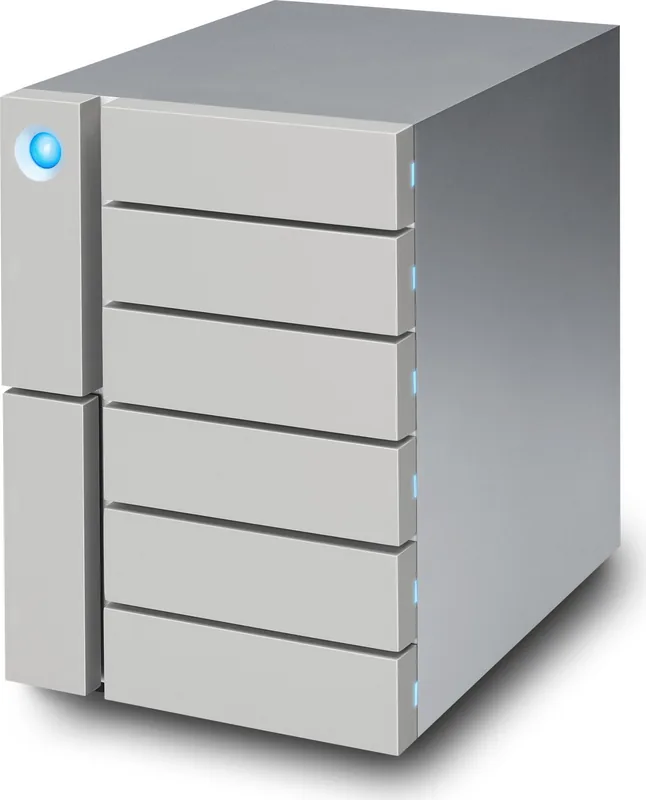
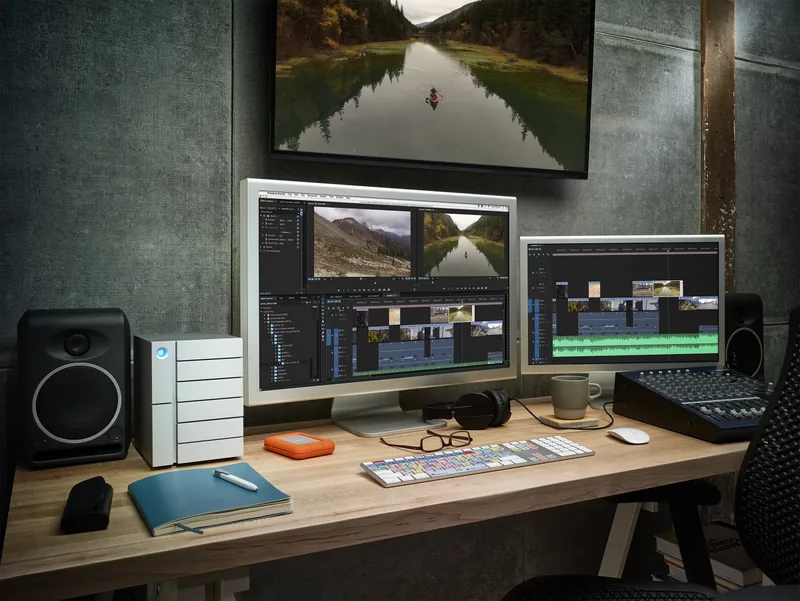
Professional editors and photographers require high-performance storage to handle massive files efficiently. The LaCie 6big Thunderbolt 3 is engineered for these exact professional challenges. Many users search for the LaCie 6big STFK External HDD Manual to understand optimal configuration settings for their specific projects. This device connects via Thunderbolt 3 to achieve transfer speeds up to 40 Gb/s. This bi-directional speed ensures smooth editing of 4K video and complex 3D graphics without performance bottlenecks. The enclosure supports up to six hot-swappable enterprise-class hard drives that spin at 7200 RPM.
Software and Management
Managing your data is simplified through LaCie RAID Manager software utility. This application allows you to configure Hardware RAID levels tailored to your workflow needs. Supported configurations include RAID 0, RAID 1, RAID 5, RAID 6, RAID 10, RAID 50, and RAID 60 plus spare drives. The RAID-on-Chip processor handles storage management tasks efficiently. This offloads processing requirements from your computer central processing unit during intensive workloads. You must download the software installer before connecting the device for the very first time.
Connectivity Options
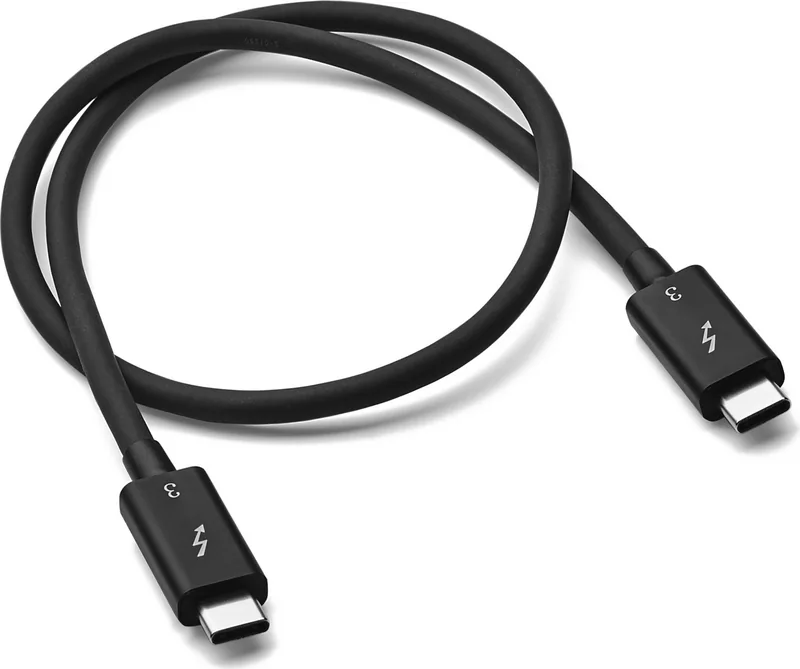
The rear panel includes two Thunderbolt 3 ports and one USB 3.1 Gen 2 port for flexibility. These ports support daisy chaining up to seven Thunderbolt 3 devices together in one setup. You may connect to USB Type A ports using the adapter cable included in the box. Transfer rates vary based on the connection type used, ranging from 480 Mb/s up to 40 Gb/s. Always use the provided cables to prevent damage to your valuable equipment. Third-party cables may be incompatible or cause severe harm to the device.
Cooling and Physical Design
The unit features a heat-dissipating all-aluminum enclosure design for safety. Internal components are cooled by a Noctua fan controlled by temperature sensors. The casing is warm after extended use as it pulls heat away from drives quickly. Never stack multiple enclosures on top of each other as it is risky. This action poses safety risks and voids the warranty for your LaCie purchase. Ensure the device sits flat on a surface designed for the heat output. Airflow should not be obstructed on the rear exhaust chamber.
Power and Safety Protocols
Powering the device correctly is vital for data safety and reliability. Always use the included power cable with the correct voltage specifications required. Use the front power button for normal operation procedures in the field. A short push places the drives in idle mode quickly. A long push cuts power immediately but is discouraged due to data loss risks. Follow safe removal procedures before disconnecting cables from your system. Check the regulatory compliance section for FCC and EU standards. This equipment ensures robust performance while maintaining safety standards for home and office use. Proper maintenance ensures longevity and reliability for your critical content files. Consistent maintenance extends the hardware life significantly over time.
Search for 67,732 Manuals online


Type-in Brand or Model