
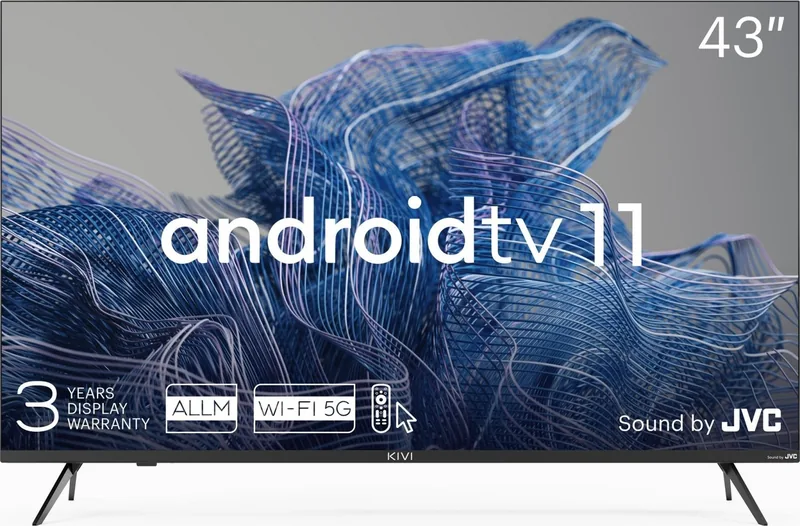
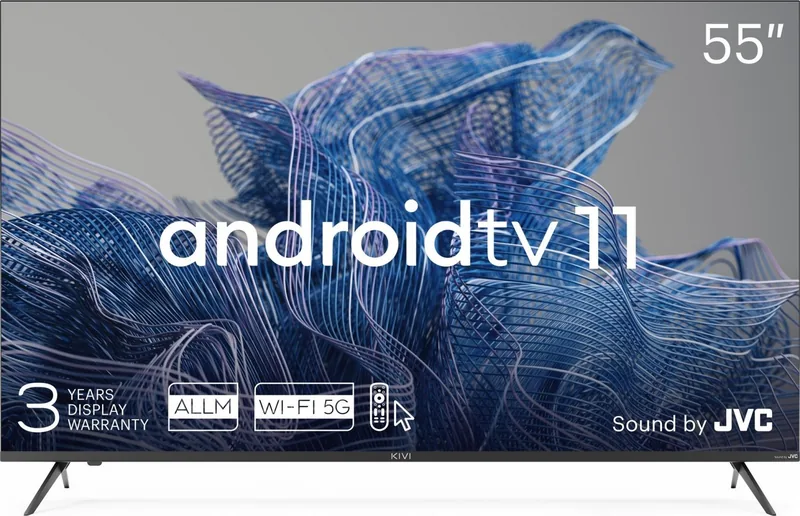
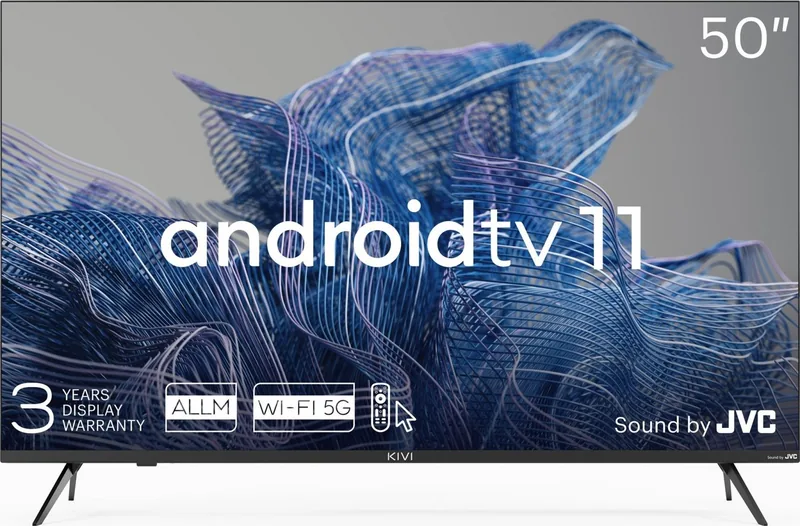
Kivi U750NB Manual
PDF manual · 112 Pages
English



Quick check
Incorrect answer, please try again.
Chat with your Kivi U750NB manual using AI
Get instant AI answers from your Kivi U750NB manual
Ask anything about the Kivi U750NB. Answers come from this manual, with the pages they are based on.
Ask a Question
Do you recommend U750NB?
Yes NoFrequently Asked Questions
You should use an external antenna with an amplifier for stable reception. Point it towards the nearest TV tower and ensure settings are configured manually in the channel menu.
Is this answer helpful?
Yes, you can connect speakers via HDMI ARC, Bluetooth, optical output, or the 3.5 mm headphone jack. Adjust settings in the sound menu for optimal output.
Is this answer helpful?
The product includes a two year warranty period covering manufacturing defects in accordance with regional laws provided the product has not been tampered with.
Is this answer helpful?
Navigate to the network settings menu and select your available Wi Fi network. Enter the password to connect and enable online app features.
Is this answer helpful?
The safe operating temperature range is between fifteen and thirty five degrees Celsius. Avoid direct sunlight or heat sources during use.
Is this answer helpful?
The remote control range extends up to ten meters when pointed directly at the sensor on the front of the unit.
Is this answer helpful?
Advantages and Disadvantages
Advantages

- Includes both Full HD and Ultra HD resolution options for versatile viewing
- Integrated Wi Fi and Bluetooth for seamless wireless connectivity
- Supports Google Assistant for hands-free voice control commands
- Features multiple HDMI ports including 2.1 for high speed gaming
- Comes with a comprehensive two year warranty from manufacturer
Disadvantages

- USB 2.0 ports limit data transfer speeds for external drives
- External antenna recommended for stable digital signal reception
- Pointer remote may not function fully with all smart apps
- Operating temperature range is specific to avoid overheating risks
- Voltage supply must be checked before initial power up installation
Product Specification
Resolution
3840x2160
Backlight
LED, Direct-lit
HDR
HDR, HLG
Refresh Rate
50/60Hz native
Brightness
500 cd/m2
3D
No
Tuner
1x DVB-C/-T/-T2 HEVC (H.265) MPEG-4 AVC (H.264)
Audio Ports
eARC, Digital Audio Out (optical), Headphone (3.5mm jack)
Other Ports
3x USB-A, 1x RJ-45, 1x CI
Wireless
Wi-Fi 5 (WLAN 802.11a/b/g/n/ac), Bluetooth 5.1
Processor
Quad-Core
Operating System
Android TV 11
Voice Assistants
Google Assistant (not available in all countries)
Streaming Clients
Screen Mirroring (Google Cast), DLNA client
Special Features
HbbTV
Color
Black
Stand
Side
Manufacturer Warranty
2 Years
Note
Information regarding DVB-T2 reception in Austria. Information regarding DVB-T2 reception in Germany
Product Description
Discover the Kivi U750NB Experience
Welcome to the future of home entertainment with the Kivi U750NB series. This television is designed to bring stunning visuals and seamless connectivity to your living space. Whether you are a movie buff or a sports enthusiast, the screen technology offers clarity that rivals higher priced alternatives. The detailed Kivi U750NB Manual provides step by step guidance for installation and daily use ensuring you maximize performance. Understanding the setup process is key to a smooth beginning with your new entertainment hub.
Picture and Performance
The display options include Full HD and Ultra HD resolutions meeting modern content standards. Users benefit from sharp images and vibrant colors during any streaming or broadcasting session. The backlight technology ensures consistent brightness levels throughout varied lighting conditions. Settings can be adjusted easily through the onscreen menus accessible via the remote control. You can expect a viewing angle that remains clear even from the side seating positions in a typical room setup. The pixel density contributes to a smoother image without visible artifacts during fast motion scenes.
Connectivity and Smart Features
Staying connected is crucial in the modern home environment. Integrated Wi Fi allows access to online apps and streaming services directly without external dongles. Multiple HDMI ports support gaming consoles and external media players without limitation. Audio output options include optical connections for external soundbars or headphones for private viewing. The included remote adds touch control for easier navigation when browsing content. The pointer model facilitates selection without aiming directly at the screen every time. Bluetooth connectivity is also available for pairing wireless speakers and accessories seamlessly.
Safety and Installation
Handling your new unit requires following specific transport rules from the start. The unit must remain upright and supported by the frame during movement to prevent screen damage. Avoid placing the device in direct sunlight or near heat sources to maintain longevity. Cleaning should only be done with a dry cloth to avoid liquid intrusion into internal components. The operating temperature must remain between fifteen and thirty five degrees Celsius for optimal function. Storage conditions require humidity levels to stay between forty five and seventy five percent to prevent condensation issues.
Support and Warranty
The product comes with a two year warranty covering manufacturing defects according to regional laws. If issues arise contact the support service using the QR code found in the initial documentation. For technical questions regarding settings or functionality reach out to customer care teams. Always keep the power cord and accessories safe for potential returns or service needs. Disposal should occur at local designated electronic waste points when the term ends to protect the environment.
Important Notes
Ensure all cables are securely tightened to avoid loose connections affecting data transfer. We recommend checking the voltage supply before initial power up to prevent component damage.
Search for 67,732 Manuals online


Type-in Brand or Model