
Kettler Hoi Cross+ Manual
PDF manual · 44 Pages
English



Quick check
Incorrect answer, please try again.
Chat with your Kettler Hoi Cross+ manual using AI
Get instant AI answers from your Kettler Hoi Cross+ manual
Ask anything about the Kettler Hoi Cross+. Answers come from this manual, with the pages they are based on.
Ask a Question
Do you recommend Hoi Cross+?
Yes NoFrequently Asked Questions
AUTO mode is watt-controlled: you set a target wattage and the ergometer adjusts resistance automatically to maintain that power regardless of cadence. MANU mode locks a resistance level (a gear), so power output in watts depends on your pedaling cadence and chosen resistance.
Is this answer helpful?
Start the console and wait for the Bluetooth icon to flash (advertising). Open a compatible app (e.g., Kinomap, Zwift) and pair using FTMS. The console advertises as “Kettler ####”; once paired the icon stops blinking and workout data is transmitted during exercise.
Is this answer helpful?
Yes. The console supports BLE and ANT+ heart rate straps and can connect simultaneously with a smartphone app via BLE. If connecting both, pair the heart rate strap first, then connect the app to ensure stable simultaneous connections.
Is this answer helpful?
Try resetting the console by holding the WORKOUT button for 5 seconds to force shutdown and restart; this also clears peripheral connection states. You may need to close and reopen the companion app to reset its connection state.
Is this answer helpful?
The suggested target heart rate is calculated as (220 - age) × 0.7, representing about 70% of estimated maximal heart rate. You can accept the suggested value or enter a custom target before starting the workout.
Is this answer helpful?
The console supports four stored user profiles (U1–U4) plus a guest profile (U00). Guest workouts are not saved; saved profiles retain age, gender, height, weight and a three-letter username identifier.
Is this answer helpful?
Enter Settings Mode via the WORKOUT button, navigate with +/- to Settings and confirm. There you can change distance unit (KM/Miles), energy unit (KCAL/KJ), buzzer volume, view software version and access workout statistics.
Is this answer helpful?
Advantages and Disadvantages
Advantages

- Precise AUTO mode: maintains target watt output by dynamically adjusting resistance for cadence-independent training.
- Multiple workout programs: Manual, Hills, Intervals, H.R.C. and Custom with six interval/profile presets.
- Broad connectivity: supports BLE (FTMS) for apps and BLE/ANT+ heart rate straps, plus HOI Cloud data transfer.
- User profiles: stores age, gender, height, weight and ID for up to four users; guest mode available.
- Clear, informative display: key metric, intensity gauge, time, distance, energy, resistance/watt and profile visualization.
Disadvantages

- Display sleep after 4 minutes may interrupt low-intensity sessions unless reactivated by pedaling or a key press.
- Some apps may not show the advertised "Kettler ####" label, which can complicate pairing identification.
- Simultaneous connections require specific sequence (strap first), adding a minor setup step for multi-device use.
- Resetting the console clears connection states and may require restarting companion apps to reconnect.
- Guest mode does not store workout data, which may be limiting for casual users wanting history.
Product Specification
Resistance
20 levels manually adjustable
Brake system
magnetic
Flywheel position
rear
Flywheel mass
44.09 lb
Max. user weight
286.60 lb
Dimensions
52.76x24.02x66.73in
Weight
128.97 lb
Features
Transport wheels, chest strap compatible, water bottle holder, tablet holder, app support (iOS, Android), Bluetooth
Product Description
Kettler Hoi Cross+ — Comprehensive Console Overview
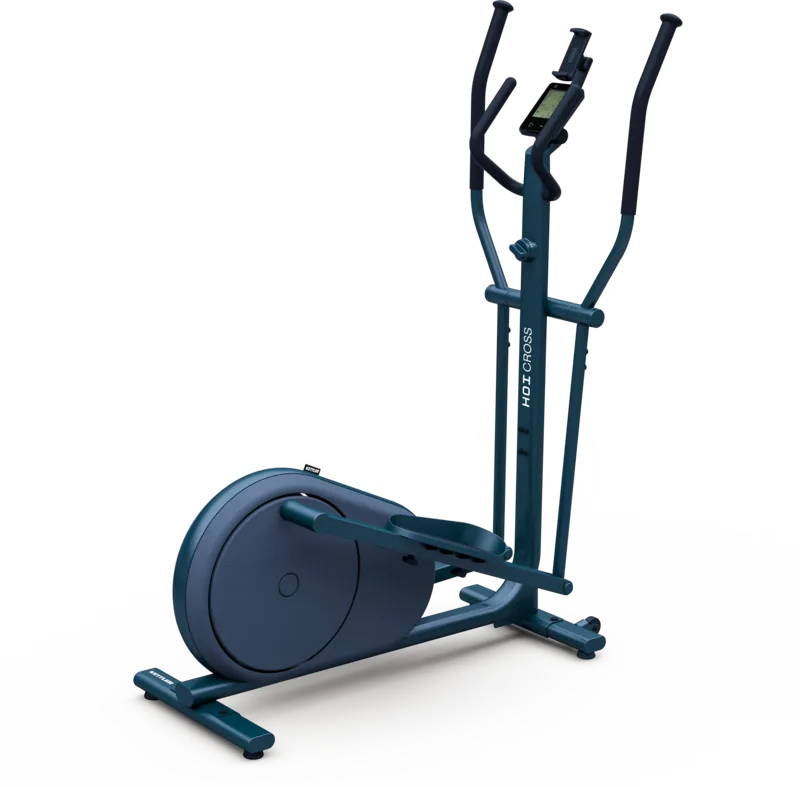
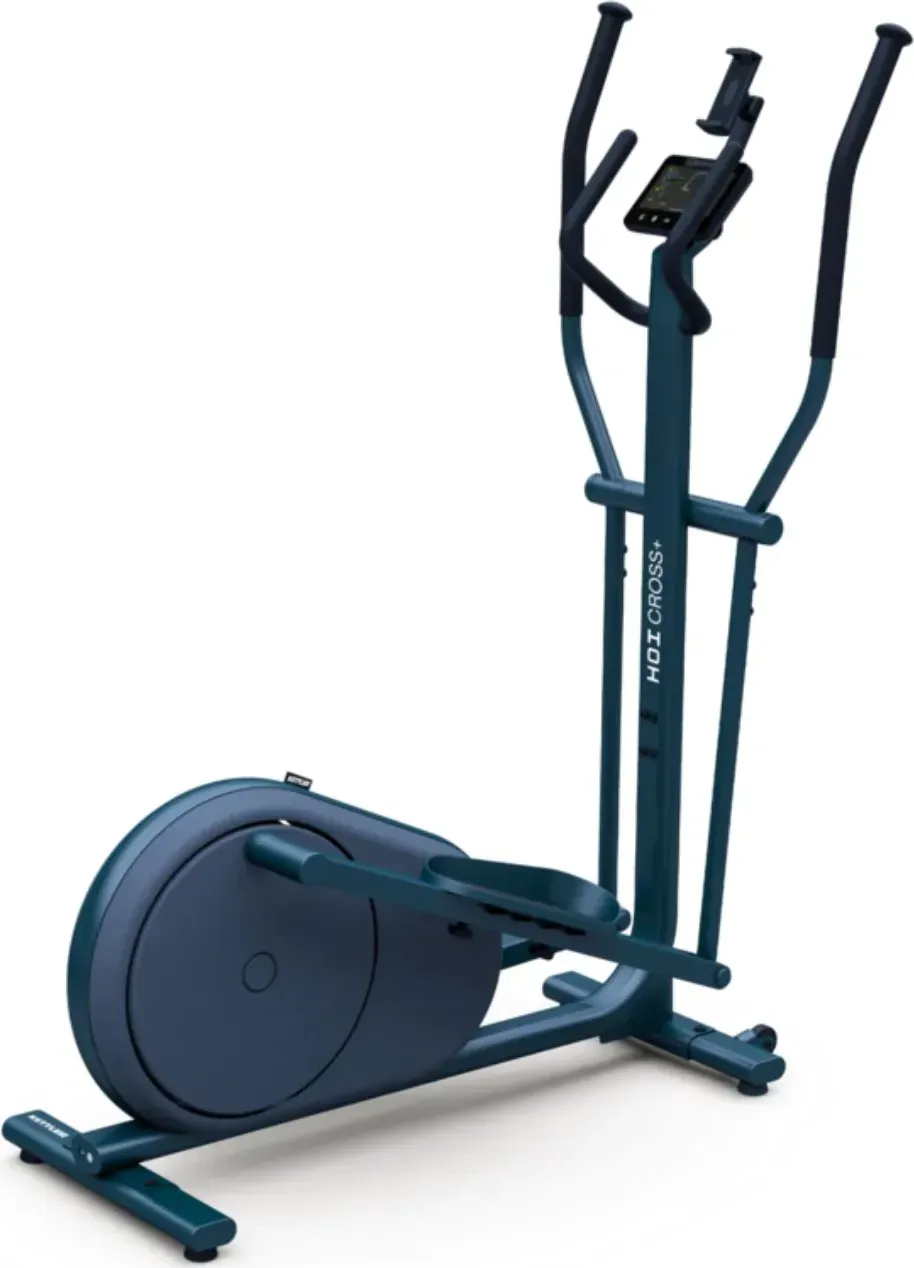
The Kettler Hoi Cross+ is a feature-rich ergometer that pairs a robust, easy-to-navigate console with versatile training modes and modern connectivity. Designed for home and light commercial use, the Cross+ puts precise workload control and detailed workout feedback at your fingertips. The console supports both AUTO (watt-controlled) and MANU (resistance-level) modes, letting users target specific power outputs or choose a fixed resistance “gear” for cadence-dependent workouts.
Key features and operation
The console uses five tactile buttons: Workout, Connect, Start/Enter, Minus and Plus. From the Idle screen you can start a Quick Start session, configure users, pair devices or access settings. The Workout screen displays a central metric (speed, RPM, watt or heart rate), a surrounding intensity gauge, elapsed/remaining time, accumulated distance, energy burned (kcal or kJ), resistance level or watt readout and a visual training profile.
AUTO mode keeps your power output constant by automatically adjusting braking resistance according to your pedaling cadence and the watt target you set. MANU mode locks a resistance level so power varies with cadence — ideal for gear-like workouts. Built-in workout templates include Manual, Hills, Intervals, H.R.C. (heart-rate control) and Custom, with multiple interval/profile presets (e.g., Valley Trail, Rolling Hills, Alpine Pass, Pyramid, Random) and the ability to define goals by time, distance or energy.
User management and personalization
The console supports up to four user slots plus a guest profile (U00). For each user you can store age, gender, height, weight and a three-letter identifier. Guest workouts are not saved. The H.R.C. workout computes a suggested target heart rate as (220 - age) × 0.7, or you can manually set a target. The Custom workout allows you to save preferred resistance levels and training goals.
Connectivity and data
Connectivity includes Bluetooth LE (FTMS) for pairing with fitness apps (e.g., Kinomap, Zwift) and BLE or ANT+ for heart rate straps. The console advertises as “Kettler ####” when pairing. It can connect simultaneously to a heart rate strap and a smartphone app (connect strap first). If pairing issues arise, a console reset is performed by holding Workout for 5 seconds. Optionally, users can upload workout data to the HOI Cloud for sharing with other platforms.
Practical notes
The display enters sleep after 4 minutes of inactivity to save power. You can view and configure units (KM/Miles, KCAL/KJ), buzzer volume, and software version in Settings Mode. Software updates and further product information are available via Kettler’s support channels.
Notes
- The console distinguishes AUTO (watt-controlled) vs MANU (resistance-controlled) operation for different training styles.
- Pair heart rate straps before connecting apps when using both simultaneously.
- Resetting clears connection states; restart companion apps if pairing fails.
Search for 67,706 Manuals online


Type-in Brand or Model