
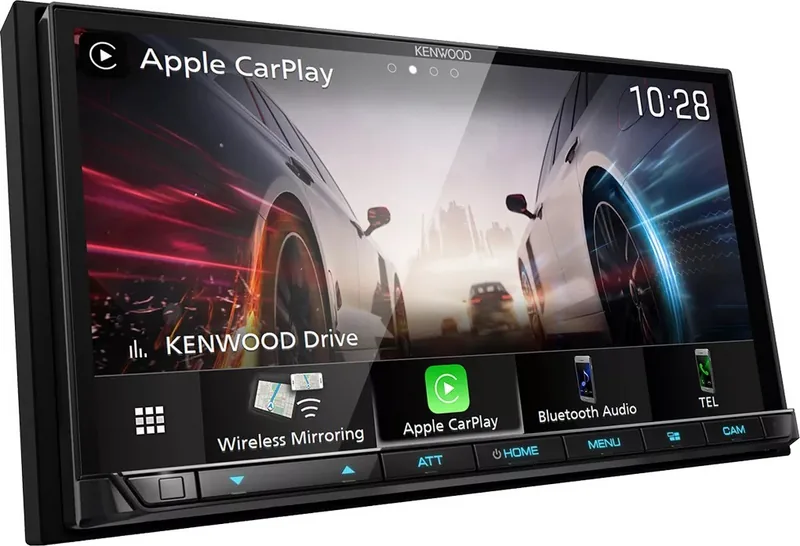
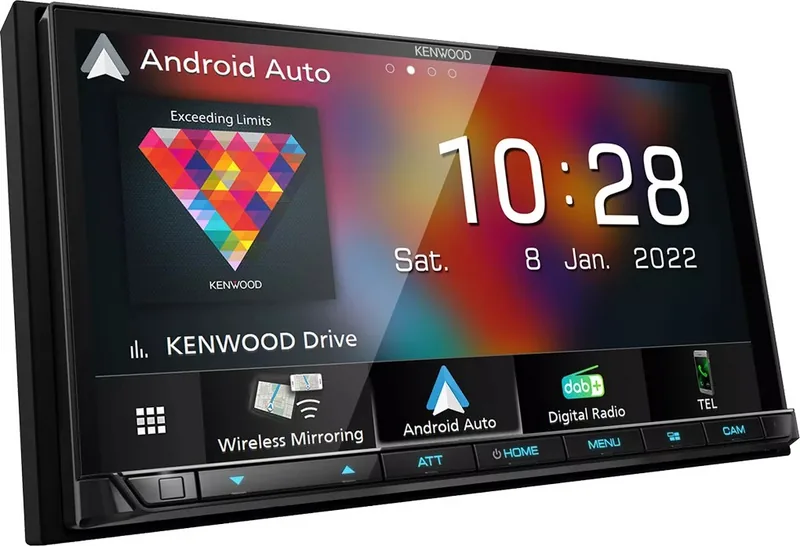
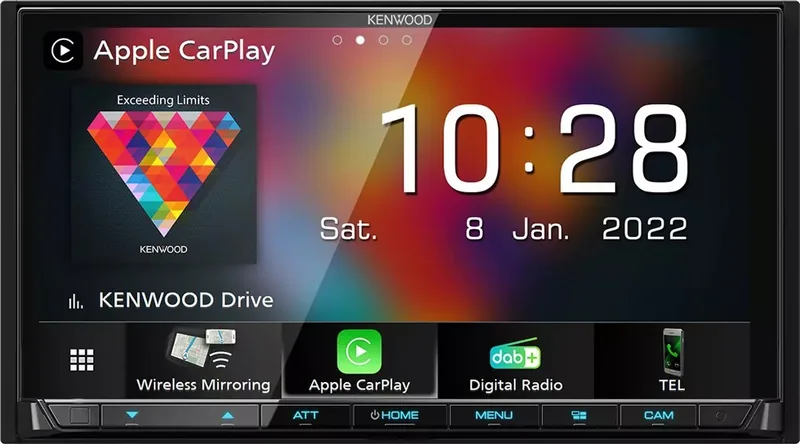
Kenwood DMX8021DABS Manual
PDF manual · 140 Pages
English



Quick check
Incorrect answer, please try again.
Chat with your Kenwood DMX8021DABS manual using AI
Get instant AI answers from your Kenwood DMX8021DABS manual
Ask anything about the Kenwood DMX8021DABS. Answers come from this manual, with the pages they are based on.
Ask a Question
Do you recommend DMX8021DABS?
Yes NoFrequently Asked Questions
Go to the menu setup screen, select connection settings, open the device list, and press the plus icon to search for units named DMX. Follow the on-screen messages on your phone to complete pairing within thirty seconds.
Is this answer helpful?
Yes, it supports Apple CarPlay and Android Auto. You can launch apps like Google Maps or Waze directly on the touchscreen while driving for real-time navigation assistance.
Is this answer helpful?
The unit operates on a 12 V DC car battery. Always connect the ignition wire to a fuse box and ground the unit to negative power supply for safety and performance.
Is this answer helpful?
Yes, up to three cameras can be connected, including front, rear, and side views. Use the dedicated camera input terminals on the wiring harness.
Is this answer helpful?
Press the MENU button, select SETUP, then User Interface. Choose the clock setting and switch from GPS-Sync to Manual to adjust the time and date yourself.
Is this answer helpful?
The USB maximum power supply current is DC 5 V equals three point zero Amps for charging devices during operation.
Is this answer helpful?
Advantages and Disadvantages
Advantages

- Supports Hi-Res Audio standard for high-quality sound reproduction
- Compatible with Apple CarPlay and Android Auto for seamless smartphone integration
- Includes GPS and GLONASS for precise positioning accuracy
- Allows up to ten connected Bluetooth devices for flexibility
- Features dual-zone connectivity with USB Type-C support
Disadvantages

- Requires professional installation for safety and warranty compliance
- GPS antenna requires horizontal mounting for best signal reception
- Cleaning requires specific cloths to avoid surface damage
- Bluetooth pairing limit may require deleting old devices
- Certain wiring harnesses need specific configuration for different vehicles
Product Specification
Type
Moniceiver, 2-DIN
Display
7.0", LCD, 800x480 Pixels, Touchscreen
Navigation
yes (Apple CarPlay, Android Auto)
TMC
no
Tuner
FM, AM, LW, DAB, DAB+
Media
USB Storage
Audio Formats
AAC, FLAC, MP3, WAV, WMA
Video Formats
MKV, MPEG-1, MPEG-2, MPEG-4, WMV
Image Formats
BMP, JPG, PNG
Power
4x 22W RMS, 4x 50W Peak, MOSFET
Connections
3x Preamp Output (5V), 1x HDMI In, 1x Audio/Video Input, 1x Audio/Video Output, 1x USB 2.0 (Rear), Wi-Fi (WLAN), Bluetooth 5.0
Software Features
Apple CarPlay Wireless, Android Auto Wireless, Spotify Control
Features
Hands-free System, Remote Control (optional), Variable Lighting, USB Charging (3A), 13-Band Equalizer
Product Description
The Kenwood DMX8021DABS represents a significant leap in car audio technology, designed to meet the needs of modern drivers who demand seamless connectivity and high fidelity. This receiver supports the Hi-Res Audio standard, ensuring that every track sounds exactly as the artist intended during playback. Users can easily pair their smartphones via Bluetooth, enabling hands-free calling and wireless music streaming without cables. The interface supports Apple CarPlay and Android Auto, allowing navigation and app usage directly from the screen without distraction while driving. Wireless mirroring is also available for compatible devices, expanding utility significantly for media consumption.
Installation requires careful attention to wiring and mounting to ensure safety and prevent fire hazards. The unit includes a built-in cooling fan to manage internal temperatures effectively, preventing malfunctions during extended use or in hot weather. GPS and GLONASS integration provide accurate positioning even in challenging environments like urban canyons. The touchscreen interface is highly responsive, utilizing touch, swipe, and flick gestures to navigate menus efficiently. Safety warnings emphasize avoiding metal objects inside the unit and proper grounding to prevent fires during installation. Do not attempt to remove the trim plate forcefully to avoid damage to the surrounding console area or the device itself.
Connecting external cameras is straightforward with multiple input options for rear and front views to enhance visibility. The system supports USB Type-C connections for charging and media access on modern devices. Power management ensures the battery is not drained when the vehicle is off, protecting the car electrical system. Audio settings allow for detailed speaker configuration, including 3-way crossover setups for superior sound staging. The radio features include Digital Radio support with program type searches and traffic information modes for safety. Preset stations are easily stored with a long press on the tuning controls for quick access to favorite channels.
Cleaning and maintenance are simple with a dry soft cloth to protect the finish. Avoid volatile liquids that might damage the faceplate or erase printed labels. The display language is customizable, supporting various regions to suit different drivers. The unit accommodates up to ten Bluetooth devices, deleting the oldest if the limit is reached to accommodate new pairings easily. For comprehensive operational guidance, users are encouraged to consult the Kenwood DMX8021DABS Manual for detailed procedures on setup and feature configuration. This ensures all functions like video playback and camera assignment are optimized correctly for the specific vehicle environment and user habits.
Overall, this unit combines robust hardware with intuitive software for a superior in-vehicle entertainment experience for everyone. The design prioritizes user safety during driving by reducing screen usage time and enhancing visibility. Speakers should be checked for impedance matching to protect the internal components from damage over time. Wiring kits are required for connecting the harness to the vehicle ISO connectors and proper fuse protection must be maintained to avoid electrical issues or short circuits in the vehicle power system.
Search for 67,732 Manuals online


Type-in Brand or Model