
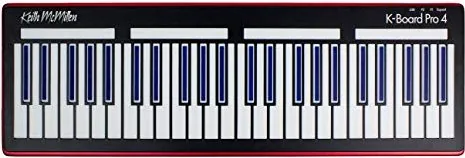
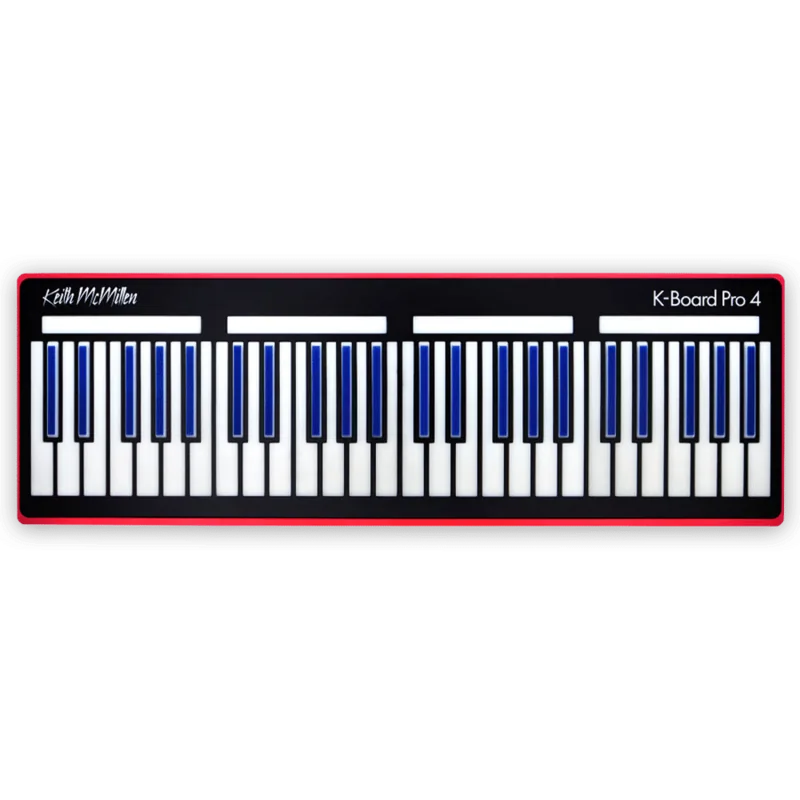
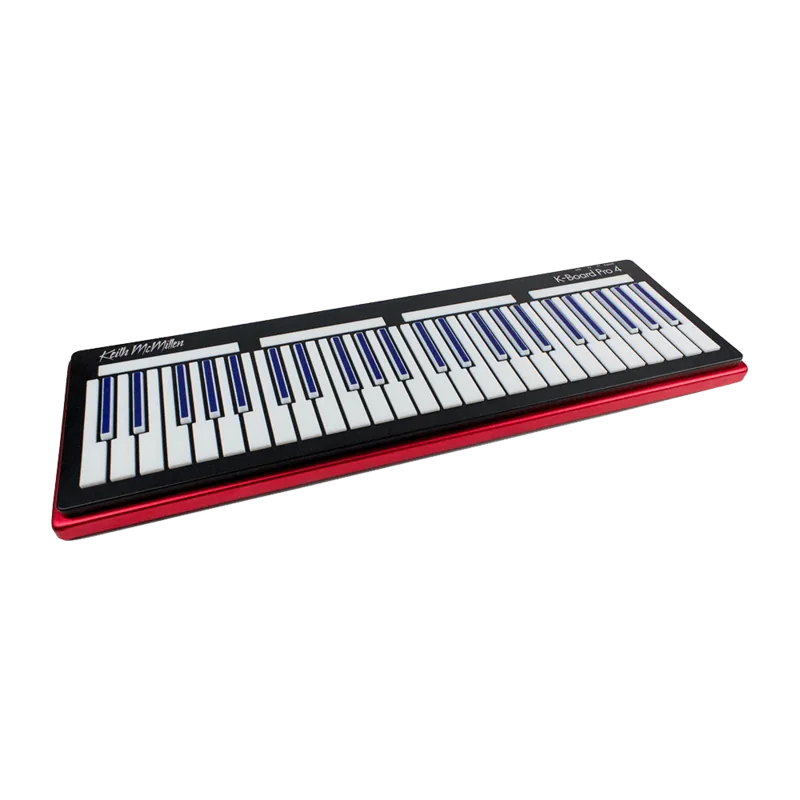
Keith McMillen K-Board Pro 4 Manual
PDF manual · 30 Pages
English



Quick check
Incorrect answer, please try again.
Chat with your Keith McMillen K-Board Pro 4 manual using AI
Get instant AI answers from your Keith McMillen K-Board Pro 4 manual
Ask anything about the Keith McMillen K-Board Pro 4. Answers come from this manual, with the pages they are based on.
Ask a Question
Do you recommend K-Board Pro 4?
Yes NoFrequently Asked Questions
No. The optional MIDI Expander lets you send MIDI to any 5-pin MIDI device. You can also connect the K-Board Pro 4 to a USB host and a MIDI Expander at the same time for mixed setups.
Is this answer helpful?
It is a MIDI controller, not a sound generator. It sends MIDI messages that must be routed to a software synth, DAW track, or external MIDI hardware. Once your receiving app is configured to listen for the controller, it should work.
Is this answer helpful?
Yes. You can run multiple units as long as you manage their MIDI routing. A common approach is to use different presets, MIDI channels, or message assignments so each controller controls distinct parameters.
Is this answer helpful?
MPE (MIDI polyphonic expression) lets each note carry its own pitch bend and expression data using standardized MIDI messages. The K-Board Pro 4 supports MPE so each note can sound more organic and responsive, assuming your receiving software or hardware supports MPE.
Is this answer helpful?
For iOS, the guide recommends an Apple-branded Camera Connection Kit (USB to Lightning). For Android, use a USB OTG cable. If you want to use the web editor experience, you also need a WebMIDI-capable browser.
Is this answer helpful?
Start with a different known-good USB cable, try another USB port, and avoid unpowered hubs (use a powered hub if one is necessary). Also consider resetting the device to defaults and checking OS-specific MIDI quirks.
Is this answer helpful?
Advantages and Disadvantages
Advantages

- Fully MPE compatible out of the box for per-note pitch and expression control.
- Four octaves of Smart Sensor keys with strike velocity, continuous pressure, and release velocity support.
- Four assignable sliders plus sustain and expression pedal inputs for flexible MIDI mapping.
- Class-compliant USB MIDI connection works across modern OS platforms without special drivers.
- Desktop and Web Editors allow deep customization, presets, velocity curves, and sensor fine-tuning.
Disadvantages

- Full MPE benefits depend on your DAW or hardware being MPE compatible.
- For traditional 5-pin MIDI devices, the optional MIDI Expander is required.
- Web setup may require granting browser permissions for device control when sending SysEx.
- Onboard preset handling is limited (up to 4 presets on the device).
- Some connectivity issues may be caused by USB cables, hubs, or OS-specific limitations.
Product Specification
Type
MIDI Keyboard
Keys
49, Polyphonic aftertouch
Pads
no
Knobs
no
Faders
no
Other controllers
Pitch-bend (touch), Ribbon controller, X/Y touchpad
Connections
USB-B (USB to Host), Sustain pedal, Expression pedal
Special features
MIDI Polyphonic Expression (MPE)
Product Description
Keith McMillen K-Board Pro 4: MPE-Ready Expressive Control for Modern Setups
The Keith McMillen K-Board Pro 4 Manual guides you through an expressive, MPE-capable performance controller designed to capture more than just note on and note off. With smart sensor keys spanning four octaves and fully programmable control surfaces, the K-Board Pro 4 turns physical playing into nuanced MIDI data you can shape in real time.
At the heart of the instrument are Smart Sensor keys that provide strike velocity, continuous pressure, and release velocity (with newer firmware support). This means your hands can generate multidimensional performance gestures, including X/Y-axis control paired with the pressure dimension. A pair of pedal inputs lets you bring in sustain-style switch and expression-style continuous control, while four assignable sliders expand your articulation with CC and pitch bend options.
One of the biggest strengths is how flexible the MIDI output can be. The K-Board Pro 4 is fully MPE compatible out of the box, sending per-note expression so each note can carry its own pitch bend and control data. For musicians using MPE-ready software and hardware, this opens the door to highly detailed vibrato, timbral shaping, and evolving expressive lines that respond to how you play, not just what you play.
To keep workflows fast, the Editor supports both desktop and web operation. You can customize how the keys, zones, axes, sliders, and pedals behave, and store presets for quick recall. Zone splitting lets you divide the keyboard into lower and upper areas, each with tailored channel and control behavior. Velocity curves and sensor adjustment tools help you fine-tune responsiveness so the controller feels right for your technique.
When mapping complex MPE data to a DAW or synth, the Mapping Assistant helps by sending isolated message types one at a time over a single channel, simplifying assignment. For mobile use, the K-Board Pro 4 can connect through recommended adapters, and for traditional 5-pin MIDI hardware, the optional MIDI Expander mirrors USB MIDI output to classic gear.
Notes
- Best results come with MPE-compatible instruments and DAWs.
- If you use SysEx-related features, your browser may need permission to control the device.
- For 5-pin MIDI gear, you will need the optional MIDI Expander.
Most important results
- MPE polyphonic expression enables per-note pitch bend and control for nuanced performance.
- Smart Sensor keys plus four sliders plus pedal inputs offer deep, hands-on MIDI control.
- Desktop and Web Editors let you customize axes, zones, presets, velocity curves, and sensor behavior.
- Zone splitting and programmable slider modes help you build layered, song-ready control schemes.
- Mapping Assistant streamlines assigning complex MIDI message types in MPE workflows.
Search for 67,706 Manuals online


Type-in Brand or Model