
Kali Audio WS-12 Manual
PDF manual · 17 Pages
English



Quick check
Incorrect answer, please try again.
Chat with your Kali Audio WS-12 manual using AI
Get instant AI answers from your Kali Audio WS-12 manual
Ask anything about the Kali Audio WS-12. Answers come from this manual, with the pages they are based on.
Ask a Question
Do you recommend WS-12?
Yes NoFrequently Asked Questions
The WS-12 plays down to 23 Hz at -10 dB and has a ±3 dB frequency range of 30–160 Hz, suitable for revealing very low-frequency content in music and film LFE.
Is this answer helpful?
It uses a Class D amplifier rated at 500W continuous and 1,000W peak, providing substantial headroom for studio monitoring and small live applications.
Is this answer helpful?
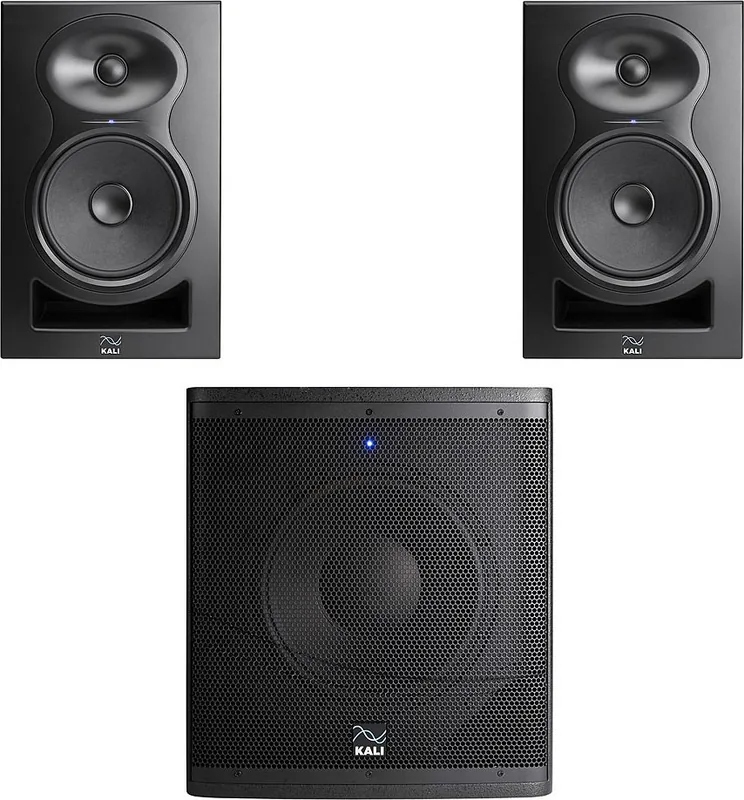
Use the dip-switch crossover presets (LP-6, LP-8/IN-8, or generic 40–140 Hz) and set the sub and monitors to the center detente when using Kali monitors to achieve calibrated level matching.
Is this answer helpful?
It offers balanced XLR/TRS combi inputs, unbalanced RCA inputs (switchable via dip switch), balanced XLR outputs for passing high-passed signal to monitors, and a 1/4" footswitch input for bypass.
Is this answer helpful?
Ensure RCA is disabled when not in use, keep the sub away from electronics that cause interference, secure vibrating objects in the room, and check cables and signal chain to isolate issues.
Is this answer helpful?
Dip switches set crossover frequency, placement-based gain compensation, polarity (0°/180°), RCA input enable, and standby mode on/off to tailor performance to room and system.
Is this answer helpful?
Kali provides a one-year (365-day) limited warranty in the United States covering defects in materials and workmanship; certain damages such as shipping, misuse, or incorrect voltage selection are excluded.
Is this answer helpful?
Advantages and Disadvantages
Advantages

- Deep extended low end down to 23 Hz (-10 dB) for precise sub-bass detail.
- High output (500W continuous, 1,000W peak) and 123 dB max SPL for studio and small live use.
- Versatile dip-switch configurable crossovers and placement gain compensation.
- Balanced XLR/TRS inputs and outputs plus switchable RCA input and footswitch bypass.
- Sturdy 18 mm plywood cabinet with handles and low-noise port design for clean bass and portability.
Disadvantages

- RCA input is off by default, requiring dip-switch change when needed.
- Standby engages after 20 minutes; may be unwanted without disabling switch.
- Requires manual 110V/230V selector set before powering—risk of damage if mis-set.
- Relatively heavy (58 lbs) compared to some compact subwoofers for transport.
- Crossover limited to built-in presets; external processing recommended for complex multi-speaker systems.
Product Specification
Woofer
1x 12"
Amplification
active
Frequency range
23Hz-160Hz (-10dB)
Power
500W RMS, 1000W Peak
SPL max.
123dB
Product Description
Kali Audio WS-12 — Powerful Studio/Live Subwoofer
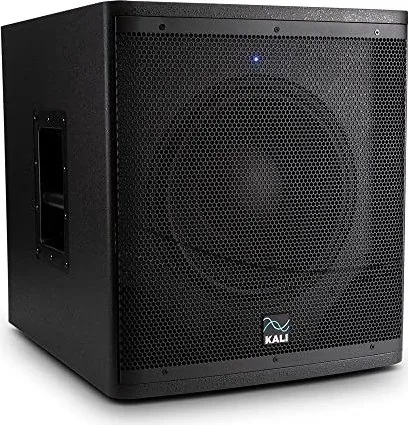
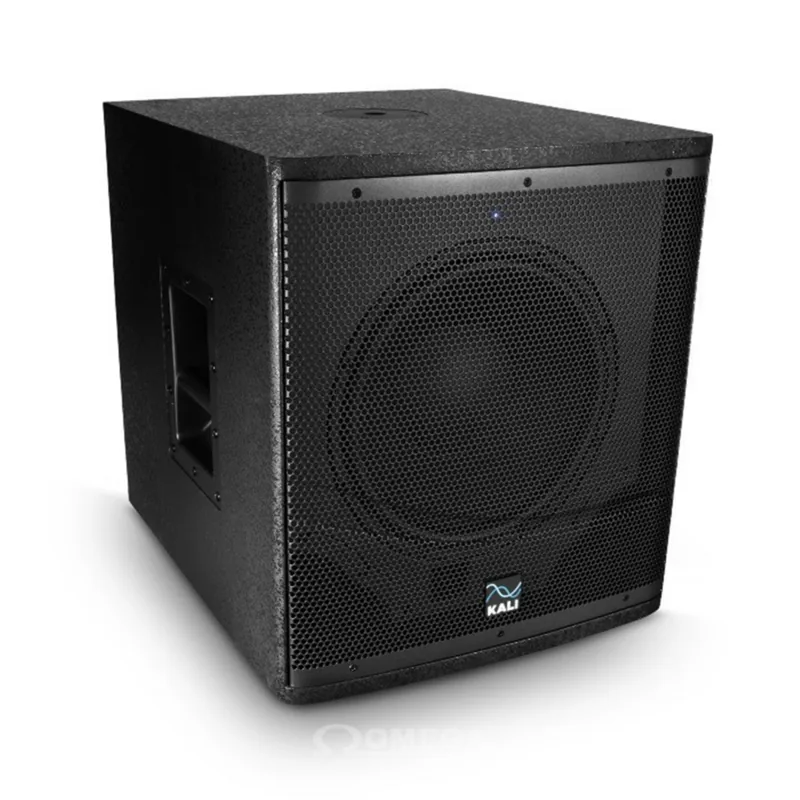
The Kali Audio WS-12 is a compact yet potent 12-inch studio and live subwoofer designed to deliver authoritative low end for mixing, monitoring, and small live playback. Built for accuracy and headroom, the WS-12 covers down to 23 Hz (-10 dB) and offers 500W continuous (1,000W peak) via a Class D amplifier. Its frequency range (±3 dB) spans 30–160 Hz, making it capable of revealing deep sub-bass detail for EDM, hip-hop, film LFE, and critical studio work while still serving as a rugged option for light-duty stage use.
Key Features and Design
The cabinet is made from 18 mm plywood and sized to sit comfortably under desks or fit in small cars for portability. A low-noise front-firing port tube reduces turbulent "chung" noises for cleaner bass. The WS-12 includes handles and durable construction for road use. A limiter protects the driver from unsafe voltages, audible as distortion when the sub is overdriven.
Flexible Connectivity and Controls
Inputs include balanced XLR/TRS combi jacks (+4 dBu) and unbalanced RCA (-10 dBV) (RCA input is switchable via a dip switch). Balanced XLR outputs pass high-passed signals to full-range monitors. A footswitch input allows hardware bypass of the sub for quick A/B monitoring. A front LED indicates normal operation, bypassed state, or standby.
Intelligent DSP-Like Options via Dip Switches
The back-panel dip switches provide selectable crossovers (integrations for Kali LP-6, LP-8/IN-8, LFE, generic 40–140 Hz settings, or external crossover), gain compensation for placement (±0 dB, -6 dB, -12 dB, +6 dB), polarity (0°/180°), RCA enable, and standby disable. These let you optimize the sub for room placement, monitor pairing, or live setups without additional processors.
Setup and Use
Placement recommendations start with the sub centered between monitors and roughly equidistant from the listening position. When used with Kali monitors, volume detents are calibrated to center positions for quick matching. The manual outlines a practical crawl-test placement method for difficult rooms and provides troubleshooting steps for no sound, distortion, or noise.
Practical Specs
Max SPL 123 dB, THD <2% (95 dB @1m w/100 Hz crossover), output noise floor .09 mV, weight 58 lb (27 kg). Physical dimensions make it a usable studio under-desk subwoofer while still roadworthy for gigging.
Notes
- RCA input is disabled by default; enable only when in use to avoid interference.
- Use the standby feature if desired; it engages after ~20 minutes of silence.
- Set the 110V/230V selector before powering on to avoid damage.
Search for 67,706 Manuals online


Type-in Brand or Model