
Joy-iT JOY-View 13 Manual
PDF manual · 10 Pages
English



Quick check
Incorrect answer, please try again.
Chat with your Joy-iT JOY-View 13 manual using AI
Get instant AI answers from your Joy-iT JOY-View 13 manual
Ask anything about the Joy-iT JOY-View 13. Answers come from this manual, with the pages they are based on.
Ask a Question
Do you recommend JOY-View 13?
Yes NoFrequently Asked Questions
Yes, it works with Macs via the Mini HDMI port for video and audio. However, the touchscreen feature only functions when connected to Windows 7/8/10 or Raspberry Pi systems.
Is this answer helpful?
Absolutely. You can connect the Nintendo Switch using the included Mini HDMI to HDMI adapter. Note that the touchscreen will not function with the console as it does not support the required protocol.
Is this answer helpful?
To enable the touchscreen, connect the monitor to a Windows laptop or Raspberry Pi using both the HDMI cable for video and the USB Type-C cable for data and power.
Is this answer helpful?
It is not recommended for direct outdoor use due to potential glare on the screen. Additionally, the device should not be exposed to extreme temperatures, dust, or moisture to prevent damage.
Is this answer helpful?
The Joy-iT JOY-View 13 features a standard refresh rate of 60 Hz, which is sufficient for general productivity, multimedia consumption, and casual gaming.
Is this answer helpful?
Yes, the scope of delivery includes a 5V/2A power supply unit, along with various cables and the smart carrying case.
Is this answer helpful?
Advantages and Disadvantages
Advantages

- Full-HD 1920x1080 IPS display with 178-degree viewing angles
- Integrated touchscreen support for Windows and Raspberry Pi
- Includes smart case that functions as a protective cover and stand
- Versatile connectivity with Mini HDMI and USB Type-C ports
- Ultra-lightweight design ideal for mobile use and travel
Disadvantages

- Touchscreen requires specific OS compatibility like Windows or Raspberry Pi
- Single cable connection depends heavily on host device power delivery
- Built-in speakers may lack depth for immersive audio experiences
- Requires separate power supply if USB-A port cannot provide enough wattage
- Not waterproof and must be kept away from liquids and extreme humidity
Product Specification
Touchscreen
capacitive, multi-touch
Diagonal
13.3"/13.3 in
Resolution
1920x1080, 16:9
Brightness
300 cd/sq ft
Contrast
800:1 (static), not specified (dynamic)
Viewing angle
178°/178°
Panel
IPS
Backlight
White LED
HDR
N/A
Color depth
8 bit (16.7 million colors)
Color space
100% (sRGB)
Refresh rate
60Hz
Signal frequency
not specified (horizontal), not specified (vertical)
Connectors
1x Mini HDMI 1.4, 1x 3.5mm jack (Line-Out)
Other connectors
1x USB-C (touch function)
Ergonomics
N/A
VESA
N/A
Power consumption
not specified (max), 6.9W (typical), not specified (energy label old A+++ to G), 0.9W (standby)
Energy efficiency class SDR (A to G)
A
SDR energy consumption
7 kWh/1000h
Dimensions (WxHxD)
12.3x7.8x0.4 in
Weight
2.25 lbs
Features
Speakers (2x 2W)
Product Description
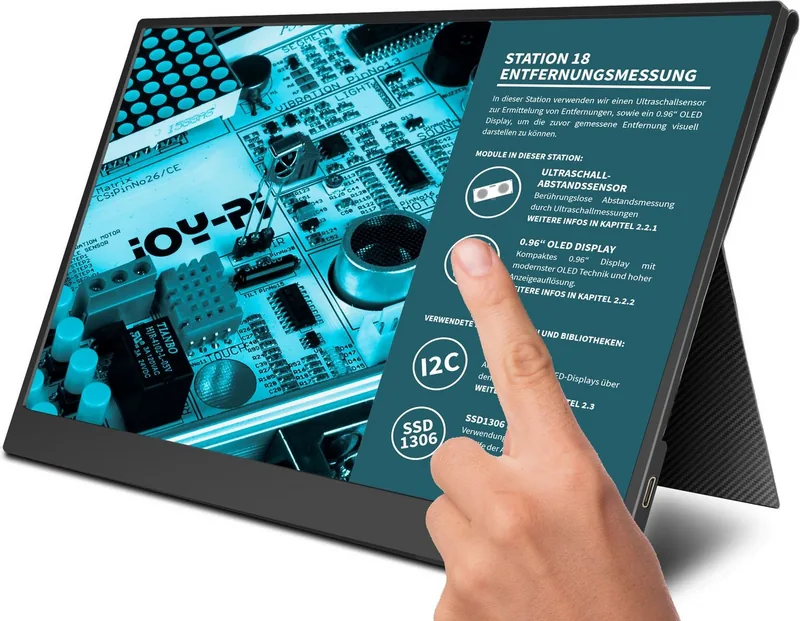
Joy-iT JOY-View 13: Your Portable Touchscreen Companion
The Joy-iT JOY-View 13 is a versatile 13.3-inch portable monitor designed for users who demand high-quality visuals on the go. This device features a stunning Full-HD resolution of 1920 x 1080 pixels, ensuring crisp images whether you are editing documents, gaming, or watching media. The screen utilizes TFT IPS LCD technology with LED backlighting, offering a wide viewing angle of 178 degrees and vibrant color reproduction covering up to 100% of the sRGB spectrum.
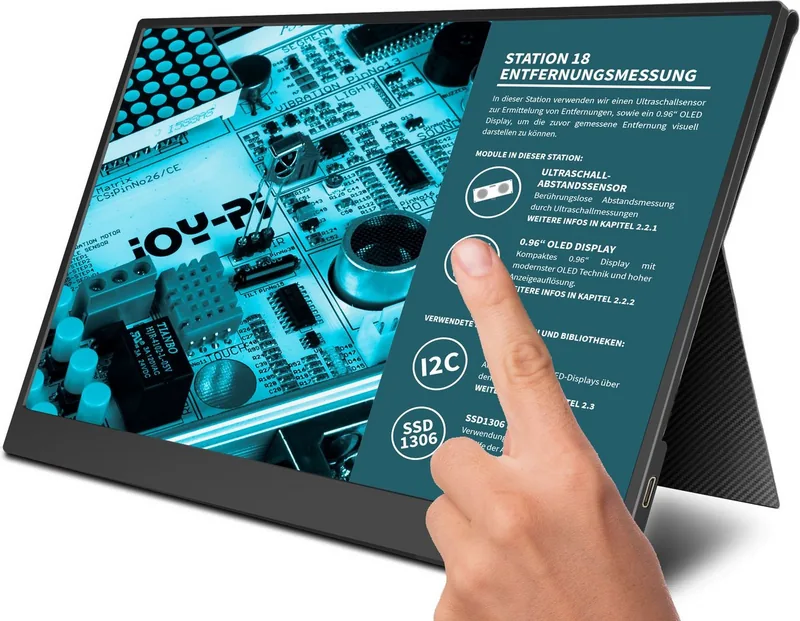
What truly sets this monitor apart is its integrated touchscreen functionality. It supports touch input when connected via USB Type-C to compatible devices such as Windows laptops or Raspberry Pi boards. The unit includes a smart case that doubles as a protective cover and a sturdy stand, allowing for safe upright placement during transport or use. Weighing very little, it is perfect for mobile professionals and students alike.
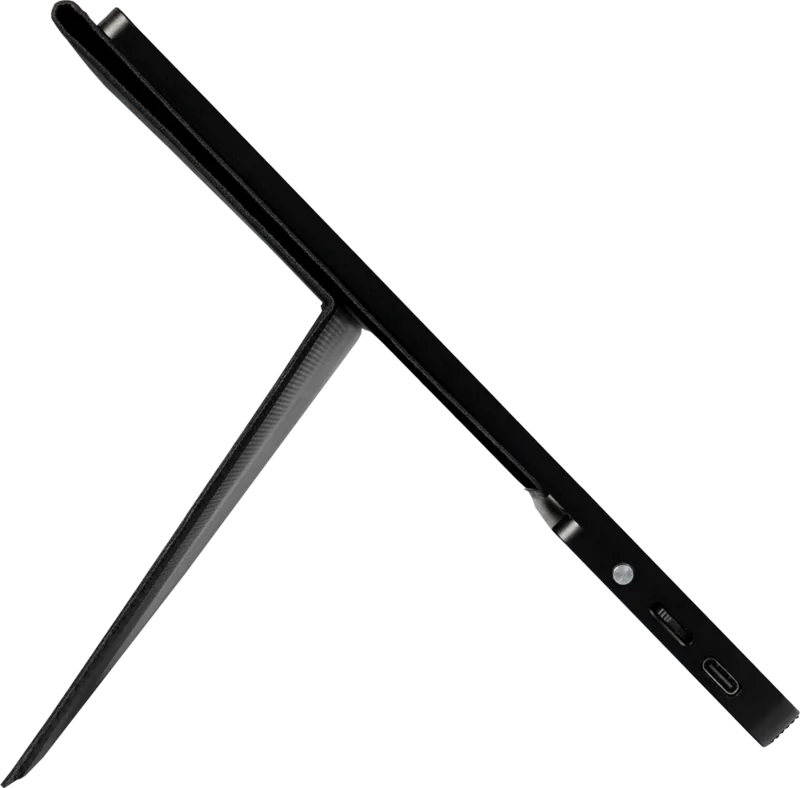
Connectivity is seamless thanks to multiple ports. The Mini HDMI port allows connection to gaming consoles like Xbox and PlayStation, as well as PCs and Macs. The Type-C port handles video, power delivery, and touch signals through a single cable if your device supports it. A 3.5mm headphone jack provides audio output, while dual built-in speakers ensure sound is never an afterthought. The monitor operates efficiently within a temperature range of 0 to 50 degrees Celsius.
Whether you need an extended display for your laptop or a dedicated touch interface for creative projects, the Joy-iT JOY-View 13 delivers reliability and performance in a compact package.
Search for 67,706 Manuals online


Type-in Brand or Model