
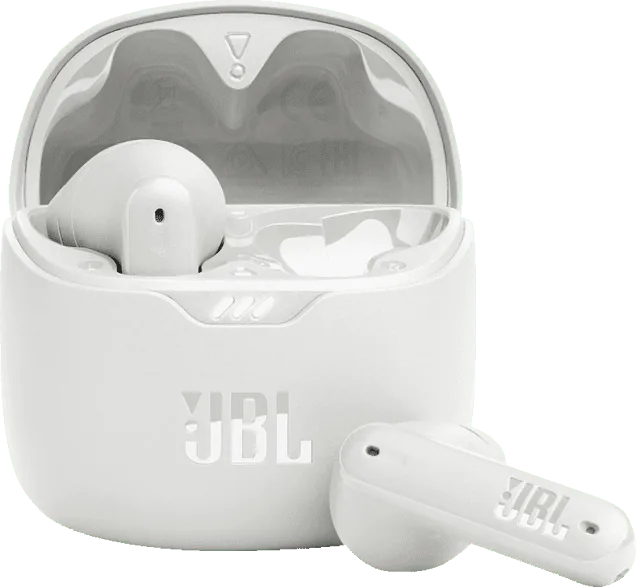
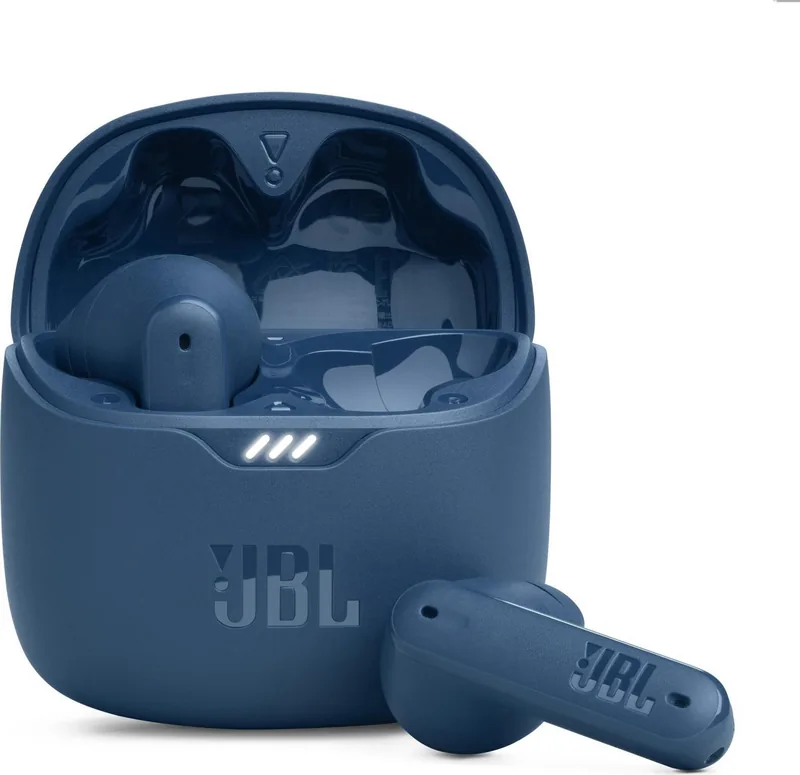
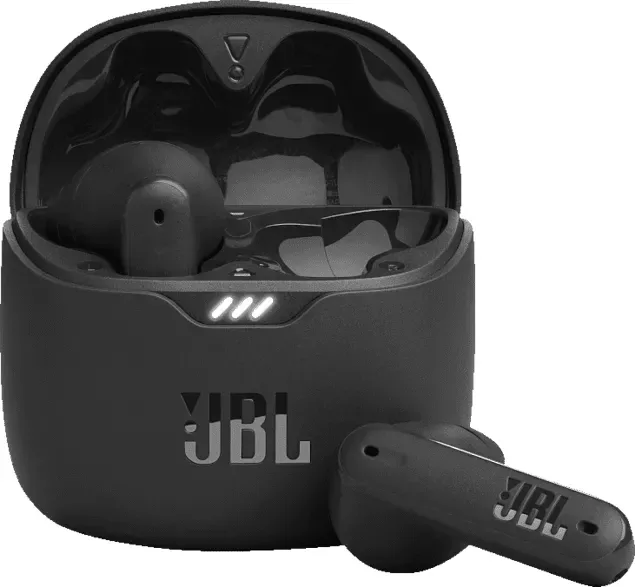
JBL Tune Flex Manual
PDF manual · 35 Pages
English


Quick check
Incorrect answer, please try again.
Chat with your JBL Tune Flex manual using AI
Get instant AI answers from your JBL Tune Flex manual
Ask anything about the JBL Tune Flex. Answers come from this manual, with the pages they are based on.
Ask a Question
Do you recommend Tune Flex?
Yes NoFrequently Asked Questions
To connect, simply turn on the earbuds and go to your phone's Bluetooth settings. Select 'JBL TUNE FLEX' from the list of available devices. If they are new, they will automatically enter pairing mode.
Is this answer helpful?
The advanced features within the JBL Headphones App, such as custom EQ and voice assistant assignment, are currently optimized for Android devices. Basic connectivity works on iOS, but some customization options may be unavailable.
Is this answer helpful?
Sealing tips provide better noise isolation and bass response by blocking external sound. Open tips allow ambient noise to pass through, which is ideal for safety while walking or running outdoors.
Is this answer helpful?
It takes less than 2 hours to fully charge the earbuds from empty. The charging case itself also requires about 2 hours to reach a full charge via the USB-C port.
Is this answer helpful?
Yes, the earbuds support Dual Connect and Sync, allowing you to pair with two devices simultaneously. However, the primary connection management is handled through the paired device settings.
Is this answer helpful?
To perform a factory reset, hold the touch sensors on both earbuds for approximately 10 seconds until the LED indicators flash rapidly. This will clear all previous pairing information.
Is this answer helpful?
Advantages and Disadvantages
Advantages

- Up to 8 hours of music playback time on a single charge
- Includes both open and sealing ear tips for customizable fit
- Bluetooth 5.2 ensures fast and stable wireless connectivity
- Ambient Aware and TalkThru modes enhance situational awareness
- Lightweight design at only 4.8 grams per earbud
Disadvantages

- Advanced app features are limited to Android devices only
- Battery life reduces to 6 hours when Active Noise Cancelling is active
- No wireless charging support mentioned for the case
- Touch controls may occasionally register accidental inputs
- Microphone quality is standard but not exceptional for noisy environments
Product Specification
Type
Earbuds
Form Factor
True Wireless, Ear-hook Free
Microphone
Integrated
Wireless
Bluetooth 5.2
Control
Touch Control
Battery Life
6h (with ANC), 8h (without ANC), 32h (with charging case)
Battery
USB-C Charging Port, Charging Case (570mAh), 2h Charging Time
Frequency Range
20Hz-20kHz
Impedance
32 Ohm
Sensitivity
110dB
Drivers
12mm
Device Features
Adaptive Active Noise Cancellation (ANC), Ambient Mode, Water Resistant (IPX4)
Software Features
Voice Assistant (Apple Siri, Google Assistant, Samsung Bixby), Equalizer Presets, Custom Equalizer, Bass Boost, App Control
Weight
0.17oz (per earbud), 1.37oz (charging case)
Product Description
Discover the JBL Tune Flex: Your Ultimate Audio Companion
The JBL Tune Flex represents a new era of personal audio, designed to deliver the legendary JBL Pure Bass Sound in a compact, lightweight package. Whether you are commuting, working out, or relaxing at home, these earbuds adapt to your environment with ease. The unique design features both open and sealing ear tips, allowing you to customize your fit for optimal sound isolation or situational awareness depending on your needs.
Equipped with Bluetooth 5.2 technology, the JBL Tune Flex ensures a stable and fast connection to your devices. You can enjoy up to 8 hours of music playback on a single charge without Active Noise Cancelling (ANC), or up to 6 hours with ANC enabled. The charging case provides additional power, keeping your music going all day long. A quick 2-hour charge gets you back in action quickly.
Control is intuitive and versatile. With simple tap gestures, you can manage calls, skip tracks, and activate your voice assistant like Siri or Bixby. For those who need to stay connected to their surroundings, the Ambient Aware mode lets you hear traffic or conversations without removing your earbuds. The TalkThru feature allows you to speak clearly to someone nearby by temporarily lowering the music volume. Advanced settings, including equalizer adjustments specific to the ear tip type you are using, are available through the free JBL Headphones App, giving you full control over your listening experience.
Key Features Overview
- Customizable Fit: Includes S, M, L open and sealing ear tips for perfect comfort.
- Long Battery Life: Up to 8 hours of playtime with the case providing extra charges.
- Smart Controls: Tap controls for music, calls, and voice assistants.
- Adaptive Sound: ANC, Ambient Aware, and TalkThru modes for any situation.
- Durable Design: Lightweight construction weighing just 4.8g per earbud.
Important Notes
Always ensure you select the correct ear tip size for the best audio performance. The app-specific features such as advanced EQ and voice assistant assignment require an Android device. To maintain battery health, fully charge the device at least once every three months.
Search for 67,732 Manuals online


Type-in Brand or Model