
JBL Quantum Stream Talk Manual
PDF manual · 15 Pages
English


Quick check
Incorrect answer, please try again.
Chat with your JBL Quantum Stream Talk manual using AI
Get instant AI answers from your JBL Quantum Stream Talk manual
Ask anything about the JBL Quantum Stream Talk. Answers come from this manual, with the pages they are based on.
Ask a Question
Do you recommend Quantum Stream Talk?
Yes NoVideo Manual
Best Gaming Mic ? - JBL QUANTUM STREAM TALK
Frequently Asked Questions
The microphone works with Windows 10/11 PCs, Mac desktops and laptops, mobile devices with USB-C, PS4/PS5 (USB-A), and Nintendo Switch (USB-C or USB-A depending on the console). Use appropriate USB cables or adapters for your system.
Is this answer helpful?
Connect via USB, download JBL QuantumEngine for full features, then open Sound Settings → Sound Control Panel. Under Playback and Recording, set 'JBL Quantum Stream Talk' as the default device for both output and input, and adjust sound settings and EQ as needed.
Is this answer helpful?
Sidetone is disabled by default. On Windows, install and open JBL QuantumEngine to enable and adjust sidetone level. On other platforms, monitoring is available via the 3.5mm headphone jack but sidetone control may be limited.
Is this answer helpful?
The ring LED lights teal when adjusting headphone volume and flashes at volume limits. It lights purple when adjusting microphone gain and flashes at gain limits. LED also indicates mute/unmute status when pressing the volume knob.
Is this answer helpful?
Feedback can occur if speakers point at the mic or volumes are too high; move speakers away, reduce speaker volume and lower microphone gain. Distortion typically means gain is too high or the mic is too close — lower gain or reposition the microphone.
Is this answer helpful?
No. The package includes a USB-A to USB-C cable. You can use a USB-C to USB-C cable for compatible devices, but that cable is not provided and compatibility may vary by device.
Is this answer helpful?
Key specs include a 6 mm electret condenser capsule, super-cardioid pattern, frequency response around 50 Hz–12 kHz, sample rates of 44.1/48/96 kHz, 16/24-bit depth, and power draw of 5 V, 500 mA.
Is this answer helpful?
Advantages and Disadvantages
Advantages

- Straightforward plug-and-play USB connectivity across PC, Mac, mobile and consoles
- On-device controls: volume knob for monitoring and press-to-mute with LED feedback
- Real-time monitoring via built-in 3.5mm headphone jack
- High sample-rate support (up to 96 kHz) and 24-bit recording for clear audio capture
- Compact, lightweight design with adjustable rotary joint for flexible positioning
Disadvantages

- USB-C to USB-C cable not included — may limit direct connection to some devices
- Sidetone and advanced EQ require JBL QuantumEngine (Windows only) for full feature access
- Frequency response tops near 12 kHz, which may not capture extreme high-frequency detail
- Third-party cables may not guarantee full compatibility or power delivery
- Compact capsule size (6 mm) may require closer positioning for optimal gain and clarity
Product Specification
Type
Streaming microphone, Desktop microphone
Design
digital (24 bit/96 kHz)
Transducer principle
Condenser
Polar pattern
Supercardioid
Connection
USB-C
Frequency range
50 Hz-12 kHz
Nominal impedance
32 ohm
Max. SPL
110 dB
Power supply
USB-C
Package contents
Table stand
Special features
Headphone jack (0.14 in), Switch
Color
black
Dimensions
3.94x4.13x7.28 in
Weight
0.32 lb
Product Description
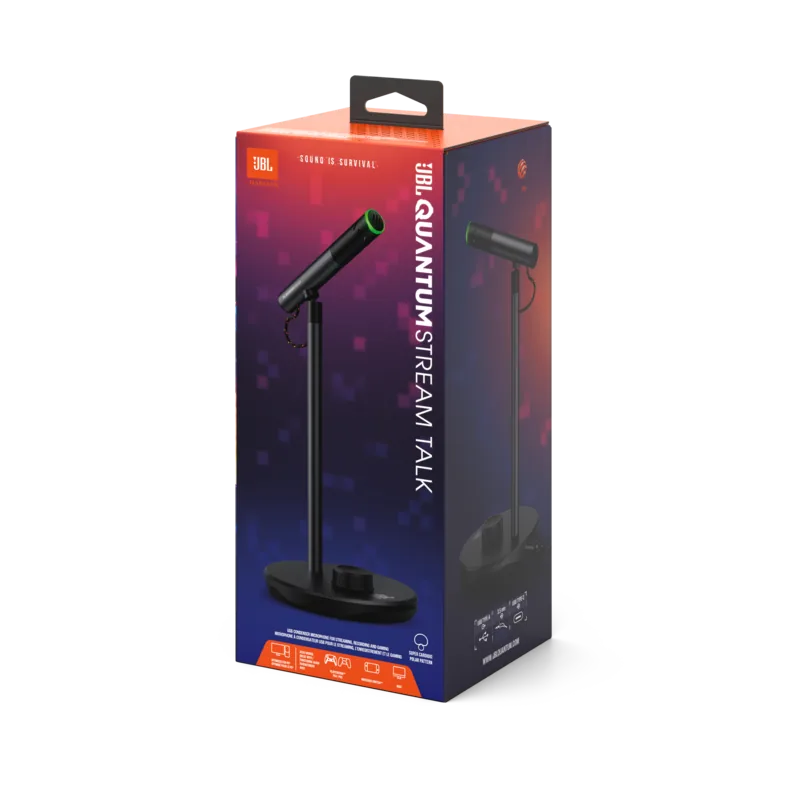
JBL Quantum Stream Talk — Clear Voice, Simple Setup
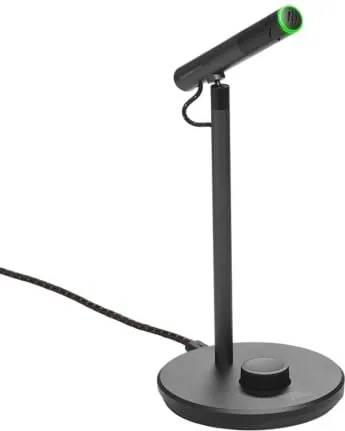
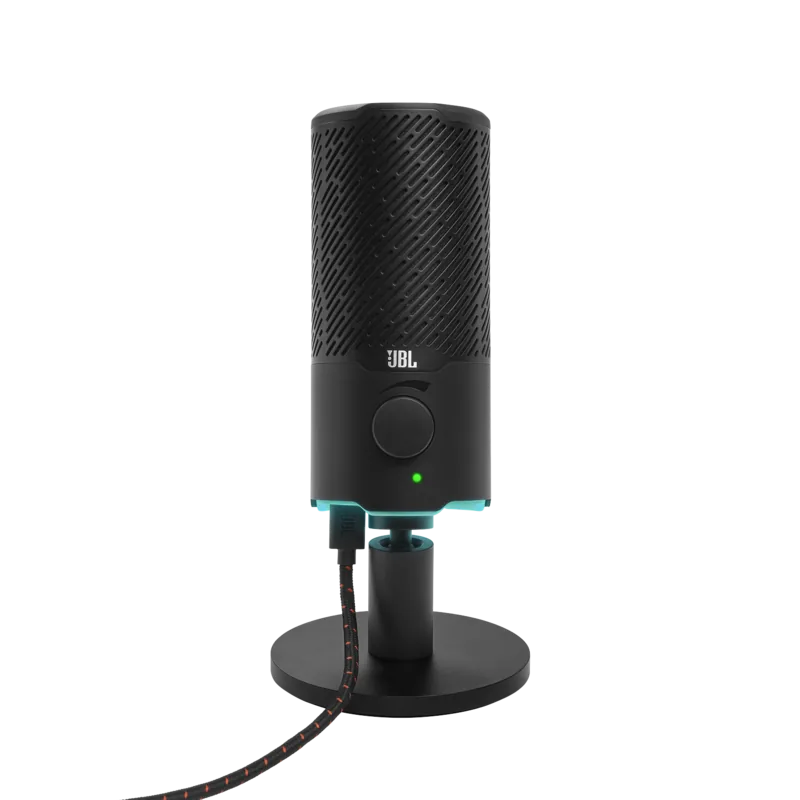
The JBL Quantum Stream Talk is a USB-powered, compact broadcast-style microphone designed for streamers, podcasters, and gamers who need reliable voice capture and easy monitoring. Sporting a tactile volume knob with built-in mute, a 3.5mm monitoring jack, and a color ring LED that indicates mute and volume/gain adjustments, the Stream Talk blends straightforward hardware controls with compatibility across PC, Mac, mobile devices, and popular consoles. Its super-cardioid electret condenser capsule focuses on the speaker while minimizing background noise, and selectable sample rates up to 96 kHz support high-quality recordings.
Key features and usage
Plug-and-play connectivity via USB-A or USB-C makes initial setup quick on Windows and macOS. Windows users are encouraged to install JBL QuantumEngine for access to EQ and sidetone controls; Mac users set the device as input and output in System Preferences. The microphone offers headphone monitoring through a 3.5mm port so you can listen in real time. The rotary knob adjusts headphone volume or microphone gain (press-and-hold for gain), and the LED ring provides visual feedback (teal for headphone volume, purple for gain).
Physically, the mic is compact and lightweight with a stable stand and a rotary joint for positioning. Technical specs include 6 mm electret capsule, super-cardioid polar pattern, frequency response roughly 50 Hz–12 kHz, selectable bit depths (16/24 bit) and sample rates (44.1/48/96 kHz). The included USB-A to USB-C cable powers the mic; USB-C to USB-C may be used for compatible devices but isn’t included.
Practical setup tips
Always set JBL Quantum Stream Talk as the default input and output in your OS sound settings if you want all audio routed through the mic and its monitoring output. Use the QuantumEngine software on Windows to enable sidetone and fine-tune EQ and gain. Position the mic slightly off-axis and adjust gain to avoid clipping or distortion; reduce headphone/room speaker volume to prevent feedback.
Notes
- USB-C to USB-C cable is not included. Use the original USB cable for best compatibility.
- Sidetone is off by default and must be enabled in QuantumEngine.
- For consoles, ensure the correct USB port type (USB-A/USB-C) on your system.
- Technical specifications may change without notice.
Search for 67,706 Manuals online


Type-in Brand or Model