
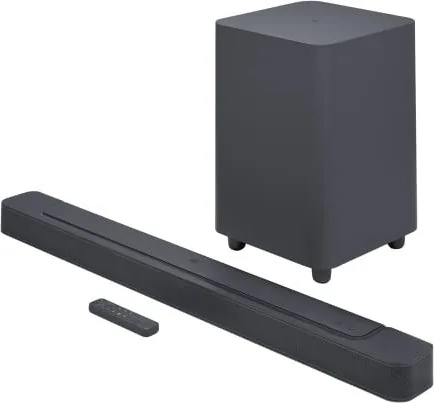
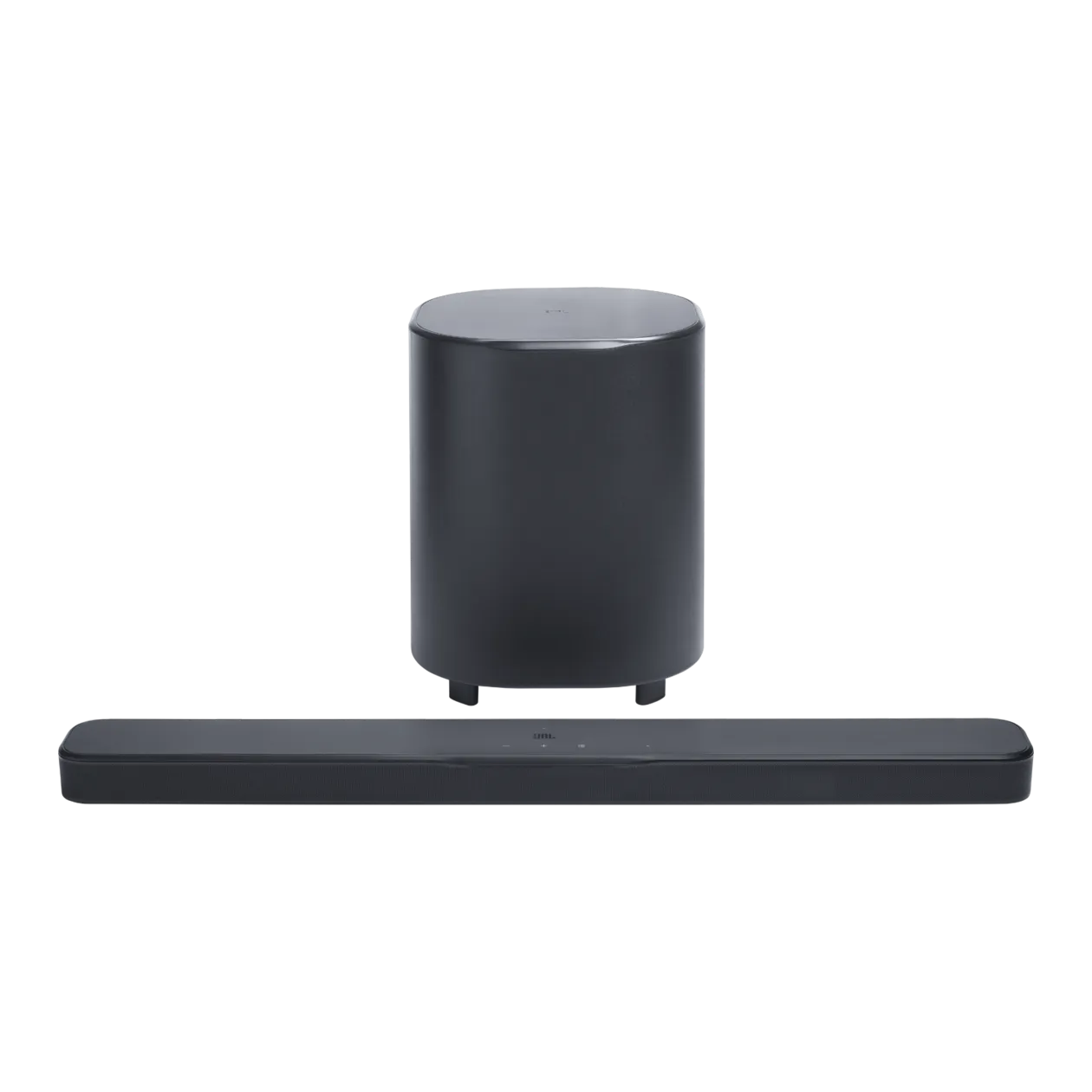
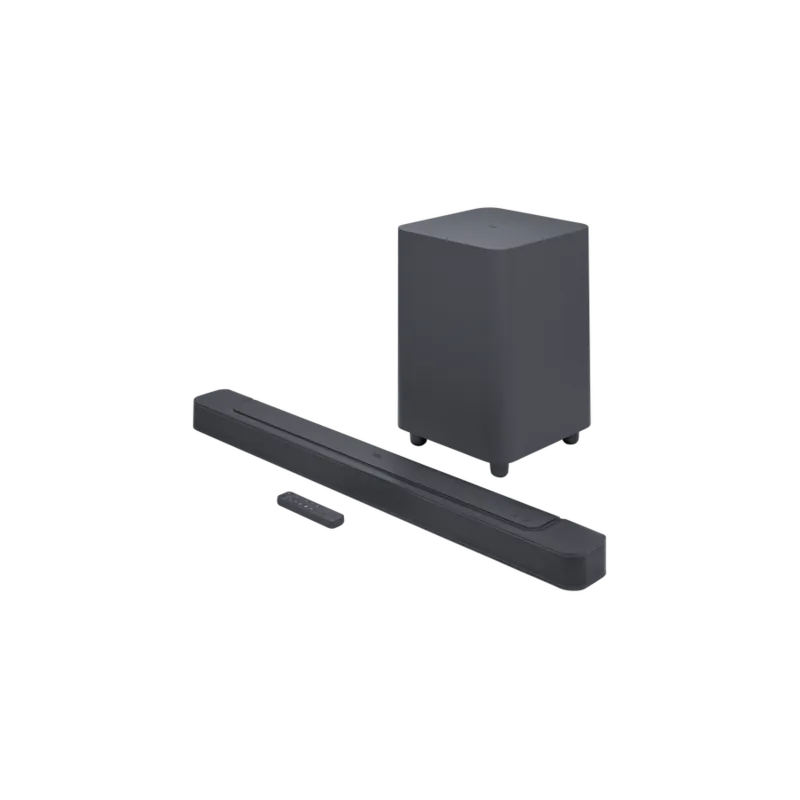
JBL BAR 500 Manual
PDF manual · 36 Pages
English


Quick check
Incorrect answer, please try again.
Chat with your JBL BAR 500 manual using AI
Get instant AI answers from your JBL BAR 500 manual
Ask anything about the JBL BAR 500. Answers come from this manual, with the pages they are based on.
Ask a Question
Do you recommend BAR 500?
Yes NoFrequently Asked Questions
The BAR 500 is a 5.1‑channel system with a combined peak speaker output of 590 W (soundbar 290 W, subwoofer 300 W). It pairs racetrack drivers and tweeters in the bar with a 10" (260 mm) subwoofer driver for enhanced low end.
Is this answer helpful?
Yes. The soundbar has one HDMI input and one HDMI output with eARC support. It also supports HDR pass‑through including HDR10 and Dolby Vision to preserve high‑quality video and audio from compatible sources.
Is this answer helpful?
Yes. The BAR 500 supports Bluetooth 5.0 (A2DP and AVRCP) for direct streaming, and Wi‑Fi (2.4/5 GHz, IEEE 802.11 a/b/g/n/ac/ax) for network features and setup via the JBL One app on Android and iOS.
Is this answer helpful?
USB Type‑A is present, but USB audio playback is available only on the US model. In other regional versions the USB port is reserved for service or maintenance functions.
Is this answer helpful?
Use the JBL One app on an Android or iOS device and follow the in‑app instructions to add the soundbar to your home Wi‑Fi network. Note that some features may require additional subscriptions or services depending on your region.
Is this answer helpful?
With all wireless connections deactivated, standby power is under 0.5 W. Networked standby (when wireless is enabled) is under 2.0 W. The unit enters standby or networked standby after about 10 minutes of inactivity.
Is this answer helpful?
Yes. The BAR 500 offers sound calibration tools to optimize its 3D surround performance for your specific listening environment, improving spatial imaging and balance.
Is this answer helpful?
Advantages and Disadvantages
Advantages

- Powerful 5.1 output (590 W peak) with dedicated 10" subwoofer for deep bass.
- Modern connectivity: HDMI eARC, HDR10/Dolby Vision pass‑through and optical input.
- Wireless flexibility: Bluetooth 5.0 plus dual‑band Wi‑Fi (802.11 a/b/g/n/ac/ax) for app setup.
- Onboard sound calibration to optimize 3D surround for your listening environment.
- Low standby power: <0.5 W (wireless off) and <2.0 W networked standby.
Disadvantages

- USB audio playback available only on US model; in other regions USB is service‑only.
- Large subwoofer footprint (305 x 440.4 x 305 mm) may require space planning.
- Some advanced network features require subscriptions or services not available in every country.
- Weight of subwoofer (10 kg) can make relocation or transport less convenient.
- Limited HDMI I/O: only one HDMI input and one HDMI eARC output may constrain multi‑device setups.
Product Specification
Type
Soundbar with Subwoofer
Channels
5.1
Power
590W Peak
Frequency Range
30Hz-20kHz
Audio Decoder
Dolby Atmos
Streaming Clients
Apple AirPlay 2, Google Cast
Voice Assistants
Amazon Alexa, Apple Siri, Google Assistant
HDR
Dolby Vision, HDR, HDR10
Video Connections
1x HDMI In, 1x HDMI Out, HDCP 2.3
Audio Connections
eARC, 1x Digital Audio In (optical)
Other Connections
1x USB-A
Wireless
Bluetooth 5.0, Wi-Fi 6 (WLAN 802.11a/b/g/n/ac/ax)
Special Features
HDMI Pass-Through, 4K-Pass-Through
Color
black
Dimensions
40.07x2.20x4.09in (WxHxD)
Weight
6.17lbs
Consists of
Soundbar, 1x Wireless Subwoofer
Product Description
JBL BAR 500 — Powerful 5.1 Home Sound Experience
The JBL BAR 500 is a 5.1‑channel soundbar system designed to lift home entertainment with cinematic clarity and deep, room‑filling bass. Built as a two‑piece system—an elongated soundbar and a dedicated 10" subwoofer—the BAR 500 balances punchy low end with clear mids and crisp highs thanks to four racetrack drivers and three 20 mm tweeters in the soundbar and a large 260 mm sub driver in the subwoofer. With a combined peak speaker output of 590 W (soundbar 290 W, subwoofer 300 W), this setup is tuned to deliver dynamic sound for movies, music and gaming.
Key capabilities
The BAR 500 supports modern audio/video workflows: a single HDMI input and an HDMI output with eARC allow high‑bandwidth audio passthrough including HDR10 and Dolby Vision compatibility for video. Wireless conveniences include Bluetooth 5.0 for direct streaming and dual‑band Wi‑Fi (2.4 / 5 GHz, IEEE 802.11 a/b/g/n/ac/ax) to integrate with the JBL One app for setup and network features. USB Type‑A is available (USB playback on US models; in other regions USB is reserved for service), and an optical input covers legacy connections.
Smart features & calibration
The soundbar provides sound calibration tools to optimize the 3D surround experience for your listening environment. The JBL One mobile app guides Wi‑Fi setup and feature activation on Android and iOS devices; some advanced features may require subscriptions or services that vary by country. Power management supports networked standby (<2.0 W) and low standby (<0.5 W when wireless is off), with automatic standby after 10 minutes of inactivity.
Design & practical details
Measuring about 1017 x 56 x 103.5 mm (40" x 2.2" x 4") for the soundbar and 305 x 440.4 x 305 mm for the subwoofer, the BAR 500 pairs a slim, wall‑friendly profile with a substantial subwoofer footprint. The soundbar weighs about 2.8 kg and the subwoofer 10 kg, making placement flexible for living rooms or media setups. With broad regional power compatibility (100–240 V AC, 50/60 Hz) and robust wireless specs (Bluetooth A2DP/AVRCP and multi‑band Wi‑Fi), it’s built for modern home systems.
Notes
- HDMI eARC support ensures pass‑through of high‑quality audio from compatible TVs.
- USB audio playback depends on regional model (US models support playback).
- Network features may require the JBL One app and certain subscriptions for full functionality.
- Sound calibration helps tailor the 3D surround profile to your room.
Search for 67,732 Manuals online


Type-in Brand or Model
Maya Schneider
9 months ago
I have a Samsung TV. Is setup of the JBL Bar 500 with eARC HDMI and the JBL One app straightforward, and does SPDIF reduce bass?
Manual.ly
9 months ago
Most buyers report the Bar 500 is quick to set up: connect via HDMI to the TV (use the eARC/ARC HDMI port if available), then follow the JBL One app steps. The app also helps with calibration and audio tweaks (like bass and height settings). Regarding SPDIF: some users notice weaker bass over SPDIF compared to HDMI eARC, likely due to the audio format limitations. If bass is important, use HDMI eARC/ARC and confirm the TV audio output is set to the correct HDMI/ARC mode. Also ensure the soundbar and TV are updated to the latest firmware/software. If you still get poor results, re-check cabling and audio settings in the app.