
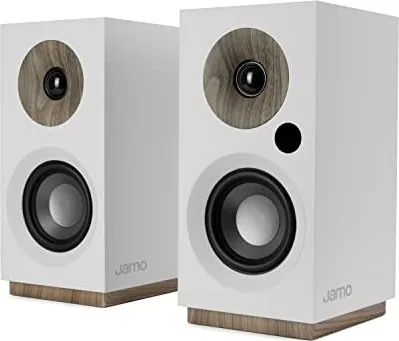
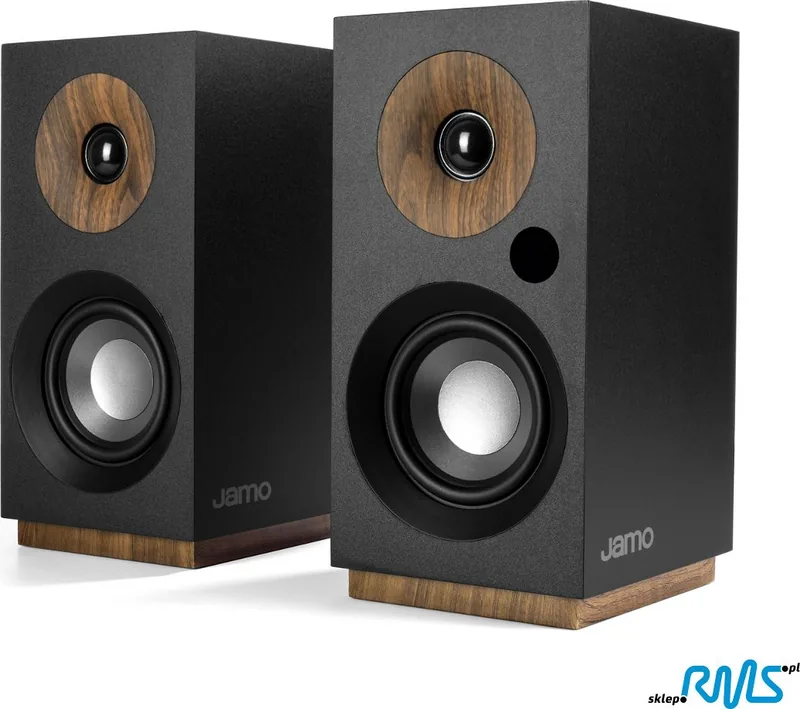
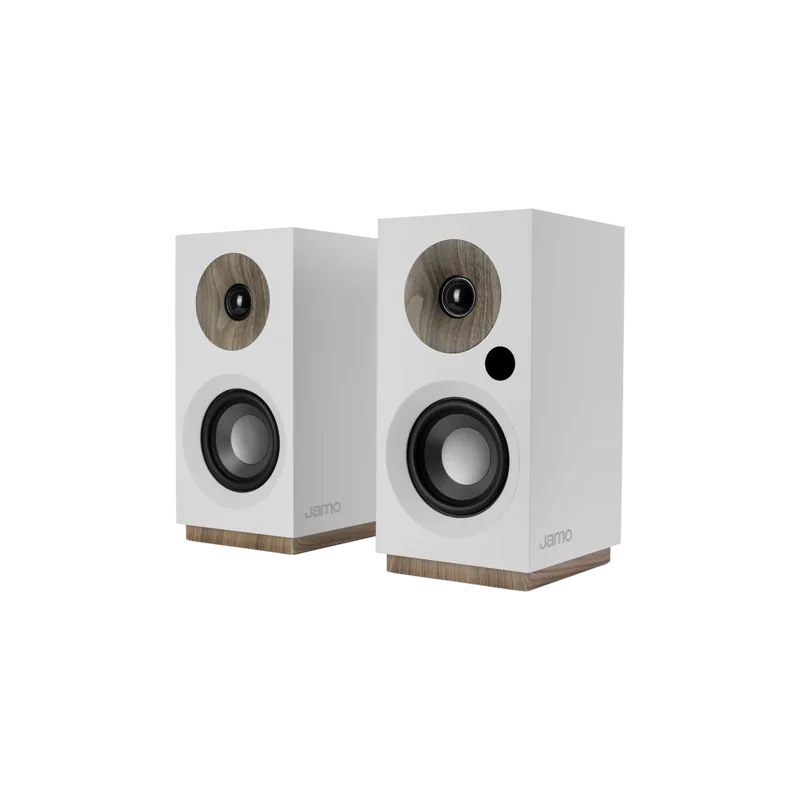
Jamo S 801 PM Manual
PDF manual · 38 Pages
English



Quick check
Incorrect answer, please try again.
Chat with your Jamo S 801 PM manual using AI
Get instant AI answers from your Jamo S 801 PM manual
Ask anything about the Jamo S 801 PM. Answers come from this manual, with the pages they are based on.
Ask a Question
Do you recommend S 801 PM?
Yes NoDo you recommend S 801 PM?
Yes NoFrequently Asked Questions
Hold setup button for 3 seconds until the LED flashes blue. Select the Jamo S 801 PM from your phone settings within the Bluetooth menu. Once connected, the light will stay solid blue indicating a successful pairing.
Is this answer helpful?
The system supports Bluetooth, digital optical, USB audio, line in, and phono inputs. Each has a specific LED color like red for optical and white for USB audio.
Is this answer helpful?
Press and hold the power button for 10 seconds until the LED flashes. This clears settings including Bluetooth pairing history. Reconnect devices after the reset is complete.
Is this answer helpful?
Yes, connect via optical digital audio out or analog line in. Set your TV output to PCM or stereo only for best results. Check your TV settings before connecting.
Is this answer helpful?
Use a dry microfiber cloth only. Do not spray liquid directly on the speakers. Keep water away to avoid electrical shock or damage to internal components during maintenance.
Is this answer helpful?
The active speaker has a subwoofer output jack. You can connect an external powered subwoofer for deeper bass but the main package focuses on the active stereo speakers.
Is this answer helpful?
The device complies with FCC Part 15 and IC RSS regulations. It must accept any interference received. Operate at least 20 cm from the body to meet radiation exposure limits.
Is this answer helpful?
Advantages and Disadvantages
Advantages

- Bluetooth wireless technology supports seamless streaming from mobile devices
- Multiple input options including optical, USB, and line in for versatility
- LED source indicator provides clear visual feedback for active connections
- Active right speaker design simplifies installation and wiring
- Remote control includes codes for popular receivers like DirecTV and Sony
Disadvantages

- Factory reset clears Bluetooth pairing history permanently from memory
- Cleaning requires specific microfiber cloths to avoid damage to surfaces
- Ventilation openings must remain clear to prevent overheating issues
- Power voltage specifications must be strictly followed to prevent damage
- Remote control requires batteries and does not include them in all regions
Product Specification
Type
Compact Speaker
System
2-Way
Tweeter
1x 1 inch
Woofer
2x 4 inch
Frequency Range
76 Hz - 26 kHz (+/- 3 dB)
Impedance
8 Ohm
Sensitivity
85 dB
Features
active, USB-B, Digital Audio In (optical), Stereo Line In (RCA), Sub Out (RCA)
Dimensions (WxHxD)
6.14x11.22x6.42 inches
Product Description
Introduction to Jamo S 801 PM
Welcome to the world of premium audio with the Jamo S 801 PM speakers. This system delivers rich sound while occupying minimal space in your home. The right speaker acts as the active unit, handling the main power and processing tasks for the entire stereo system. This design architecture simplifies the installation process significantly for users who want great performance without complicated wiring setups. When beginning the configuration, users should refer to the Jamo S 801 PM Manual for precise setup details and safety guidelines. Connectivity is a major highlight feature set of this audio equipment. Bluetooth wireless technology allows you to stream music directly from your mobile devices, smartphones, or tablets efficiently. You can pair multiple devices for easy switching between tracks and sources without interruption. The LED source indicator changes color to show the active input clearly to the user. Blue light indicates Bluetooth, purple for phono input, green for auxiliary input, red for digital optical input, and white for USB audio input. This visual feedback helps in identifying the audio path instantly.
Connectivity and Setup
Beyond Bluetooth, the system supports digital optical inputs and USB audio inputs for high-quality connection. This ensures compatibility with modern televisions and computers available on the market today. For older legacy equipment, the line in jack is available for standard analog connections. There is also a dedicated subwoofer output for those who want deeper bass expansion without buying a new sub. The remote control is intuitive, featuring volume, mute, and source selection buttons for convenience. It includes codes for popular receivers like DirecTV and Sony to assist with universal integration. Maintenance is simple but requires specific care instructions found in the guide. The guide specifies using microfiber cloths only for cleaning surfaces. Never spray liquid directly on the unit or expose it to rain. Keep the ventilation openings clear to prevent overheating during extended operation. Safety warnings emphasize keeping the device away from water sources and heat emitters like radiators.
Safety and Compliance
The product complies with international safety standards including FCC and WEEE for environmental responsibility. Registering your product online ensures you stay updated on promotions and support. Note that a factory reset will clear your Bluetooth pairing history completely from the memory. Troubleshooting steps are available on the official website for technical issues. Power requirements must be strictly followed to avoid damage to the internal components. Never use adapters that change voltage specifications. Avoid walking on power cords to prevent electrical hazards. Overall, this speaker system prioritizes versatility, safety, and reliable performance for your listening pleasure.
Notes
Always inspect the power cord before plugging in. Ensure batteries are inserted correctly to prevent leakage. Consult the Jamo S 801 PM Manual for warranty claims and registration process.
Search for 67,732 Manuals online


Type-in Brand or Model