
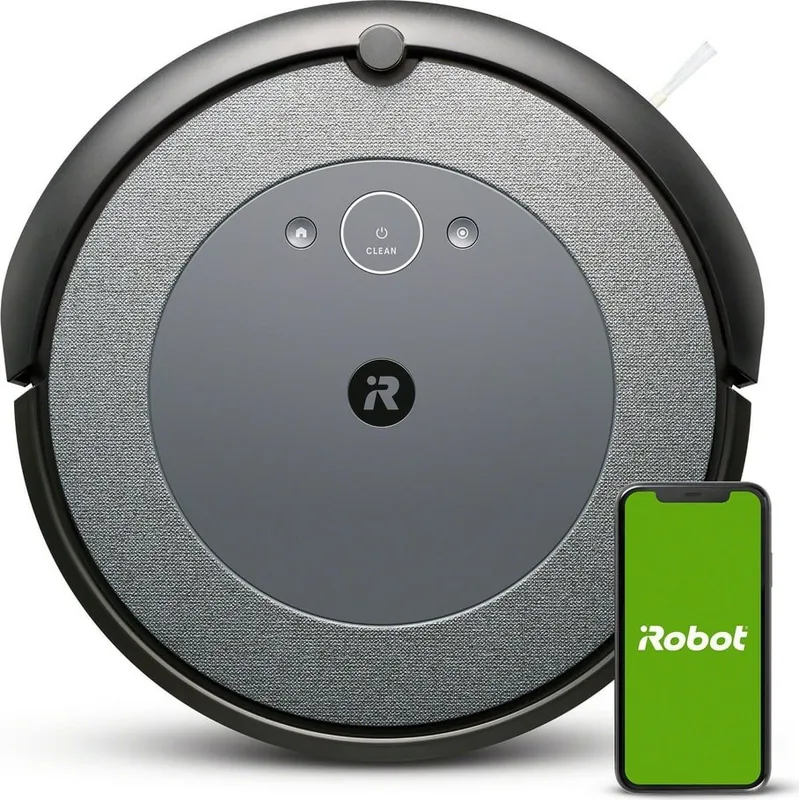
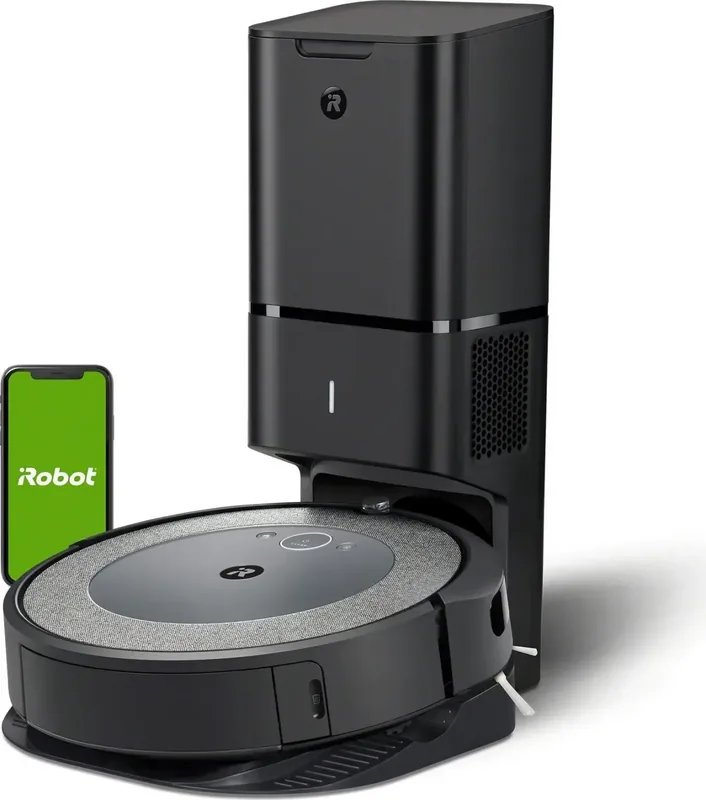
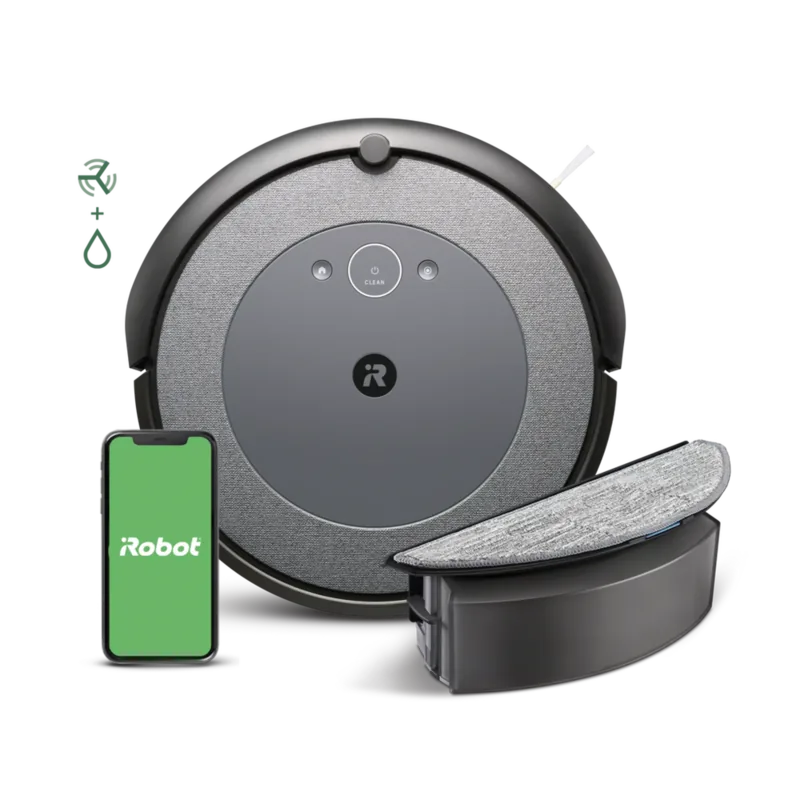
iRobot Roomba i5 Manual
PDF manual · 73 Pages
English



Quick check
Incorrect answer, please try again.
Chat with your iRobot Roomba i5 manual using AI
Get instant AI answers from your iRobot Roomba i5 manual
Ask anything about the iRobot Roomba i5. Answers come from this manual, with the pages they are based on.
Roomba i5 Maintenance Schedule
Wipe the inner sensors with a clean, dry cloth.
Remove the wheel module and clear any hair or debris from inside the cavity.
Tap the filter against a rubbish bin to remove debris. Do not wash the filter.
Replace the filter every two months if visible wear appears or after regular use.
Remove the brush, clear hair or debris, and reinstall it.
Remove the brushes, clear hair or debris from pegs and caps, and reinstall them.
Wipe sensors and contacts with a clean dry cloth or melamine foam pad.
Replace the wheel if visible wear appears or if it does not spin freely after cleaning.
Replace the brush if visible wear appears or performance decreases.
Replace the brushes if visible wear appears or performance decreases.
Free maintenance reminders
Timed to your purchase date. Always free, unsubscribe anytime.
Ask a Question
Do you recommend Roomba i5?
Yes NoFrequently Asked Questions
Ensure the Home Base is placed at least four feet from stairs to prevent falls. It should be at least 4 feet in front and 1.5 feet on both sides of the base.
Is this answer helpful?
Clean the filter once a week. Replace it every two months. Do not wash the filter, only clean it and ensure it is dry before reinserting.
Is this answer helpful?
The robot will return to its Home Base to recharge. Once fully charged, it will resume the cleaning job where it left off automatically.
Is this answer helpful?
The battery must be turned off before shipping to comply with regulations. Turn off the robot by removing it from the Home Base and holding the button for 10 seconds.
Is this answer helpful?
When the robot detects a particularly dirty area, it switches to Dirt Detect Mode and moves over the area multiple times until it senses the area is clean.
Is this answer helpful?
No, the bin is not dishwasher safe. Rinse the bin using warm water and ensure it is completely dry before reinserting the filter.
Is this answer helpful?
Advantages and Disadvantages
Advantages

- Wi-Fi connectivity allows scheduling via the iRobot HOME App
- Recharge and resume feature completes cleaning missions automatically
- Dirt Detect technology focuses on particularly dirty areas
- Edge-sweeping brush cleans effectively along walls and corners
- Includes Dual Mode Virtual Wall for selecting models
Disadvantages

- Filter must be replaced every two months for best airflow
- Bin requires frequent emptying during heavy debris cleaning
- Virtual Wall barrier included only in selected models
- Lithium Ion battery lasts about 8 to 10 months under normal use
- Do not use for liquid spills as it is for dry floor use only
Product Specification
Robot Vacuum
Battery
Li-Ion
Capacity
13.53 fl oz
Runtime
75 min
Charge Time
3 h
Charging System
Automatic
Dimensions
13.46 x 3.64 in (Dia x H)
Weight
7.05 lb
Base
Product Description
Smart Cleaning Solutions for Modern Homes
Overview
Maintaining a clean home requires minimal effort and maximum efficiency. The iRobot Roomba i5 brings intelligent automation to your living space, transforming mundane cleaning tasks into a seamless background activity. When reviewing the iRobot Roomba i5 Manual, users discover a system designed for robust performance and ease of use. This robot vacuum navigates your home with advanced sensors, avoiding obstacles while targeting dirt and debris effectively. It is built for dry floor use only and cannot handle liquid spills. The device operates on a standard household AC power socket and requires the provided power supply cord for safe operation. Safety messages must always be obeyed to avoid possible injury or death.
Connectivity
One of the standout features is the Wi-Fi connectivity via the iRobot HOME App. Users can connect to set up a cleaning schedule and customize preferences. You can also access tips and answers to common questions directly through the digital interface. Wireless control ensures you never miss a cleaning cycle, even when away from home. The Home Base must be positioned correctly to ensure optimal charging performance and safety margins around the home. Ensure good Wi-Fi coverage for reliable connection.
Cleaning Technology
The device utilizes Dirt Detect technology to identify particularly dirty areas. Upon detection, the robot moves over the area multiple times to ensure thorough cleaning. Spot Clean mode allows you to target specific spills or high-traffic zones. The robot spirals inward and outward to cover the designated space efficiently. Edge-sweeping brushes work alongside multi-surface brushes to clean along walls and floors. The robot returns to the Home Base automatically when the bin is full or the job ends.
Charging
The robot features a rechargeable Lithium Ion battery. If it needs to recharge mid-clean, it returns to its Home Base. Once sufficiently charged, it resumes the job where it left off. This feature ensures complete coverage without manual intervention. The light ring indicator provides visual status updates regarding charge levels and operation mode. For shipping, the battery must be turned off to comply with safety regulations. Store the robot in a cool dry place.
Maintenance
Regular maintenance is key to peak performance. The dust bin should be emptied as needed, and filters cleaned weekly. Replacing the filter every two months ensures optimal airflow. Multi-surface brushes require cleaning monthly and replacement annually if worn. Keeping sensors clean prevents navigation errors and improves overall safety. Front caster wheels also need periodic cleaning to prevent floor damage. Cleaning the sensors requires a clean dry cloth. Do not wash the bin in a dishwasher.
Safety and Accessories
Safety is paramount with this electrical appliance. The Home Base should be at least four feet from stairs to prevent falls. The Dual Mode Virtual Wall can create invisible barriers to keep the robot out of pet bowls or restricted zones. Do not use unauthorized chargers as they may cause heat or fire risks. Always read the safety messages to avoid injury or death. Contact Customer Care for country specific power supply cords.
Note: Regular monitoring ensures optimal operation and longevity of the unit. In summary, this vacuum offers a blend of autonomy and smart control for daily needs.
Search for 67,732 Manuals online


Type-in Brand or Model